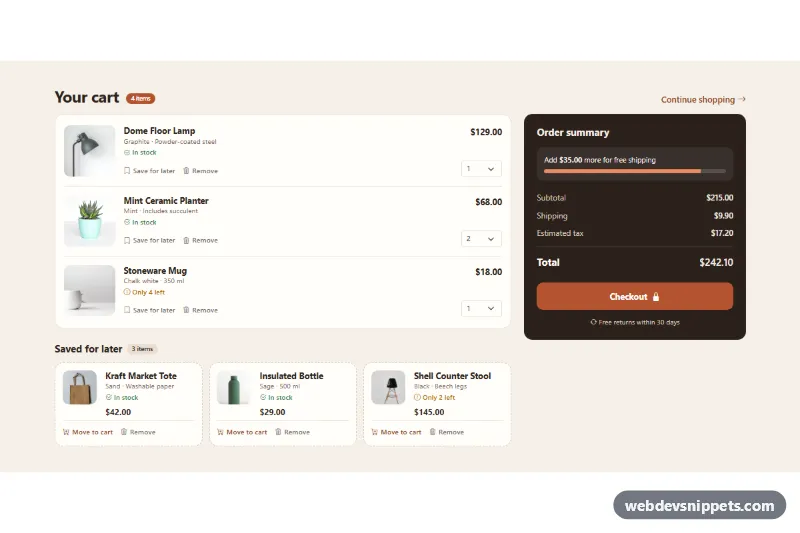
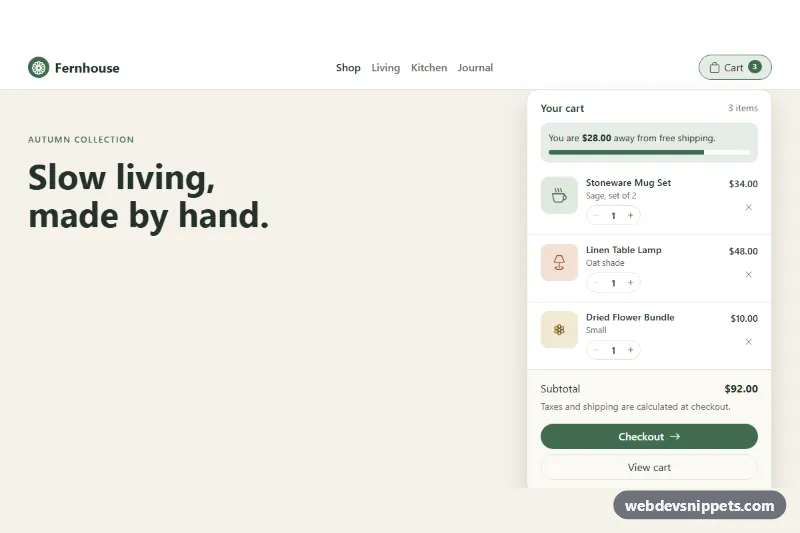
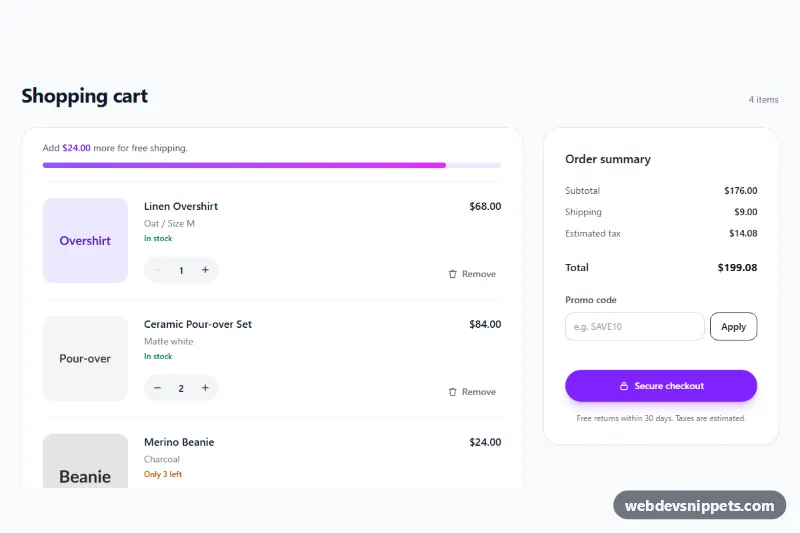
A Bootstrap 5 shopping cart page with product photos, quantity selects, a "Saved for later" list and a live order summary. Use it as the cart step of an online store when shoppers want to park items without losing them.
How it works
The root section.csl-cart holds a Bootstrap row: the left col-lg-8 contains the cart list ul.csl-list--cart and the saved list ul.csl-list--saved, the right col-lg-4 holds the dark aside.csl-summary. Every product is the same li.csl-item markup with a thumbnail (.csl-thumb), name, stock line, .csl-price, a quantity select inside label.csl-qty and three .csl-act buttons. CSS decides which buttons appear: inside the cart list "Move to cart" is hidden, inside the saved list "Save for later" and the quantity select are hidden. The saved list switches to a compact card grid with grid-template-columns: repeat(auto-fill, minmax(210px, 1fr)).
The script runs on DOMContentLoaded for every .csl-cart. One delegated click listener reads data-csl-action (save, move or remove) and moves the item to the other list or deletes it. A change listener reacts to quantity changes. After each change update() multiplies data-csl-price by the quantity, refreshes the item counts, subtotal, shipping, tax and total, shows the empty messages (.csl-empty--cart, .csl-empty--saved) when a list is empty, disables the checkout button for an empty cart and fills the free-shipping progress bar. The Checkout button only simulates a redirect.
The product photos come from Unsplash; replace them with your own product images.
Customization
data-csl-free-shippingon.csl-cart: the order value that unlocks free shipping; the progress bar and the "Add ... more" text follow it.data-csl-shippinganddata-csl-taxon.csl-cart: the flat shipping fee and the tax rate (0.08 = 8%).data-csl-currencyon.csl-cart: any ISO currency code used byIntl.NumberFormat, e.g.EUR.data-csl-priceon each.csl-item: the unit price used for line totals and the summary.--csl-accentand--csl-bgin.csl-cart: change the terracotta buttons and pills and the cream page background.--csl-thumbin.csl-cart: the size of the product thumbnails in the cart list.- The checkout click handler in
script.js: replace the simulated "Redirecting" state with a redirect orfetch()to your checkout endpoint.
Accessibility
Each list has an accessible name (aria-label or aria-labelledby). Product images have descriptive alt text, the quantity select has a visually hidden label, and all actions are real buttons with text. Moves and removals are announced through the role="status" element .csl-status, and focus moves to the next item's first visible action (or to the list heading when a list becomes empty), so keyboard users never lose their place. The progress bar uses role="progressbar" with an updated aria-valuenow. Buttons get a thick outline with :focus-visible, and the progress animation is turned off under prefers-reduced-motion.
Usage notes
Requires Bootstrap 5 and Bootstrap Icons. Several carts can live on one page because the script scopes every query to its own .csl-cart. Persist both lists on your server, since browser storage may be unavailable.