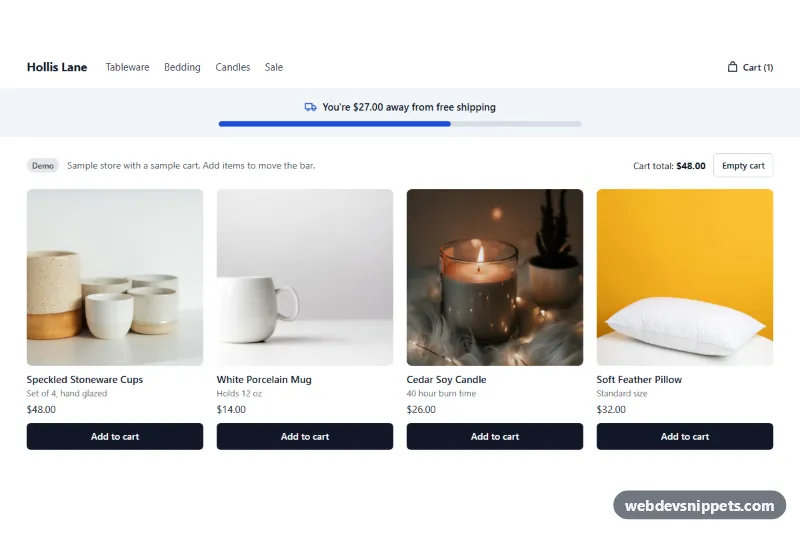
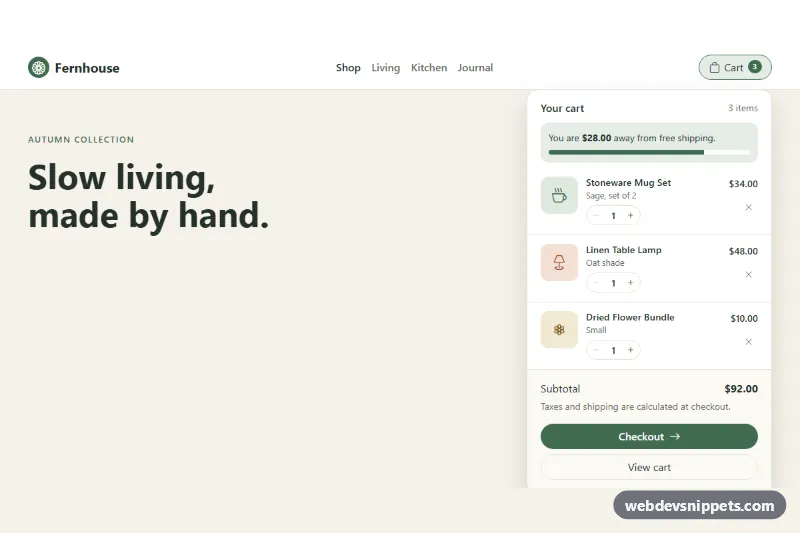
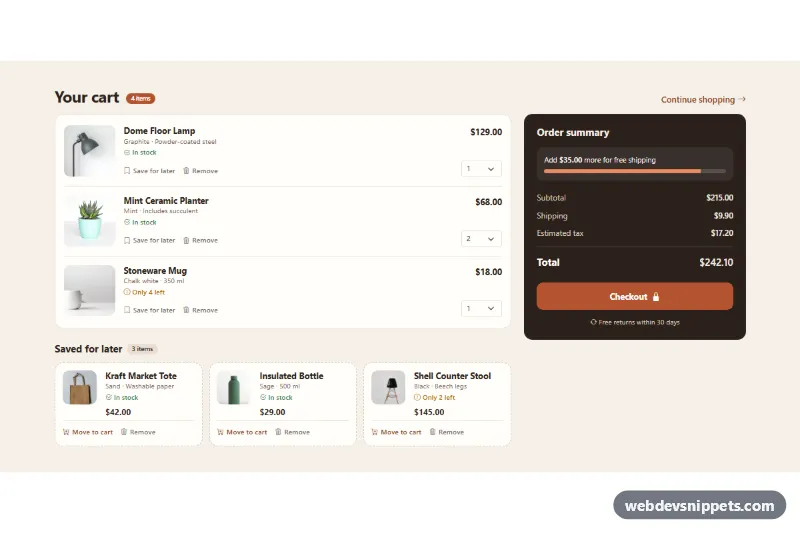
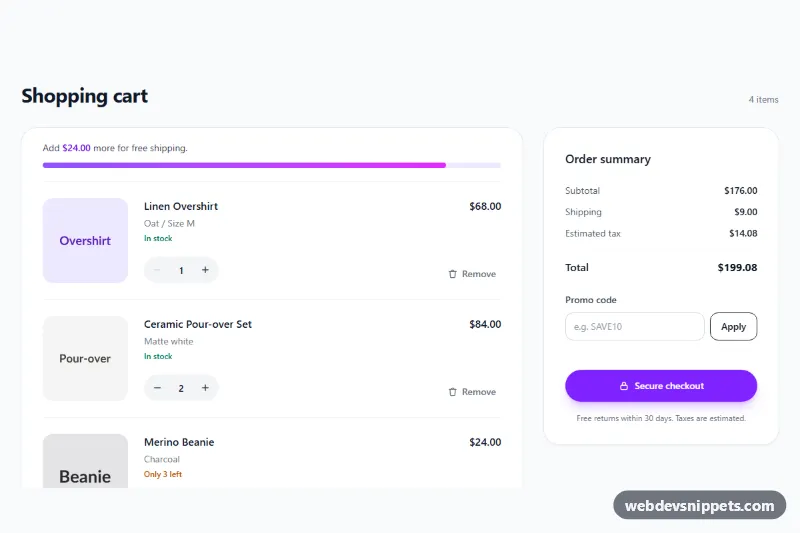
A free shipping progress bar for Shopify, delivered as one self-contained section file. It tells shoppers how much more they need to spend to reach your free shipping threshold, and it updates when the cart changes, without a page reload. Add it near the top of a page or on the cart page.
How it works
The section first renders from the cart object in Liquid, so the correct message is in the page before any script runs. It has three states: an empty cart, a cart below the threshold and a cart that has reached it. A check icon and the reached color appear once the threshold is met.
The script then listens for cart changes. It watches fetch calls to the /cart/add, /cart/change, /cart/update and /cart/clear endpoints, listens for a list of common theme cart events and refreshes when the tab becomes visible again. Each time, it reads /cart.js and redraws every bar on the page.
For shoppers using another currency, the threshold is converted with the store's exchange rate and rounded up, so the bar never claims free shipping too early. The panel stays hidden until the script has that rate, so a wrong amount is never shown.
Customization
All settings are in the theme editor:
- Free shipping threshold: the amount in your base currency, for example 75 or 49.99.
- Message below the threshold, Message when reached and Message for an empty cart:
[amount]becomes the amount still to spend, or the threshold in the other two messages. - Show the bar when the cart is empty: turn it off to reveal the bar only after the first item is added.
- Background, Text, Accent, Accent when reached and Bar track: the colors.
- Side padding, Top padding and Bottom padding: the spacing around the bar.
Use cases
- Stores with a free shipping threshold: show how much more shoppers need to spend to qualify
- Cart pages: update the bar when items change without a page reload
- Home page headers: place the bar near the top of a page to promote your shipping offer
- Shops raising order value: use separate empty, below-threshold and reached messages to nudge shoppers
Accessibility
The bar uses role="progressbar" with aria-valuenow and aria-valuetext, so its value is available as a sentence. Changes are announced through a polite live region, and the announcement is cleared when the bar hides. The fill animation is removed under prefers-reduced-motion.
Usage notes
The section requires an Online Store 2.0 theme. It only displays progress: you must also set up the matching free shipping rate under Settings > Shipping and delivery, and the bar does not check that rate. It compares the threshold with the cart total, so a shipping rate with different conditions can disagree with it.
Live updates cover themes that use fetch or send one of the listed events. A theme that changes the cart in another way may only show the new amount after the next page load. A threshold of 0 or an empty one hides the bar, with a notice in the editor only.
The preview uses sample data: the store, products and cart are invented, and a small demo control stands in for /cart.js, which the preview cannot reach. The photos in the preview are from Unsplash; section.liquid contains none.