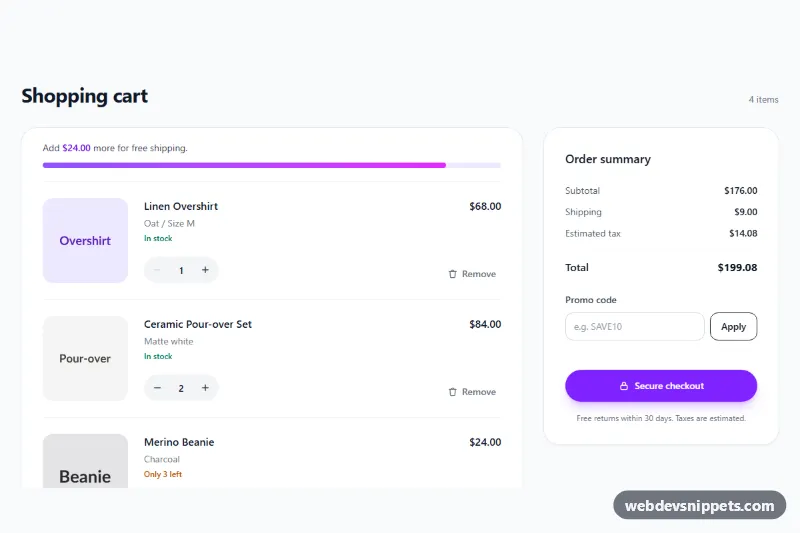
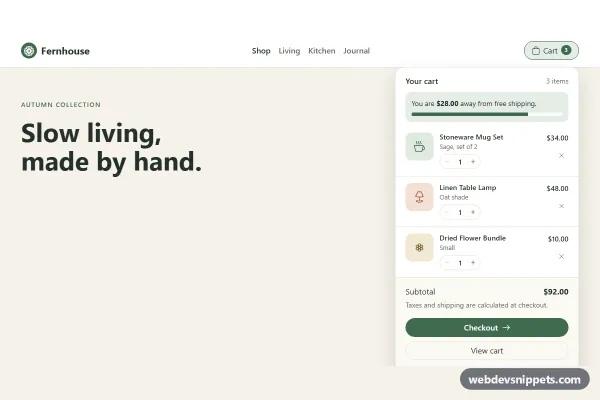
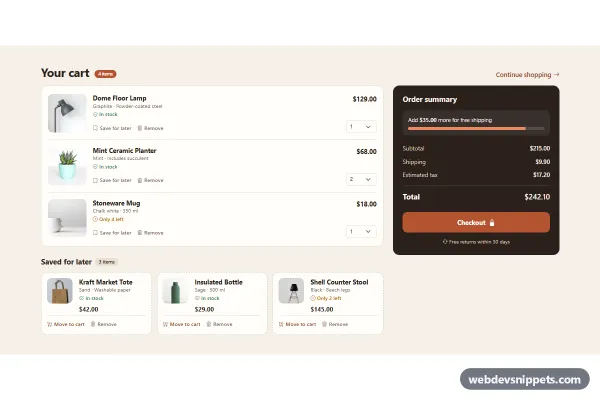
A Tailwind CSS shopping cart page with per-item quantity controls, remove buttons, a free shipping progress bar, a promo code field and an order summary that recalculates as the shopper edits the cart. Drop it into any store checkout flow as the step before payment.
How it works
The root is .tcp-cart. Its data attributes hold the pricing rules: data-free-shipping (threshold), data-shipping (flat fee below the threshold), data-tax-rate and data-currency. From lg up the page uses a two-column grid (lg:grid-cols-[minmax(0,1fr)_22rem]) with the item list on the left and a sticky order summary on the right; on phones the summary follows the list.
Each product is an li.tcp-item with data-price and data-name. Inside are a quantity group (data-tcp-dec, the data-tcp-qty number input and data-tcp-inc), the line total (data-tcp-line) and a data-tcp-remove button. One delegated click listener on data-tcp-list handles all of them, and a change listener applies typed quantities.
Every change calls render(). It clamps each quantity to the input's min and max, disables a stepper button at its limit, sums the lines, then computes discount, shipping, tax and total and writes them into the data-tcp-subtotal, data-tcp-shipping, data-tcp-tax and data-tcp-total cells, formatted with Intl.NumberFormat. The data-tcp-bar width shows progress toward free shipping. When the last item is removed, the list hides, the data-tcp-empty panel appears and checkout gets aria-disabled. Removed items fade out through .tcp-item--leaving.
The promo form (data-tcp-promo) simulates a 600 ms server check against the PROMOS object (SAVE10, WELCOME15), then shows the discount row and colors the message through its data-state attribute.
Customization
data-free-shipping="200"anddata-shipping="9"on.tcp-cart: change the free shipping threshold and fee; the bar and message update automatically.data-tax-rate="0.08": set your tax rate, or0to hide tax from the total.data-currency="USD": use any ISO code such asEURorGBP; all amounts are re-formatted.PROMOSinscript.js: add codes and rates; replace thesetTimeoutwith afetch()call to validate codes on your server.max="10"on eachdata-tcp-qtyinput: change the per-item limit.violet-600andfrom-violet-500 to-fuchsia-500: swap these utilities to rebrand the checkout button and progress bar.
Use cases
- Online stores: the cart step before payment, with quantity steppers and remove buttons for every item
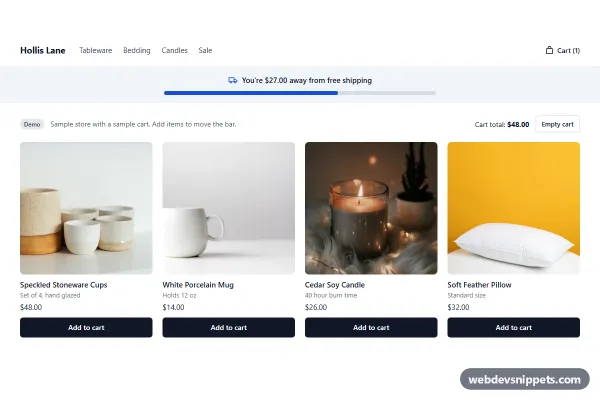
- Shops with free shipping offers: a progress bar shows how much more shoppers must spend to qualify
- Promotion campaigns: shoppers enter a promo code and see the discount applied to the order summary
- Checkout flows: subtotal, shipping, tax and total recalculate live as the cart is edited
Accessibility
Each quantity control is a labelled role="group" with named buttons and a labelled input. Remove buttons include the product name for screen readers, and after removal focus moves to the next item's remove button (or the empty state link) instead of being lost. Quantity changes and removals are announced through a visually hidden role="status" region; the promo message is a polite live region linked with aria-describedby, and invalid codes set aria-invalid. The shipping bar is a role="progressbar" with aria-valuenow and aria-valuetext. Totals use a dl list, and animations stop under prefers-reduced-motion: reduce.
Usage notes
The cart is client-side only; persist changes by sending quantities to your backend from render() or the click handler.