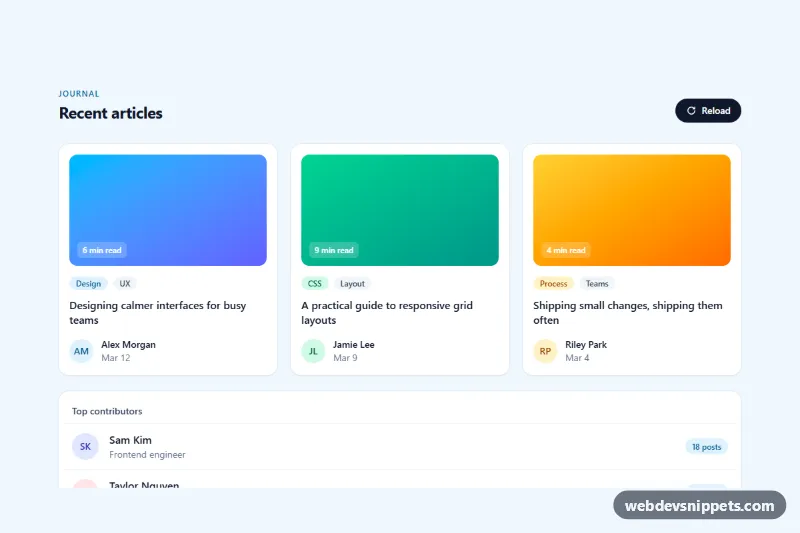
A skeleton loading state for an online shop's product grid, written in pure CSS with no JavaScript. Eight placeholder cards with an image block, title lines, rating dots, price and cart button are swept by a soft light that travels across the grid like a wave. Show it while product data is being fetched on category pages, search results or "recommended for you" rows.
How it works
The root section.skp-shop carries aria-busy="true" and contains a visually hidden heading and status message, a .skp-toolbar (heading, item count, filter chips and a sort pill) and the ul.skp-grid. Each li.skp-card holds an .skp-media block with a faint inline SVG image icon and an optional .skp-badge, followed by .skp-body with .skp-line bars, the five dots of .skp-rating and an .skp-foot row with .skp-price and the round .skp-button.
The shimmer is a single ::after overlay on every card: a diagonal white gradient that moves from translateX(-100%) to translateX(100%) with the skp-shimmer keyframes. Because the cards are white, the light is only visible where it crosses the grey placeholder shapes, so one animation per card covers all its blocks. The :nth-child(4n + 2), (4n + 3) and (4n + 4) rules add 0.12 s steps of animation-delay, which makes the sweep run from the left column to the right. The toolbar uses a gentler opacity pulse (skp-pulse). A few :nth-child rules vary badge visibility and line widths so the cards do not look copy-pasted.
Customization
--skp-blockand--skp-block-darkon.skp-shop: the two grey tones of the placeholders; match them to your real card colors.--skp-shine: color and strength of the moving highlight, e.g.rgba(255, 255, 255, 0.4)for a subtler effect.--skp-speed: duration of one shimmer and pulse cycle.--skp-media-ratio: aspect ratio of the image block, e.g.1 / 1for square product photos or4 / 5for fashion shots.--skp-radius: corner radius of the cards and image blocks.grid-template-columnsin.skp-grid: two columns on phones, three from 640px and four from 960px; change the counts to match your real product grid.- Duplicate or remove
li.skp-carditems to match the page size of your API.
Accessibility
All placeholder shapes are inside elements with aria-hidden="true", so screen readers skip them. Instead, the section is marked aria-busy="true" and a visually hidden role="status" paragraph announces "Loading products". When your data arrives, replace the grid with the real cards, set aria-busy="false" and update or remove the status text. With prefers-reduced-motion: reduce the shimmer overlay is hidden and the pulse stops, leaving a calm static placeholder.
Usage notes
The skeleton should mirror the layout of your real product card, so the page does not jump when content loads. Keep the same grid classes and gaps for both states.