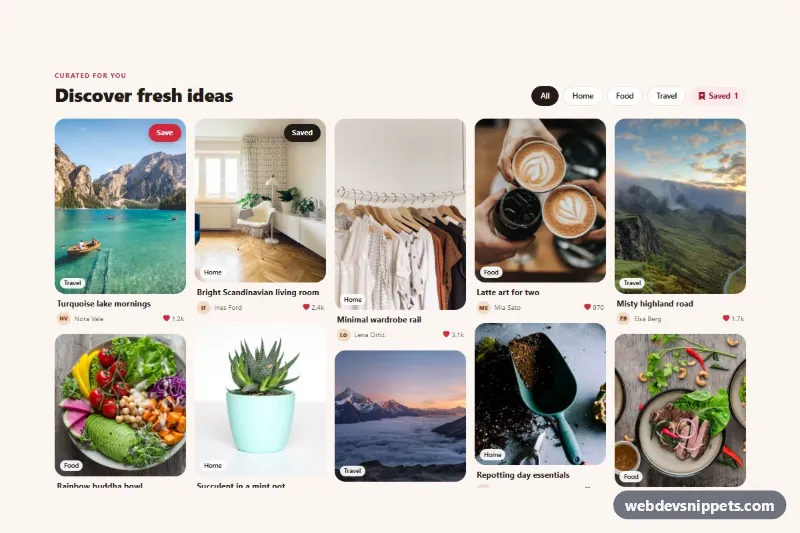
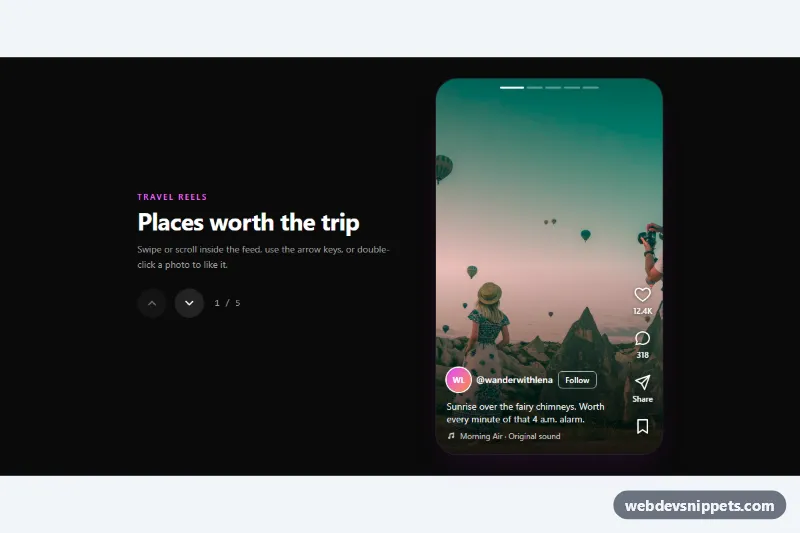
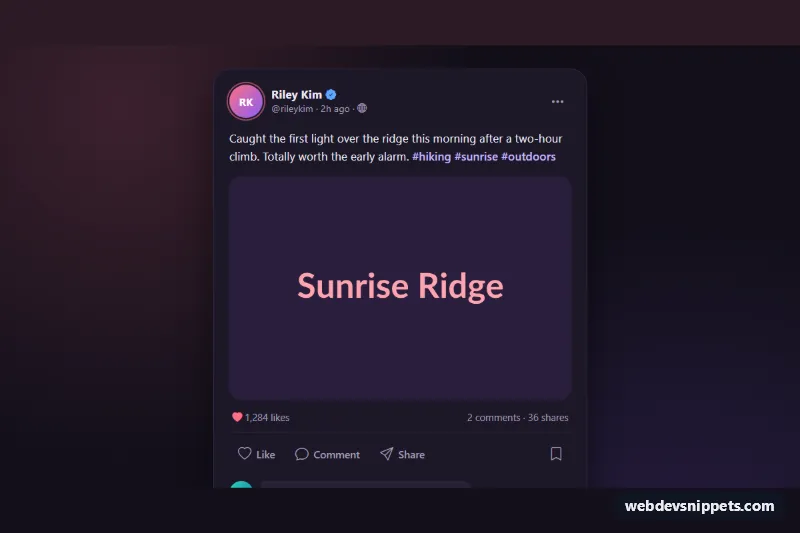
A Pinterest-style pin board built with Bootstrap 5: photo pins of different heights flow into a masonry layout, each with a Save button, a topic badge, an author line and a like count. Use it for inspiration feeds, recipe or travel boards, mood boards and community galleries.
How it works
The root section.pb-board-wrap holds a header with the title, a group of filter chips (.pb-chip with data-pb-filter) and a .pb-counter that shows how many pins are saved. The pins live in .pb-grid, which uses CSS multi-column layout instead of a JavaScript masonry library: 2 columns on phones, 3 from 768px, 4 from 992px and 5 from 1200px. Every article.pb-pin sets break-inside: avoid, so a pin never splits between columns, and the natural image heights create the staggered look.
Inside a pin, .pb-media wraps the photo, a .pb-board badge and the .pb-save button. On devices with a mouse the Save button fades in on hover or keyboard focus (the first pin keeps it visible), a soft gradient appears and the photo zooms slightly. Saved pins keep a dark "Saved" button. Below the photo, .pb-meta shows the .pb-title, an initials .pb-avatar, the author and .pb-likes.
The script initializes every .pb-board-wrap on DOMContentLoaded with one delegated click listener. Clicking .pb-save toggles .is-saved, aria-pressed and the button text, then recounts saved pins into [data-pb-count]. Clicking a chip hides pins whose data-pb-cat does not match and marks the active chip.
Customization
--pb-accentand--pb-accent-darkon.pb-board-wrap: change the red of the Save button, kicker and like icons.--pb-radius: round the photo corners more or less;--pb-gapchanges the space between columns and pins.columnsin the.pb-gridmedia queries: show more or fewer columns at each breakpoint.data-pb-caton each.pb-pinanddata-pb-filteron the chips: add new topics, such asstyleordiy, by using the same value on both.- Add
.is-savedandaria-pressed="true"to a.pb-savebutton to render a pin as already saved. - Change the
hvalue in the image URLs (and theheightattribute) to make a pin taller or shorter.
Accessibility
Filter chips are in a labelled role="group" and expose aria-pressed; every Save button has aria-pressed and an aria-label that includes the pin title. Changes are announced through a visually hidden aria-live="polite" region. Photos have descriptive alt text plus width and height to prevent layout shift. On touch screens the Save buttons are always visible, focus rings use :focus-visible, and zoom and fade effects are disabled under prefers-reduced-motion.
Usage notes
The photos come from Unsplash and should be replaced with your own images. CSS columns fill top to bottom, so the reading order runs down each column; if strict left-to-right order matters, sort your data accordingly. Connect the Save handler to your API to persist saved pins.