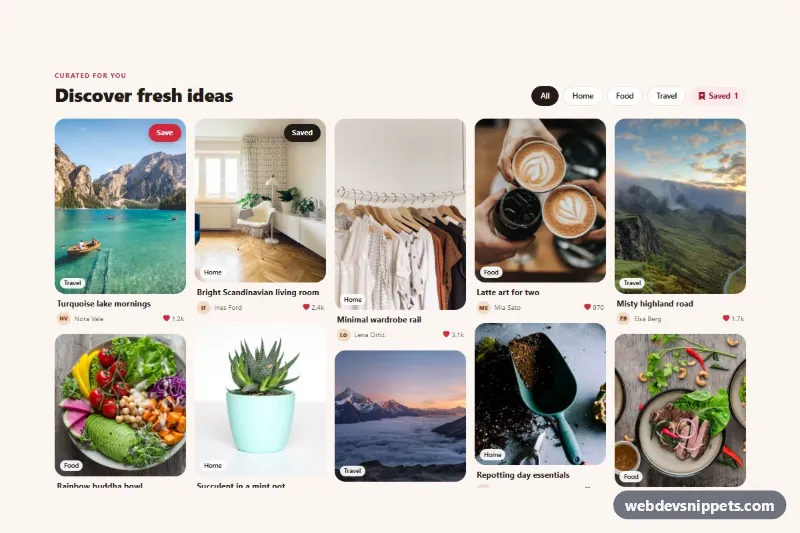
Pinterest-Style Pin Board
Bootstrap 5 masonry pin board with photo pins, topic filter chips, save buttons and a live saved counter.
Post cards and social media layouts.
3 component(s)
Bootstrap 5 masonry pin board with photo pins, topic filter chips, save buttons and a live saved counter.
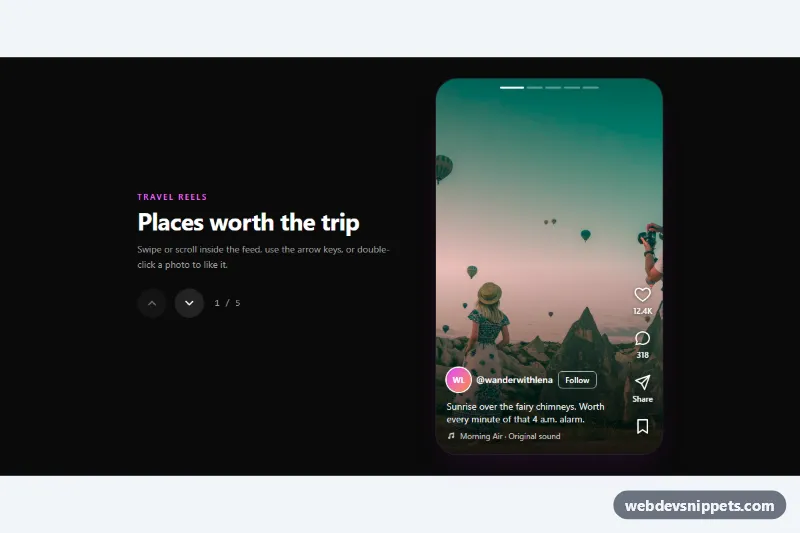
Tailwind CSS reels-style vertical feed with snap-scrolling full-height photos, like, comment, share and save buttons, double-click to like and keyboard navigation.
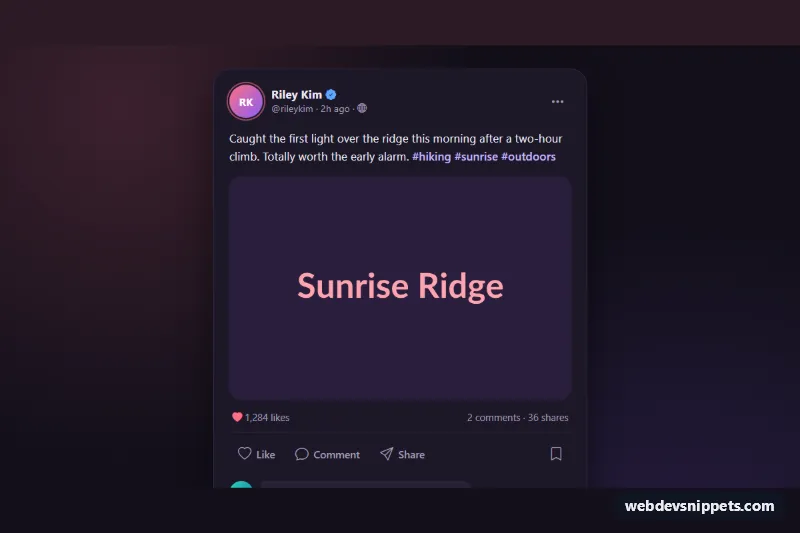
Dark Bootstrap 5 social post card with photo, double-tap like, save, native share with copy-link fallback and an inline comment thread.
A social feed layout displays posts the way social networks do: a post card with avatar, name and timestamp, text and images, reactions, comments and share buttons, arranged in a timeline or masonry grid. These social media UI components are used for community features, testimonial walls, embedded brand feeds, intranet news streams and app prototypes.
Use them when you want to show user-generated or social content in a familiar format, or when you are building your own community or feed feature. They are front-end layouts; you connect them to your own data or a platform API.
Best practices for a responsive social feed:
<article> and use a <time datetime="..."> element for timestamps.alt text, or empty alt="" when they are purely decorative next to a visible name.<button> elements with aria-pressed, and include counts in the accessible name.Every social feed has a live preview and code tabs for HTML, CSS and JS where needed. Bootstrap 6 versions use the new alpha ES module build and theme-* colour roles for consistent light and dark styling. Bootstrap 5 versions use cards and list groups, Tailwind CSS versions use utility classes, and pure CSS versions show the layout with plain CSS grid and flexbox. Pick your framework with the filter, copy or download the code and connect it to your posts.