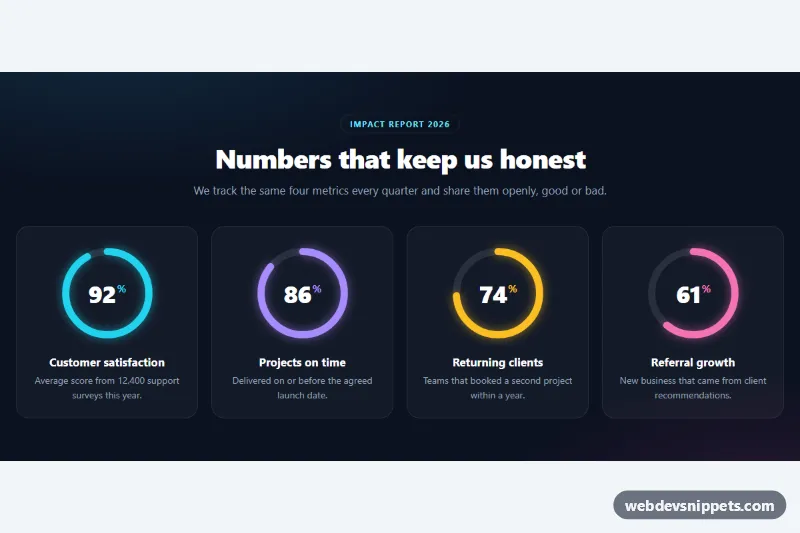
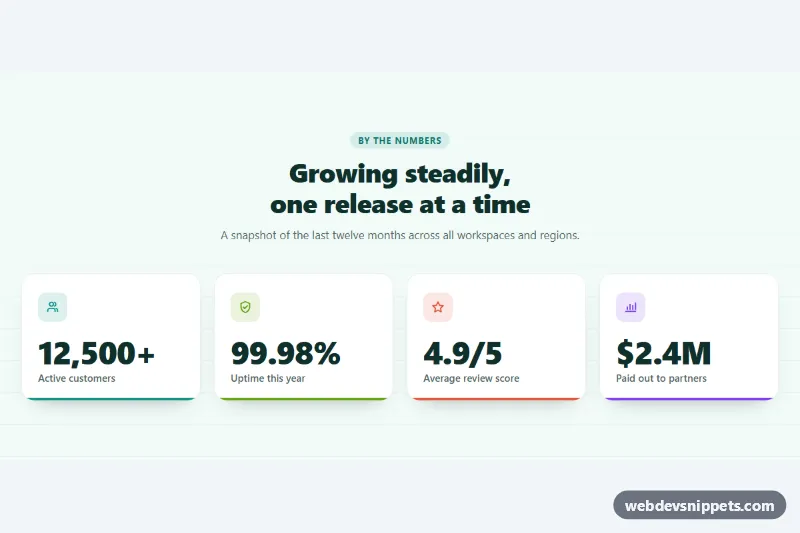
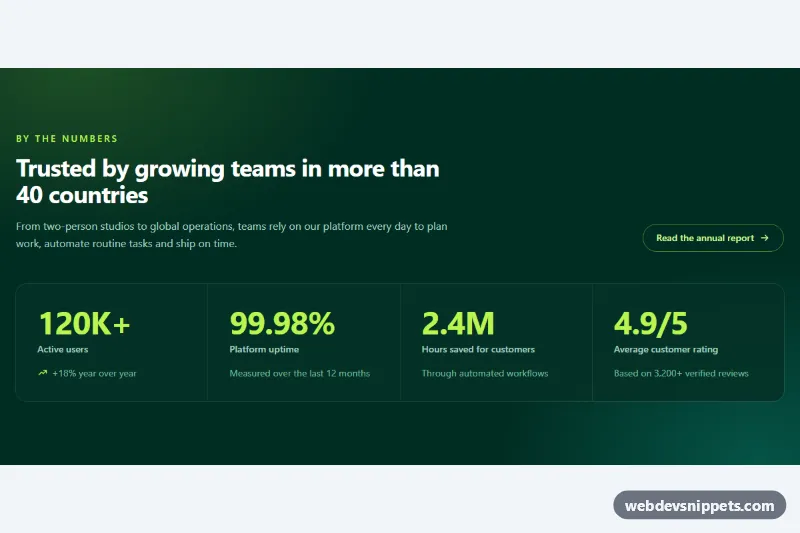
A dark stats section that shows four percentage metrics as circular progress rings, built with inline SVG, pure CSS and a short vanilla JavaScript file. Each ring fills up and its number counts from zero when the section scrolls into view. It fits impact reports, About pages, SaaS landing pages and annual reviews.
How it works
The root section.sr-stats contains an .sr-intro (eyebrow, heading, lead text) and a ul.sr-grid of li.sr-item cards. Each card holds an .sr-ring with an inline SVG: a grey circle.sr-track and a colored circle.sr-bar on top. Both circles use pathLength="100", so the arc length is simply the percentage: stroke-dasharray="92 100" on .sr-bar draws 92 percent of the ring. transform="rotate(-90 60 60)" starts the arc at twelve o'clock, and stroke-linecap: round plus a drop-shadow filter give the glowing rounded ends. The number sits in .sr-value, absolutely centered over the ring, with the % sign in .sr-unit.
The script empties every ring on DOMContentLoaded by setting stroke-dashoffset to the value and the .sr-num text to 0. An IntersectionObserver waits until a quarter of the section is visible, then animates each card with an ease-out curve, offset by a 120 ms stagger. Timers are used instead of requestAnimationFrame so the final state is also reached in background tabs and screenshot tools. Without JavaScript the rings and numbers are rendered complete.
Customization
stroke-dasharrayon.sr-baranddata-valueon.sr-num: set both to the same number to change a stat; keep the text inside.sr-numequal too for the no-JS fallback..sr-item--cyan,.sr-item--violet,.sr-item--amberand.sr-item--pinkset--sr-color, the ring, glow and%color. Add a modifier for your own brand color.--sr-sizeon.sr-stats: diameter of the rings (6.75rem on phones, 8rem from 640px, 9rem from 960px); the number scales with it.--sr-stroke: thickness of the track and progress ring.--sr-duration: length of the fill and count animation, read by the script, e.g.2.4sfor a slower build-up.--sr-trackand--sr-bg: color of the empty ring and the section background.grid-template-columnsin.sr-grid: two columns on small screens and four from 960px.
Accessibility
The SVG rings are decorative (aria-hidden="true", focusable="false"); the value is real text in .sr-value followed by an h3.sr-label and a description, so screen readers announce "92%" with its meaning. Text colors keep strong contrast on the dark background. If prefers-reduced-motion: reduce is set, the script does nothing and the final values are shown immediately.
Usage notes
The section works several times on one page; each .sr-stats gets its own observer and animates only once.