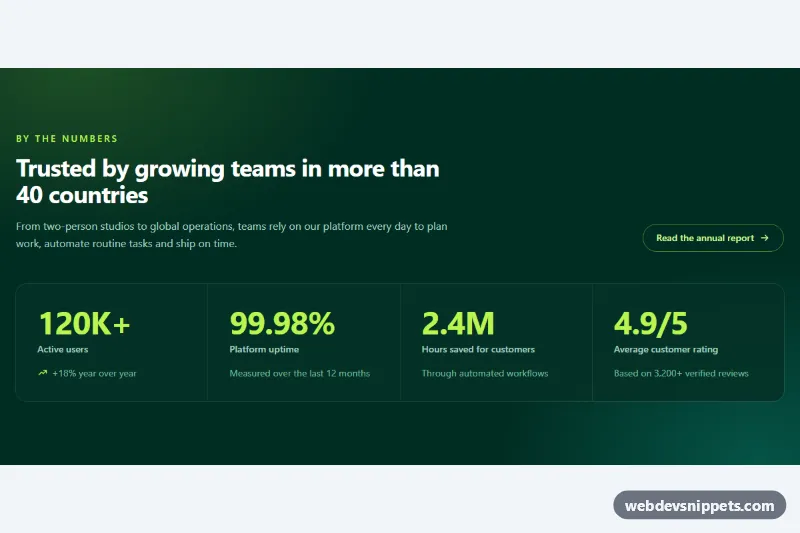
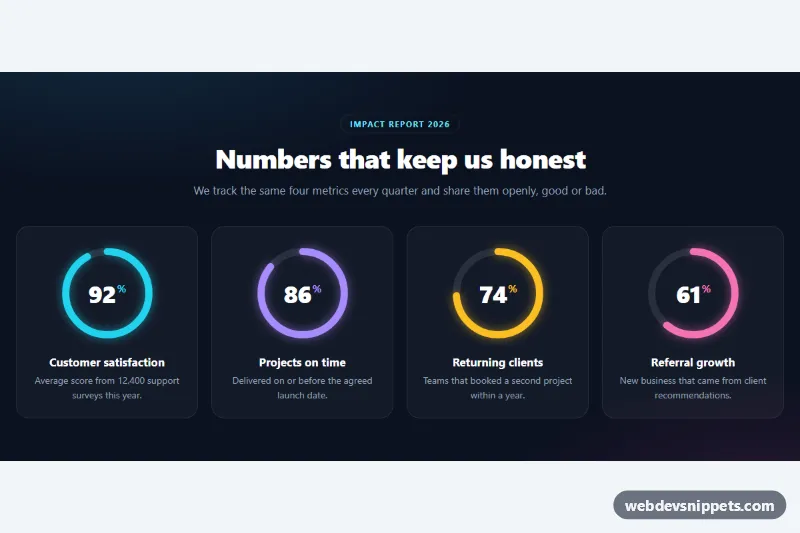
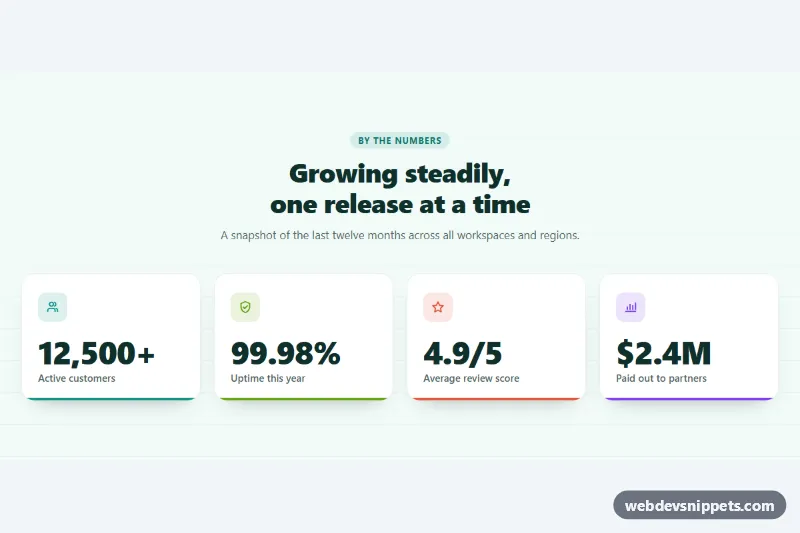
A key-metrics section built with Tailwind CSS on a deep emerald brand background, with large lime numbers, short labels and a small trend note under each figure. The numbers count up once when they scroll into view, which makes it a good fit for landing pages, about pages and investor or annual-report sections.
How it works
The root is section.tss-stats. A decorative .tss-glow layer sits behind the content and paints two soft radial gradients from style.css. The header row holds an eyebrow, the #tss-title heading, a paragraph and a pill-shaped link; from the lg breakpoint it becomes a two-column row with the link aligned to the bottom.
The metrics are a real description list. Each .tss-item wraps a dt label and two dd elements: the big number and a supporting note. The number dd uses order-first, so it appears above the label visually while screen readers still hear the label first. The grid uses gap-px on a translucent bg-white/10 background, which draws thin divider lines between the cells: one column on phones, two from sm, four from lg.
Each number is a span with data-tss-value and optional data-tss-decimals, data-tss-prefix and data-tss-suffix. The final value is already written in the markup, so the section is correct without JavaScript. On DOMContentLoaded the script finds every .tss-stats, observes its numbers with an IntersectionObserver and, when a number is 40% visible, counts it up from zero with an ease-out curve using requestAnimationFrame. While counting, the item gets the tss-counting class, which plays the tss-rise keyframes. Each number animates only once.
Customization
data-tss-value,data-tss-decimalsanddata-tss-suffixon each numberspan: set your own metric, e.g.data-tss-value="350"withdata-tss-suffix="+". Also update the text inside the span so the no-JS fallback matches.- Add
data-tss-prefix="$"to a number for currency values such as$18M. data-tss-durationon.tss-stats: the count-up length in milliseconds (default1600).bg-emerald-950,bg-emerald-950/85andtext-lime-300: swap for your brand colors, e.g.bg-indigo-950withtext-amber-300.- The two
radial-gradientlayers in.tss-glow: change their colors or remove the element for a flat background. sm:grid-cols-2 lg:grid-cols-4on thedl: uselg:grid-cols-3for three metrics.
Accessibility
The section is labelled by #tss-title through aria-labelledby. Using dl, dt and dd keeps each figure tied to its label for assistive technology, and order-first changes only the visual order. Icons are aria-hidden. tabular-nums keeps digits from shifting while counting. Under prefers-reduced-motion: reduce the script skips the count-up entirely and the CSS animation is disabled, so the final values simply show. Light text on emerald-950 keeps contrast well above WCAG AA, and the link has a visible focus-visible outline.
Usage notes
Several stats sections can share a page; the script scopes everything to each .tss-stats root. Give each copy a unique heading id.