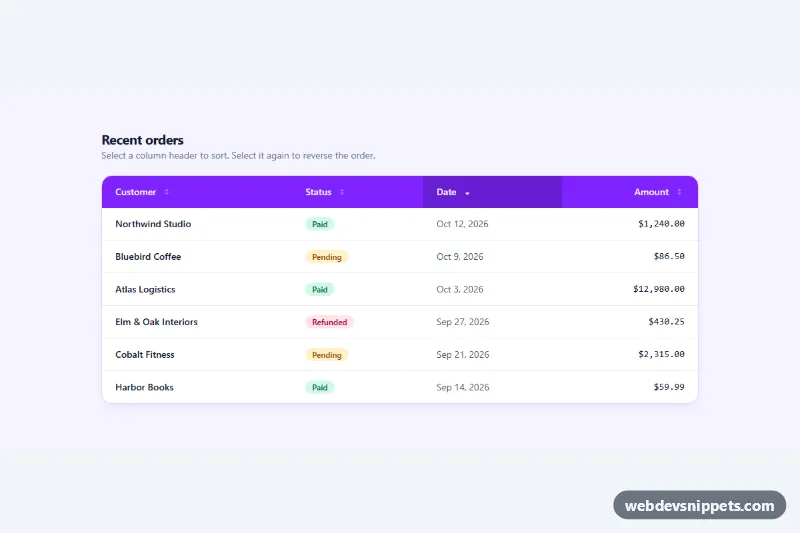
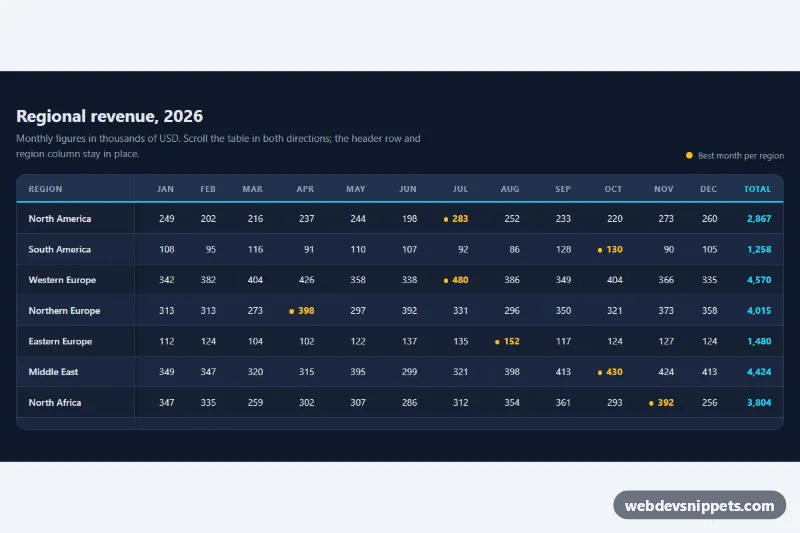
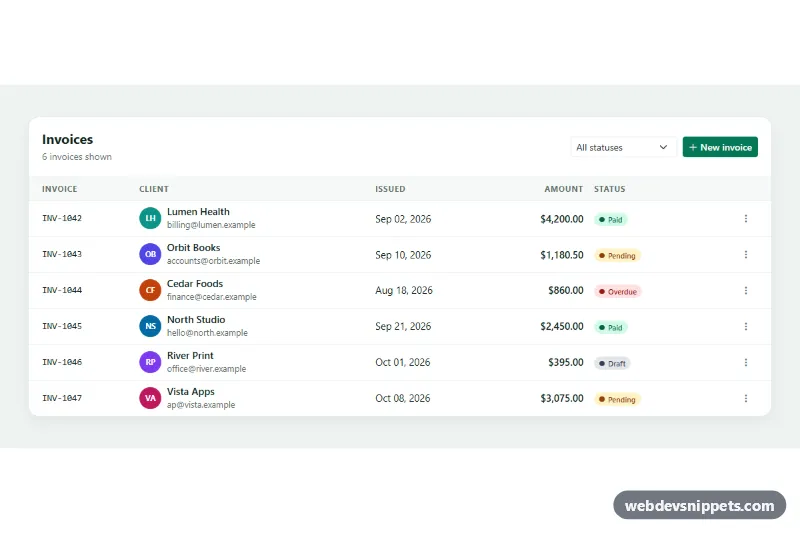
A Bootstrap 5 data table with a live search field and a status filter that hide non-matching rows as you type and highlight the matched text. It suits team directories, customer lists, admin dashboards and any table of a few dozen to a few hundred rows that is rendered in the page.
How it works
The root is section.tsf, which holds a card with three parts: the .tsf-head header with the title, the search input group and the .tsf-status select, a table-responsive wrapper around table.tsf-table, and the .tsf-foot footer with the .tsf-count result line. Every data row carries a data-status attribute (active, away or offline) and the cells that should be highlighted have the .tsf-hl class. The last row, .tsf-empty, is a full-width empty state that starts with the hidden attribute.
On DOMContentLoaded the script loops over every .tsf on the page. It stores the original text of each .tsf-hl cell in a data-tsf-text attribute, then runs apply() on every input event of .tsf-search and every change event of .tsf-status. The query is split into words, and a row stays visible only when its text contains all of them and its data-status matches the selected option. highlight() rebuilds the .tsf-hl cells with <mark> elements around each match, using textContent and createTextNode so the sample data can never inject HTML. The .tsf-clear button appears when the field has a value; it and the Escape key both reset the search.
Without JavaScript all rows stay visible, so the table remains fully readable.
Customization
--tsf-accentand--tsf-accent-softon.tsfinstyle.css: change the focus ring, the clear button hover and the avatar colors.--tsf-markon.tsf: sets the background of highlighted matches.--tsf-head-bgon.tsf: replace the indigo gradient behind the header with a solid color or another gradient.- Add an
<option>to.tsf-statusand use the same value indata-statuson rows to filter by a new state such asvacation. - Add
.tsf-hlto any other cell, for example the email line, to include it in match highlighting (all row text is already searched). .tsf-badge--active,.tsf-badge--awayand.tsf-badge--offline: adjust the pill colors for each status.- The string built in
apply()inscript.js("Showing 8 of 8 people"): change the wording of the result counter.
Accessibility
The search input and the select both have an aria-label, and the table has a visually hidden caption plus scope="col" headers. .tsf-count is a role="status" live region, so screen readers announce the new number of results after each change. The clear button has the label "Clear search" and returns focus to the input. Focus states use a visible indigo ring, and status pills combine a colored dot with a text label so color is not the only cue.
Usage notes
Requires Bootstrap 5 (added automatically) and Bootstrap Icons. Each .tsf block is independent, so several filtered tables can share a page. For very large data sets, filter on the server instead.