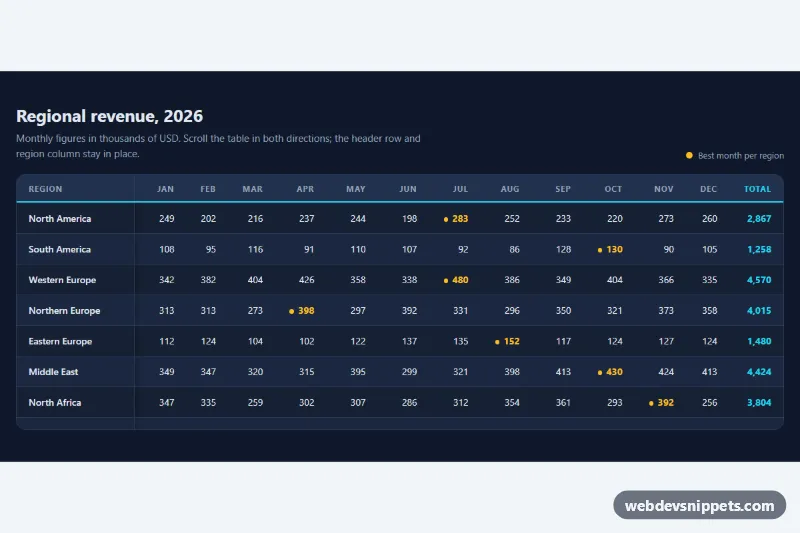
Table with Sticky Header
Dark striped data table in pure CSS with a sticky header row and sticky first column inside a scrollable, keyboard-focusable container.
Data tables with sorting, striping and responsive layouts.
4 component(s)
Dark striped data table in pure CSS with a sticky header row and sticky first column inside a scrollable, keyboard-focusable container.
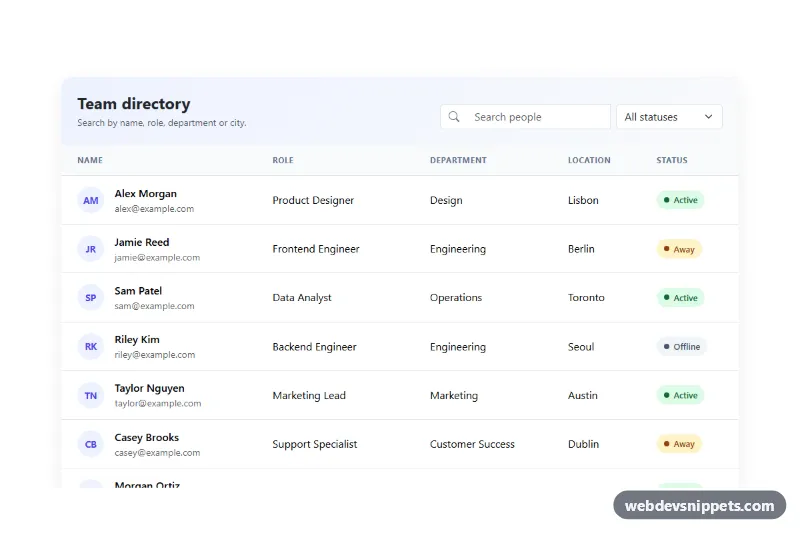
Bootstrap 5 team directory table with live search, status filter, highlighted matches, result counter and empty state.
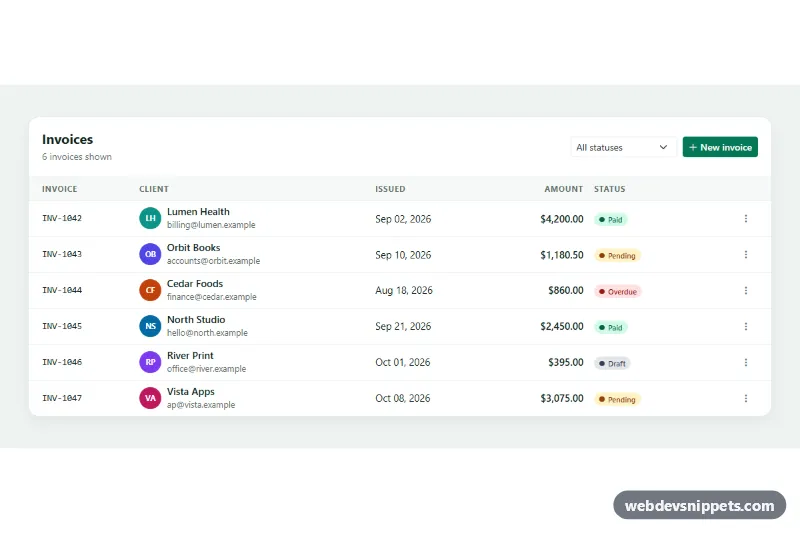
Responsive Bootstrap 5 invoice table with status badges, a status filter and row action dropdowns to mark as paid, remind or delete.
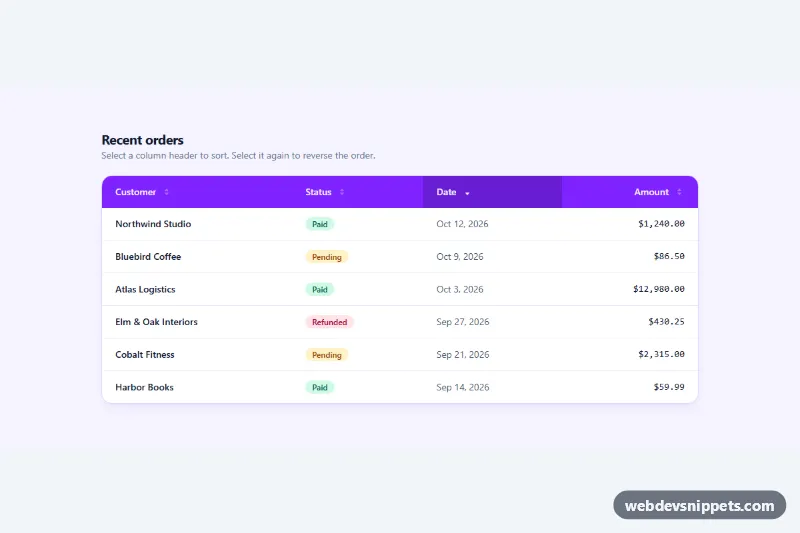
Tailwind CSS data table with clickable column headers that sort text, dates and numbers, with aria-sort, arrow indicators and a responsive scroll wrapper.
A data table presents structured information in rows and columns so users can read, compare and act on it. Typical features include header rows, zebra striping, hover highlighting, sorting, filtering, pagination, row selection, inline actions and status badges. Tables are essential in admin panels, dashboards, reports, order lists, pricing comparisons and any interface that handles records.
Use a table when data has a clear tabular structure and users need to compare values across rows or columns. Do not use tables for page layout; for a few loosely related items, a list or cards are easier to read.
<table>, <thead>, <tbody>, <th> with scope="col" or scope="row", and a <caption> describing the table.<button> inside the header cell and set aria-sort on the active column.overflow-x: auto, or switch to a stacked card layout for each row.position: sticky.The table examples come in Bootstrap 6, Bootstrap 5, Tailwind CSS and pure CSS. Bootstrap versions use the table classes for striping, borders, hover and responsive wrappers, and Bootstrap 6 variants use the theme-* colour roles for highlighted rows and status cells. Tailwind CSS versions are built with utilities, and pure CSS versions style the native table elements directly. Interactive features like sorting use a small script where included. Filter by framework to find bootstrap table examples or a responsive table in HTML and CSS, check them in the live preview, then copy or download the code.