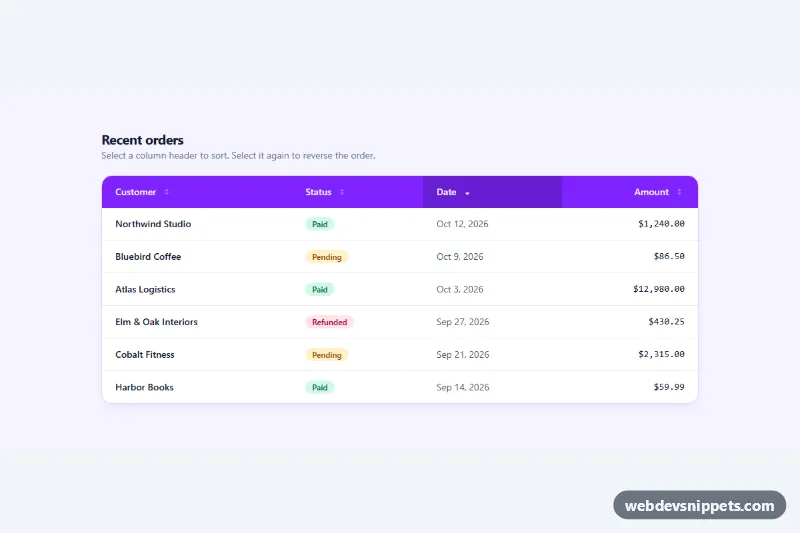
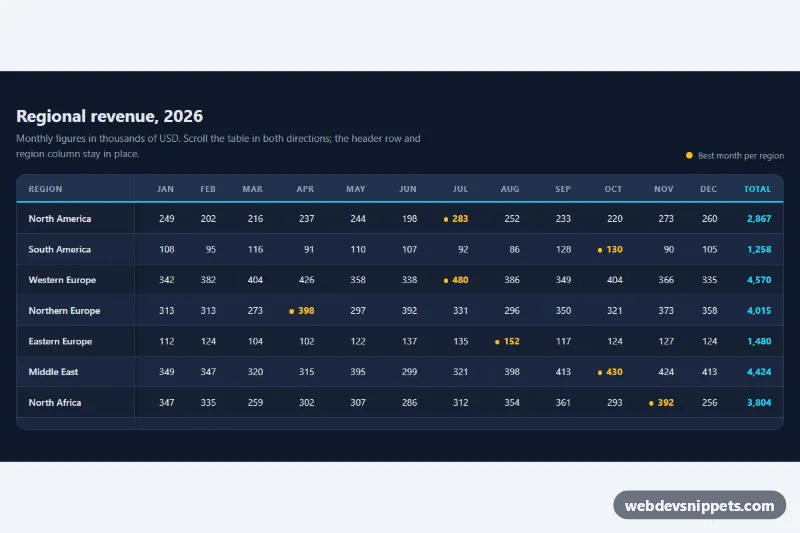
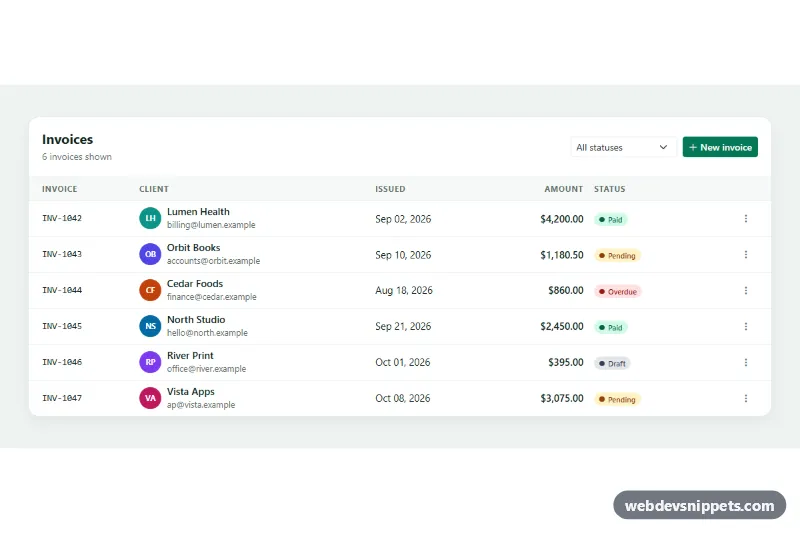
A sortable data table built with Tailwind CSS and a dependency-free JavaScript sorter. Clicking a column header sorts the rows by text, date or number, a second click reverses the order, and arrow icons plus aria-sort show the current state. It suits order lists, admin dashboards and reports.
How it works
The root is .tst-table. The table sits inside a horizontally scrollable wrapper (overflow-x-auto with min-w-[640px] on the table), so on phones the table scrolls instead of squeezing columns. Each th carries data-tst-type (text, date or number) and an aria-sort attribute, and contains a full-width .tst-sort button with a two-part .tst-arrow SVG.
On DOMContentLoaded the script initializes every .tst-table. A click on a header button reads its current aria-sort and toggles between ascending and descending; an unsorted number column starts descending (largest first), other types start ascending. The sortBy() function reads each row's cell value, preferring a data-tst-value attribute over the visible text, so formatted values like $12,980.00 or Oct 3, 2026 sort correctly. Text is compared with Intl.Collator, and the original row position breaks ties so the sort stays stable. Rows are moved back into the tbody in one DocumentFragment, all other headers are reset to aria-sort="none", and a short tst-flash highlight plays on the rows. Any header that starts with aria-sort="ascending" or "descending" in the markup is applied as the initial sort.
style.css dims the inactive arrow half (.tst-up / .tst-down) and darkens the sorted header.
Customization
data-tst-typeon ath: setnumber,dateortextto control how that column is compared.data-tst-valueon atd: provide a raw sort value (ISO date, plain number) when the displayed text is formatted.aria-sort="descending"on the Date header: move it to anotherthto change the initial sort, or set all tononeto keep the source order.- Remove the
.tst-sortbutton and thearia-sortattribute from ath(keep plain text) to make that column non-sortable. bg-violet-600ontheadandbg-violet-50on.tst-table: swapvioletfor another Tailwind color to retheme.min-w-[640px]on thetable: lower it if your columns are narrow, raise it for wide data.- The
status.textContentline insortBy(): change or translate the announcement text.
Accessibility
Headers use scope="col", and the sort controls are real buttons inside the th, so they are reachable with Tab and activated with Enter or Space. aria-sort is kept up to date on every header, which screen readers announce when entering a column. A role="status" region reports each change, for example "Sorted by Amount, descending.". The scroll wrapper is a focusable role="region" labelled by the table heading, so keyboard users can scroll it. Header buttons show a white inset focus outline, arrows are aria-hidden, and the highlight and arrow transitions are disabled under prefers-reduced-motion.
Usage notes
The sorter works on the rows in the DOM, so it is best for up to a few hundred rows. For paged or server-side data, call your API from the click handler instead.