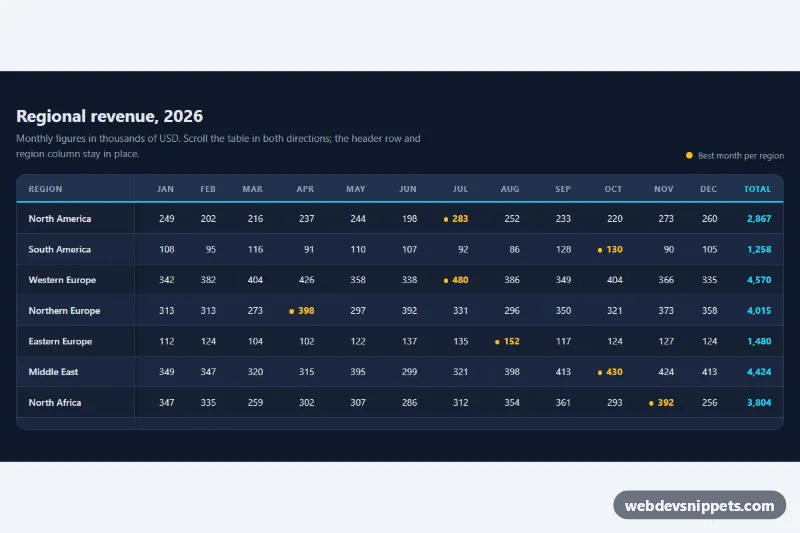
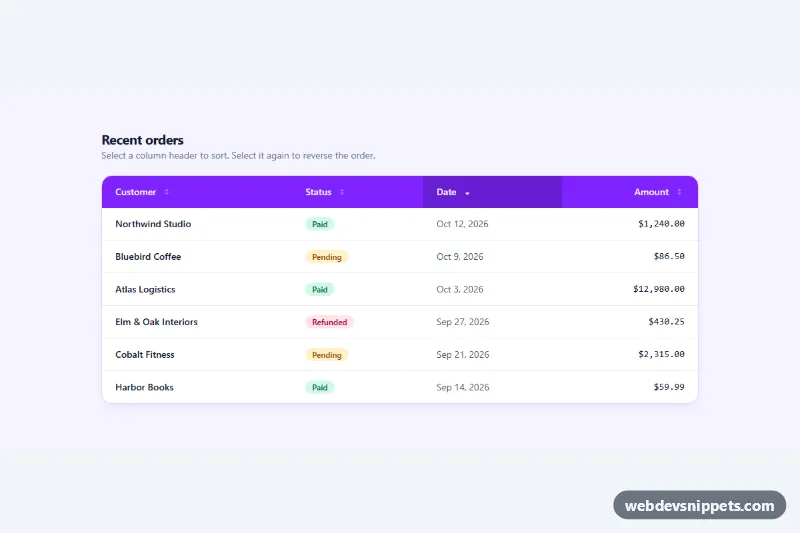
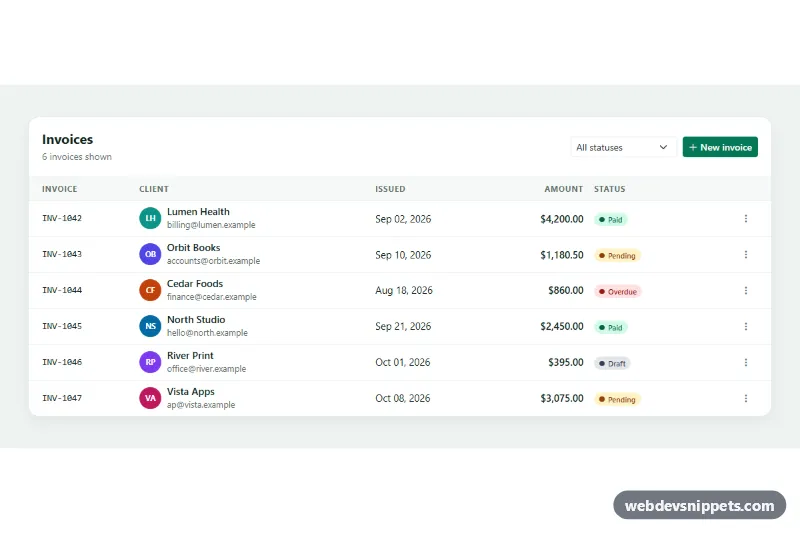
A dark, striped data table in pure CSS with a sticky header row and a sticky first column, so labels stay visible while you scroll through wide and long data. It works well for reports, financial dashboards, pricing matrices and any spreadsheet-like view on the web, with no JavaScript.
How it works
The root section.tsh-wrap contains a .tsh-top header (title, subtitle and a small legend) and a .tsh-scroll container. The container has a max-height and overflow: auto, which turns it into the scroll box that sticky positioning works against. Inside sits table.tsh-table with a visually hidden .tsh-caption, a thead of month columns and a tbody where every row starts with a th scope="row" region name.
Three rules do the sticky work. thead th gets position: sticky; top: 0, so the header stays at the top of the box. tbody th gets position: sticky; left: 0, so region names stay on the left during horizontal scrolling. The corner cell, thead th:first-child, is sticky on both axes and has the highest z-index, so it always sits above the other sticky cells. The table uses border-collapse: separate because collapsed borders do not move with sticky cells, and every cell has an opaque background so scrolled content never shows through.
Zebra stripes come from tbody tr:nth-child(even) > *, which also colors the sticky row headers. Hovering a row highlights it, the .tsh-total column is drawn in the accent color, and .tsh-peak marks the best month of each region with a dot.
Customization
--tsh-heighton.tsh-wrap: maximum height of the scroll area; raise it to show more rows before vertical scrolling starts.--tsh-first-col: minimum width of the sticky region column.min-widthon.tsh-table: when horizontal scrolling begins; lower it for tables with fewer columns.--tsh-surface,--tsh-stripeand--tsh-head-bg: base row, striped row and header backgrounds.--tsh-accent: underline of the header row, the total column and the focus ring.--tsh-peak: color of the highlighted.tsh-peakcells and the legend swatch; remove the class to drop the highlight.--tsh-radius: corner radius of the scroll container.
Accessibility
The scroll container has role="region", aria-labelledby pointing to the title and tabindex="0", so keyboard users can focus it and scroll with the arrow keys; a cyan outline shows the focus. Column headers use scope="col" and region names use scope="row", so screen readers announce the correct month and region for every value. The caption describes the table and units for assistive technology. Peak values are not marked by color alone: each one contains a visually hidden .tsh-sr text, "(best month)". Text colors keep strong contrast against the dark backgrounds.
Usage notes
Do not set overflow on any element between the cells and .tsh-scroll, or the sticky cells lose their scroll reference. To add a sticky footer, apply position: sticky; bottom: 0 to tfoot cells in the same way.