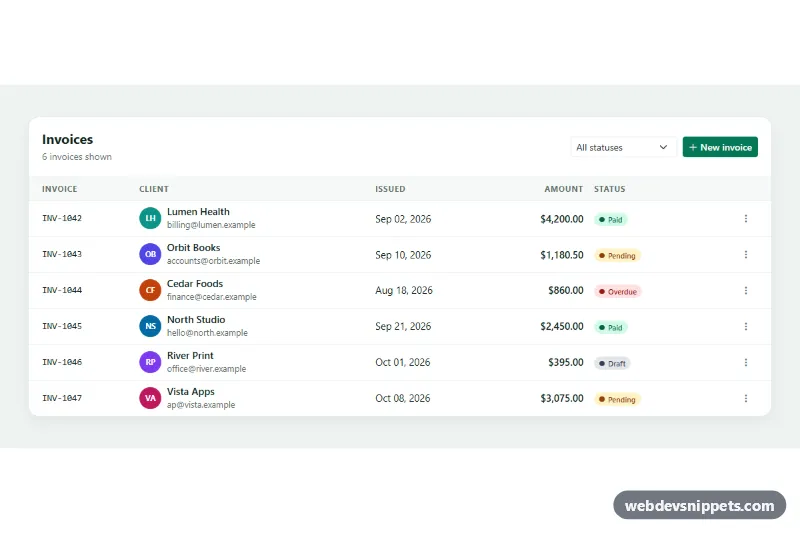
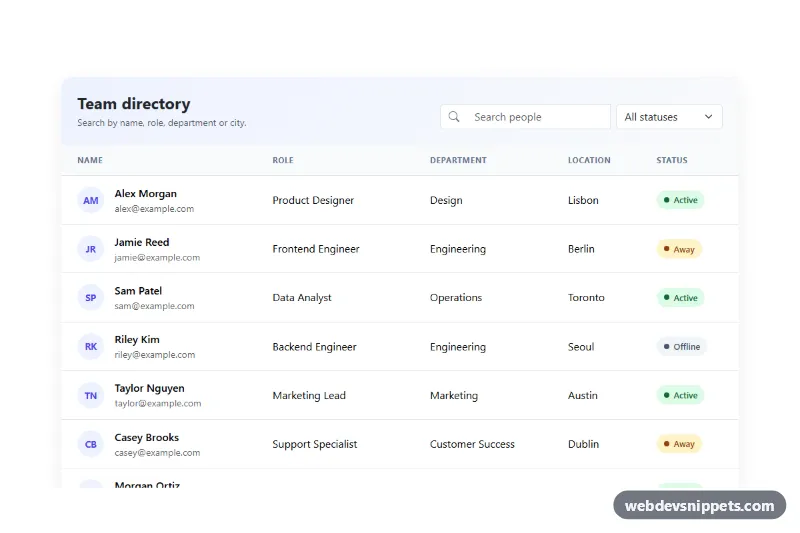
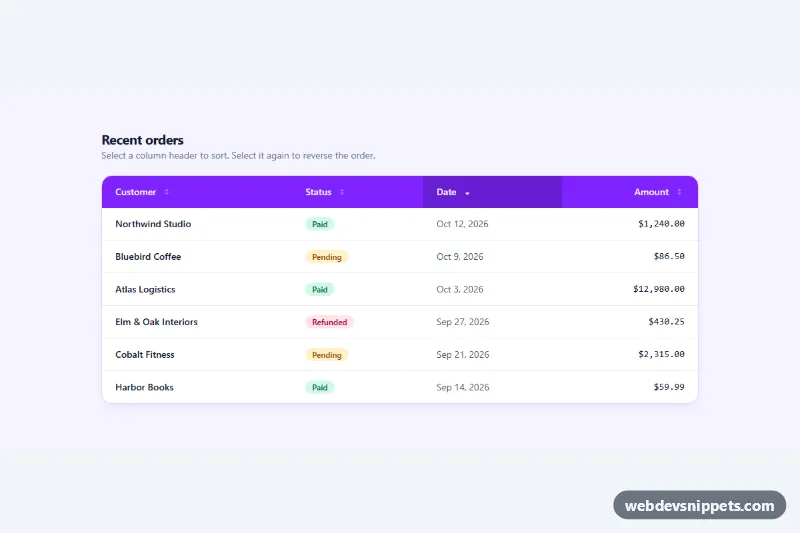
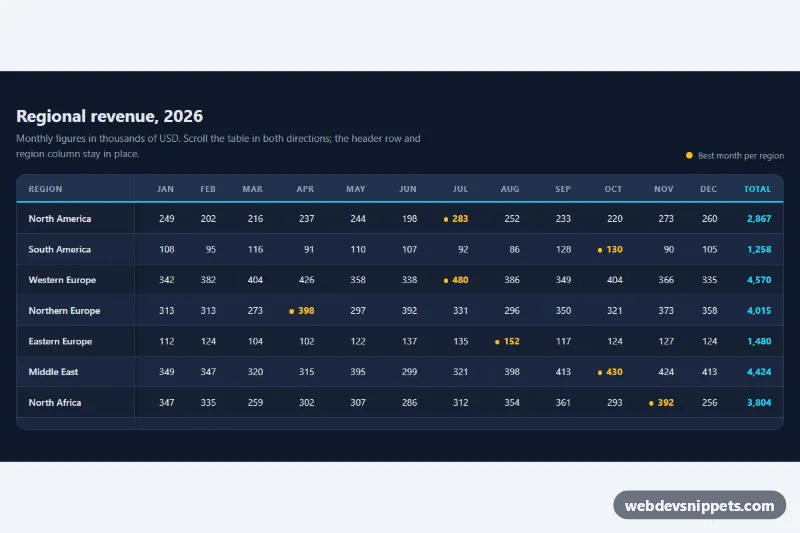
A responsive Bootstrap 5 data table for invoices with colored status badges, a status filter and a three-dot action dropdown on every row. Use it in admin panels, billing pages, CRM screens and any dashboard that lists records people need to act on.
How it works
The root is section.ta-wrap, which holds a white .ta-card. The .ta-toolbar at the top shows the title, a live row count in .ta-count, the .ta-filter status select and a "New invoice" button. The table is a standard Bootstrap table table-hover align-middle with the .ta-table class, wrapped in table-responsive so it scrolls horizontally on small screens instead of breaking the layout. The Issued column uses d-none d-md-table-cell to hide on phones.
Every body row has a data-ta-status attribute (paid, pending, overdue or draft). The status cell shows a pill .ta-badge with a modifier such as .ta-badge--overdue and a small dot drawn with ::before. The last cell holds a Bootstrap dropdown. Because table-responsive sets overflow, each toggle has data-bs-popper-config='{"strategy":"fixed"}', so the menu is positioned relative to the viewport and is never clipped by the table.
The script runs on DOMContentLoaded for every .ta-wrap. The filter's change event hides rows whose status does not match, updates the count and shows the .ta-empty row when nothing matches. A delegated click listener on tbody handles menu items with data-ta-action: paid swaps the badge and disables that item, remind posts a confirmation in .ta-status, and delete fades the row out, removes it and moves focus to the next row's menu button.
Customization
--ta-accentin.ta-wrap: recolors the "New invoice" button, active dropdown items, focus outlines and status messages..ta-badge--paid,.ta-badge--pending,.ta-badge--overdue,.ta-badge--draftinstyle.css: change badge colors or add a new status by creating another modifier and adding it tobadgeTextinscript.js.min-width: 40remin.ta-table: lower it to let the table squeeze further before horizontal scrolling starts.d-none d-md-table-cellon the Issued column: apply it to other columns to hide them on phones.- The
remindbranch inscript.js: replace the announcement withfetch()to your billing or email API. .ta-avatar--1to.ta-avatar--6: set client avatar colors or swap the initials forplacehold.coimages.
Accessibility
The table has a visually hidden caption, header cells use scope="col" and the empty actions header has hidden text. Each menu toggle has an aria-label that names its invoice, and Bootstrap manages aria-expanded and arrow-key navigation inside the menu. "Mark as paid" gets aria-disabled once an invoice is paid, so it is skipped by the keyboard. The filter select has a hidden label and aria-controls. Results are announced through the role="status" region, focus is moved to a sensible control after every action, and the row fade-out is skipped under prefers-reduced-motion.
Usage notes
Requires Bootstrap 5 with its JavaScript bundle (both loaded automatically) and Bootstrap Icons. Change the ta-filter and ta-table ids when you use more than one table per page.