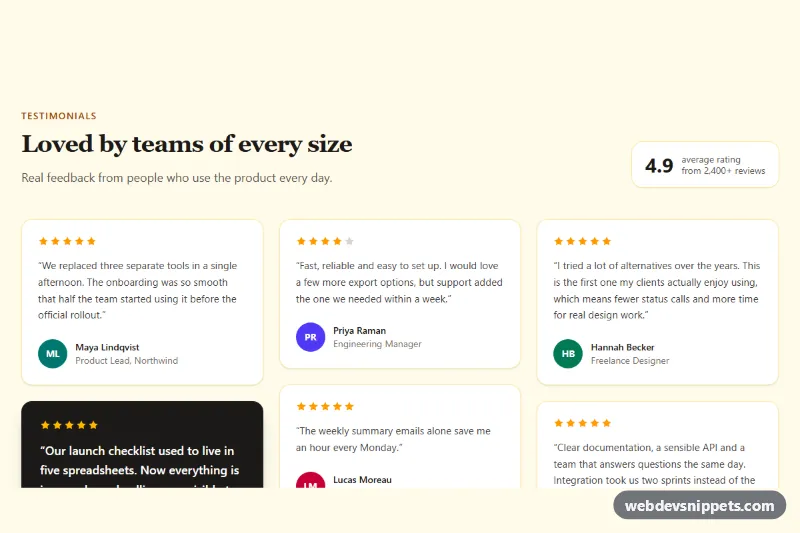
A customer testimonials section for Shopify, delivered as one self-contained section file. It shows quotes with star ratings, author details, an optional avatar and an optional link to the product being reviewed. Use it on the home page or on a product or landing page.
How it works
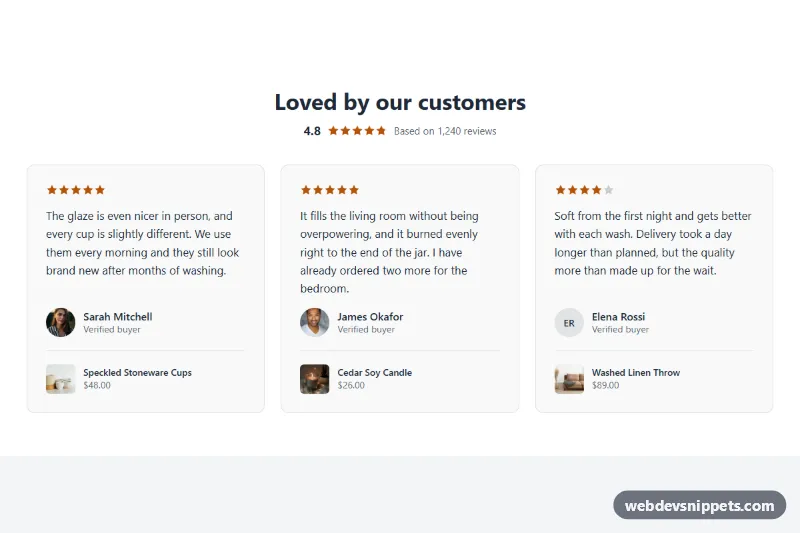
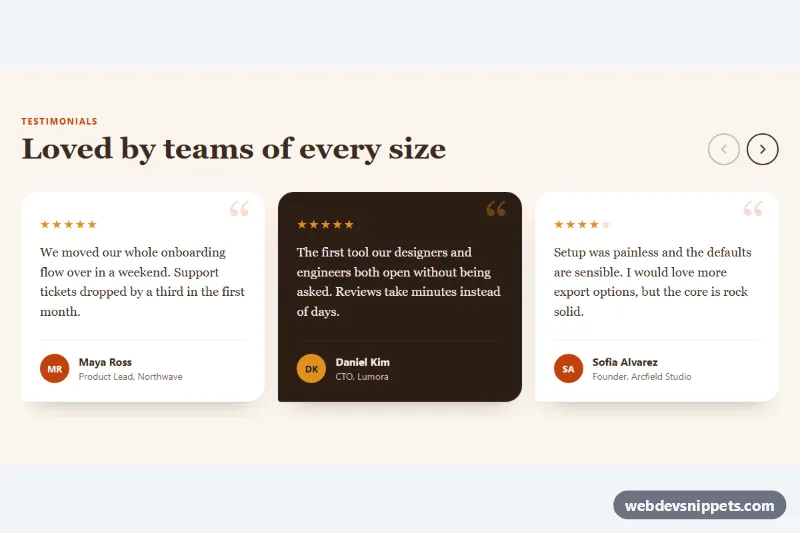
Each quote is a block, and you can add up to 12. The section offers two layouts. Grid places the cards in one column on phones, two on tablets and your chosen number on desktop, and it needs no JavaScript. Scrolling row with buttons puts the cards in a horizontal row with scroll snapping, so it can be swiped on touch screens. A short script adds previous and next buttons, which appear only when there is more to scroll, and marks them as disabled at either end.
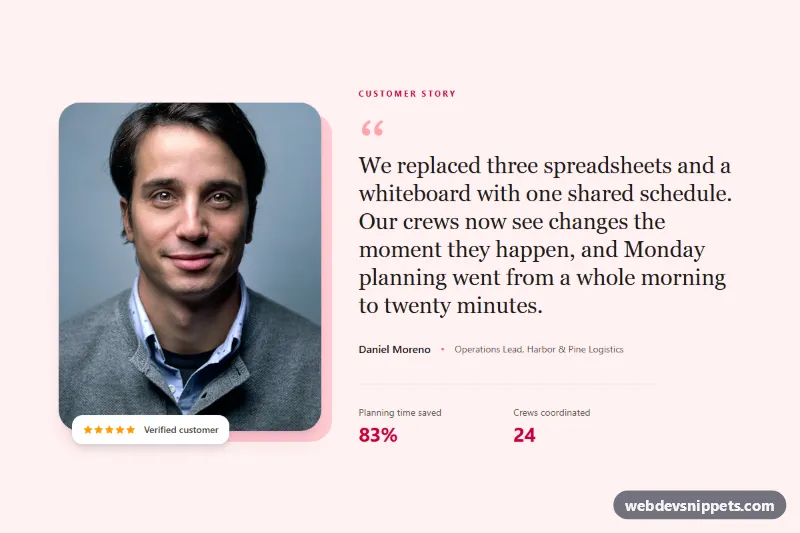
An optional summary at the top shows an average with partly filled stars and a short text. If a block has no avatar, the card shows the author's initials instead. If you link a product, the card adds its image, title and price from your store, and these stay current when the product changes.
Customization
All settings are in the theme editor:
- Layout and Cards per row on desktop: grid or scrolling row, with 2 to 4 cards per row.
- Show summary rating, Average rating and Summary text: the summary at the top. You type these values yourself.
- Star rating, Quote, Author name and Author detail: the content of each Testimonial block.
- Avatar and Linked product: optional additions to each block.
- Name when none is set: the name shown when a block has no author.
- Background, Text and Accent: the colors. The stars use the accent color.
- Side padding, Top padding and Bottom padding: the spacing around the section.
Use cases
- Home pages: show customer quotes with star ratings and avatars to build trust
- Product and landing pages: link each quote to the product being reviewed
- Stores with many reviews: add up to 12 quotes in a grid or a scrolling row with previous and next buttons
- Brand pages: display author details beside each quote
Accessibility
Star ratings have role="img" and a text label from the Star rating (screen readers) setting. Quotes use figure, blockquote and figcaption. In the scrolling row, the track is a named region that can be focused and scrolled with the keyboard. The buttons use aria-disabled rather than disabled, so a button that reaches the end of the row does not lose keyboard focus. Position changes are announced through a live region, and smooth scrolling is removed under prefers-reduced-motion.
Usage notes
The section requires an Online Store 2.0 theme. It does not connect to a review app or to your orders: every quote, star rating and summary value is typed by hand and nothing checks it. Only publish real customer words, and only show a rating that your real reviews support. The default text is sample content, and that includes the review count.
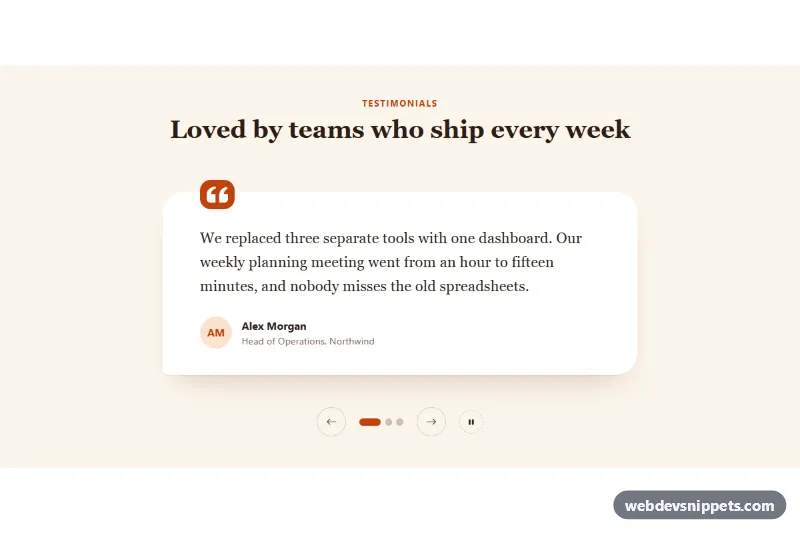
There is no automatic rotation in the scrolling row. A linked product shows its price, but no compare-at price or sold-out state.
The preview uses sample data: the store, customers, quotes, products and ratings are all invented. The photos in the preview are from Unsplash; section.liquid contains none.