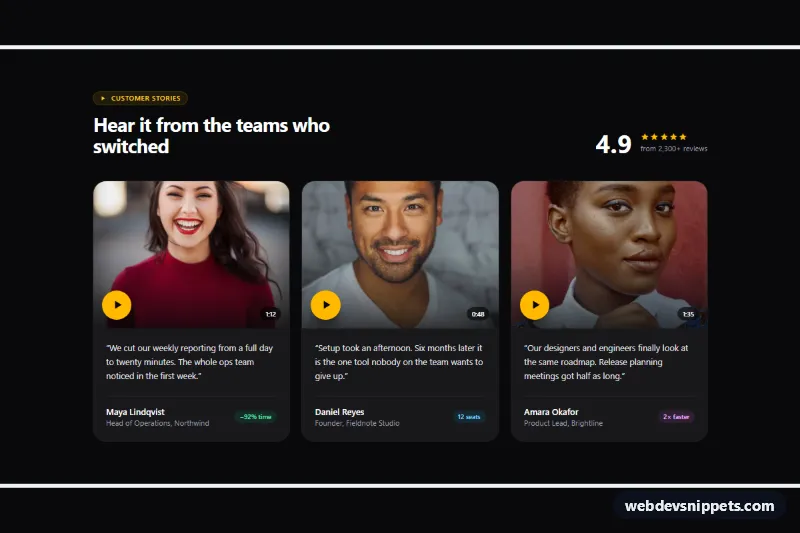
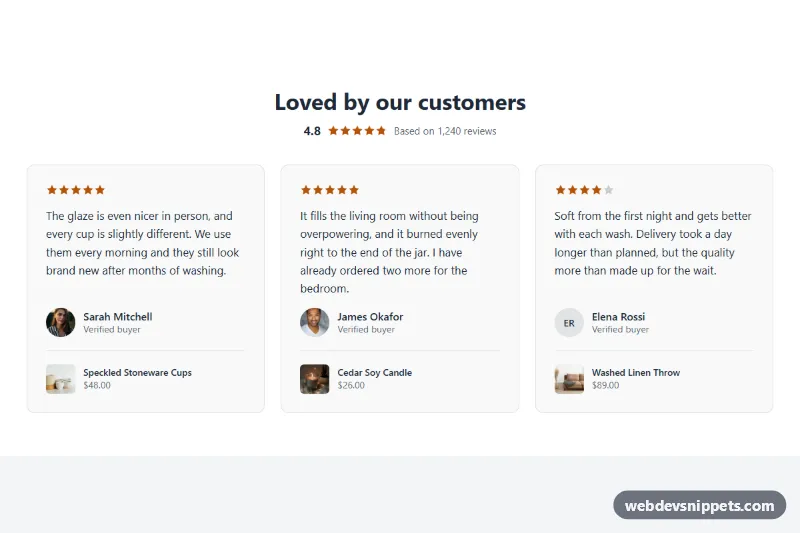
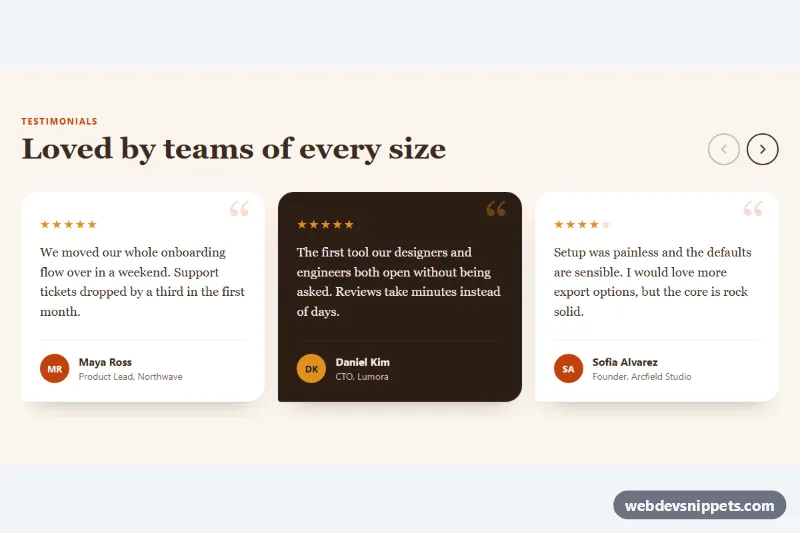
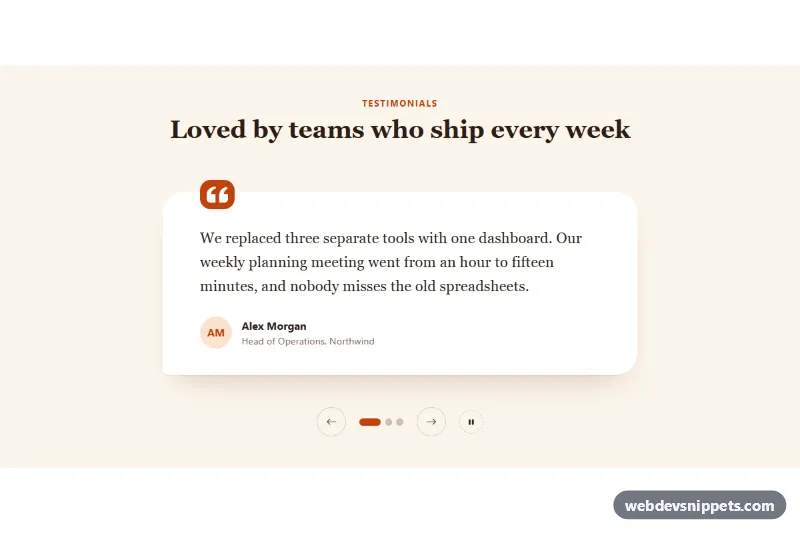
A dark testimonial section built with Tailwind CSS where each customer card shows a photo thumbnail with a play button, a duration badge, a short quote and a result tag. Clicking a thumbnail opens the customer's video in a shared, accessible player built on the native dialog element. It fits SaaS landing pages, case-study pages and product launches that rely on social proof.
How it works
The root is section.vtc-testimonials. The header combines the heading with an aggregate rating, and the ul grid switches to three columns at md. Every card is an li with a button.vtc-play on top: it contains the photo (.vtc-thumb), a gradient overlay, the amber play icon (.vtc-icon) and the duration. The button carries data-vtc-play, the video address in data-vtc-src and the player heading in data-vtc-title. Below it a figure holds the blockquote, the name, the role and a small metric pill.
One dialog.vtc-dialog (data-vtc-dialog) sits at the end of the section. On DOMContentLoaded the script initializes each .vtc-testimonials. A click on a thumbnail copies its title into data-vtc-dialog-title, uses the card photo as the video poster, sets the src of data-vtc-video, calls showModal() and starts playback. The dialog's close event, fired by Escape, the close button or a backdrop click, pauses the video, removes its source so it stops downloading and returns focus to the thumbnail that opened it.
style.css adds the photo zoom and play icon glow on hover and focus, the blurred ::backdrop and the vtc-zoom entrance.
Customization
data-vtc-srcon each.vtc-play: point to your own MP4 or WebM file. The sample clip is a CC0 test video from MDN.data-vtc-title: the text shown above the player.aspect-4/3on.vtc-play: useaspect-squareoraspect-4/5for taller portrait thumbnails.bg-amber-400on.vtc-iconand#fbbf24instyle.css: change the accent color of the play button and focus ring.w-[min(56rem,calc(100%-2rem))]on.vtc-dialog: make the player larger or smaller.md:grid-cols-3on the list: switch tolg:grid-cols-4for four stories.- Remove the
video.play()call inscript.jsto wait for the user to press play.
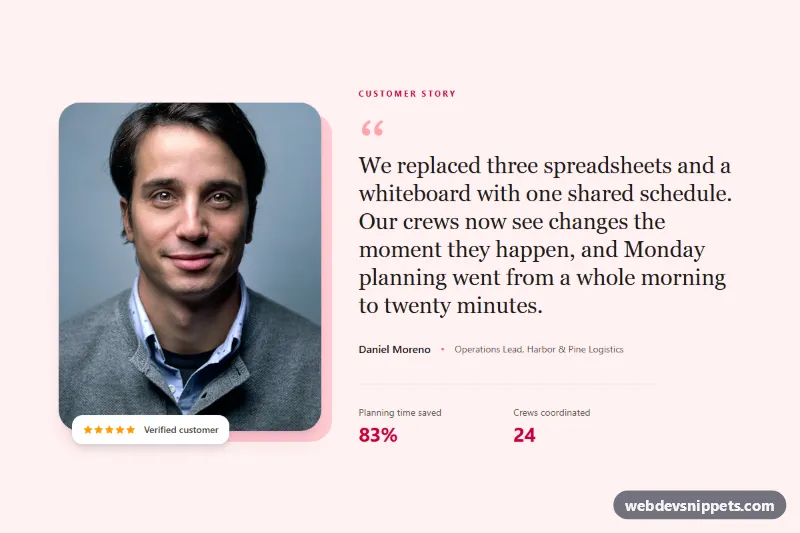
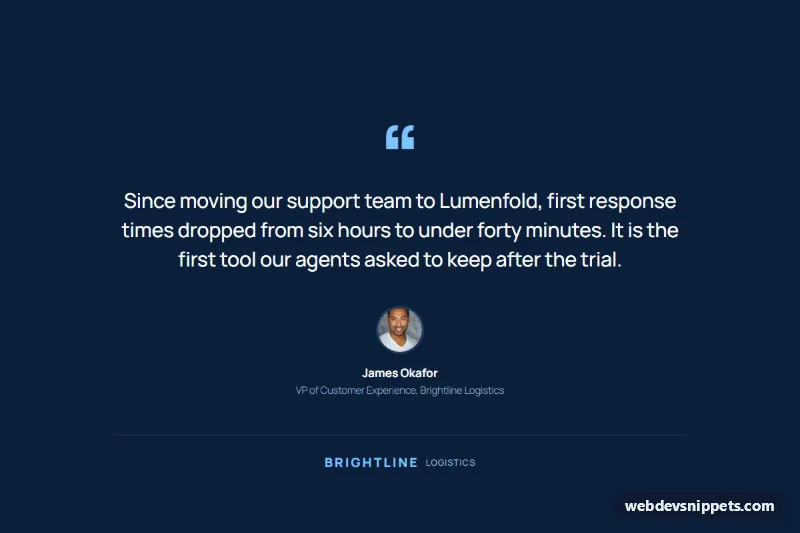
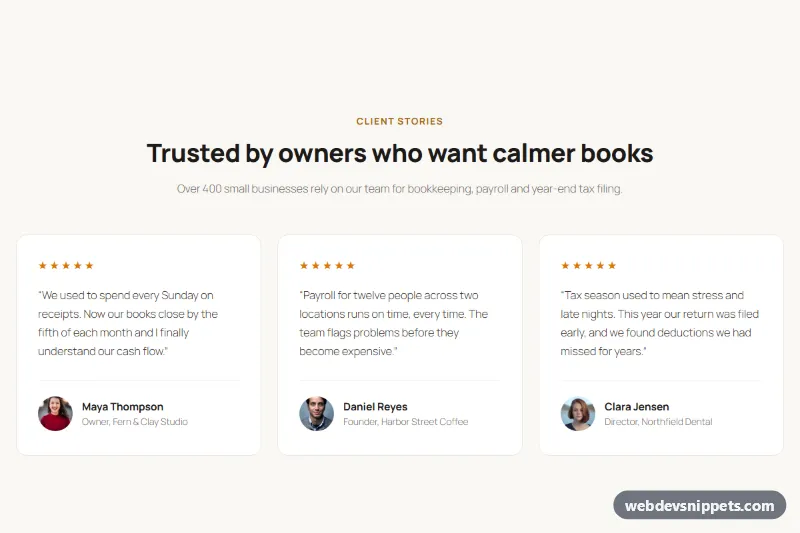
The portraits come from Unsplash; replace them with photos or video stills of your real customers.
Use cases
- SaaS landing pages: customer photos with play buttons open each video in a modal player
- Case-study pages: cards show a short quote, role and a result tag
- Product launches: add social proof with an aggregate rating beside the heading
- Agency sites: a duration badge on each thumbnail sets viewer expectations
- Dark-themed sites: a native dialog player closes with Escape and returns focus to the card
Accessibility
Each thumbnail is a real button whose visually hidden label names the person and the video length, so the decorative photo uses an empty alt. The player is a modal dialog labelled by #vtc-dialog-title; the browser keeps focus inside it and Escape closes it. Focus moves to the close button on open and back to the thumbnail on close. The video has native controls. Add a track element with captions to your real videos. Autoplay and all animations are skipped under prefers-reduced-motion, and amber on near-black keeps the focus ring clearly visible.
Usage notes
The script exits early in browsers without HTMLDialogElement.showModal(). For several sections on one page, change the id values.