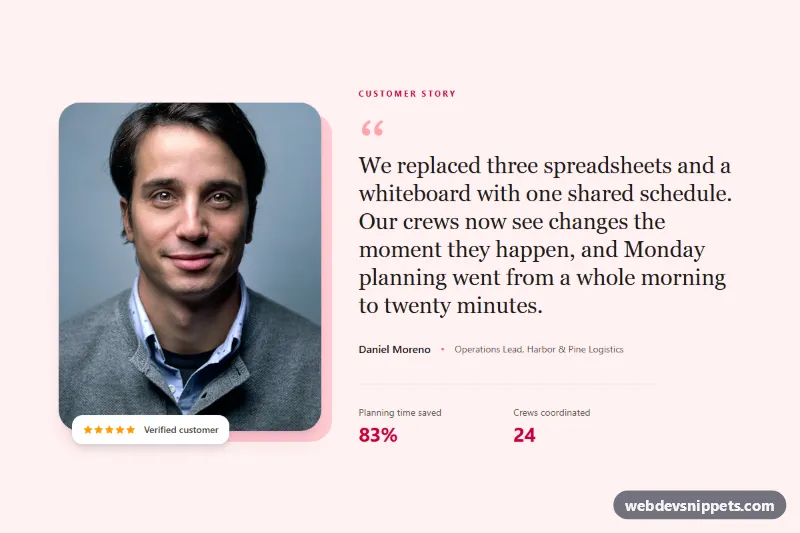
Testimonial with Large Portrait Photo
Featured Tailwind CSS testimonial with a large customer portrait, offset frame, serif quote, star rating and result metrics.
Customer quotes, reviews and social proof.
4 component(s)
Featured Tailwind CSS testimonial with a large customer portrait, offset frame, serif quote, star rating and result metrics.
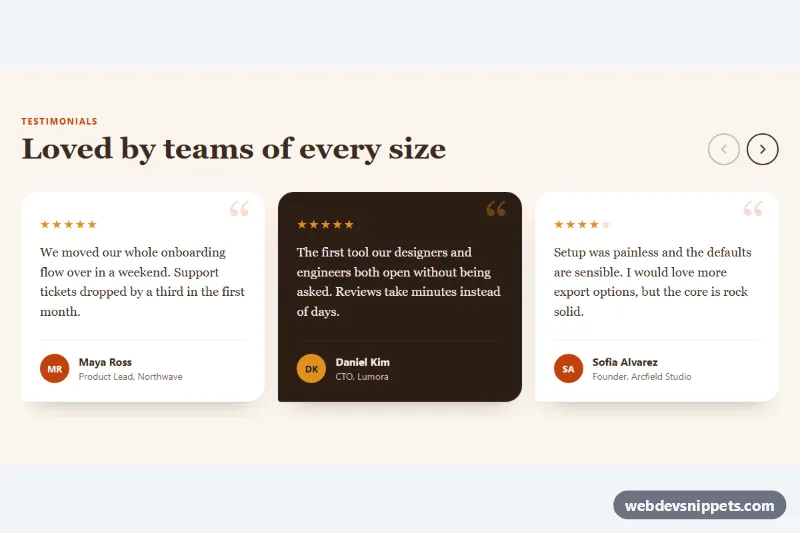
Horizontally scrolling testimonial cards using CSS scroll snap, with star ratings, avatars and accessible previous and next buttons.
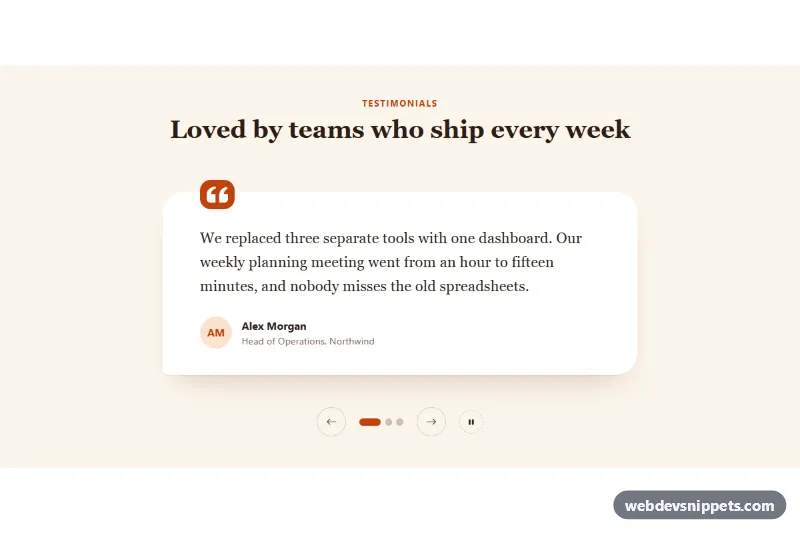
Bootstrap 5 testimonial carousel with serif quote cards, pill indicators, arrow buttons and an accessible pause control.
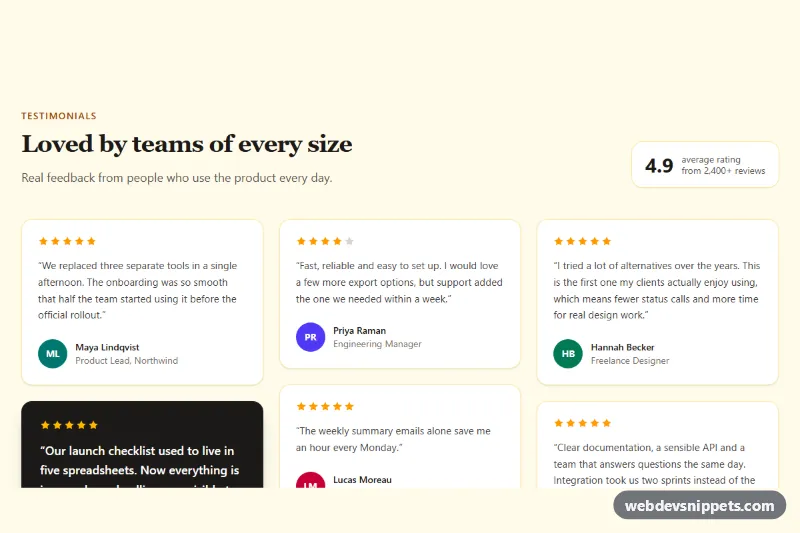
Masonry-style Tailwind CSS testimonials grid with star ratings, initial avatars and an accessible Show more button.
A testimonial section displays quotes from customers, clients or users to build trust. Each testimonial usually includes the quote, the person's name, their role or company and often a photo or star rating. Layouts range from a single large quote to card grids, masonry walls, sliders and logo-plus-quote combinations. They are a core form of social proof on landing pages, pricing pages and product pages.
Place them close to the point where visitors hesitate: near pricing, below a feature list or next to a signup form. Short, specific quotes that mention a concrete result are more convincing than generic praise.
<figure> with <blockquote> for the quote and <figcaption> for the author, which gives the content clear semantics.alt text to author photos, or empty alt="" if the name already sits next to the image.aria-labels, keyboard support and no fast auto-rotation; let users pause any automatic movement.The testimonial examples come in Bootstrap 6, Bootstrap 5, Tailwind CSS and pure CSS. Bootstrap versions use cards, the grid and, for sliders, the carousel component; Bootstrap 6 examples load its JavaScript as an ES module and use the theme-* colour roles. Tailwind CSS versions are built with utilities, and pure CSS versions often use CSS Grid or scroll snapping instead of a script. Use the framework filter, compare layouts in the live preview, then copy the code from the tabs or download the files. Replace the quotes, names and photos with real customer feedback and the responsive testimonial section is ready to use.