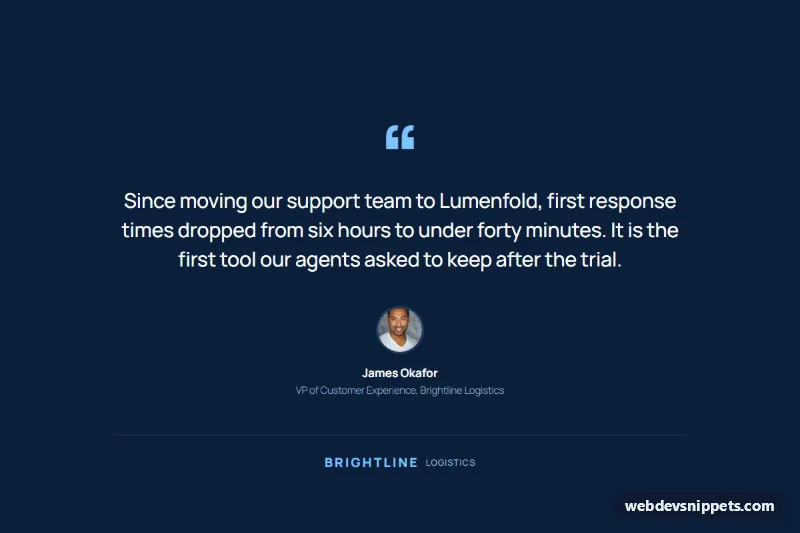
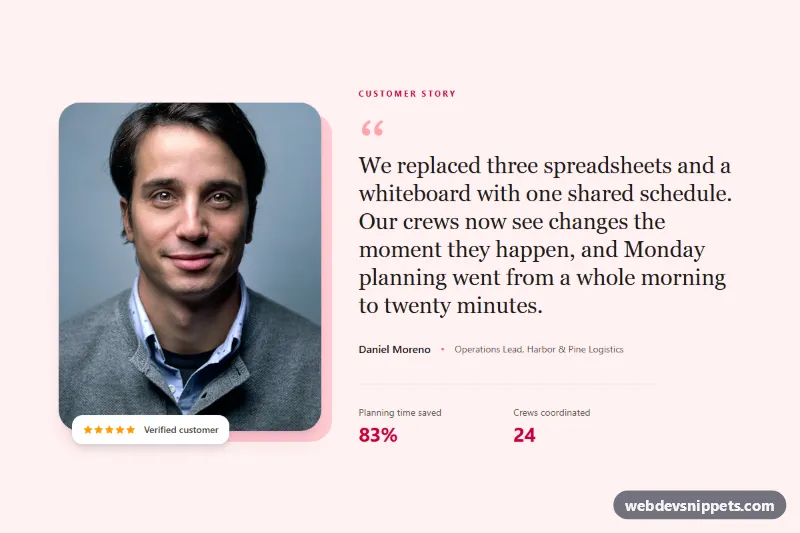
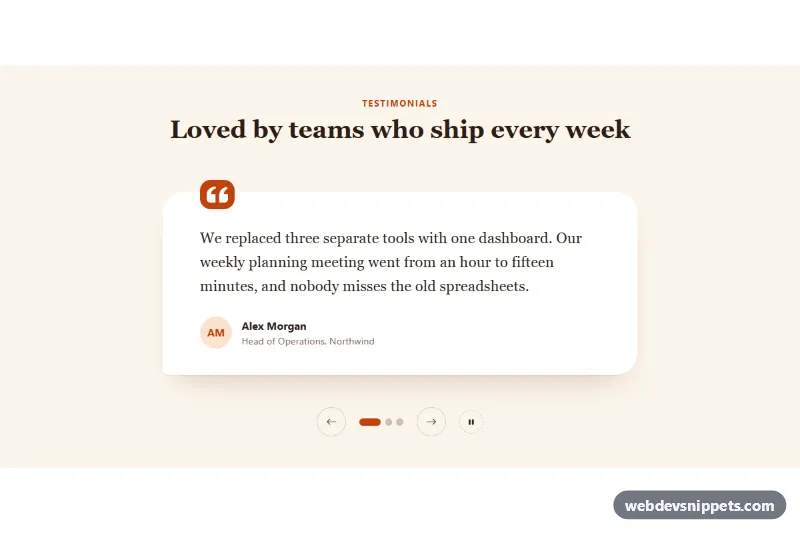
A single testimonial for the block editor with a large centered customer quote, round portrait, name, role and company wordmark on a deep navy background.
Also known as: gutenberg quote block, wordpress testimonial section, customer quote section, featured testimonial, saas customer story quote
This single testimonial with a large quote is a WordPress block pattern that gives one customer statement the whole stage: an oversized light blue quotation mark, a large centered quote, a round portrait, the customer's name, role and company, and a small company wordmark on a deep navy background. It suits a featured testimonial or customer quote section on SaaS landing pages and case study pages, and it is built from core Gutenberg blocks only, including the Quote block.
How it works
The outer full-width Group sets the navy background (#0b1f3a), 120px vertical padding and a narrow 860px content width so the quote reads comfortably. A paragraph holds the large “ character, followed by a core Quote block with the Plain style, no border and no padding, whose inner paragraph is centered at 32px. A vertical, centered flex Group places a 72px round Image above the name and the role line. A Separator divides the author from a small wordmark row: two paragraphs in a flex Group, the company name in bold uppercase light blue and a smaller muted label next to it. On phones the text sizes scale down fluidly and everything stays centered. The portrait comes from Unsplash; replace it with a photo of your own customer.
How to use it
Copy the block markup with the copy button.
In the block editor, click into an empty paragraph and paste; WordPress turns the markup into blocks.
Replace the quote, name, role, company wordmark and portrait (select the Image, then Replace).
Customization
Background: select the outer Group, Color > Background, #0b1f3a.
Accent color: the quotation mark and the wordmark use Color > Text #7cc4ff.
Quote size: select the paragraph inside the Quote, Typography > Font size 32px, weight 500, Line height 1.45.
Quote text color: select the Quote block, Color > Text, #ffffff.
Content width: select the outer Group, Layout > Content width, 860px; widen it for shorter quotes.
Portrait: select the Image, Dimensions > Width and Height 72px, Border > Radius 999px, Width 3px, Color #1e3a5f.
Divider: select the Separator, Color > Background #1e3a5f, Dimensions > Margin 56px top, 32px bottom.
Role line: Color > Text #9fb3c8, Typography > Font size 15px.
Use cases
SaaS landing pages: place one strong customer result between the feature and pricing sections.
Case study and customer story pages: open or close the story with the customer's own words.
B2B service sites: highlight a quote from a well-known client with their company wordmark.
Product launch pages: add a credible statement from an early adopter.
Accessibility
The quote uses a semantic blockquote element, and the portrait has alt text with the customer's name. The decorative quotation mark is a plain text character; you can delete it if your quote already includes quotation marks. White, light blue and the #9fb3c8 role text all meet WCAG AA contrast on the navy background.
Can I use the Single Testimonial with Large Quote code for free?
Yes. You can copy or download the block markup and use it in personal and commercial projects, including client work. No sign-up is needed. Reselling it as part of a component library or template collection is not allowed; see the license.
How do I add it to my WordPress site?
Copy the block markup, open a page in the block editor, click into an empty paragraph and paste. WordPress turns it into regular blocks that you can edit like any other content. You can also paste it in the Code editor view (Options menu > Code editor).
Does it need a page builder or plugin?
No. The pattern is built only from core blocks such as Group, Columns, Heading, Image and Buttons, so it works without Elementor, Spectra, Kadence or any other plugin. Colors and spacing are set on the blocks themselves; headings and text use your theme's fonts.
Will it look the same in my theme?
The layout, colors and spacing come with the blocks, so they carry over. Fonts, link styles and the content width follow your theme, so small differences are normal. The live demo shows the pattern in the default Twenty Twenty-Five theme. It works best with block themes; in classic themes the block editor still renders it, with your theme's styles.
Does it work on mobile?
Yes. The layout adapts to small screens. Use the Mobile and Tablet buttons above the live demo to check it at phone and tablet width.
How to install
Copy the block markup above.
Open a page or post in the WordPress block editor, click into an empty paragraph and paste. The editor turns the markup into blocks.
Replace the sample text and images. To reuse it, select the blocks and choose Create pattern from the block toolbar menu.
Uses only core WordPress blocks, so no plugin is needed. Tested with WordPress 6.8 and later. Fonts come from your theme; the live demo uses the default Twenty Twenty-Five theme. WebDevSnippets is not affiliated with or endorsed by the WordPress Foundation.
Single Testimonial with Large Quote · WordPress Testimonials
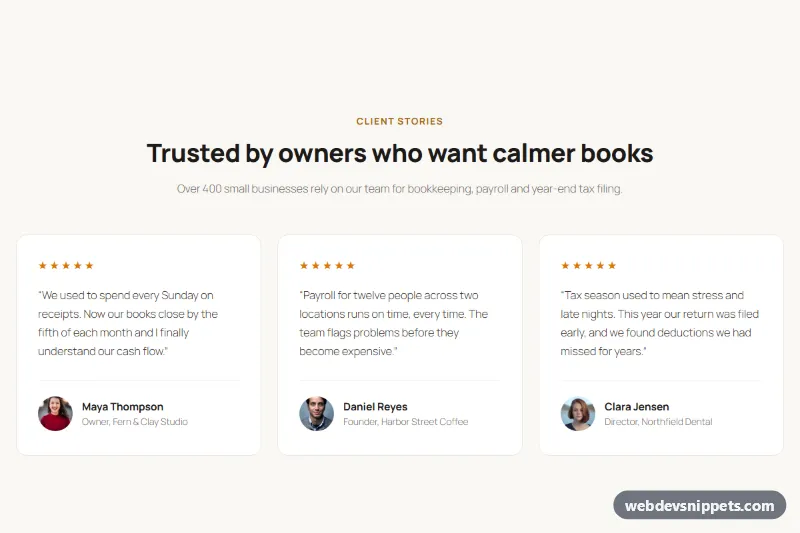
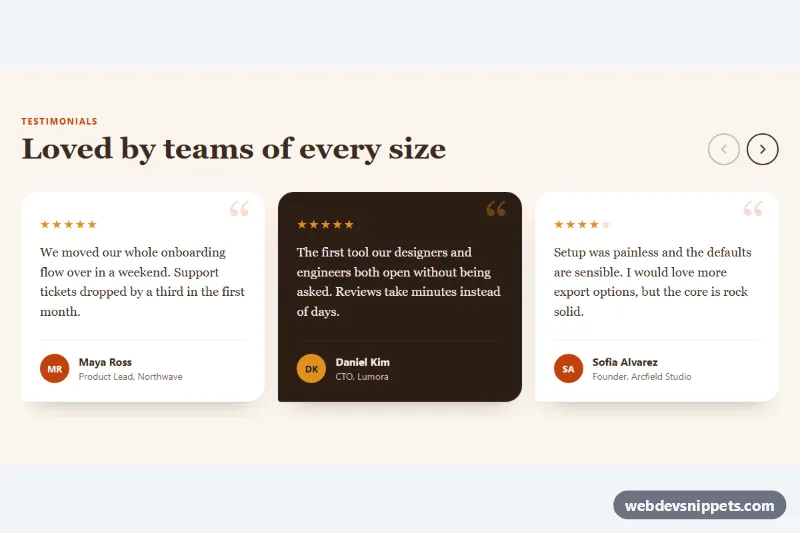
Testimonial cards for the block editor: three customer reviews with five-star ratings, round portrait avatars, names and roles on a warm light background.
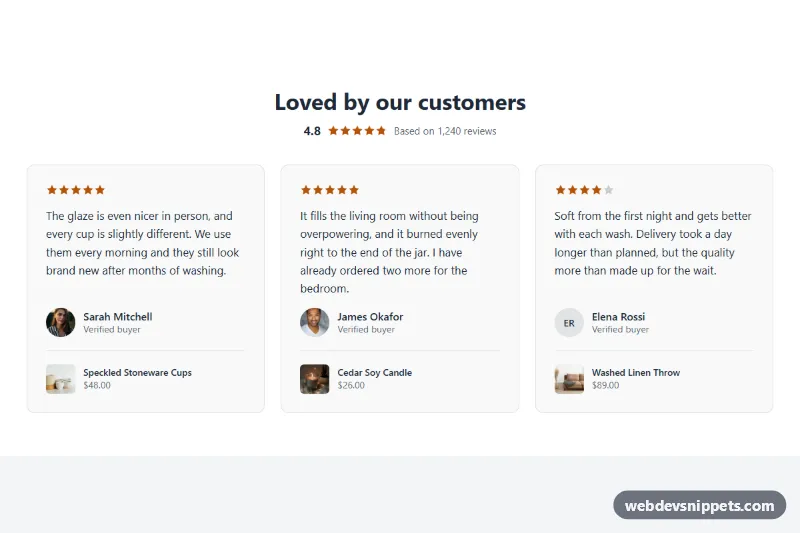
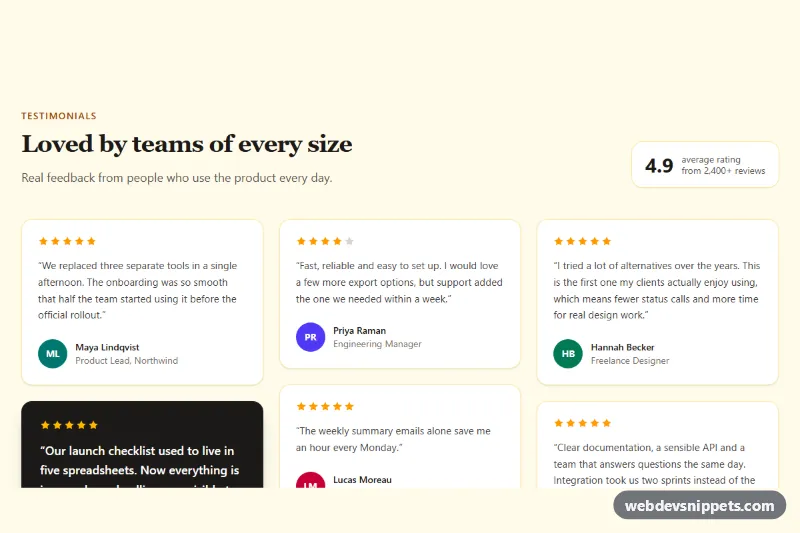
A Shopify section for customer quotes with star ratings, avatars and linked products, shown as a grid or a scrolling row with previous and next buttons.