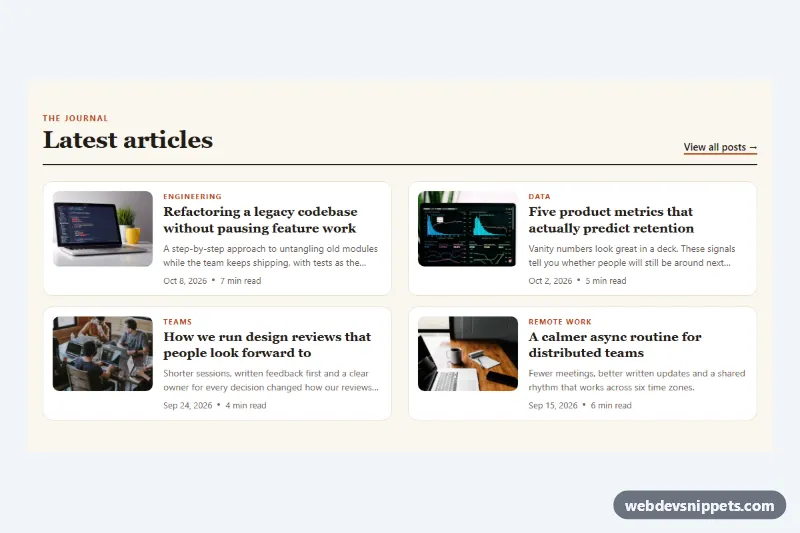
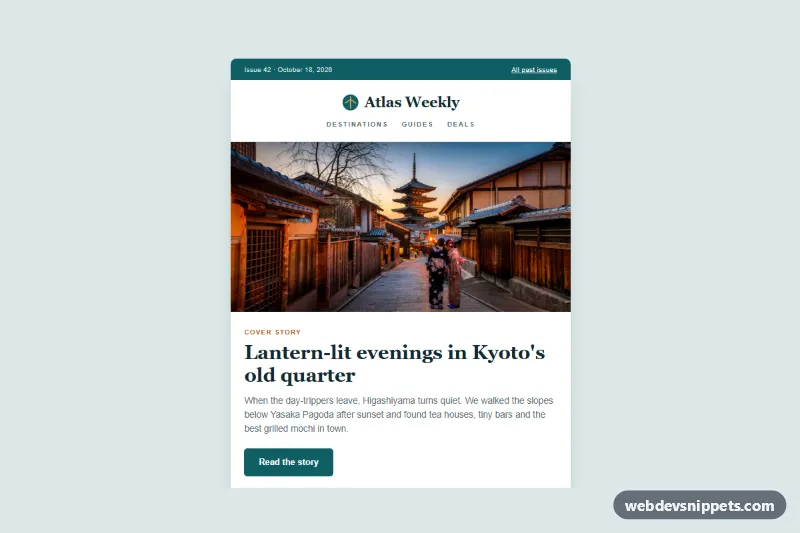
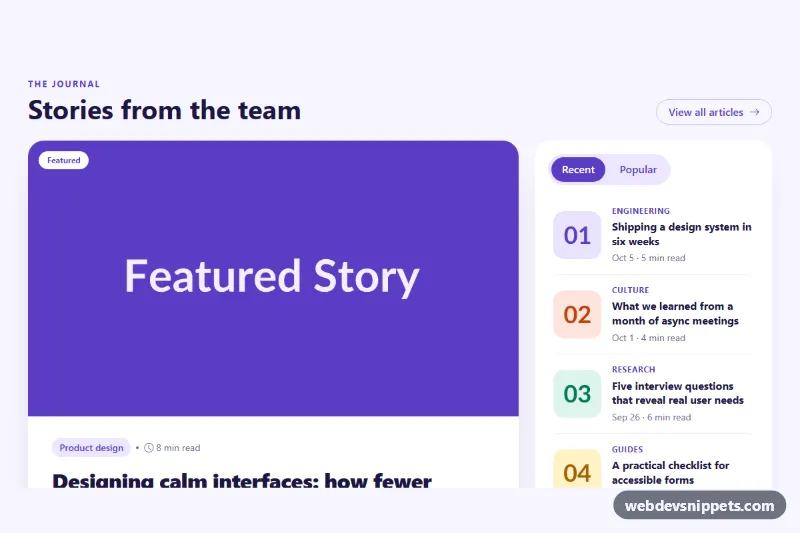
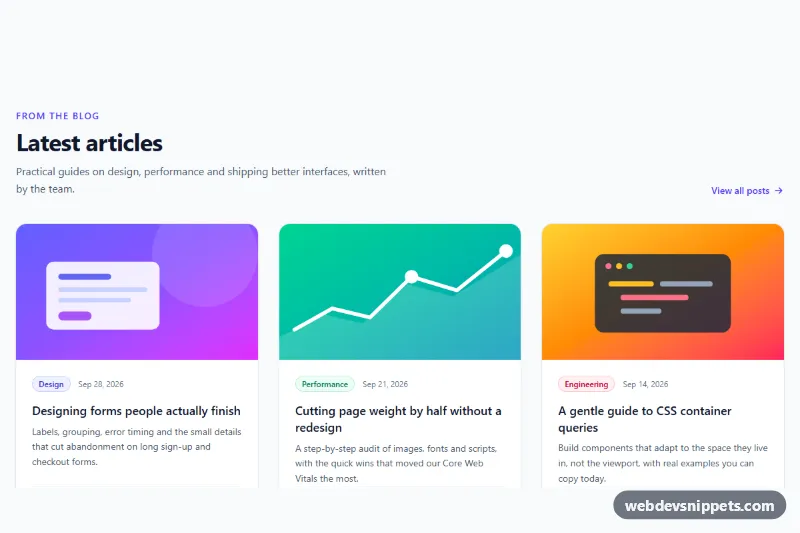
A compact blog post list in pure CSS where each entry shows a thumbnail image, category, title, a two-line excerpt, the publish date and an estimated reading time. Use it for a "latest articles" block on a homepage, a blog sidebar or an archive page where cards would take up too much space.
How it works
The root section.bpl contains a .bpl-head with a kicker, the heading and a "View all posts" link, followed by the ul.bpl-list. Every li.bpl-item wraps an article.bpl-post, which is a two-column grid: the .bpl-media box with the img.bpl-thumb on the left and .bpl-body on the right. The body holds .bpl-cat, the h3.bpl-title with its .bpl-link, the .bpl-excerpt and the .bpl-meta line with a <time> element and the reading time.
The whole card is clickable without extra markup: .bpl-link::after is stretched over the article with position: absolute; inset: 0. The excerpt is cut to two lines with line-clamp, so long texts never break the layout. On hover the card lifts slightly and the thumbnail zooms inside .bpl-media, which has overflow: hidden. Images use object-fit: cover, so photos with any aspect ratio fill the box. On phones the thumbnail is a 96px square; from 560px it becomes a 4:3 image, and from 900px the list switches to two columns. No JavaScript is needed.
The sample photos come from Unsplash; replace them with your own article images.
Customization
--bpl-accenton.bpl: color of the kicker, category labels, link underline, hover title and focus ring.--bpl-bgand--bpl-card: page background and card background, e.g. a dark pair for a night theme.--bpl-thumb: thumbnail column width; it is96pxon phones and150pxfrom 560px.--bpl-columns: number of list columns; set it to1inside the 900px media query to keep a single column.--bpl-radius: corner radius of the cards and thumbnails.-webkit-line-clampandline-clampin.bpl-excerpt: show three lines instead of two, or remove the excerpt for an even denser list.- Change the
aspect-ratioof.bpl-mediain the 560px media query to1for square thumbnails on every screen.
Accessibility
The list is a real ul of article elements, and each article is labelled by its title with aria-labelledby. Only the title is a link, so screen reader users hear one clear link per post instead of a duplicated image link. The image has a descriptive alt, explicit width/height, loading="lazy" and decoding="async". Dates use <time datetime>. Keyboard focus on a title draws a visible outline around the whole card. Separator dots are aria-hidden. With prefers-reduced-motion: reduce the lift and zoom effects are turned off.
Usage notes
Do not add other links or buttons inside a card: the stretched link covers the whole article and would block clicks on them, unless you give them position: relative and a higher z-index.