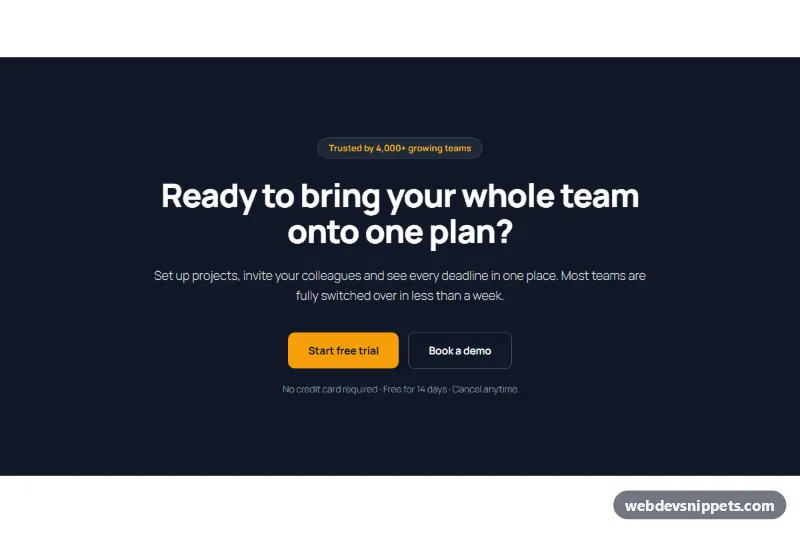
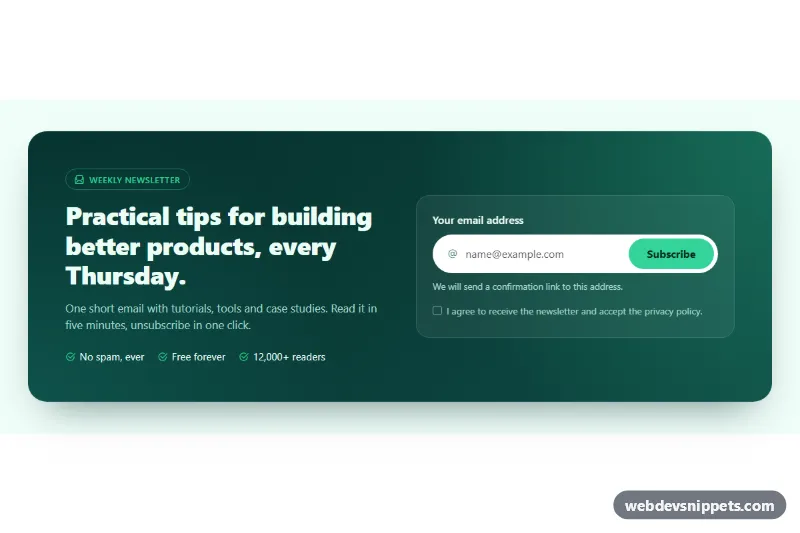
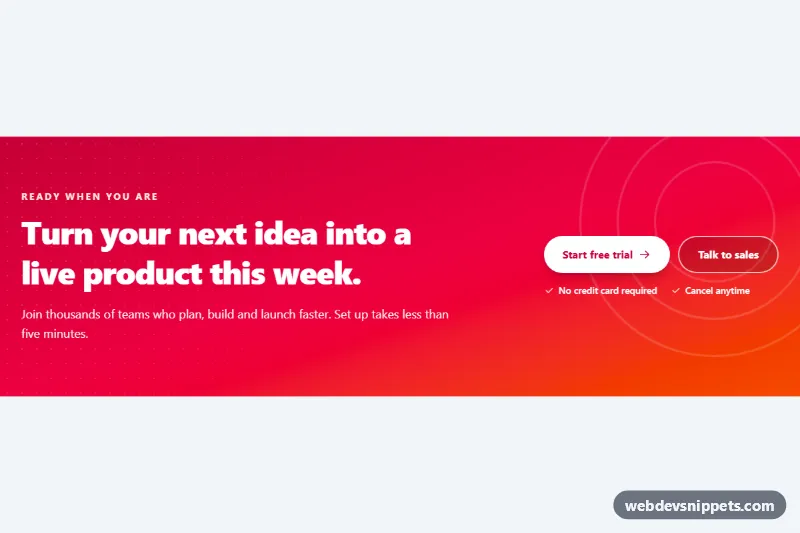
A dark call to action banner as a WordPress block pattern: a full-width band with a small trust badge, a centered headline, a short paragraph, an amber primary button, an outline secondary button and a "No credit card required" line. It is a classic CTA section or sign up banner for the end of a landing page, a pricing page or a blog post.
How it works
The outer Group is full width with a #111827 background, 120px vertical padding and a constrained 760px content width, so the headline never runs too wide. At the top, a flex Group centers a pill-shaped Group with a 1px border that holds the trust line. The H2, the paragraph and the reassurance line are center aligned. The Buttons block uses a flex layout justified to the center; the first Button is filled amber, the second uses the Outline style with a gray border. On phones the buttons wrap when needed and the headline scales down.
Use cases
SaaS landing pages: close the page with "Start free trial" and "Book a demo"
Pricing pages: give undecided visitors a second, lower-commitment option
Blog posts and resources: turn readers into trial users at the end of an article
Agency and service sites: pair "Get a quote" with "See our work"
How to use it
Copy the block markup with the copy button.
Paste it into an empty paragraph in the block editor.
Change the headline, the button texts and links, and the reassurance line.
Customization
Background: outer Group, Color > Background #111827; Color > Text #f9fafb.
Primary button: Color > Background #f59e0b, Text #111827, Border radius 10px.
Secondary button: Outline style, Color > Text #ffffff, Border #4b5563 at 1px.
Trust badge: the inner Group with Color > Background #1f2937, Border #374151 and radius 999px; its text is #fbbf24.
Headline: Typography 52px, weight 800, line height 1.1.
Remove the badge or the reassurance line by deleting those blocks.
Accessibility
White and light gray text on #111827 and the dark text on the amber button keep contrast high. The banner has a single H2 heading, and both buttons are real links with distinct labels, so screen reader users know which action is which.
Call to Action Banner with Two Buttons at a glance
Can I use the Call to Action Banner with Two Buttons code for free?
Yes. You can copy or download the block markup and use it in personal and commercial projects, including client work. No sign-up is needed. Reselling it as part of a component library or template collection is not allowed; see the license.
How do I add it to my WordPress site?
Copy the block markup, open a page in the block editor, click into an empty paragraph and paste. WordPress turns it into regular blocks that you can edit like any other content. You can also paste it in the Code editor view (Options menu > Code editor).
Does it need a page builder or plugin?
No. The pattern is built only from core blocks such as Group, Columns, Heading, Image and Buttons, so it works without Elementor, Spectra, Kadence or any other plugin. Colors and spacing are set on the blocks themselves; headings and text use your theme's fonts.
Will it look the same in my theme?
The layout, colors and spacing come with the blocks, so they carry over. Fonts, link styles and the content width follow your theme, so small differences are normal. The live demo shows the pattern in the default Twenty Twenty-Five theme. It works best with block themes; in classic themes the block editor still renders it, with your theme's styles.
Does it work on mobile?
Yes. The layout adapts to small screens. Use the Mobile and Tablet buttons above the live demo to check it at phone and tablet width.
How to install
Copy the block markup above.
Open a page or post in the WordPress block editor, click into an empty paragraph and paste. The editor turns the markup into blocks.
Replace the sample text and images. To reuse it, select the blocks and choose Create pattern from the block toolbar menu.
Uses only core WordPress blocks, so no plugin is needed. Tested with WordPress 6.8 and later. Fonts come from your theme; the live demo uses the default Twenty Twenty-Five theme. WebDevSnippets is not affiliated with or endorsed by the WordPress Foundation.
Call to Action Banner with Two Buttons · WordPress Call to Action