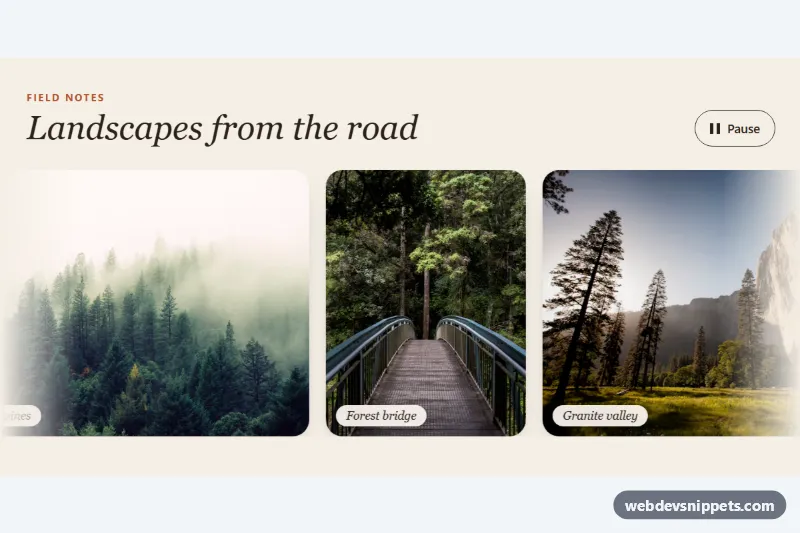
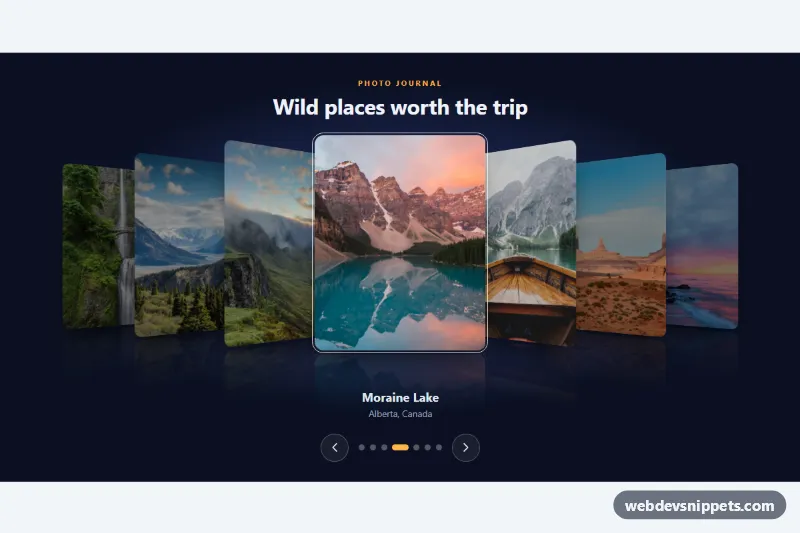
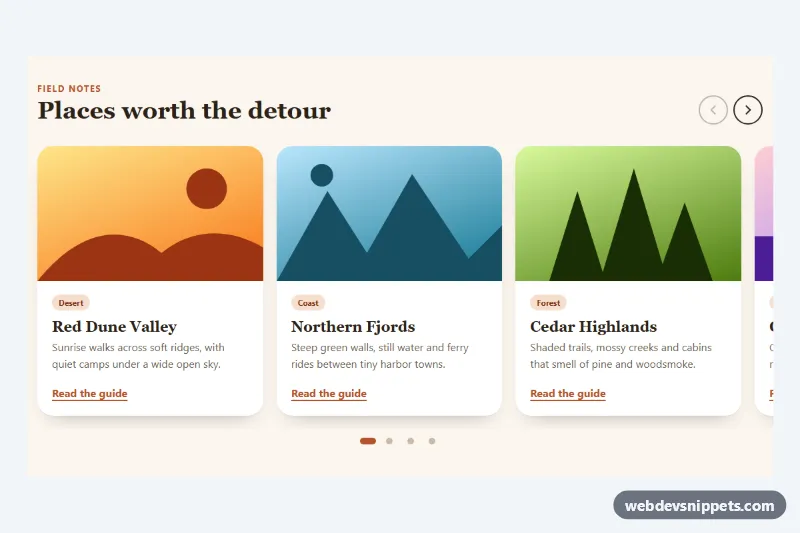
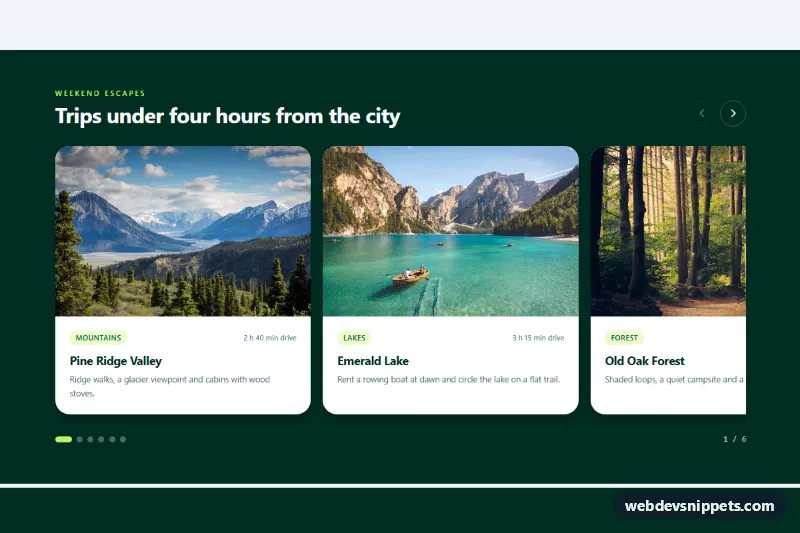
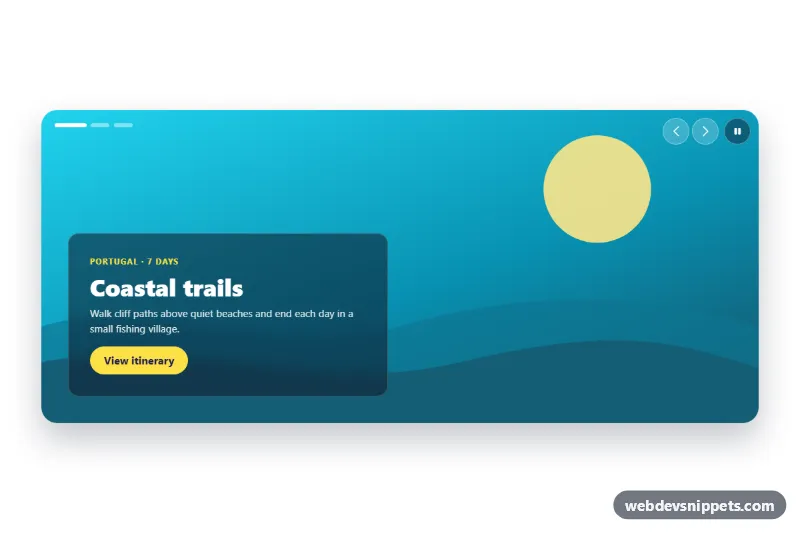
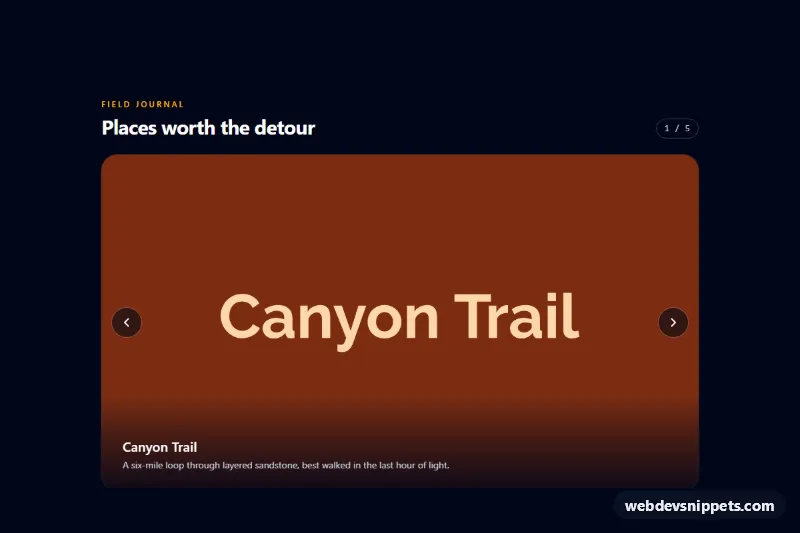
An infinite, seamlessly looping strip of photos built with a single CSS keyframe animation. Portrait and landscape images glide slowly from right to left, the strip pauses when the visitor hovers over it, and a Pause/Play button stops it completely. It works well for portfolio teasers, travel pages, event recaps and "as seen in" galleries.
How it works
The root section.ais-strip holds an .ais-head (eyebrow, title and the .ais-toggle button) and an .ais-viewport. The viewport hides overflow and fades both edges with a mask-image gradient. Inside it, .ais-track is a flex row with width: max-content that contains two identical ul.ais-list elements: the original and .ais-list--clone.
The ais-scroll keyframes move .ais-track from translateX(0) to translateX(-50%). Because the second list is an exact copy and each list carries its trailing gap as right padding, the end of the animation lands precisely where it started, so the loop has no visible jump. The animation pauses through animation-play-state: paused whenever the viewport is hovered, contains focus, or the root has .is-paused.
Each li.ais-item wraps a figure.ais-figure with a fixed height and an aspect-ratio; .ais-item--tall switches the ratio to portrait. The photo fills the figure with object-fit: cover and zooms slightly on hover, and the .ais-caption pill sits in the corner.
script.js only wires the button: a click toggles .is-paused on its own strip and switches the label between "Pause" and "Play", while CSS swaps the icon from two bars to a triangle.
Customization
--ais-durationon.ais-strip: the time for one full loop; lower it (e.g.25s) for a faster strip.--ais-height: the height of every photo; the media query raises it on screens from 768px.--ais-gapand--ais-radius: spacing between photos and their corner rounding.--ais-fade: the width of the soft edge fade; set it to0for hard edges.- Add
.ais-strip--reverseto the root to scroll from left to right. - Add or remove
.ais-item--tallon any item to switch between landscape and portrait framing. --ais-bg,--ais-textand--ais-accent: background, text and eyebrow colors.
Use cases
- Portfolio sites: a slow, endless strip of project photos works as a teaser above the fold
- Travel pages: landscape and portrait destination photos glide past with small caption pills
- Event recaps: show crowd and venue shots in a loop with a Pause button for visitors
- Press and logo sections: an as seen in style band that keeps moving and pauses on hover
- Photography landing pages: faded edges and a looping animation add movement without a JavaScript slider
Accessibility
Only the first list is exposed to assistive technology; the clone has aria-hidden="true" and empty alt texts, so every photo is announced once with a descriptive alt. The visible Pause/Play button satisfies the requirement that moving content can be stopped, and it has a clear focus outline. With prefers-reduced-motion: reduce the animation is removed, the clone and the button are hidden, and the strip becomes a horizontally scrollable row.
Usage notes
The photos come from Unsplash; replace them with your own images and keep both lists identical when you edit them. Several strips can share a page, each with its own button.