Skip to content

Quote Request Form

Bootstrap 6 quote request form with service select, a budget Range with currency bubble, timeline cards, drag-and-drop file upload and CSS validation.

Also known as: request for quote form, request a quote form, estimate request form, project budget slider form, get a quote form

Quote Request Form live demo

Open in new tab

Bootstrap 6 code (HTML, CSS, JS)

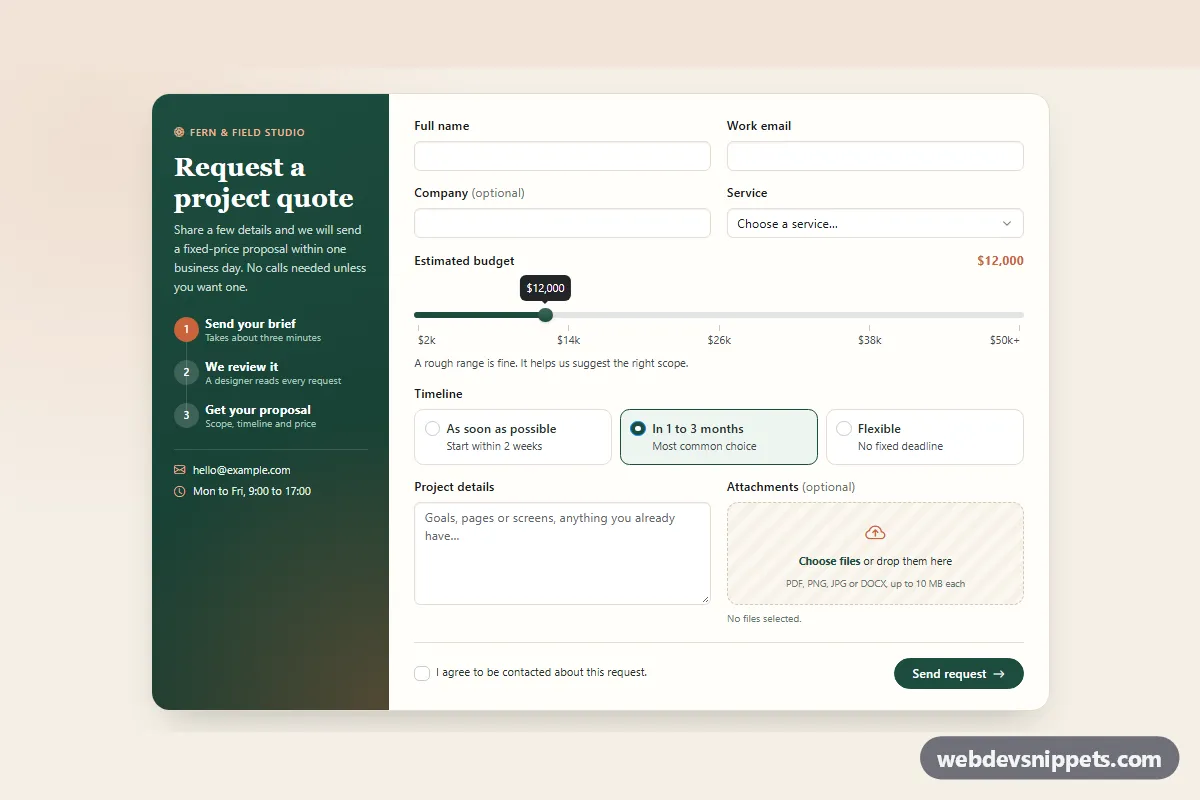
A quote request form for agencies, studios and freelancers, built with Bootstrap 6. A forest green side panel explains what happens after sending, using the new Stepper. The form collects contact details, a service, a budget on a Bootstrap 6 Range with a currency bubble, a timeline picked from radio cards, project details and optional file attachments.

How it works

The root .qrf-root holds a two-column .qrf-card: .qrf-aside with an .stepper and contact details, and the <form class="qrf-form" data-bs-validate novalidate>. Fields sit in .form-field wrappers inside the .qrf-grid CSS grid. data-bs-validate makes Bootstrap show .invalid-feedback through :user-invalid, so validation styling needs no JavaScript.

The service picker is a native <select class="form-control">. The budget uses .form-range with data-bs-bubble and a <datalist> for the tick labels. The script disposes the auto-created instance and calls Range.getOrCreateInstance(range, { bubble: true, formatter }), so the bubble shows $12,000 instead of a bare number. The .qrf-budget-out output and aria-valuetext update on every input event.

The timeline uses .form-field-card radios, which highlight with :has(:checked). The attachment area .qrf-drop is a styled <label> for a visually hidden input[type=file]. It accepts clicks and drag-and-drop. Chosen files appear as .chip items with a .chip-dismiss button. The script keeps its own array and rebuilds input.files with DataTransfer, so a single file can be removed. Files over 10 MB (MAX_SIZE) are skipped with a message.

On submit the script calls preventDefault(), sets aria-invalid on each control and focuses the first invalid one. A valid form shows a spinner on .qrf-submit, simulates sending, then shows .qrf-success with the name, service and budget, and resets the form.

Customization

  • --qrf-forest, --qrf-clay and --qrf-cream on .qrf-root: change the brand green, the terracotta accent and the page background.
  • The --bs-primary-*, --bs-control-checked-bg and --bs-focus-ring overrides on .qrf-root: recolor the button, range, radios, checkbox and focus rings together.
  • min, max and step on #qrf-budget, plus the <option> labels in #qrf-ticks: set the budget scale.
  • The money() helper and formatBudget() in script.js: switch to another currency or format.
  • MAX_SIZE and the accept attribute on #qrf-files: change the size limit and allowed file types.
  • Replace the setTimeout in the submit handler with fetch('/api/quotes', { method: 'POST', body: data }). FormData already includes the files.

Use cases

  • Agencies and freelancers: clients choose a service and set a budget with a currency slider
  • Contractors and local services: timeline cards let prospects pick when they need the work
  • Custom project inquiries: drag-and-drop upload attaches briefs and reference files
  • Sales pages: CSS validation checks the required fields before the request is sent

Accessibility

Each control has a <label>. Errors are linked with aria-describedby and announced through aria-invalid. The timeline is a <fieldset> with a <legend>, and the radio cards show a visible focus outline. The hidden file input stays keyboard focusable, and the drop zone shows its focus ring. .qrf-file-status is an aria-live region for added or removed files. The success alert receives focus. The drop zone transition is disabled under prefers-reduced-motion.

Bootstrap 6 notes

form-select is gone, so the select uses form-control. Checks are a plain .check, btn-primary becomes btn-solid theme-primary, and .form-range is now a wrapper with a JS-driven fill and bubble. data-bs-validate replaces needs-validation plus was-validated. Built on Bootstrap 6.0.0-alpha.1, so APIs can still change. Icons come from Bootstrap Icons.

Quote Request Form at a glance

Framework
Bootstrap 6
Code
HTML, CSS, JavaScript
JavaScript
Vanilla JavaScript, no jQuery
Dependencies
Bootstrap 6, Bootstrap Icons
Layout
Responsive, works on mobile
Category
Contact Forms
License
Free for personal and commercial use

Questions about this template

Can I use the Quote Request Form code for free?

Yes. You can copy or download the code and use it in personal and commercial projects, including client work. No sign-up is needed. Reselling it as part of a component library or template collection is not allowed; see the license.

How do I add it to my website?

Load Bootstrap 6 and Bootstrap Icons from a CDN (the links are under Requirements). Paste the HTML where the component should appear, add the CSS to your stylesheet and load the JavaScript before the closing </body> tag. Download HTML gives you a complete page with everything already linked.

Does it need jQuery or a JavaScript framework?

No. The script is plain vanilla JavaScript, so it works without jQuery, React or Vue. You can still use the markup inside those frameworks.

Does it work on mobile?

Yes. The layout adapts to small screens. Use the Mobile and Tablet buttons above the live demo to check it at phone and tablet width.

Requirements

Add these to your page (already included in the download):

  • <link rel="stylesheet" href="https://cdn.jsdelivr.net/npm/bootstrap@6.0.0-alpha.1/dist/css/bootstrap.min.css">
  • <script type="module" src="https://cdn.jsdelivr.net/npm/bootstrap@6.0.0-alpha.1/dist/js/bootstrap.bundle.min.js"></script>
  • <link rel="stylesheet" href="https://cdn.jsdelivr.net/npm/bootstrap-icons@1.11.3/font/bootstrap-icons.min.css">

Built for Bootstrap 6.0.0-alpha.1. Bootstrap 6 ships as an ES module, so its script and this component's JavaScript load with type="module". Alpha releases can still change before the stable version.

Quote Request Form – free Bootstrap 6 contact form template
Quote Request Form · free Bootstrap 6 contact form template

More Contact Forms

Feedback Form with Rating – free Bootstrap 6 contact form template

Feedback Form with Rating

Dark Bootstrap 6 feedback form with an accessible 5-star rating, tag chips, a comment with character counter, an optional contact switch and a thank-you state.

Contact Form with Map and Details – free Bootstrap 6 contact form template

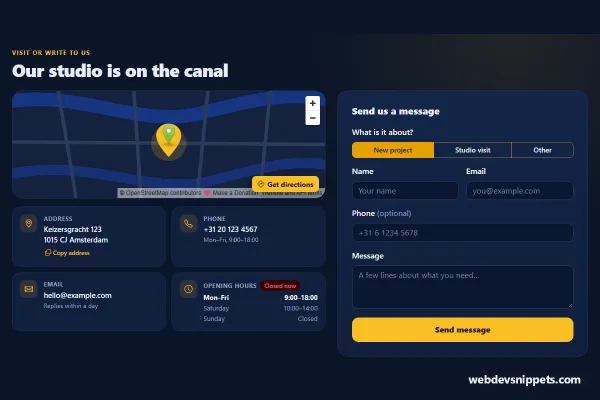
Contact Form with Map and Details

Dark Bootstrap 6 contact section with an OpenStreetMap embed, address, phone, email and live opening hours, plus a validated form and Toast confirmation.

Contact Form with Validation – free Bootstrap 6 contact form template

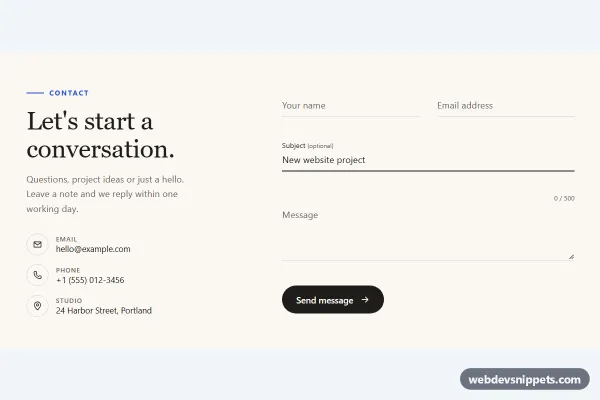
Contact Form with Validation

Bootstrap 6 contact form with floating labels, CSS-only validation via data-bs-validate, a character counter, consent check and a simulated send with success alert.

Contact Form Card – free Tailwind CSS contact form template

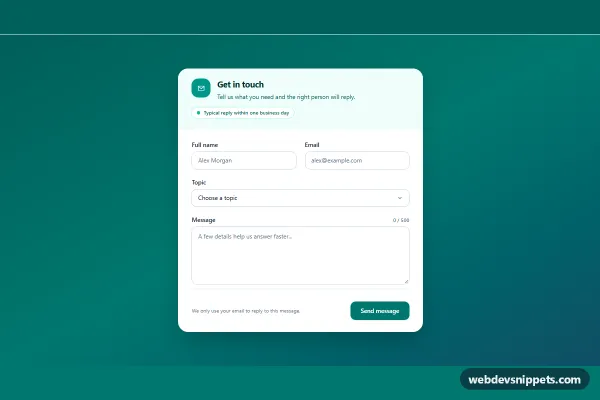
Contact Form Card

Tailwind CSS contact form card with a topic select, live character counter and meter, inline validation and a simulated sending state.

Contact Form with Validation – free Bootstrap 5 contact form template

Contact Form with Validation

Bootstrap 5 contact form with floating labels, client-side validation, a character counter, a success message and a contact details panel.