Skip to content

Booking Form with Datepicker

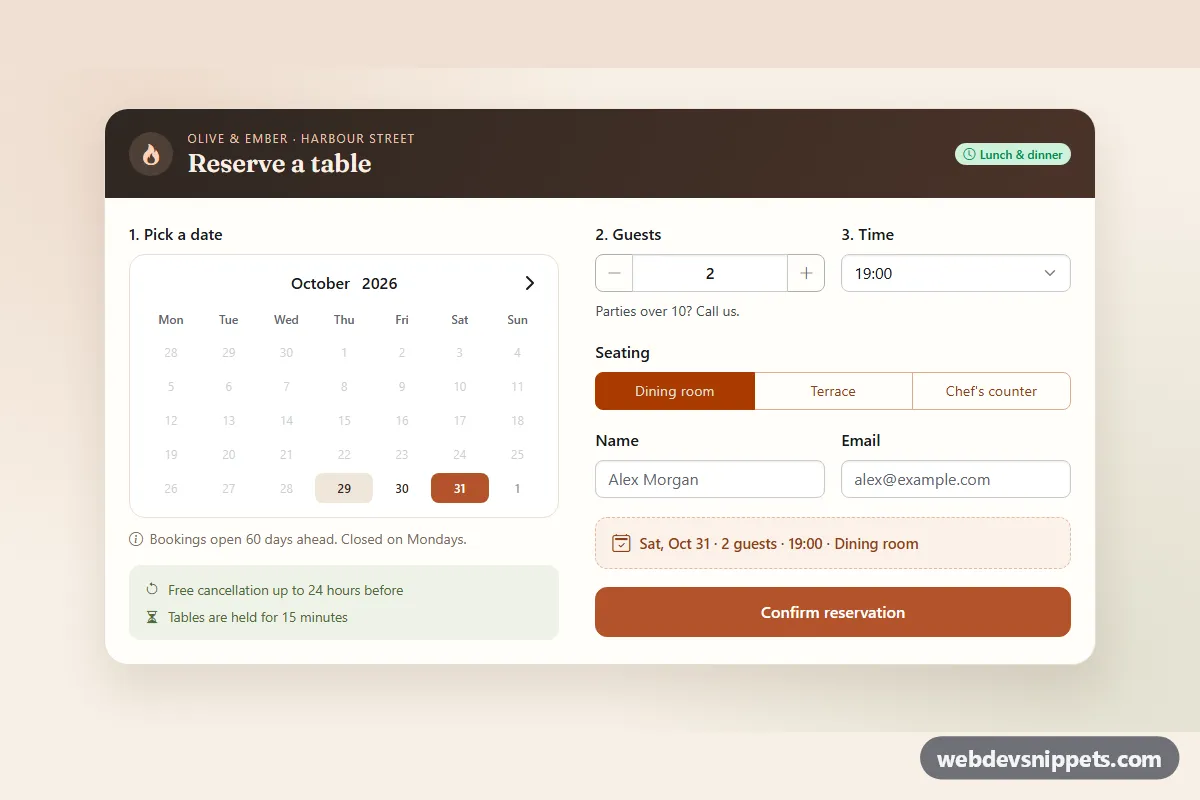
Bootstrap 6 restaurant booking form with an inline Datepicker limited to the next 60 days, a guest stepper, a time select with booked slots and a live summary.

Also known as: restaurant booking form, table reservation form, reservation form with calendar, booking form with guests, time slot select

Booking Form with Datepicker live demo

Open in new tab

Bootstrap 6 code (HTML, CSS, JS)

A restaurant table booking form built with Bootstrap 6. An always-visible Datepicker calendar sits next to a guest counter, a time select and a seating choice, and a live summary line repeats the booking before the guest confirms. It also fits salons, studios and tours.

How it works

The root .bkf-root holds a two-column .bkf-grid. The left column wraps the calendar in .bkf-cal. The script creates the Bootstrap 6 Datepicker on the inner [data-bkf-calendar] element with inline: true, so no popup is needed. All dates are computed from today: dateMin is today, dateMax is today plus data-bkf-days-ahead, and the first open day two days from now is preselected. The weekday in data-bkf-closed (1 = Monday) is passed to Vanilla Calendar Pro as disableWeekdays, which greys out every Monday.

When a date is clicked, the Datepicker fires change.bs.datepicker. The handler writes the ISO date into the hidden .bkf-date-value input, calls markFullSlots() and refreshes .bkf-summary-text. markFullSlots() is demo logic that disables a few options in the .bkf-time select per date and labels them "fully booked". If the chosen time is taken, the next free slot is selected.

The guest field is an .input-group with two .bkf-step buttons. setGuests() clamps the value between data-bkf-min and data-bkf-max on .bkf-guests and disables the button at each limit. Seating uses Bootstrap 6 radio toggle buttons (label.btn-check with the input inside).

The form has data-bs-validate novalidate, so Bootstrap 6 shows .invalid-feedback through :user-invalid without extra JavaScript. On submit the script checks for a date, focuses the first invalid field, then shows a spinner, waits briefly and reveals .bkf-success with a confirmation code.

Customization

  • --bkf-brand and --bkf-brand-dark on .bkf-root: change the terracotta accent. The scoped --bs-primary-* overrides pass it to the buttons, the seating toggles and the selected calendar day.
  • data-bkf-days-ahead on [data-bkf-calendar]: how far ahead guests can book (60 days by default).
  • data-bkf-closed on [data-bkf-calendar]: the closed weekday (0 = Sunday … 6 = Saturday). Leave it empty to allow every day.
  • data-bkf-min / data-bkf-max on .bkf-guests: party size limits for the stepper.
  • Edit the <optgroup> blocks in .bkf-time to set your lunch and dinner slots.
  • Replace markFullSlots() with real availability from your booking API.
  • Replace the setTimeout in the submit handler with fetch() to post new FormData(form).

Use cases

  • Restaurants and cafes: guests choose a date within the next 60 days and a party size
  • Table reservations: a time select marks booked slots so they cannot be picked
  • Event venues: a live summary repeats the date, time and guests before booking
  • Spa and salon bookings: an inline calendar and stepper keep the whole form on one screen

Accessibility

The calendar box is a labelled role="group", and the day buttons come from Vanilla Calendar Pro with full date aria-labels. Fields have real labels, the stepper buttons have aria-labels, and seating is a fieldset with a legend. The summary is an aria-live="polite" region, and the success alert has role="status". Focus rings use the brand color.

Bootstrap 6 notes

The Datepicker is new in Bootstrap 6, and the bundle includes Vanilla Calendar Pro. form-select is gone, so the time picker is a select.form-control. mb-3 wrappers become .form-field, btn-primary becomes btn-solid theme-primary, and radio buttons use label.btn-check. Built on 6.0.0-alpha.1, so the APIs can still change. Icons come from Bootstrap Icons.
Booking Form with Datepicker at a glance

Framework
Bootstrap 6
Code
HTML, CSS, JavaScript
JavaScript
Vanilla JavaScript, no jQuery
Dependencies
Bootstrap 6, Bootstrap Icons, fonts.googleapis.com
Layout
Responsive, works on mobile
Category
Date Pickers
License
Free for personal and commercial use

Questions about this template

Can I use the Booking Form with Datepicker code for free?

Yes. You can copy or download the code and use it in personal and commercial projects, including client work. No sign-up is needed. Reselling it as part of a component library or template collection is not allowed; see the license.

How do I add it to my website?

Load Bootstrap 6 and Bootstrap Icons and fonts.googleapis.com from a CDN (the links are under Requirements). Paste the HTML where the component should appear, add the CSS to your stylesheet and load the JavaScript before the closing </body> tag. Download HTML gives you a complete page with everything already linked.

Does it need jQuery or a JavaScript framework?

No. The script is plain vanilla JavaScript, so it works without jQuery, React or Vue. You can still use the markup inside those frameworks.

Does it work on mobile?

Yes. The layout adapts to small screens. Use the Mobile and Tablet buttons above the live demo to check it at phone and tablet width.

Requirements

Add these to your page (already included in the download):

  • <link rel="stylesheet" href="https://cdn.jsdelivr.net/npm/bootstrap@6.0.0-alpha.1/dist/css/bootstrap.min.css">
  • <script type="module" src="https://cdn.jsdelivr.net/npm/bootstrap@6.0.0-alpha.1/dist/js/bootstrap.bundle.min.js"></script>
  • <link rel="stylesheet" href="https://cdn.jsdelivr.net/npm/bootstrap-icons@1.11.3/font/bootstrap-icons.min.css">
  • <link rel="stylesheet" href="https://fonts.googleapis.com/css2?family=Fraunces:opsz,wght@9..144,600&display=swap">

Built for Bootstrap 6.0.0-alpha.1. Bootstrap 6 ships as an ES module, so its script and this component's JavaScript load with type="module". Alpha releases can still change before the stable version.

Booking Form with Datepicker – free Bootstrap 6 date picker template
Booking Form with Datepicker · free Bootstrap 6 date picker template

More Date Pickers

Inline Calendar Datepicker – free Bootstrap 6 date picker template

Inline Calendar Datepicker

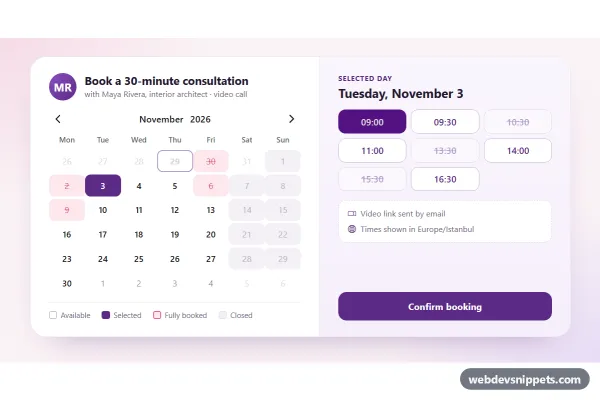
Always-visible Bootstrap 6 inline Datepicker for booking a consultation, with closed weekends, fully booked days, a preselected date and time slots for the chosen day.

Date Range Picker – free Bootstrap 6 date picker template

Date Range Picker

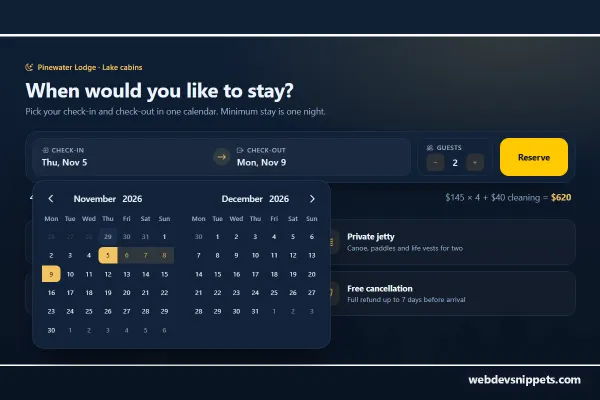
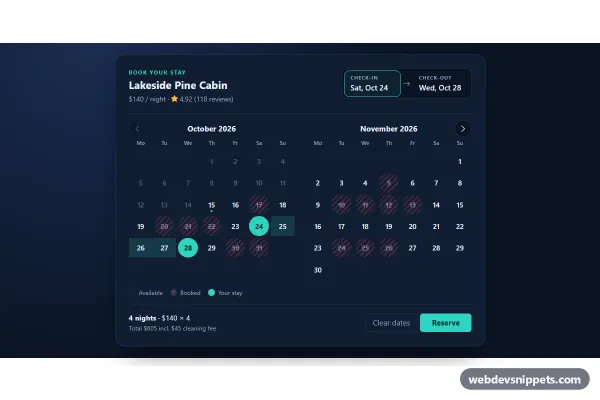
Dark Bootstrap 6 Datepicker in range mode for cabin bookings: a two-month calendar fills check-in and check-out, counts nights, adds guests and totals the price.

Datepicker Input – free Bootstrap 6 date picker template

Datepicker Input

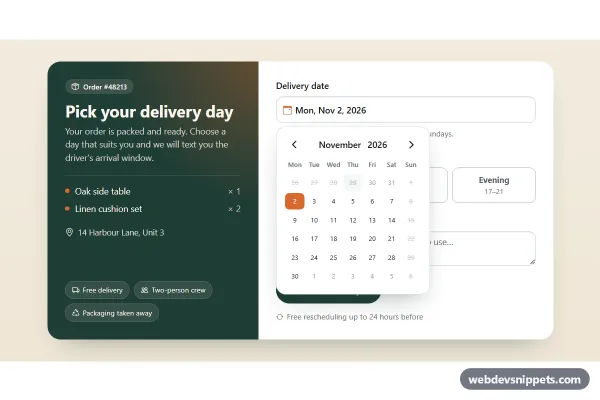
Bootstrap 6 Datepicker on a delivery form input with min and max dates relative to today, closed Sundays, a time-window picker, validation and a simulated booking.

Date Picker Dropdown – free Tailwind CSS date picker template

Date Picker Dropdown

Accessible Tailwind CSS date picker: a text input with a calendar popup, keyboard grid navigation, locale-aware labels and min/max dates.