Skip to content

Date Range Picker

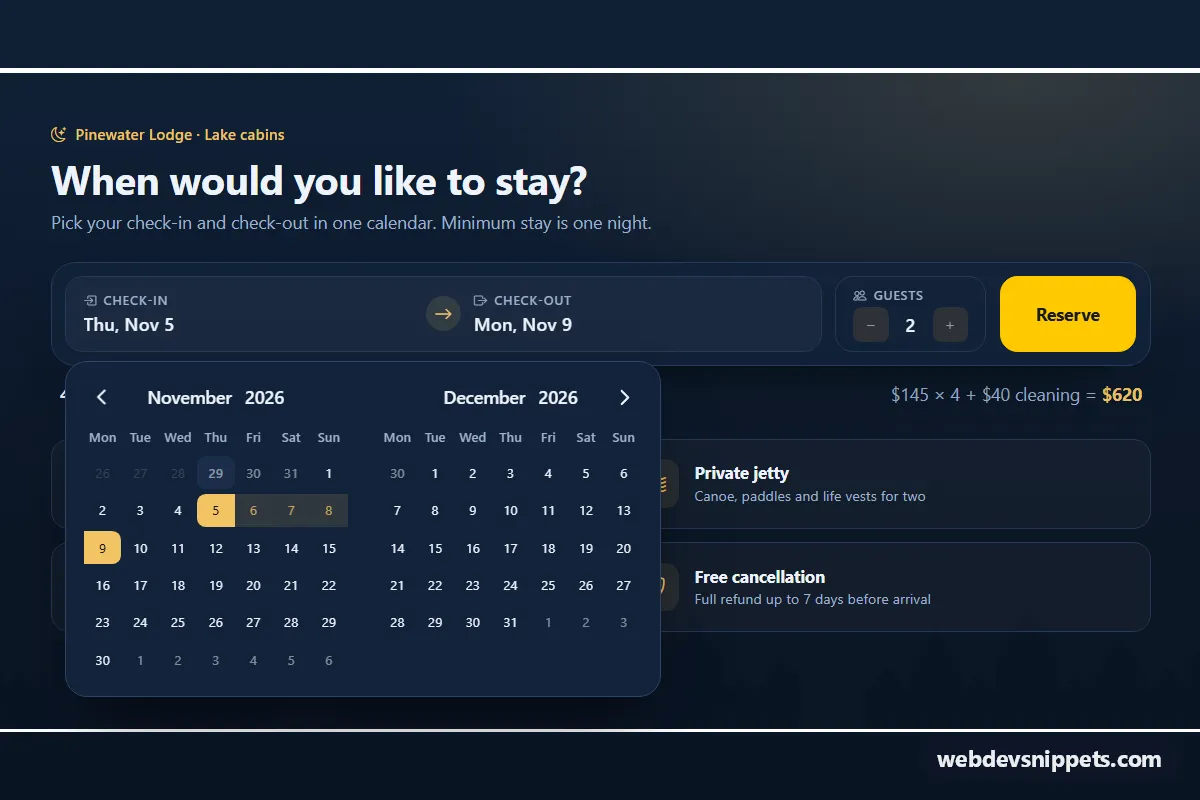
Dark Bootstrap 6 Datepicker in range mode for cabin bookings: a two-month calendar fills check-in and check-out, counts nights, adds guests and totals the price.

Also known as: start end date picker, check in check out calendar, booking calendar, two month calendar, reservation date picker

Date Range Picker live demo

Open in new tab

Bootstrap 6 code (HTML, CSS, JS)

A dark cabin-booking bar that uses the Bootstrap 6 Datepicker in range mode. One two-month calendar fills both the check-in and check-out fields. The bar also counts nights, has a guest stepper and works out the total price before a simulated reservation. It fits hotel, rental or campsite pages.

How it works

The trigger is a <button class="drp-trigger"> with data-bs-toggle="datepicker", data-bs-selection-mode="multiple-ranged" and data-bs-display-element="false", so Bootstrap does not overwrite its two .drp-half blocks. script.js imports Datepicker from the Bootstrap 6 bundle and creates the instance with:

  • displayMonthsCount: 2 on screens 640px and wider, 1 on phones.
  • dateMin (today) and dateMax (one year ahead), computed when the page loads.
  • selectedDates: a sample stay from 7 to 11 days ahead, passed as two separate ISO dates. The range string format crashes in alpha.1.
  • vcpOptions.styles.calendar: adds the drp-cal class. Bootstrap attaches the popup to <body>, so this class is the only way to theme it.

The trigger's change.bs.datepicker event passes the selected dates. render() sorts them, writes the first into .drp-in and the last into .drp-out, and counts the nights. It then prints rate × nights + cleaning fee in .drp-total. After one click only check-in is set and the summary asks for the check-out day. The calendar closes by itself once both ends are chosen. The guest stepper clamps between 1 and 4, disabling the buttons at the limits. Reserve without a full range reopens the calendar; with one it shows a spinner, then the .drp-done alert. Swap that setTimeout for a fetch() call.

Customization

  • data-drp-rate and data-drp-fee on .drp-root: the nightly rate and the one-off cleaning fee used in the total.
  • currency: 'USD' in the money formatter in script.js: change it to 'EUR', 'GBP' and so on.
  • maxGuests in script.js: the upper limit of the guest stepper.
  • Remove data-drp-demo-open from .drp-root in production. It only opens the calendar on page load for the preview.
  • --bs-datepicker-day-selected-bg and the other variables in .drp-cal: popup colors. The [data-vc-date-selected="middle"] rule styles the nights in between.
  • --drp-gold, --drp-night and --drp-line on .drp-root: accent, background and border colors.

Use cases

  • Cabins and vacation rentals: guests pick check-in and check-out in one two-month calendar
  • Hotel booking forms: the picker counts nights and adds a guest count
  • Travel sites: the booking card totals the price as the dates change
  • Equipment or room reservations: range mode selects a start and end date in a dark calendar

Accessibility

The trigger is a native button, so Enter and Space open the calendar, and its visible text reads the current check-in and check-out. aria-describedby links it to the .drp-summary live region, which announces nights and total price as they change. The guest stepper is a labelled group: its buttons have aria-labels, and the <output> count is announced politely. The .drp-done alert uses role="status". Focus outlines use the gold accent on the dark background.

Bootstrap 6 notes

Bootstrap 5 needed a third-party range picker. Bootstrap 6 includes Datepicker with multiple-ranged selection and a multi-month view. Buttons use btn-solid theme-warning and btn-icon btn-subtle theme-secondary instead of btn-warning, and the success message is alert theme-success. The block is pinned to dark mode with data-bs-theme="dark", and the popup inherits it. Built on 6.0.0-alpha.1, so the Datepicker options may still change. Icons come from Bootstrap Icons.
Date Range Picker at a glance

Framework
Bootstrap 6
Code
HTML, CSS, JavaScript
JavaScript
Vanilla JavaScript, no jQuery
Dependencies
Bootstrap 6, Bootstrap Icons
Layout
Responsive, works on mobile, dark design
Category
Date Pickers
License
Free for personal and commercial use

Questions about this template

Can I use the Date Range Picker code for free?

Yes. You can copy or download the code and use it in personal and commercial projects, including client work. No sign-up is needed. Reselling it as part of a component library or template collection is not allowed; see the license.

How do I add it to my website?

Load Bootstrap 6 and Bootstrap Icons from a CDN (the links are under Requirements). Paste the HTML where the component should appear, add the CSS to your stylesheet and load the JavaScript before the closing </body> tag. Download HTML gives you a complete page with everything already linked.

Does it need jQuery or a JavaScript framework?

No. The script is plain vanilla JavaScript, so it works without jQuery, React or Vue. You can still use the markup inside those frameworks.

Does it work on mobile?

Yes. The layout adapts to small screens. Use the Mobile and Tablet buttons above the live demo to check it at phone and tablet width.

Requirements

Add these to your page (already included in the download):

  • <link rel="stylesheet" href="https://cdn.jsdelivr.net/npm/bootstrap@6.0.0-alpha.1/dist/css/bootstrap.min.css">
  • <script type="module" src="https://cdn.jsdelivr.net/npm/bootstrap@6.0.0-alpha.1/dist/js/bootstrap.bundle.min.js"></script>
  • <link rel="stylesheet" href="https://cdn.jsdelivr.net/npm/bootstrap-icons@1.11.3/font/bootstrap-icons.min.css">

Built for Bootstrap 6.0.0-alpha.1. Bootstrap 6 ships as an ES module, so its script and this component's JavaScript load with type="module". Alpha releases can still change before the stable version.

Date Range Picker – free Bootstrap 6 date picker template
Date Range Picker · free Bootstrap 6 date picker template

More Date Pickers

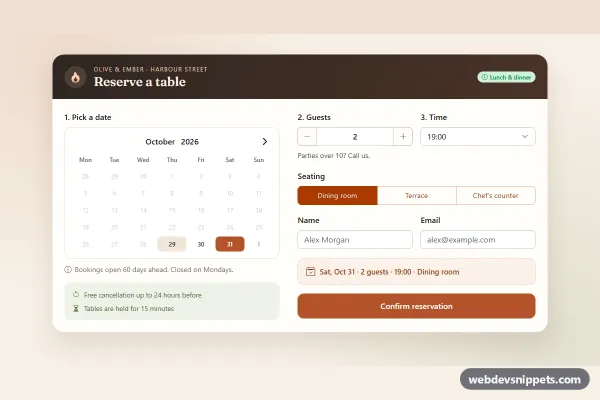
Booking Form with Datepicker – free Bootstrap 6 date picker template

Booking Form with Datepicker

Bootstrap 6 restaurant booking form with an inline Datepicker limited to the next 60 days, a guest stepper, a time select with booked slots and a live summary.

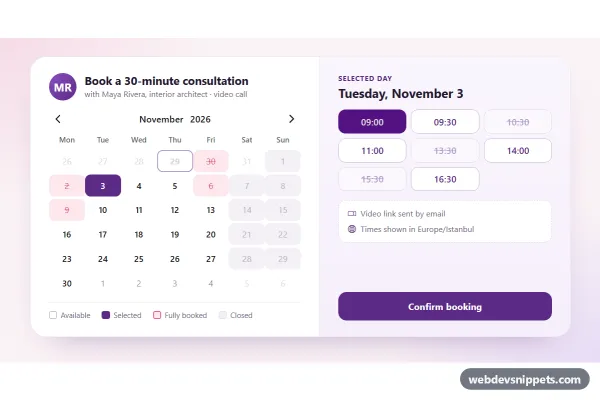
Inline Calendar Datepicker – free Bootstrap 6 date picker template

Inline Calendar Datepicker

Always-visible Bootstrap 6 inline Datepicker for booking a consultation, with closed weekends, fully booked days, a preselected date and time slots for the chosen day.

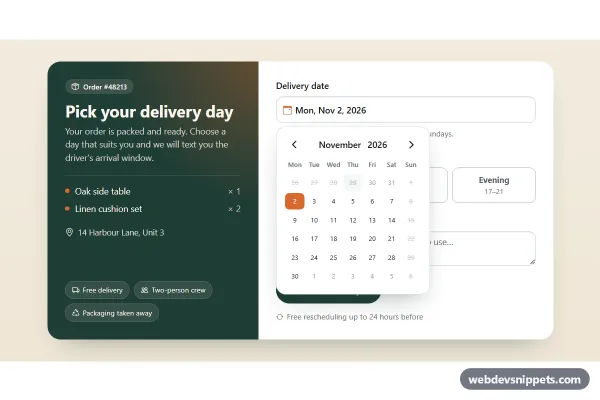
Datepicker Input – free Bootstrap 6 date picker template

Datepicker Input

Bootstrap 6 Datepicker on a delivery form input with min and max dates relative to today, closed Sundays, a time-window picker, validation and a simulated booking.

Date Picker Dropdown – free Tailwind CSS date picker template

Date Picker Dropdown

Accessible Tailwind CSS date picker: a text input with a calendar popup, keyboard grid navigation, locale-aware labels and min/max dates.