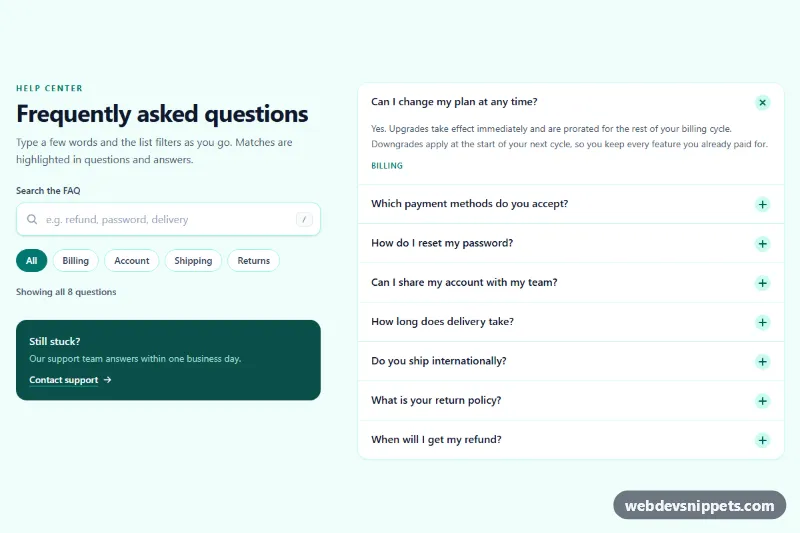
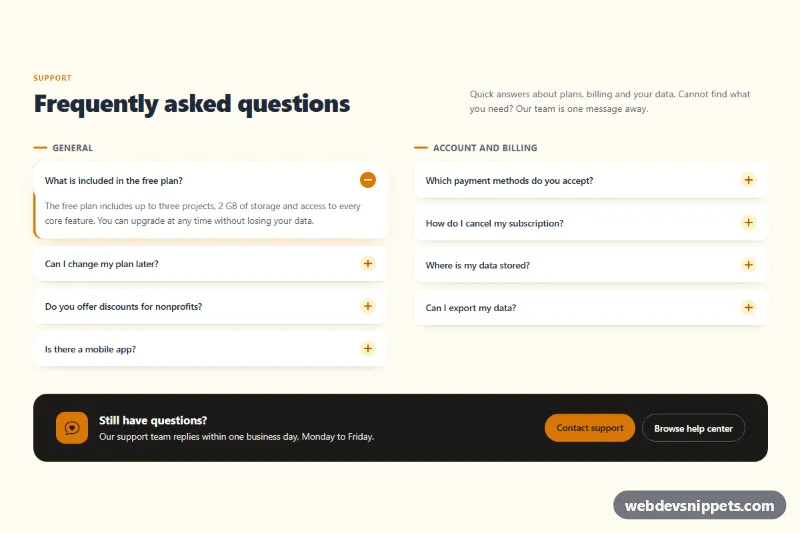
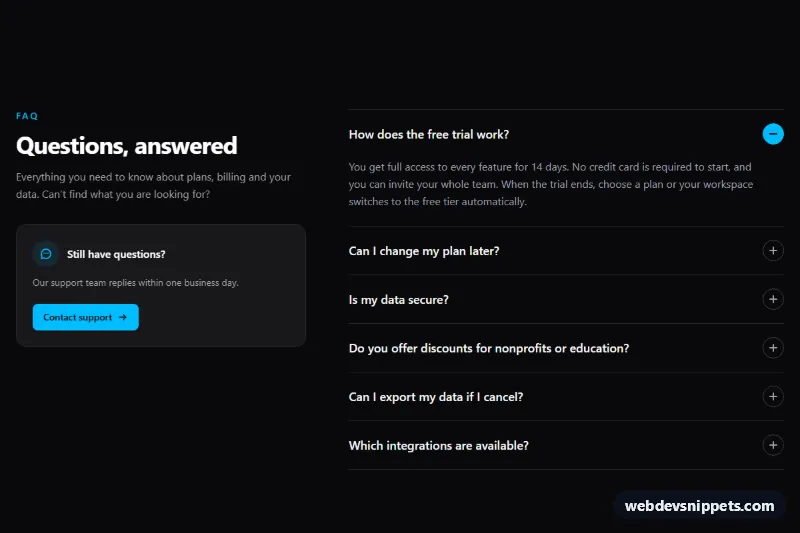
An FAQ section with a live search filter, built with Tailwind CSS and vanilla JavaScript. As visitors type, the question list narrows instantly, matching words are highlighted in questions and answers, and topic chips let them combine search with a category. It fits help centers, pricing pages, checkout pages and product documentation.
How it works
The root is .tfq-faq, a two-column grid on large screens: the intro, search form and topic chips on the left, the questions on the right. Each question is a native details element with the class .tfq-item and a data-tfq-topic value, so the accordion opens and closes without JavaScript. The plus icon rotates into a cross through group-open:rotate-45.
The script initializes every .tfq-faq on DOMContentLoaded. It stores the original text of every element marked data-tfq-text and listens to the input event on data-tfq-input. The search value is split into words; an item stays visible only if all words appear in its question or answer and its topic matches the pressed chip. Matches are wrapped in mark.tfq-mark elements built with textContent, so no HTML is ever injected. Answers that contain the term open automatically and close again when the search is cleared. The data-tfq-count line reports the number of matches, and when nothing matches the list is hidden and the data-tfq-empty panel appears with a data-tfq-clear button. Escape clears the field, Enter moves focus to the first result, and pressing / anywhere on the page jumps to the search box.
Customization
- Add questions by copying a
.tfq-itemblock and setting itsdata-tfq-topic; the count updates automatically. - Add a topic by adding a chip with a matching
data-tfq-topicvalue to therole="group"container. bg-teal-50,text-teal-700andaria-pressed:bg-teal-700: swaptealfor another Tailwind color to retheme the section and the active chip.background: #fde68ain.tfq-mark(style.css): change the highlight color of matched words.lg:grid-cols-[minmax(0,5fr)_minmax(0,7fr)]on the inner grid: adjust the column ratio, or remove it for a single centered column.- Remove the
openattribute from the firstdetailsto start with every answer collapsed. - In
update()inscript.js, passnullinstead ofregextohighlight()to filter the list without highlighting matches.
Accessibility
The form has role="search", the input has a visible label and an aria-describedby hint, and aria-controls points to the list. The match count is a polite role="status" region, so screen readers hear how many questions remain after each keystroke. Topic chips are toggle buttons with aria-pressed. The native details/summary elements are keyboard operable with Enter and Space, and every control has a visible teal focus outline. The answer reveal animation is turned off under prefers-reduced-motion: reduce.
Usage notes
For more than one FAQ on a page, give each search input and list its own id and update the matching for, aria-controls and aria-describedby values.