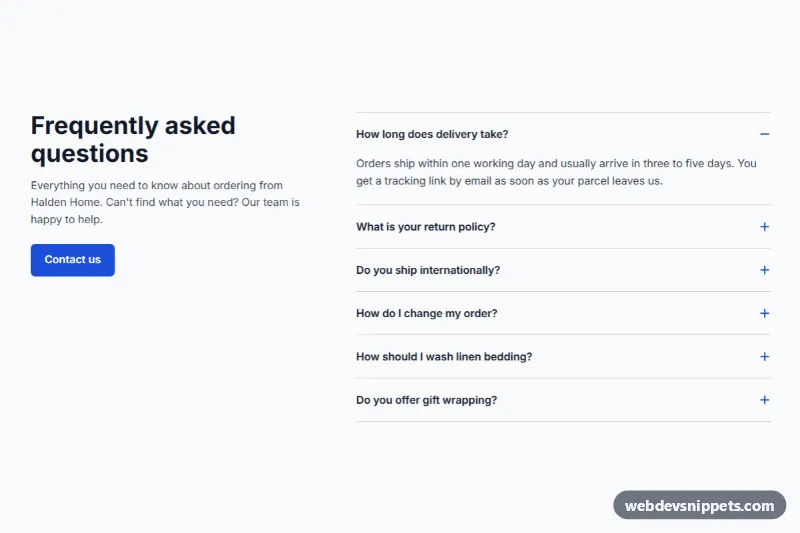
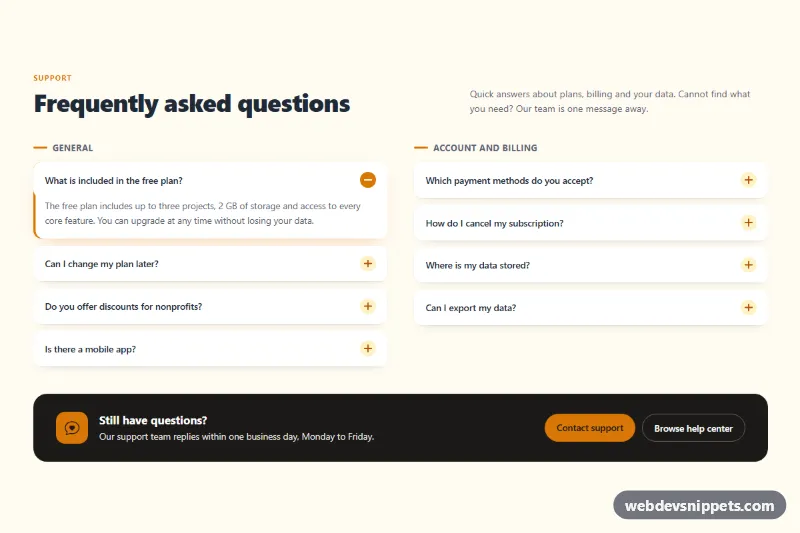
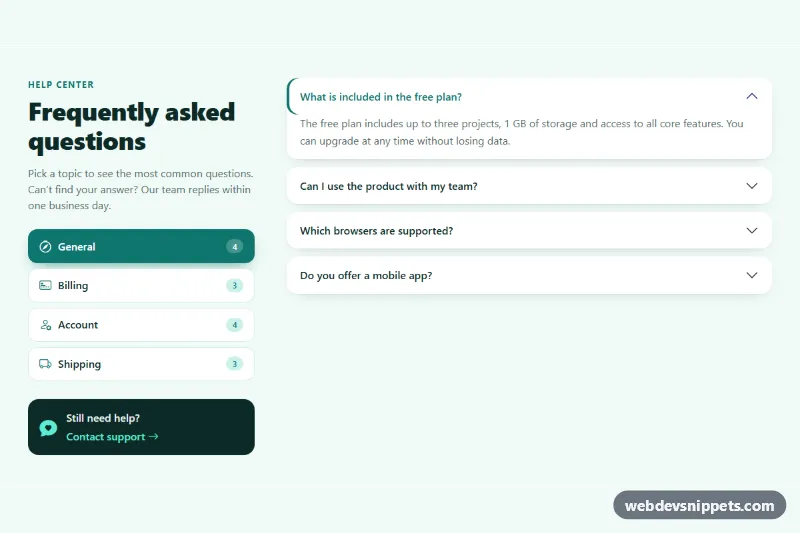
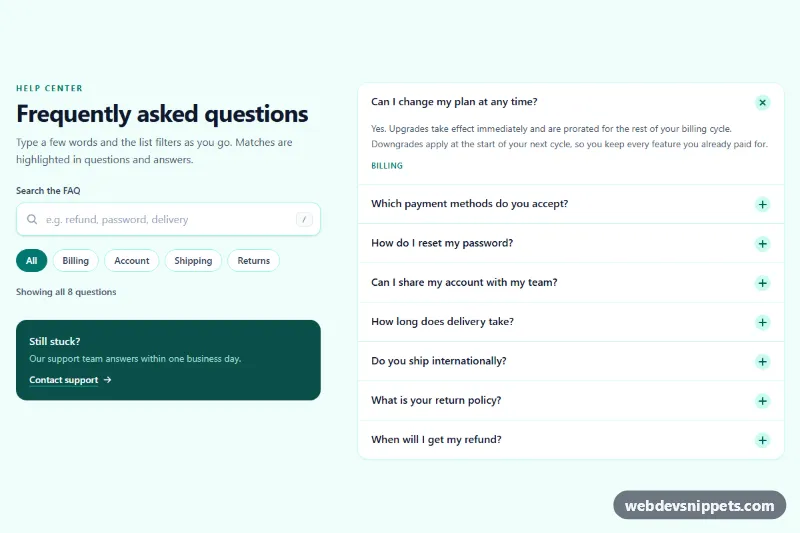
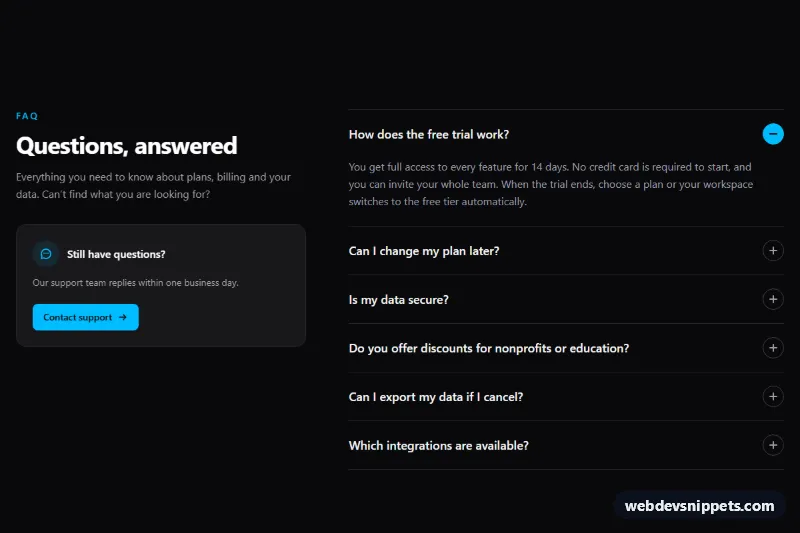
A FAQ accordion section for Shopify with an intro column, a contact button and optional FAQPage structured data. Use it on a help page, a product page or the home page to answer questions about delivery, returns and product care before customers need to ask. Copy section.liquid into your theme's sections folder and add it from the theme editor as "WDS FAQ".
How it works
Each question is a block built on the native HTML details and summary elements, so the accordion opens and closes without any JavaScript. A plus icon turns into a minus while a question is open. All questions in a section share a group name, so opening one closes the other in browsers that support grouped details. In older browsers, several can stay open at once.
On screens 990 px and wider, the heading, intro and button sit in a left column that stays in view while the questions scroll beside it. On smaller screens, the intro stacks above the questions.
When you select a question block in the theme editor, it opens automatically so you can see the answer as you edit it.
Customization
All of these are in the theme editor:
- Heading and Intro: the left column. The intro is rich text, so it can include links.
- Button label and Button link: a call to action such as a contact page. The button appears only when both are filled in.
- Open the first question: shows one answer on load.
- Add FAQ structured data: outputs FAQPage JSON-LD built from your questions and answers.
- Question and Answer on each block: the answer is rich text.
- Background, Text and Accent colors: the accent colors the button, the icons and the focus outlines.
- Side padding, Top padding and Bottom padding.
Use cases
- Help pages: answer delivery, returns and product care questions before customers need to ask
- Product pages: add an FAQ beside an intro column with a contact button
- Home pages: show common questions in a native accordion that works without extra scripts
- Stores wanting search visibility: add optional FAQPage structured data for the questions
Accessibility
Native details and summary elements give keyboard and screen reader support by default: Tab moves between questions, and Enter or Space toggles them. Questions and the button have a visible focus outline, the section heading is an h2, and the icon animation is turned off for people who prefer reduced motion.
Usage notes
This section requires an Online Store 2.0 theme. Its fonts come from your theme, as do the base font size and line height of the text.
The preview uses sample questions from an invented store, and no photos are involved. Its button goes nowhere, and it leaves out the structured data, which section.liquid adds on a real store. Replace the sample answers with your real policies.
Enable Add FAQ structured data on one FAQ section per page only, and only when the questions are visible to shoppers, as the setting's own note says. Search engines may still not show a rich result. Answers open instantly, without a height animation. The button text is always white, so choose a dark enough accent color. With no question blocks, the list is empty on the storefront and only the intro column remains.