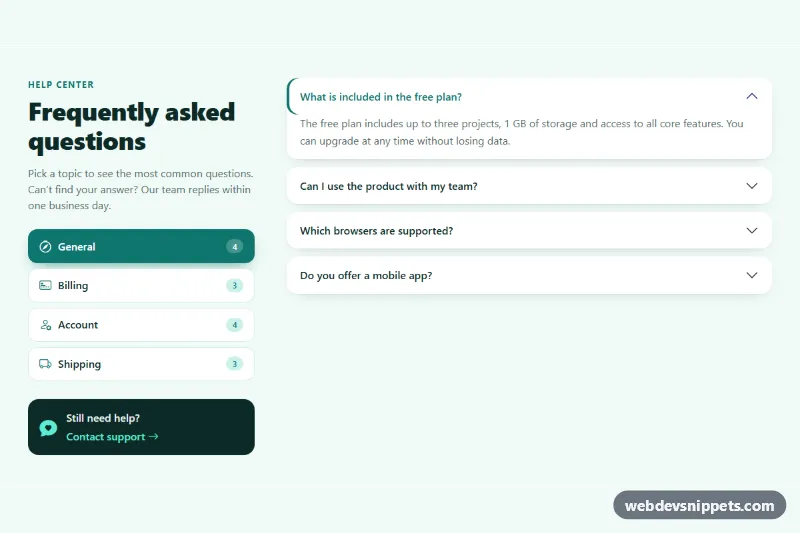
FAQ with Category Tabs
Bootstrap 5 FAQ section where category pills switch between separate accordion sets, with question counts and a support card.
Frequently asked questions layouts.
4 component(s)
Bootstrap 5 FAQ section where category pills switch between separate accordion sets, with question counts and a support card.
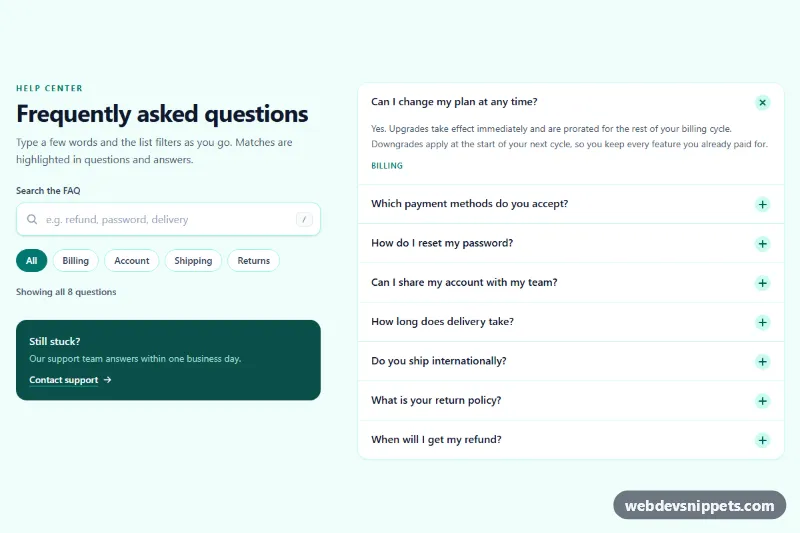
Tailwind CSS FAQ section with a live search box that filters questions as you type, highlights matches, adds topic chips and shows an empty state.
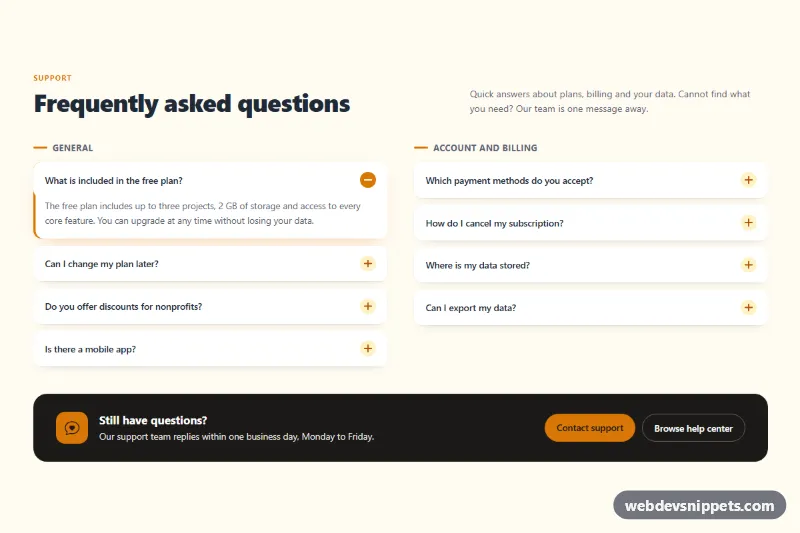
Bootstrap 5 FAQ section with questions split into two accordion columns, plus/minus icons and a dark contact support prompt.
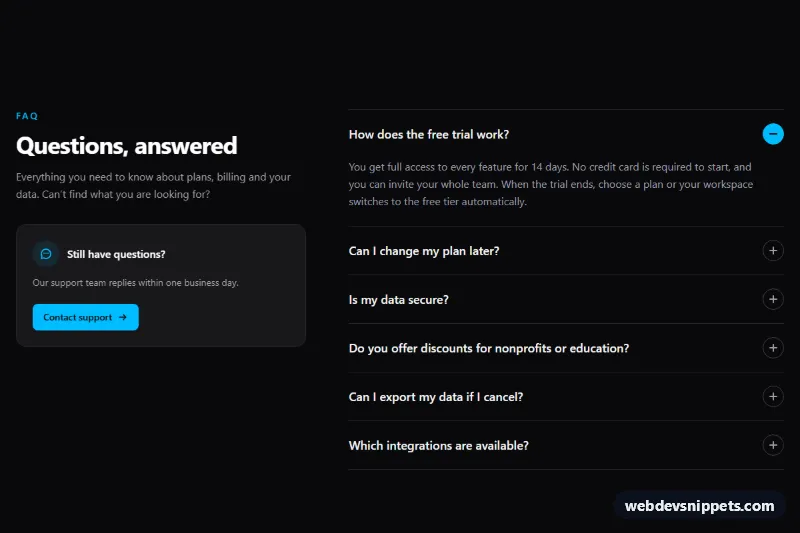
Dark Tailwind CSS FAQ section with an accessible accordion, smooth expand animation, keyboard navigation and a support contact card.
An FAQ section collects frequently asked questions and short answers in one place. It reduces support requests, answers objections before checkout and helps visitors find details without contacting you. FAQ sections appear on pricing pages, product pages, landing pages and help centres. Common layouts are accordions, two-column question lists, categorised tabs and simple question-and-answer blocks with a contact prompt at the end.
Add one when the same questions come up repeatedly, or near a decision point such as pricing or signup. Base the questions on real support requests and keep answers short; link to longer documentation where needed.
<details> and <summary> elements give you keyboard support and accessible expanded and collapsed states without JavaScript.<button> for each question with aria-expanded and aria-controls pointing to the answer panel.The FAQ section examples include Bootstrap 6, Bootstrap 5, Tailwind CSS and pure CSS versions. Bootstrap 5 versions use the collapse-based accordion component, while Bootstrap 6 variants load the JavaScript as an ES module and use the theme-* colour roles. Tailwind CSS versions are utility-based, and many pure CSS versions are built on <details> and <summary> with no script at all. Filter by framework, open and close the questions in the live preview, then copy the code from the tabs or download it. Replace the questions and answers with your own and the FAQ is ready for your page.