Skip to content

Restaurant Footer with Opening Hours and Reservation

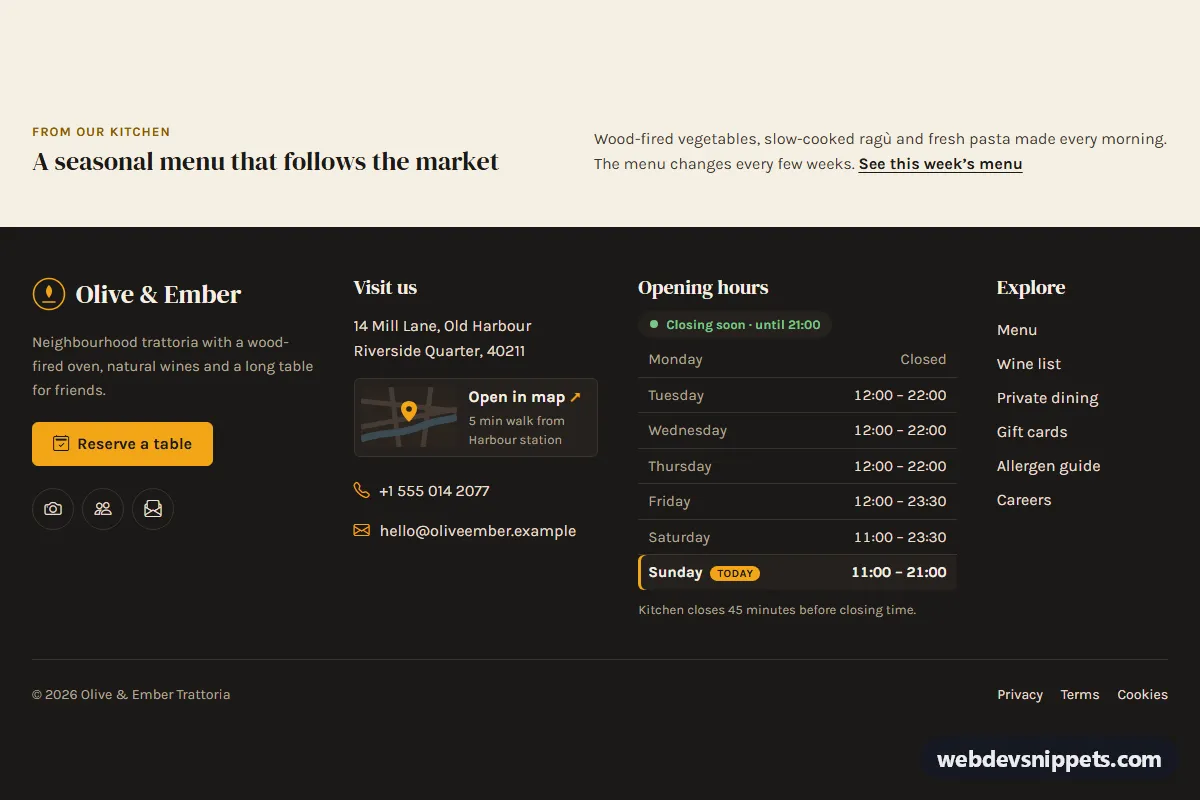
Dark restaurant footer with address and map link, a weekly opening hours table that highlights today and shows open-now status, and a reserve a table dialog.

Also known as: restaurant website footer, footer with opening hours, open now status, table reservation form, cafe footer with address

Restaurant Footer with Opening Hours and Reservation live demo

Open in new tab

Bootstrap 6 code (HTML, CSS, JS)

A dark restaurant website footer built with Bootstrap 6: address with a small map link, a weekly opening hours table that highlights today, a live "open now" badge and a reserve a table dialog. Use this footer template on restaurant, café and bar sites.

How it works

The root .rfo-root contains a short cream .rfo-page strip and the espresso <footer class="rfo-footer">. .rfo-grid stacks on phones, shows two columns from 768px and four from 1024px: brand with the .rfo-reserve button and social links, "Visit us" with an <address>, the .rfo-map link and contact links, the hours table, and an "Explore" link list.

Each row of .rfo-table carries data-rfo-day (0 = Sunday) and, for open days, data-rfo-open and data-rfo-close in 24-hour time. script.js reads these, marks today's row with .rfo-today, aria-current="date" and a "Today" tag, and writes the .rfo-open badge: "Open now · until 22:00", "Closing soon", "opens today at 12:00" or the next opening day. It recalculates every minute.

The reserve button opens the <dialog class="dialog rfo-dialog"> through Bootstrap's Dialog. The script builds day buttons for the next RFO_DAYS_AHEAD days (closed days and days with no seats left are disabled) and fills the time <select> from that day's hours, every RFO_STEP minutes until RFO_LAST_SEATING minutes before closing. On submit it validates the fields, adds .is-invalid where needed, then shows the .rfo-success summary. Closing the dialog resets the form.

Customization

  • --rfo-bg, --rfo-surface, --rfo-cream and --rfo-accent on .rfo-root: change the espresso background, panels, cream strip and saffron accent.
  • --rfo-open and --rfo-closed: badge colours for open and closed states.
  • data-rfo-open / data-rfo-close on each tr: set your hours; remove both for a closed day and update the visible cell text.
  • RFO_DAYS_AHEAD, RFO_STEP, RFO_LAST_SEATING and RFO_CLOSING_SOON in script.js: booking window, slot length, last seating and "closing soon" threshold.
  • RFO_LOCALE: language of the weekday and date labels.
  • Replace the setTimeout in the submit handler with fetch() to your booking system.
  • Point .rfo-map to your exact location on OpenStreetMap or another map service.

Use cases

  • Restaurants and trattorias: show today's hours and take table requests from any page.
  • Cafés and bakeries: tell visitors at a glance whether they are open now.
  • Wine bars: list late opening days and a private dining link.

Accessibility

The hours table has a caption and row headers. Day buttons are radios with full date names, the dialog is labelled by its title and moves focus to the selected day, and Escape closes it. Invalid fields get .is-invalid with text feedback and focus; results are announced in a polite aria-live region. Focus outlines are visible and tap targets are at least 40px.

Bootstrap 6 notes

The booking form uses Bootstrap 6 <dialog class="dialog"> (replacing Modal), form-field, form-control on <select> (no form-select), data-bs-validate and radio toggle buttons as label.btn-check with the input inside. The saffron colour comes from scoped --bs-primary-* overrides. Built on 6.0.0-alpha.1, so alpha APIs can still change.
Restaurant Footer with Opening Hours and Reservation at a glance

Framework
Bootstrap 6
Code
HTML, CSS, JavaScript
JavaScript
Vanilla JavaScript, no jQuery
Dependencies
Bootstrap 6, Bootstrap Icons, fonts.googleapis.com
Layout
Responsive, works on mobile, dark design
Category
Footers
License
Free for personal and commercial use

Questions about this template

Can I use the Restaurant Footer with Opening Hours and Reservation code for free?

Yes. You can copy or download the code and use it in personal and commercial projects, including client work. No sign-up is needed. Reselling it as part of a component library or template collection is not allowed; see the license.

How do I add it to my website?

Load Bootstrap 6 and Bootstrap Icons and fonts.googleapis.com from a CDN (the links are under Requirements). Paste the HTML where the component should appear, add the CSS to your stylesheet and load the JavaScript before the closing </body> tag. Download HTML gives you a complete page with everything already linked.

Does it need jQuery or a JavaScript framework?

No. The script is plain vanilla JavaScript, so it works without jQuery, React or Vue. You can still use the markup inside those frameworks.

Does it work on mobile?

Yes. The layout adapts to small screens. Use the Mobile and Tablet buttons above the live demo to check it at phone and tablet width.

Requirements

Add these to your page (already included in the download):

  • <link rel="stylesheet" href="https://cdn.jsdelivr.net/npm/bootstrap@6.0.0-alpha.1/dist/css/bootstrap.min.css">
  • <script type="module" src="https://cdn.jsdelivr.net/npm/bootstrap@6.0.0-alpha.1/dist/js/bootstrap.bundle.min.js"></script>
  • <link rel="stylesheet" href="https://cdn.jsdelivr.net/npm/bootstrap-icons@1.11.3/font/bootstrap-icons.min.css">
  • <link rel="stylesheet" href="https://fonts.googleapis.com/css2?family=DM+Serif+Display&family=Karla:wght@400;500;700&display=swap">

Built for Bootstrap 6.0.0-alpha.1. Bootstrap 6 ships as an ES module, so its script and this component's JavaScript load with type="module". Alpha releases can still change before the stable version.

Restaurant Footer with Opening Hours and Reservation – free Bootstrap 6 footer template
Restaurant Footer with Opening Hours and Reservation · free Bootstrap 6 footer template

More Footers

Simple Centered Footer – free Pure CSS footer template

Simple Centered Footer

Minimal centered footer in pure CSS with a logo, tagline, links with animated underlines, round icon links and an auto-updating copyright year.

Multi-Column Footer – free Tailwind CSS footer template

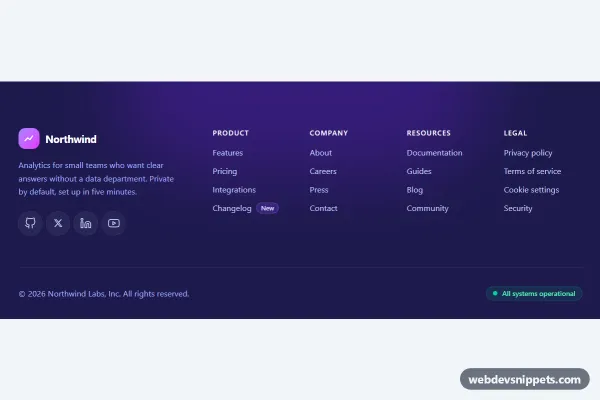
Multi-Column Footer

Dark Tailwind CSS website footer with brand block, social icons, four labelled link columns and a bottom bar with copyright and status.

Dark Footer with App Badges – free Tailwind CSS footer template

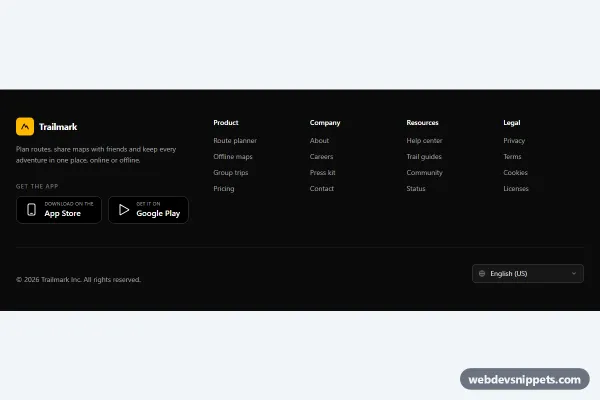
Dark Footer with App Badges

Dark Tailwind CSS footer with four link columns, App Store and Google Play badges, and a language select that remembers the choice.

Footer with Newsletter – free Bootstrap 5 footer template

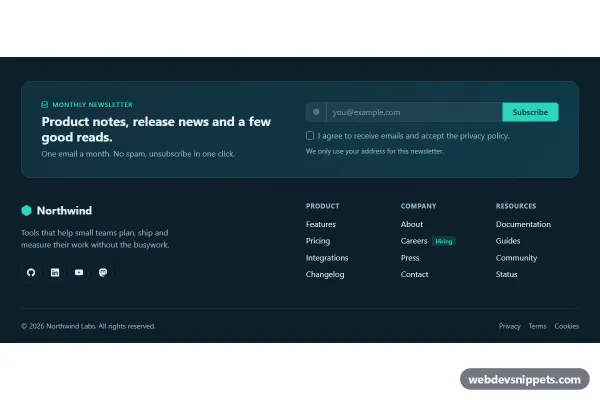
Footer with Newsletter

Dark Bootstrap 5 footer with a newsletter signup panel, email validation, social icons, three link columns and a legal bar.