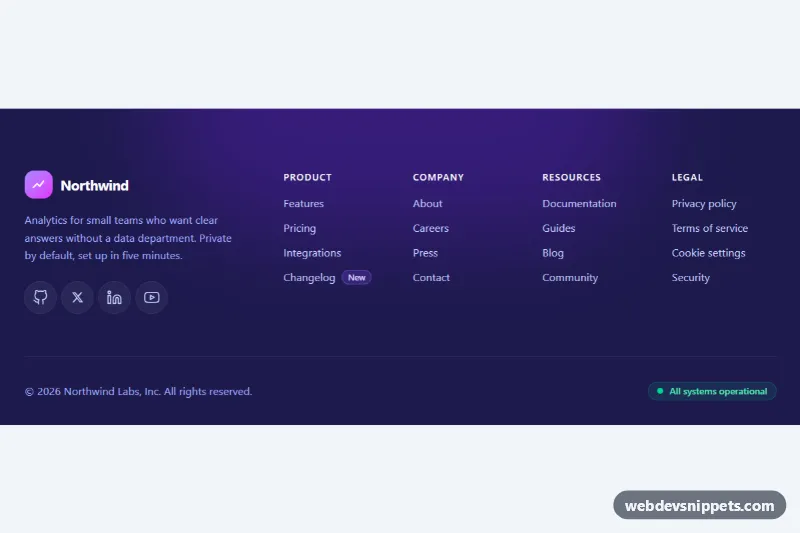
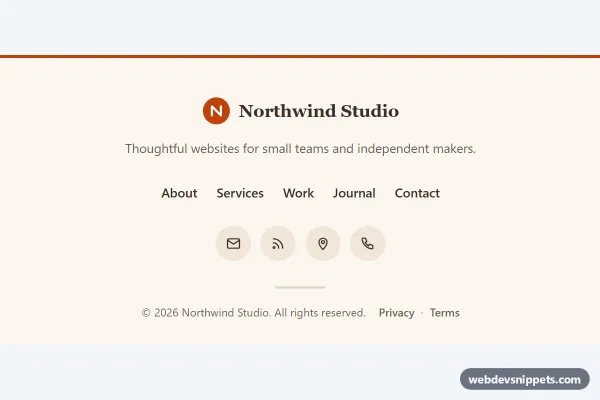
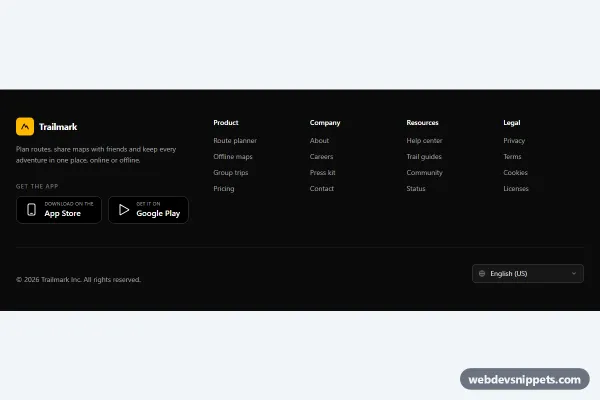
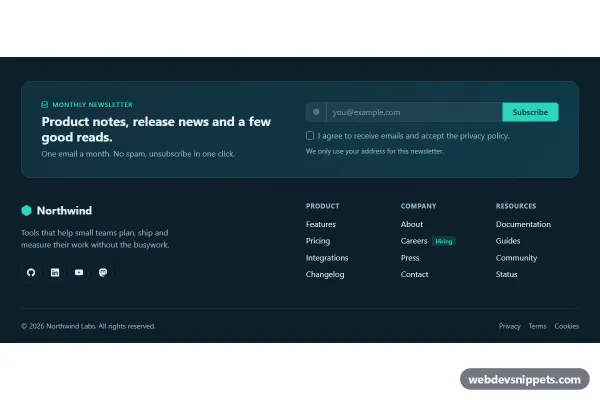
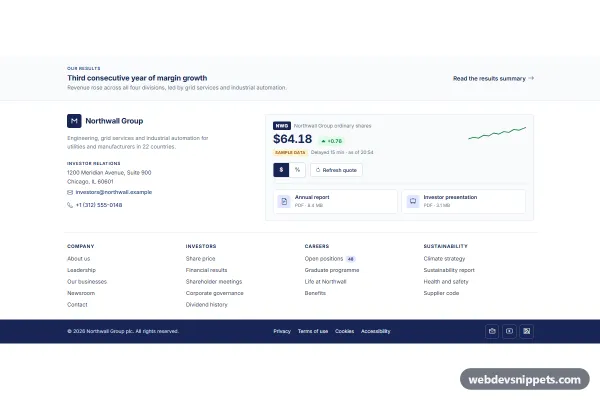
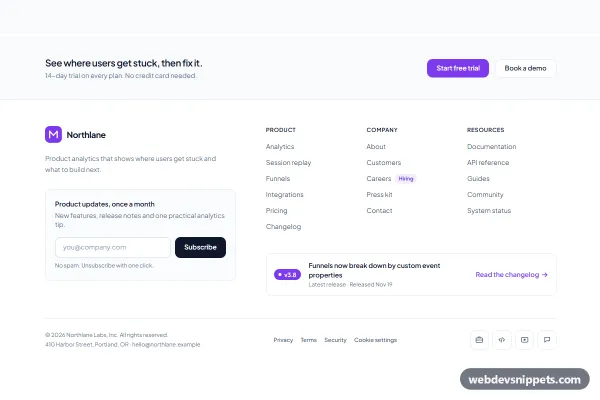
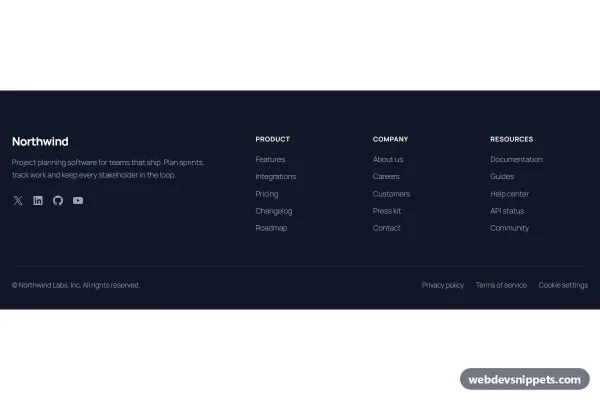
A dark multi-column website footer built only with Tailwind CSS utility classes. It combines a brand block with logo, tagline and social icons, four labelled link columns (Product, Company, Resources and Legal) and a bottom bar with the copyright line and a system status pill. It fits SaaS sites, product landing pages and company websites.
How it works
The root is footer.tfm-footer with a deep bg-indigo-950 background and a blurred violet glow placed behind the content as a decorative layer. A visually hidden #tfm-heading gives the footer an accessible name.
The content sits in .tfm-grid, a mobile-first CSS grid. On phones it has two columns: .tfm-brand spans the full width (col-span-2) and the four nav.tfm-col link groups form a neat two-by-two block below it. From md the grid has four columns, so the brand stays on its own row and all link columns line up side by side. From lg the grid switches to six columns and the brand takes the first two (lg:col-span-2), putting everything on a single row.
Social links are round icon buttons built from inline SVG, so no icon font or image files are loaded. Each link column is a nav with an h3 and a list of .tfm-link anchors that brighten to white on hover. The .tfm-bottom bar stacks on phones and becomes a single row from sm. No JavaScript and no custom CSS are needed.
Customization
bg-indigo-950andtext-indigo-200on.tfm-footer: swap forbg-slate-950andtext-slate-300for a neutral dark footer, orbg-white text-slate-600for a light one.hover:bg-violet-500on the social buttons andfocus-visible:outline-violet-400on all links: changevioletto your brand color.lg:grid-cols-6on.tfm-gridandlg:col-span-2on.tfm-brand: uselg:grid-cols-5withlg:col-span-1for a narrower brand column.md:grid-cols-4on.tfm-grid: change tomd:grid-cols-2if your link labels are long.- Delete the
bg-violet-600/25 blur-3xlglowdivfor a flat, minimal background. - Remove the "New" badge next to Changelog, or copy it to any other
.tfm-linkto highlight a page. - Replace the status pill in
.tfm-bottomwith a language selector or extra legal links.
Use cases
- SaaS sites: a brand block, social icons and four link columns organize product pages
- Company websites: Product, Company, Resources and Legal columns group the main links
- Landing pages: a bottom bar holds the copyright line and a system status pill
- Dark themed sites: a dark footer closes the page without extra JavaScript
Accessibility
The footer has an accessible name through the hidden #tfm-heading, and each link group is a nav labelled by its own heading with aria-labelledby, so screen reader users can jump between landmarks such as "Product" and "Legal". Lists keep their semantics with role="list". Every social icon link contains a visually hidden label (for example "Northwind on GitHub") and the SVGs are aria-hidden="true". All links show a violet focus-visible outline with an offset that stays visible on the dark background, text colors keep good contrast against bg-indigo-950, and the hover transitions are disabled under prefers-reduced-motion through motion-reduce:transition-none.
Usage notes
Replace every href="#" with real URLs and update the brand name, tagline and copyright year.