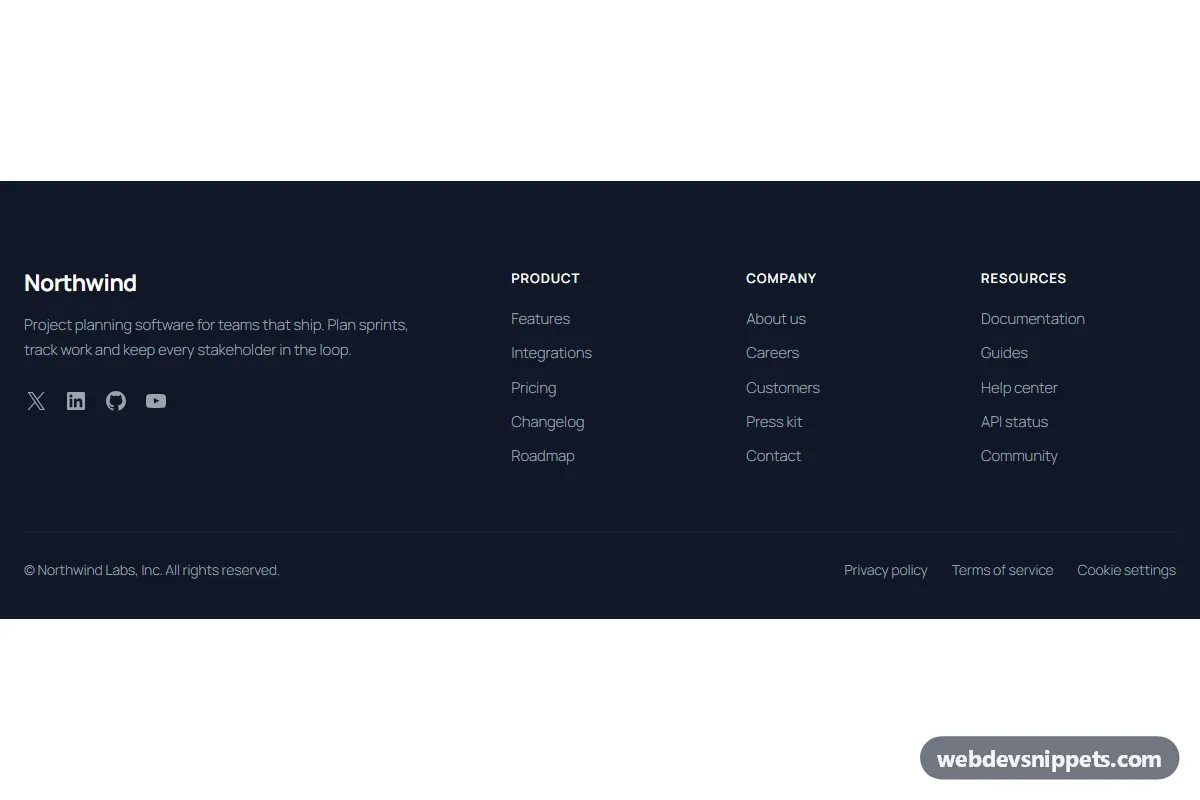
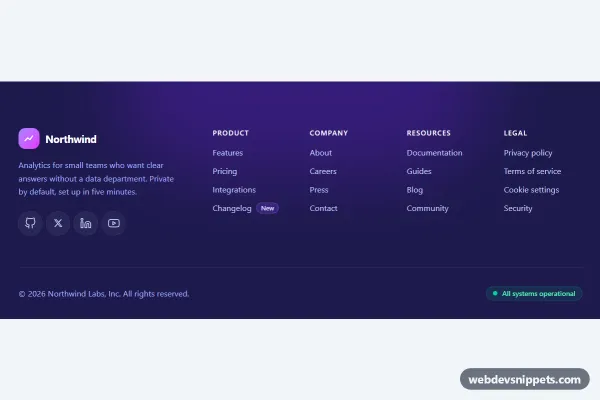
A multi-column footer with a brand column, social icons, three columns of links and a slim copyright row, built as a WordPress block pattern from core blocks only. Use it as a dark site footer for a SaaS product, an agency or a company website: sitemap links, legal pages and social profiles in one place.
How it works
The outer Group is full width with a #111827 background and a constrained 1200px inner layout. A Columns block splits the footer into a brand column (38%) and a link area (62%). The brand column holds the "Northwind" wordmark as a Heading, a short Paragraph and a Social Icons block in the "Logos only" style. The link area is a Group with a 3-column Grid layout that switches to two columns on phones. Each link column is a Group with a small uppercase Heading and a stack of Paragraph links. The bottom row is a Group with a 1px top border as the separator, the copyright on the left and the legal links on the right.
Use cases
SaaS and software sites: product, company and documentation links in one compact footer
Agency and studio websites: services, about and contact pages plus social profiles
Landing pages built with the block editor: a professional footer without a footer plugin
How to use it
Copy the block markup with the copy button.
In the block editor (or the Site Editor footer template part), click into an empty paragraph and paste.
Replace the wordmark, the tagline, the link texts and the # link targets with your own pages.
Customization
Footer background: select the outer Group, Color > Background, #111827. Change it to your brand's dark color.
Link color: select one of the link column Groups, Color > Link, #9ca3af, with a white (#ffffff) hover color set on the same group.
Wordmark: the "Northwind" Heading uses Typography > Size 24px, weight 700 and letter spacing -0.02em. Replace it with your brand name, or swap it for an Image block with your logo.
Column headings: the "Product", "Company" and "Resources" Headings use 13px, weight 600, uppercase and 0.08em letter spacing in #f9fafb.
Number of link columns: select the link area Group, Layout > Grid, 3 columns. Duplicate or remove a link column Group and change the column count to match.
Social icons: select the Social Icons block to add or remove services; the icon color is set under Color > Icon color, #9ca3af.
Separator line: select the bottom row Group, Border > Top, 1px solid #1f2937, with Dimensions > Padding top 28px.
Accessibility
Link text is #9ca3af on #111827 (about 7:1 contrast) and stays readable at 14–15px. Give each social icon a label in its settings panel. Column titles are headings, which helps screen reader users jump between link groups.
Usage notes
The link columns use Paragraph blocks instead of List blocks, so no theme adds bullets. Place the pattern in your footer template part to show it on every page.
Can I use the Multi-Column Footer with Links code for free?
Yes. You can copy or download the block markup and use it in personal and commercial projects, including client work. No sign-up is needed. Reselling it as part of a component library or template collection is not allowed; see the license.
How do I add it to my WordPress site?
Copy the block markup, open a page in the block editor, click into an empty paragraph and paste. WordPress turns it into regular blocks that you can edit like any other content. You can also paste it in the Code editor view (Options menu > Code editor).
Does it need a page builder or plugin?
No. The pattern is built only from core blocks such as Group, Columns, Heading, Image and Buttons, so it works without Elementor, Spectra, Kadence or any other plugin. Colors and spacing are set on the blocks themselves; headings and text use your theme's fonts.
Will it look the same in my theme?
The layout, colors and spacing come with the blocks, so they carry over. Fonts, link styles and the content width follow your theme, so small differences are normal. The live demo shows the pattern in the default Twenty Twenty-Five theme. It works best with block themes; in classic themes the block editor still renders it, with your theme's styles.
Does it work on mobile?
Yes. The layout adapts to small screens. Use the Mobile and Tablet buttons above the live demo to check it at phone and tablet width.
How to install
Copy the block markup above.
Open a page or post in the WordPress block editor, click into an empty paragraph and paste. The editor turns the markup into blocks.
Replace the sample text and images. To reuse it, select the blocks and choose Create pattern from the block toolbar menu.
Uses only core WordPress blocks, so no plugin is needed. Tested with WordPress 6.8 and later. Fonts come from your theme; the live demo uses the default Twenty Twenty-Five theme. WebDevSnippets is not affiliated with or endorsed by the WordPress Foundation.
Multi-Column Footer with Links · free WordPress footer template
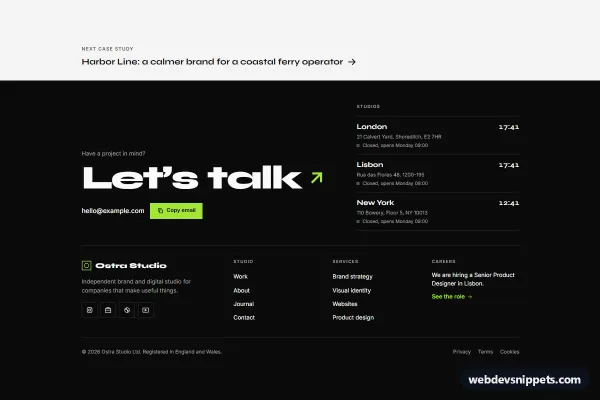
Black agency footer with an oversized Let's talk email link, a copy email button, studio cities showing live local time and open status, link columns and a legal row.
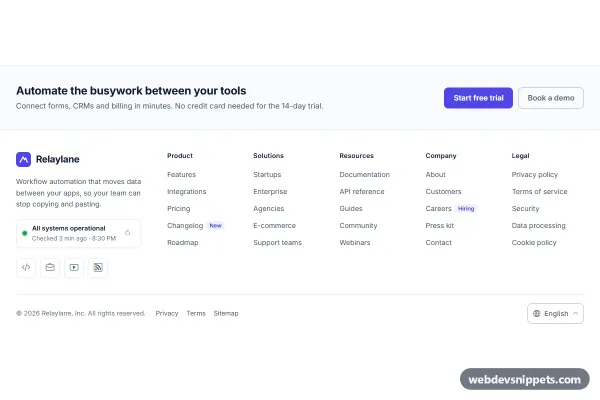
SaaS website footer with five link columns, a live system status badge with last-checked time, a Bootstrap 6 Menu language switcher and a compact legal row.