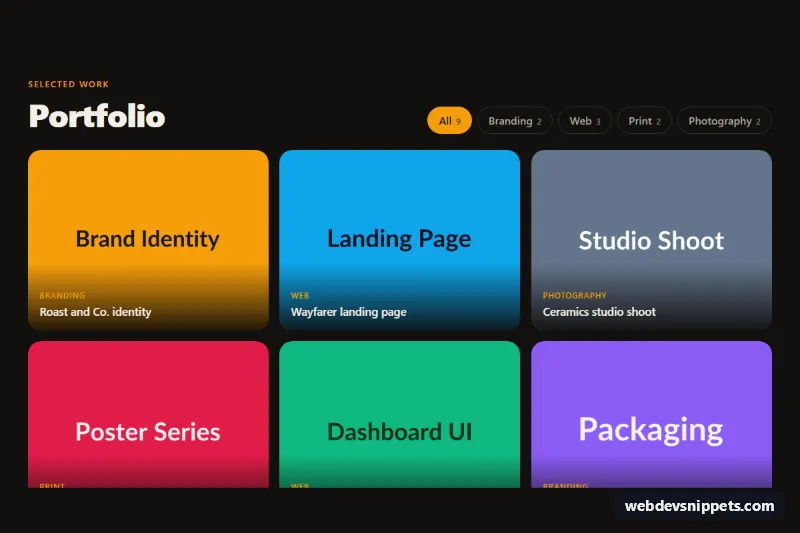
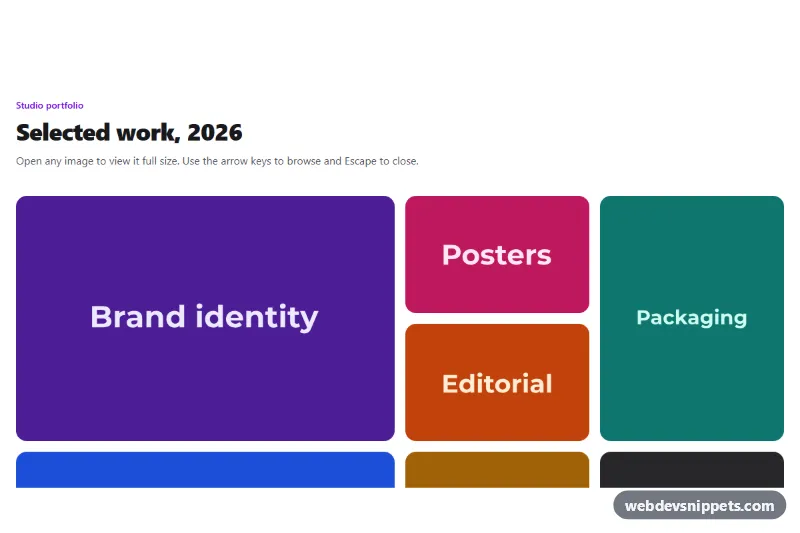
A dark Bootstrap 5 portfolio gallery with pill-shaped category filter buttons that show or hide project tiles instantly. Use it on agency and freelancer sites, case study pages or any grid of work that needs quick sorting by type.
How it works
The root is section.gf-gallery. The header uses a Bootstrap row with the title on the left and the .gf-filters button group on the right (it wraps under the title on small screens). Each .gf-filter button has a data-filter value and an aria-pressed state. The projects are a ul.gf-grid that uses row-cols-1 row-cols-sm-2 row-cols-lg-3, so the grid goes from one to three columns. Every li.gf-item carries a data-category that matches one of the filter values, and contains a figure.gf-tile with a 4:3 image and a gradient .gf-caption.
On DOMContentLoaded the script handles every .gf-gallery on the page. It first counts the matching items for each button and writes the number into its .gf-count span, so the counts always reflect the markup. Clicking a button sets aria-pressed="true" on it and false on the others, toggles the hidden property on each .gf-item, and re-adds the gf-in class to the visible items to replay the gf-fade keyframes. If nothing matches, the .gf-empty paragraph appears. Without JavaScript all projects stay visible.
Customization
--gf-accentin.gf-gallery: changes the active filter pill, the kicker, the tag text and the focus outline (amber by default).--gf-bgand--gf-surfacein.gf-gallery: switch the section to another dark tone or to a light background (also adjust--gf-text).--gf-radiusin.gf-gallery: round the tiles more or make them square.- Add a category by giving a new
.gf-filteradata-filtervalue such asmotionand usingdata-category="motion"on the matching.gf-item; its count is filled in automatically. - Set
aria-pressed="true"on a different.gf-filterto open the gallery on that category. row-cols-lg-3on.gf-grid: change torow-cols-lg-4for a denser four-column grid.aspect-ratio: 4 / 3in.gf-tile: use1 / 1for square thumbnails or3 / 4for portrait work.
Accessibility
The filters are native buttons inside a role="group" with an aria-label, and each exposes its state with aria-pressed. The count numbers are aria-hidden so button names stay short. After every click the visually hidden .gf-status live region announces a message such as "Showing 3 projects in Web." Hidden items use the hidden property, so they are removed from the accessibility tree. Each image has descriptive alt text and the caption is a real figcaption. Buttons get a thick amber :focus-visible outline, and the fade and hover zoom are disabled under prefers-reduced-motion: reduce.
Usage notes
Requires only Bootstrap 5 (added automatically). Several galleries can share a page because the script scopes all queries to each .gf-gallery. Replace the placehold.co images with your own screenshots and keep the width and height attributes to avoid layout shift.