Skip to content

Flight Search and Results Screen

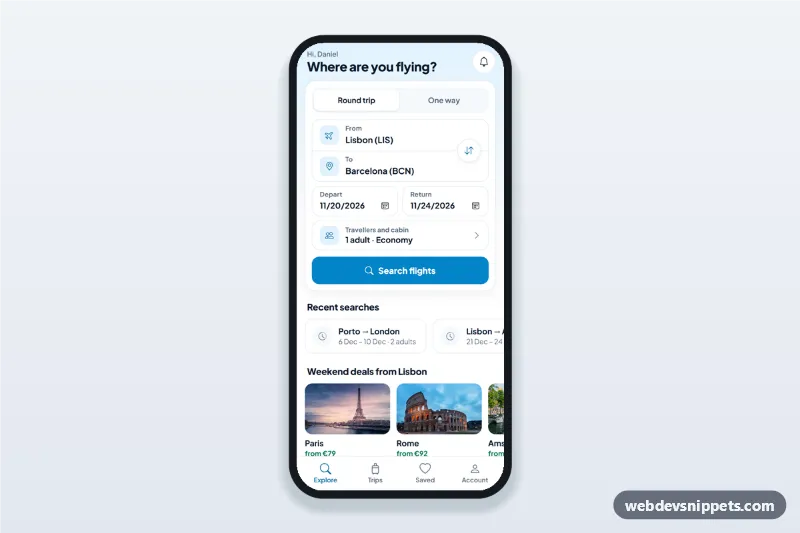
Flight search app screen with from/to swap, dates and a travellers sheet, then a flight results list with times, duration, stops and best, cheapest and fastest sort tabs.

Also known as: flight booking app ui, airline search form, flight results list, travel app search screen, plane ticket booking template

Flight Search and Results Screen live demo

Open in new tab

Bootstrap 5 code (HTML, CSS, JS)

A flight search and results screen built as an HTML mobile template with Bootstrap 5: a flight booking form with a from/to swap, dates and a travellers sheet, then a flight results list with Best, Cheapest and Fastest sort tabs. Use it in an airline or travel app UI, a booking PWA or a mobile travel site, and package it with Capacitor for the app stores.

How it works

The root .fsr-app is a 430 px app column with two views marked by data-fsr-view. In the search view, .fsr-form has a round trip / one way switch, the .fsr-route box with two inputs linked to the #fsr-airports datalist and the .fsr-swap button, two date fields and the .fsr-pax-btn row. Dates are set relative to today, so the screen never shows a past date. On submit the script checks that the airports differ, departure is not in the past and return is not before departure; invalid fields get is-invalid and focus moves to the first one.

The travellers row opens #fsr-pax-sheet, a Bootstrap offcanvas styled as a bottom sheet with steppers for adults, children and infants (nine travellers at most, one infant per adult) and a cabin choice.

A valid search shows the results view: .fsr-day chips with a price for nearby dates, the .fsr-sort tabs and one .fsr-flight button per entry in the FLIGHTS array with times, duration, stops and a price that follows cabin and travellers. Tapping a flight shows the sticky .fsr-select-bar with a Continue button.

Customization

  • --fsr-accent, --fsr-accent-dark and --fsr-accent-soft on .fsr-app: change the sky blue of buttons, icons and the selected flight.
  • FLIGHTS in script.js: edit times, dur (minutes), stops, via and fare, or fill it from your flight API.
  • AIRLINES in script.js: carrier names and logo colours.
  • CURRENCY and CABIN_FACTOR in script.js: currency symbol and price step per cabin.
  • The options of #fsr-airports: the airports your service covers.
  • The submit handler of .fsr-form: add your fetch() search call before showResults().
  • The deal photos come from Unsplash; replace them with your own images.

Use cases

  • Airline apps: customers search a route and compare flights by price or duration.
  • Online travel agencies: a compact mobile search form with results.
  • Holiday package apps: the flight step before hotels or extras.

Accessibility

Every field has a visible label, and errors are linked with aria-describedby. Swap, stepper and icon buttons have aria-label values. The sort options use role="tablist" with arrow key, Home and End support. Flight and date buttons use aria-pressed, and each flight has a full spoken summary. The sheet traps focus, closes with Escape or the backdrop and returns focus to the travellers row. The toast is a role="status" live region, and touch targets are at least 44 px.

Usage notes

Needs Bootstrap 5 with its bundle, Bootstrap Icons and Plus Jakarta Sans. Flights and prices are sample data.
Flight Search and Results Screen at a glance

Framework
Bootstrap 5
Code
HTML, CSS, JavaScript
JavaScript
Vanilla JavaScript, no jQuery
Dependencies
Bootstrap 5, Bootstrap Icons, fonts.googleapis.com
Layout
Mobile-first app screen, centred on wider screens
Category
Mobile Booking Screens
License
Free for personal and commercial use

Questions about this template

Can I use the Flight Search and Results Screen code for free?

Yes. You can copy or download the code and use it in personal and commercial projects, including client work. No sign-up is needed. Reselling it as part of a component library or template collection is not allowed; see the license.

How do I add it to my website?

Load Bootstrap 5 and Bootstrap Icons and fonts.googleapis.com from a CDN (the links are under Requirements). Paste the HTML where the component should appear, add the CSS to your stylesheet and load the JavaScript before the closing </body> tag. Download HTML gives you a complete page with everything already linked.

Does it need jQuery or a JavaScript framework?

No. The script is plain vanilla JavaScript, so it works without jQuery, React or Vue. You can still use the markup inside those frameworks.

Can I turn this screen into an iOS or Android app?

Yes. It is plain HTML, CSS and JavaScript, so it works in a mobile website or progressive web app as it is. To ship it as a store app, put it in the web folder of a Capacitor or Cordova project and build it for iOS and Android; replace the sample data with calls to your own API.

How does it look on a desktop screen?

The screen is designed for phones. On wider screens it stays at phone width in the middle of the page, so it still looks like an app. The live demo opens at mobile width; use the Tablet and Desktop buttons to check other sizes.

Requirements

Add these to your page (already included in the download):

  • <link rel="stylesheet" href="https://cdn.jsdelivr.net/npm/bootstrap@5.3.3/dist/css/bootstrap.min.css">
  • <script src="https://cdn.jsdelivr.net/npm/bootstrap@5.3.3/dist/js/bootstrap.bundle.min.js"></script>
  • <link rel="stylesheet" href="https://cdn.jsdelivr.net/npm/bootstrap-icons@1.11.3/font/bootstrap-icons.min.css">
  • <link rel="stylesheet" href="https://fonts.googleapis.com/css2?family=Plus+Jakarta+Sans:wght@400;500;600;700;800&display=swap">
Flight Search and Results Screen – Bootstrap 5 mobile booking screens component screenshot
Flight Search and Results Screen · Bootstrap 5 Mobile Booking Screens

More Mobile Booking Screens

Cinema Seat Selection Screen with Showtimes – Pure CSS mobile booking screens preview

Cinema Seat Selection Screen with Showtimes

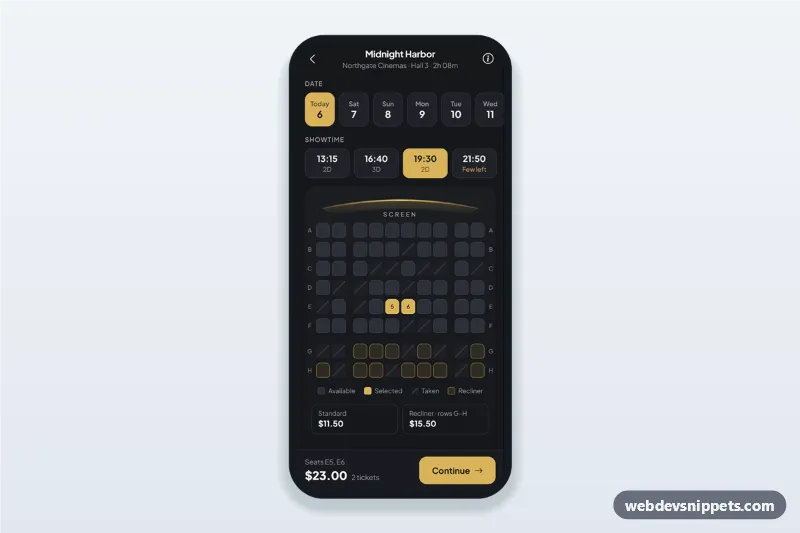
Cinema seat selection screen for a movie ticket app: seat map with taken and recliner seats, date and showtime chips, a live price bar and a ticket type bottom sheet.

Salon Appointment Booking Screen – Tailwind CSS mobile booking screens preview

Salon Appointment Booking Screen

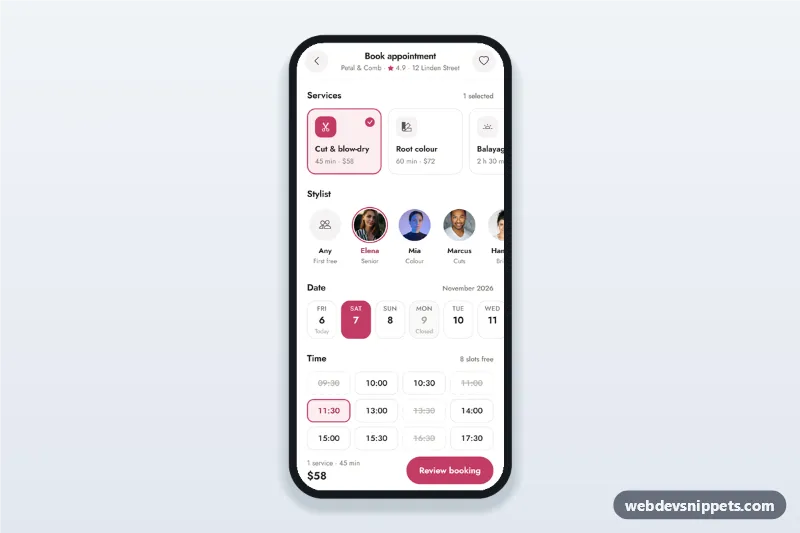
Salon appointment booking screen with service cards, stylist avatars, a 14-day date strip, a time slot picker and a summary sheet with confirm, built for mobile.

Fitness Class Schedule and Booking – Bootstrap 6 mobile booking screens preview

Fitness Class Schedule and Booking

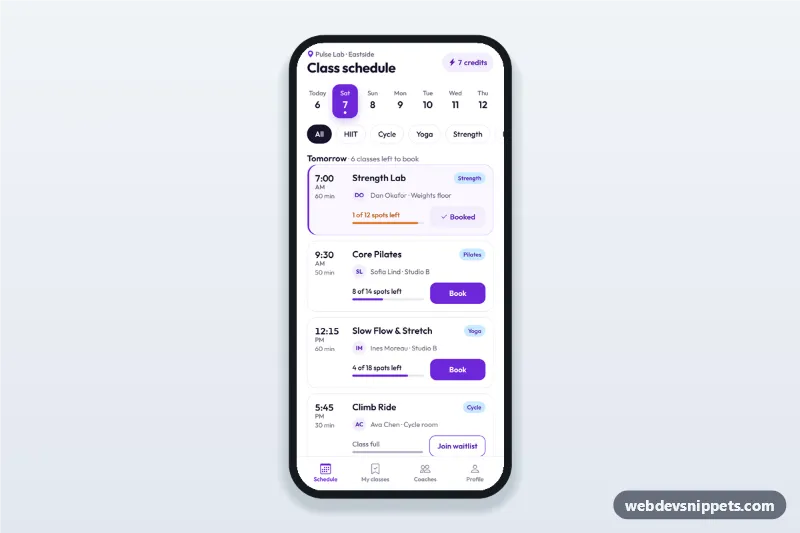
Fitness class schedule app screen with day tabs, class cards showing time, coach and spots left, book and waitlist buttons, a booking sheet and a booked state.

Restaurant Table Reservation Screen – Bootstrap 6 mobile booking screens preview

Restaurant Table Reservation Screen

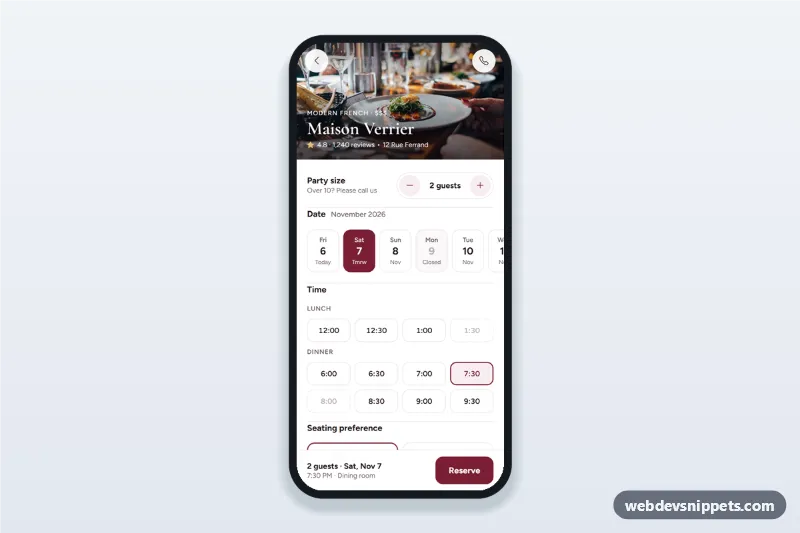
Restaurant table reservation screen with a party size stepper, date strip, lunch and dinner time chips, seating preference, a details sheet and a booking confirmation state.

Hotel Booking Details Screen – Bootstrap 6 mobile booking screens preview

Hotel Booking Details Screen

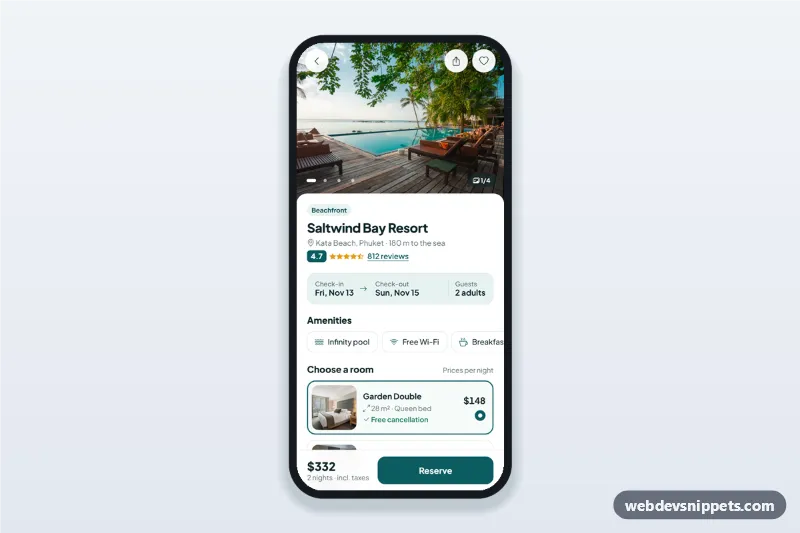
Hotel booking details screen with a swipeable photo gallery, amenities, room options, a check-in and check-out date picker sheet and a reserve bar with the live total.