Skip to content

Salon Appointment Booking Screen

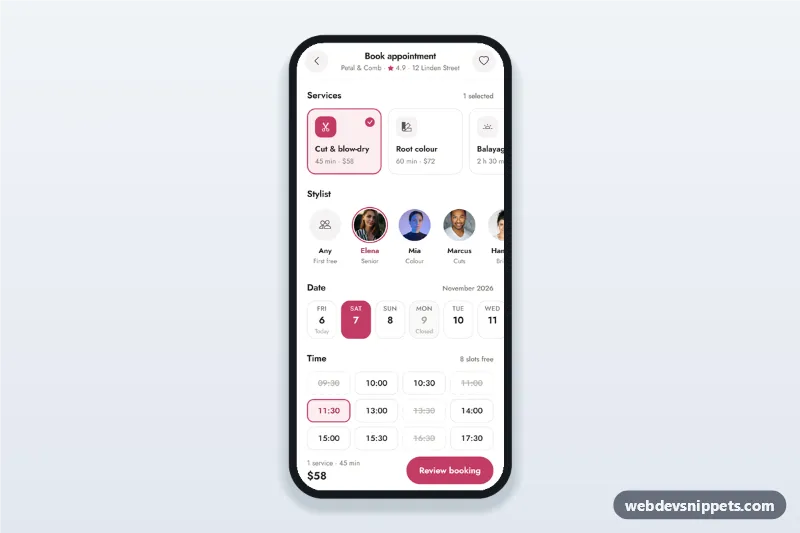
Salon appointment booking screen with service cards, stylist avatars, a 14-day date strip, a time slot picker and a summary sheet with confirm, built for mobile.

Also known as: hair salon booking app ui, beauty appointment scheduling screen, time slot picker mobile, online booking app template, barber booking app

Salon Appointment Booking Screen live demo

Open in new tab

Tailwind CSS code (HTML, CSS, JS)

A salon appointment booking screen built with Tailwind CSS: service cards, stylist avatars, a date strip for the next 14 days, a time slot grid and a summary bottom sheet with confirm. It is an HTML mobile template for salon websites and PWAs and can be packaged as a native app with Capacitor. Use it as the booking flow or appointment scheduling UI of a hair salon, beauty studio or barber app.

How it works

The root .sab-app is a phone-width column with a sticky top app bar, the booking sections and a sticky .sab-bar that shows the running total and duration. Each .sab-svc card is a toggle button with aria-pressed; its data-price and data-min values feed updateTotals(), so several services can be combined. Stylists are native radio inputs inside .sab-sty labels.

script.js builds the date strip from today forward (DAYS_AHEAD), so the dates never go stale. Weekdays in CLOSED_WEEKDAYS are marked Closed and disabled. Picking a date or stylist re-renders the SLOTS grid; past slots and those isBooked() marks as taken are disabled.

Review booking checks that a service and a time are chosen, then opens #sab-sheet, a native <dialog> bottom sheet with the summary and a contact form. Confirm validates name and phone, simulates the request and shows a booking code.

Customization

  • --sab-rose, --sab-rose-dark and --sab-soft on .sab-app in style.css: primary colour of selected cards, the date strip and buttons.
  • Add or remove services by copying a .sab-svc button; set data-sab-svc, data-price and data-min.
  • SLOTS in script.js: the opening times shown in the grid.
  • CLOSED_WEEKDAYS and DAYS_AHEAD in script.js: closing days and how far ahead clients can book.
  • isBooked(): replace the sample availability with data from your booking API.
  • Add a stylist by copying a .sab-sty label with a new value and data-name, and add the id to the list used for Any stylist in renderSlots().
  • font-family on .sab-app: replace Jost and update the Google Fonts URL.

Use cases

  • Hair salons: clients pick services, a stylist and a free time in one screen.
  • Beauty, nail and brow studios: combine treatments with a live total.
  • Barber shops: quick booking with stylist choice.
  • Spa and wellness apps: schedule treatments in a PWA or Capacitor app.

Accessibility

Service cards announce their state with aria-pressed, and total changes are read out through a polite live region. Stylists, dates and slots are radio groups: arrow keys, Home and End move the selection, unavailable slots are disabled and labelled. Validation messages appear next to the fields with aria-invalid and aria-describedby. The sheet is a modal dialog that closes with Escape or the backdrop and returns focus to Review booking. All targets are at least 44 px and the sheet animation stops under prefers-reduced-motion.

Usage notes

The photos come from Unsplash; replace them with your own salon and team images. Swap the setTimeout in the submit handler for a fetch() call to your booking backend.
Salon Appointment Booking Screen at a glance

Framework
Tailwind CSS
Code
HTML, CSS, JavaScript
JavaScript
Vanilla JavaScript, no jQuery
Dependencies
Tailwind CSS, fonts.googleapis.com, Bootstrap Icons
Layout
Mobile-first app screen, centred on wider screens
Category
Mobile Booking Screens
License
Free for personal and commercial use

Questions about this template

Can I use the Salon Appointment Booking Screen code for free?

Yes. You can copy or download the code and use it in personal and commercial projects, including client work. No sign-up is needed. Reselling it as part of a component library or template collection is not allowed; see the license.

How do I add it to my website?

Load Tailwind CSS and fonts.googleapis.com and Bootstrap Icons from a CDN (the links are under Requirements). Paste the HTML where the component should appear, add the CSS to your stylesheet and load the JavaScript before the closing </body> tag. Download HTML gives you a complete page with everything already linked.

Does it need jQuery or a JavaScript framework?

No. The script is plain vanilla JavaScript, so it works without jQuery, React or Vue. You can still use the markup inside those frameworks.

Can I turn this screen into an iOS or Android app?

Yes. It is plain HTML, CSS and JavaScript, so it works in a mobile website or progressive web app as it is. To ship it as a store app, put it in the web folder of a Capacitor or Cordova project and build it for iOS and Android; replace the sample data with calls to your own API.

How does it look on a desktop screen?

The screen is designed for phones. On wider screens it stays at phone width in the middle of the page, so it still looks like an app. The live demo opens at mobile width; use the Tablet and Desktop buttons to check other sizes.

Requirements

Add these to your page (already included in the download):

  • <script src="https://cdn.jsdelivr.net/npm/@tailwindcss/browser@4"></script>
  • <link rel="stylesheet" href="https://fonts.googleapis.com/css2?family=Jost:wght@400;500;600;700&display=swap">
  • <link rel="stylesheet" href="https://cdn.jsdelivr.net/npm/bootstrap-icons@1.11.3/font/bootstrap-icons.min.css">

The Tailwind browser build is for prototyping. In production, compile Tailwind with its CLI or your bundler.

Salon Appointment Booking Screen – Tailwind CSS mobile booking screens component screenshot
Salon Appointment Booking Screen · Tailwind CSS Mobile Booking Screens

More Mobile Booking Screens

Fitness Class Schedule and Booking – Bootstrap 6 mobile booking screens preview

Fitness Class Schedule and Booking

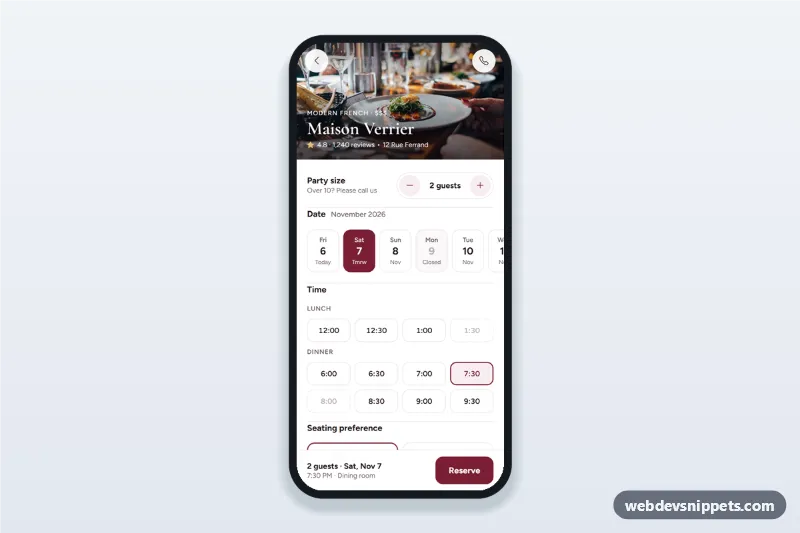
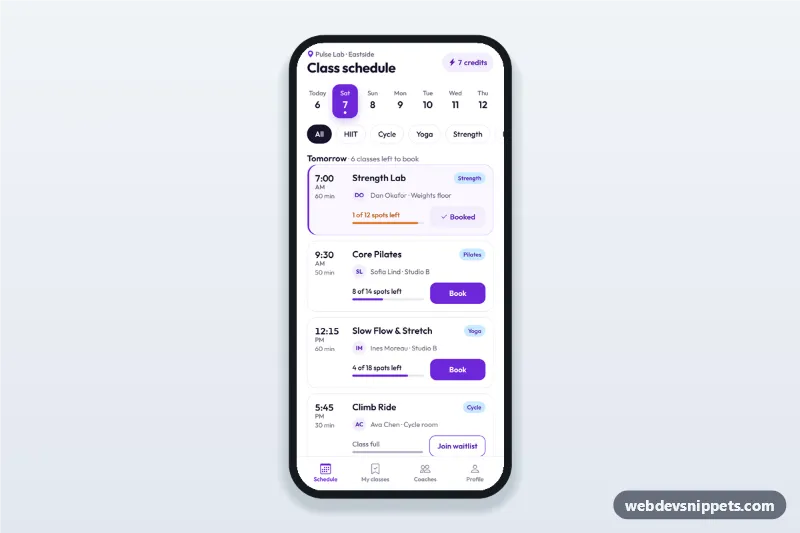
Fitness class schedule app screen with day tabs, class cards showing time, coach and spots left, book and waitlist buttons, a booking sheet and a booked state.

Restaurant Table Reservation Screen – Bootstrap 6 mobile booking screens preview

Restaurant Table Reservation Screen

Restaurant table reservation screen with a party size stepper, date strip, lunch and dinner time chips, seating preference, a details sheet and a booking confirmation state.

Hotel Booking Details Screen – Bootstrap 6 mobile booking screens preview

Hotel Booking Details Screen

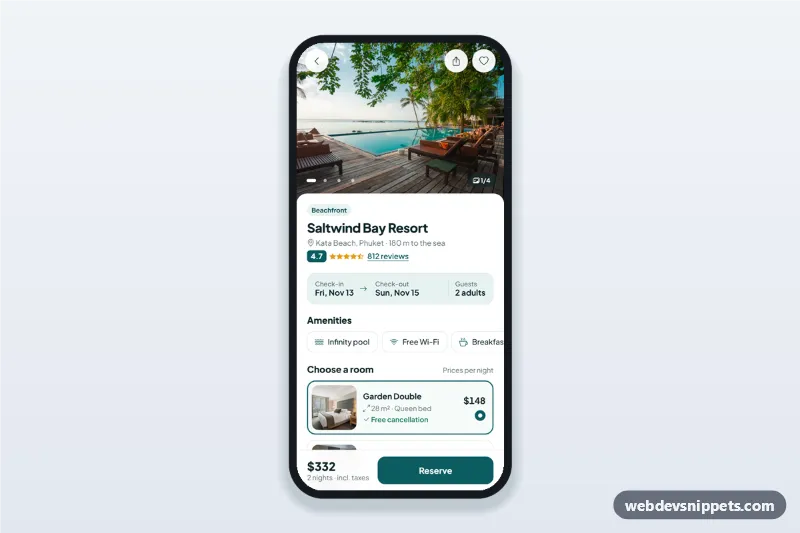
Hotel booking details screen with a swipeable photo gallery, amenities, room options, a check-in and check-out date picker sheet and a reserve bar with the live total.