Skip to content

Cinema Seat Selection Screen with Showtimes

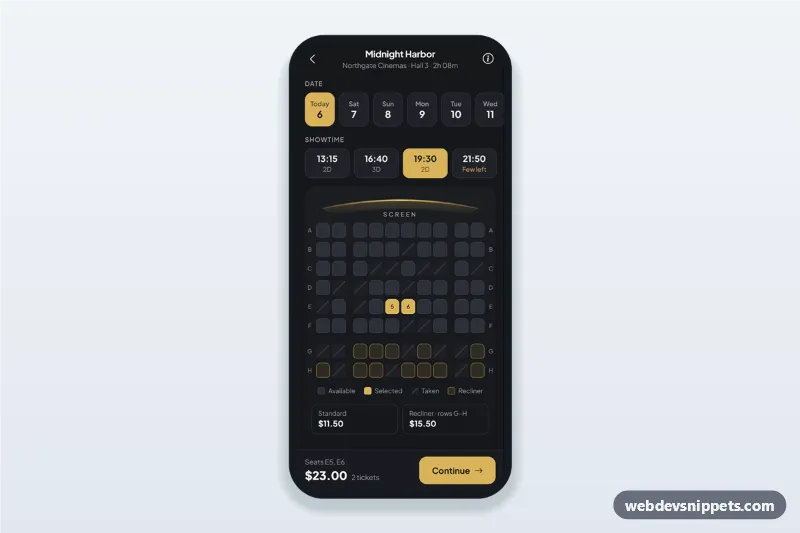
Cinema seat selection screen for a movie ticket app: seat map with taken and recliner seats, date and showtime chips, a live price bar and a ticket type bottom sheet.

Also known as: movie ticket booking app ui, cinema seat map, theater seat picker, seat reservation screen, movie seat booking html

Cinema Seat Selection Screen with Showtimes live demo

Open in new tab

Pure CSS code (HTML, CSS, JS)

A cinema seat selection screen built with pure CSS and vanilla JavaScript: date and showtime chips, a curved screen indicator, a seat map with available, selected, taken and recliner seats, and a sticky price bar. It is an HTML mobile template for mobile sites and PWAs and can be packaged as a native app with Capacitor. Use it as the seat picker of a movie ticket booking app, a theater seat map or any seat reservation UI.

How it works

The root .cs-app is a phone-width column (max 430px, centred on wide screens) with a sticky .cs-bar at the bottom.

The .cs-date chips are filled by dayFor() relative to today, so dates never go stale. Dates and .cs-time chips are radio groups; picking another one rebuilds the map.

buildMap() draws rows ROWS (A to H) with SEATS_PER_ROW seats as .cs-seat buttons inside .cs-map. Taken seats come from a seeded generator, so every showtime has its own stable pattern. Rows in RECLINER_ROWS get .cs-seat--vip and their own price. A tap toggles aria-pressed and updateBar() refreshes the seat list, total and ticket count.

Continue opens dialog.cs-sheet, a native <dialog> bottom sheet where Adult, Child and Senior steppers must add up to the number of seats. Each .cs-type has a data-cs-discount. An incomplete assignment shows an error; otherwise a success panel with a booking code appears and the booked seats become taken.

Customization

  • --cs-gold, --cs-gold-strong and --cs-gold-soft on .cs-app: the accent of selected chips and seats, recliner outlines, the screen glow and the buttons.
  • --cs-bg, --cs-surface and --cs-seat-free: the charcoal background, card and free seat colours.
  • ROWS, SEATS_PER_ROW and AISLES_AFTER in script.js: the hall size and where the aisles are.
  • PRICES and RECLINER_ROWS in script.js: seat prices and which rows are premium.
  • data-cs-max and data-cs-fee on .cs-app: the maximum seats per booking (8) and the fee per ticket (0.75).
  • data-cs-fill on a .cs-time chip: how sold out that showtime looks; replace the generator with seat data from your API.
  • The Pay handler: add fetch() where the comment says to reserve the seats and start payment.

Use cases

  • Cinema chains and independent movie theaters: let guests pick seats after choosing a showtime.
  • Theater and concert ticketing: rows, aisles and premium seating with different prices.
  • Lecture and conference apps: reserve a seat for a session.

Accessibility

Seats are buttons labelled like "Row E, seat 5, $11.50"; taken seats are disabled and striped, not only coloured. The map uses a roving tabindex: one Tab stop, arrow keys move between free seats, Home and End jump within a row, Enter or Space selects. Totals are announced through live regions. The sheet is a modal dialog: Escape or a tap on the backdrop closes it and focus returns to the screen. Animations stop with prefers-reduced-motion.

Usage notes

Movie, cinema and prices are sample data; the screen arc is inline SVG.
Cinema Seat Selection Screen with Showtimes at a glance

Framework
Pure CSS
Code
HTML, CSS, JavaScript
JavaScript
Vanilla JavaScript, no jQuery
Dependencies
fonts.googleapis.com, Bootstrap Icons
Layout
Mobile-first app screen, centred on wider screens, dark design
Category
Mobile Booking Screens
License
Free for personal and commercial use

Questions about this template

Can I use the Cinema Seat Selection Screen with Showtimes code for free?

Yes. You can copy or download the code and use it in personal and commercial projects, including client work. No sign-up is needed. Reselling it as part of a component library or template collection is not allowed; see the license.

How do I add it to my website?

Load fonts.googleapis.com and Bootstrap Icons from a CDN (the links are under Requirements). Paste the HTML where the component should appear, add the CSS to your stylesheet and load the JavaScript before the closing </body> tag. Download HTML gives you a complete page with everything already linked.

Does it need jQuery or a JavaScript framework?

No. The script is plain vanilla JavaScript, so it works without jQuery, React or Vue. You can still use the markup inside those frameworks.

Can I turn this screen into an iOS or Android app?

Yes. It is plain HTML, CSS and JavaScript, so it works in a mobile website or progressive web app as it is. To ship it as a store app, put it in the web folder of a Capacitor or Cordova project and build it for iOS and Android; replace the sample data with calls to your own API.

How does it look on a desktop screen?

The screen is designed for phones. On wider screens it stays at phone width in the middle of the page, so it still looks like an app. The live demo opens at mobile width; use the Tablet and Desktop buttons to check other sizes.

Requirements

Add these to your page (already included in the download):

  • <link rel="stylesheet" href="https://fonts.googleapis.com/css2?family=Plus+Jakarta+Sans:wght@400;500;600;700;800&display=swap">
  • <link rel="stylesheet" href="https://cdn.jsdelivr.net/npm/bootstrap-icons@1.11.3/font/bootstrap-icons.min.css">
Cinema Seat Selection Screen with Showtimes – Pure CSS mobile booking screens component screenshot
Cinema Seat Selection Screen with Showtimes · Pure CSS Mobile Booking Screens

More Mobile Booking Screens

Flight Search and Results Screen – Bootstrap 5 mobile booking screens preview

Flight Search and Results Screen

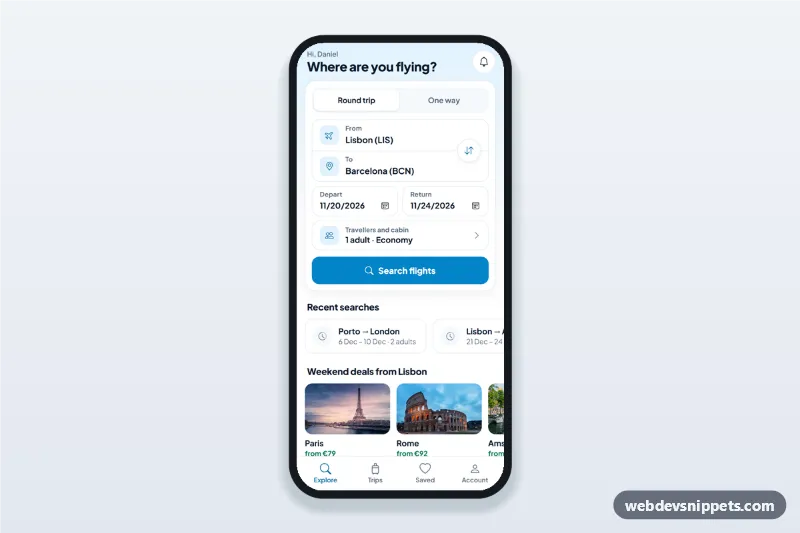
Flight search app screen with from/to swap, dates and a travellers sheet, then a flight results list with times, duration, stops and best, cheapest and fastest sort tabs.

Salon Appointment Booking Screen – Tailwind CSS mobile booking screens preview

Salon Appointment Booking Screen

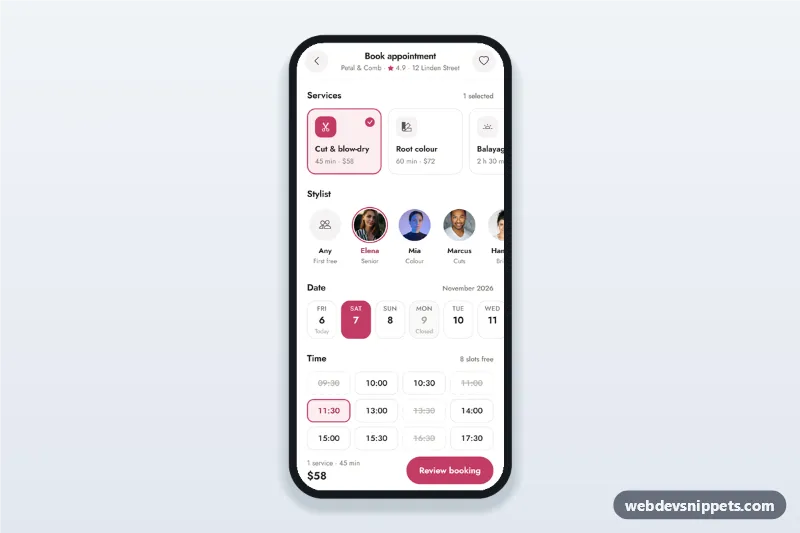
Salon appointment booking screen with service cards, stylist avatars, a 14-day date strip, a time slot picker and a summary sheet with confirm, built for mobile.

Fitness Class Schedule and Booking – Bootstrap 6 mobile booking screens preview

Fitness Class Schedule and Booking

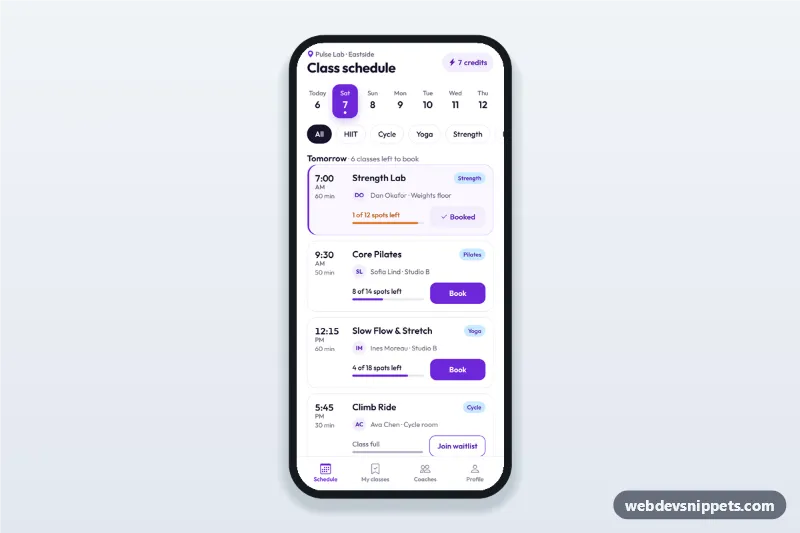
Fitness class schedule app screen with day tabs, class cards showing time, coach and spots left, book and waitlist buttons, a booking sheet and a booked state.

Restaurant Table Reservation Screen – Bootstrap 6 mobile booking screens preview

Restaurant Table Reservation Screen

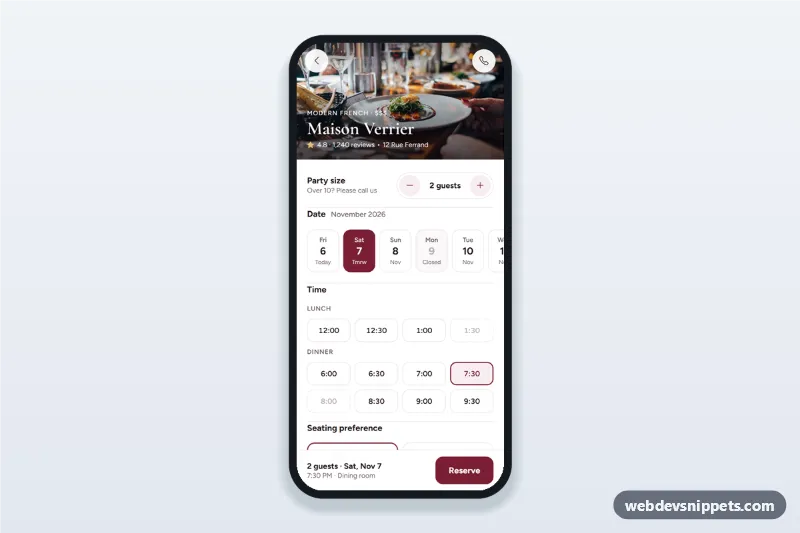
Restaurant table reservation screen with a party size stepper, date strip, lunch and dinner time chips, seating preference, a details sheet and a booking confirmation state.

Hotel Booking Details Screen – Bootstrap 6 mobile booking screens preview

Hotel Booking Details Screen

Hotel booking details screen with a swipeable photo gallery, amenities, room options, a check-in and check-out date picker sheet and a reserve bar with the live total.