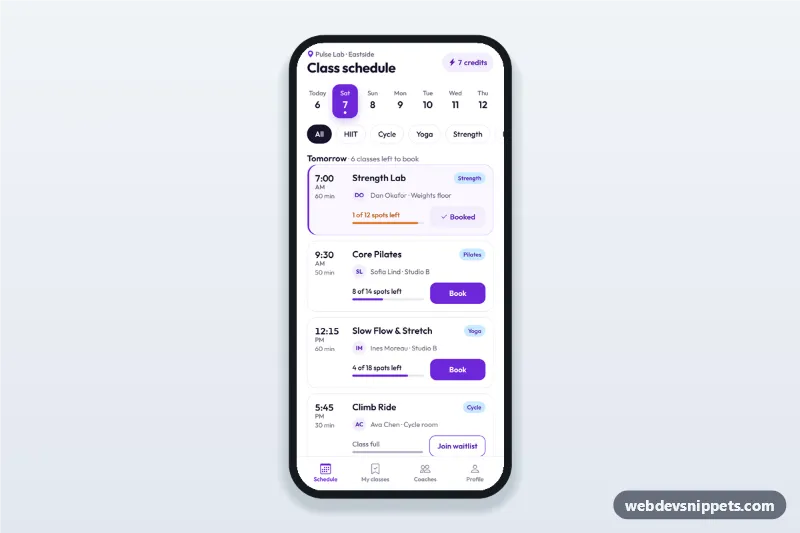
Fitness Class Schedule and Booking
Fitness class schedule app screen with day tabs, class cards showing time, coach and spots left, book and waitlist buttons, a booking sheet and a booked state.
Mobile booking screens for appointments, travel, tickets and reservations with date and time pickers.
3 components
Fitness class schedule app screen with day tabs, class cards showing time, coach and spots left, book and waitlist buttons, a booking sheet and a booked state.
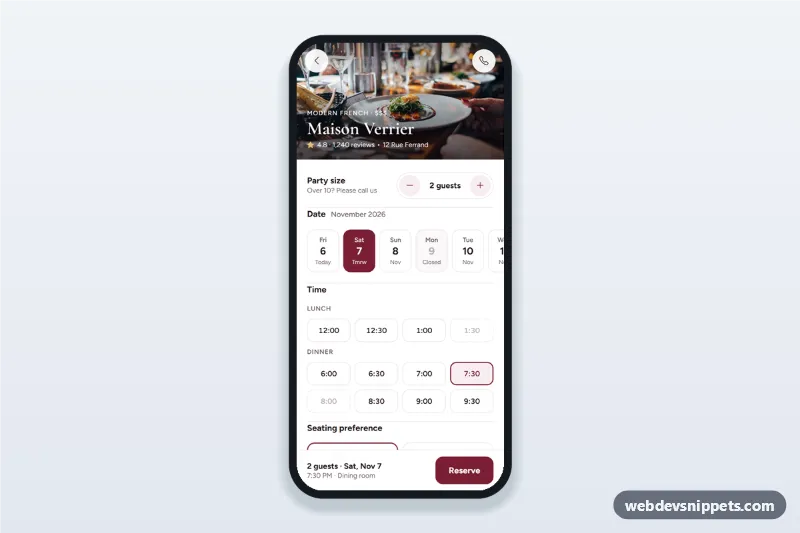
Restaurant table reservation screen with a party size stepper, date strip, lunch and dinner time chips, seating preference, a details sheet and a booking confirmation state.
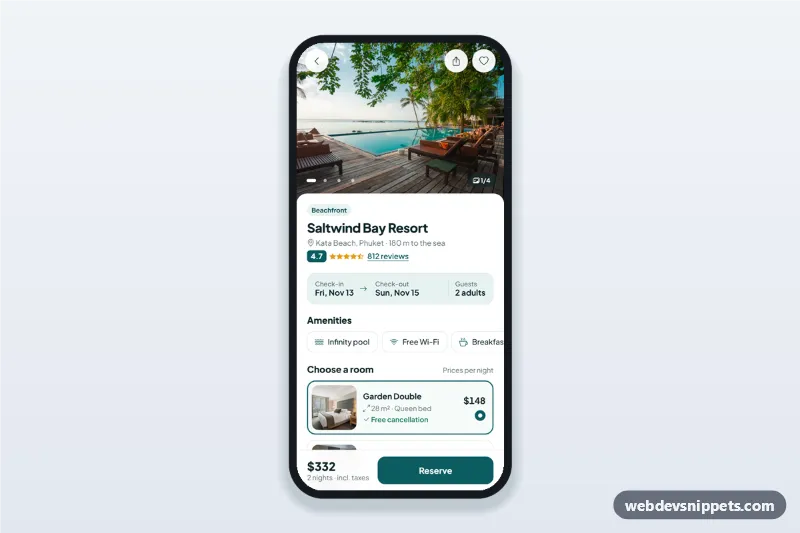
Hotel booking details screen with a swipeable photo gallery, amenities, room options, a check-in and check-out date picker sheet and a reserve bar with the live total.
Booking screens let users choose a service, date and time or seat and confirm a reservation on a phone: salon and clinic appointments, restaurant tables, hotel stays, flights, events and classes.
Use them in any app or mobile site where people reserve something, from fitness classes to travel.
Each screen is available in one of Bootstrap 6, Bootstrap 5, Tailwind CSS or pure CSS. The live preview opens at phone width; switch to tablet or desktop to see how the screen stays centred on larger displays. Copy the HTML, CSS and JavaScript or download the complete page, replace the sample data and connect it to your own API.