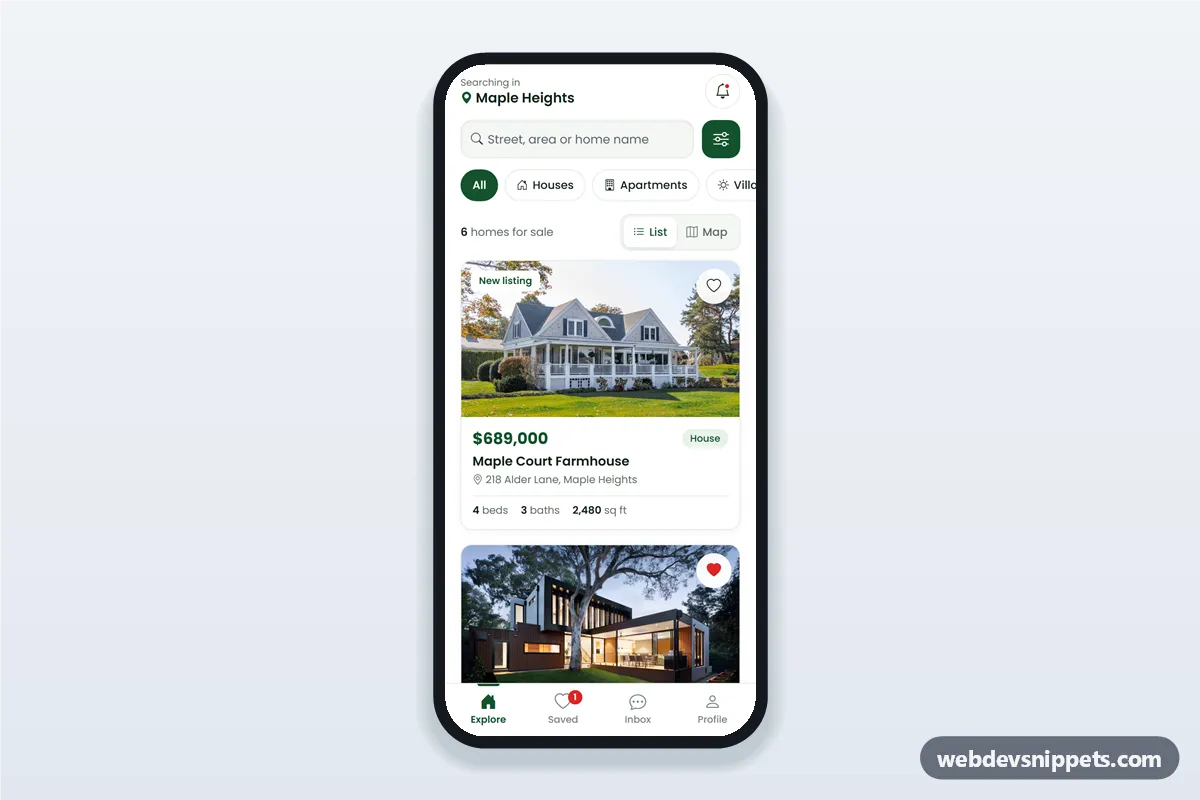
Real estate app home screen with search, property type chips, listing cards, a list/map toggle with price pins and a filter bottom sheet for price, bedrooms and new listings.
Also known as: real estate app ui, property listing app screen, home search app with map view, mobile app home screen html
A real estate app home screen built with Bootstrap 6: an HTML mobile template for mobile sites and PWAs with a home search, property type chips, listing cards and a list/map toggle with price pins. Use this property listing app UI as the start screen of a home search app, and package it with Capacitor if you need a store app.
How it works
The root .rem-app is a 430 px app column centred on a light grey page. From top to bottom:
.rem-search: a Bootstrap 6 form-adorn search field that filters cards by name and address. .rem-filter-btn opens the filter sheet and shows a dot while filters are active.
.rem-chips: .chip buttons with aria-pressed; each .rem-card has a data-type (house, apartment, villa, townhouse).
.rem-bar: the live result count and the .rem-seg List / Map toggle.
.rem-list: .rem-card listing cards with photo, heart (.rem-save), price, address and specs.
.rem-map: a CSS-only map (parks, lake and roads drawn with .rem-m-* shapes) with .rem-pin price pins. Tapping a pin fills the .rem-peek card; its View button switches back to the list and focuses that home.
.rem-tabs: a sticky bottom tab bar; the Saved tab counts the hearts.
The filter sheet is a Bootstrap 6 Drawer (<dialog class="drawer drawer-bottom">) with a Range slider for maximum price, bedroom radios and a new-listings switch. The Show button previews the match count before you apply.
Customization
--rem-forest on .rem-app: the brand green for buttons, chips, prices and pins; the --bs-primary-* values next to it keep Bootstrap's buttons, radios and switch in sync.
--rem-radius on .rem-app: corner radius of cards, search field and peek card (14px by default).
Add a listing by copying a .rem-card and setting data-id, data-type, data-price, data-beds and data-new, then add a .rem-pin with the same data-id.
Move a pin by editing its .rem-pin[data-id="…"] rule (top / left) in style.css.
MAX in script.js and the min / max / step on #rem-price set the price slider range.
Use cases
Property portals: a home search start screen with a quick list or map view.
Real estate agencies: a branded PWA showing the agency's current listings.
Rental and relocation apps: filter by budget and bedrooms before contacting an agent.
Accessibility
Chips, the view toggle, pins and hearts are real buttons with aria-pressed. The result count is an aria-live region. The Drawer is a native modal <dialog>: focus moves to its close button and returns to the filter button when it closes. The active tab uses aria-current="page", and touch targets are at least 44 px.
Bootstrap 6 notes
Built on Bootstrap 6.0.0-alpha.1 (alpha APIs can still change). The sheet uses Drawer instead of Offcanvas, the price uses the new .form-range wrapper, bedrooms use btn-check btn-outline theme-primary labels, and the switch uses .switch. Photos come from Unsplash; replace them with your own listing images.
Can I use the Real Estate App Home with Map Toggle code for free?
Yes. You can copy or download the code and use it in personal and commercial projects, including client work. No sign-up is needed. Reselling it as part of a component library or template collection is not allowed; see the license.
How do I add it to my website?
Load Bootstrap 6 and Bootstrap Icons and fonts.googleapis.com from a CDN (the links are under Requirements).
Paste the HTML where the component should appear, add the CSS to your stylesheet and load the JavaScript before the closing </body> tag.
Download HTML gives you a complete page with everything already linked.
Does it need jQuery or a JavaScript framework?
No. The script is plain vanilla JavaScript, so it works without jQuery, React or Vue. You can still use the markup inside those frameworks.
Can I turn this screen into an iOS or Android app?
Yes. It is plain HTML, CSS and JavaScript, so it works in a mobile website or progressive web app as it is. To ship it as a store app, put it in the web folder of a Capacitor or Cordova project and build it for iOS and Android; replace the sample data with calls to your own API.
How does it look on a desktop screen?
The screen is designed for phones. On wider screens it stays at phone width in the middle of the page, so it still looks like an app. The live demo opens at mobile width; use the Tablet and Desktop buttons to check other sizes.
Requirements
Add these to your page (already included in the download):
Built for Bootstrap 6.0.0-alpha.1. Bootstrap 6 ships as an ES module, so its script and this component's
JavaScript load with type="module". Alpha releases can still change before the stable version.
Real Estate App Home with Map Toggle · free Bootstrap 6 mobile home & feed template
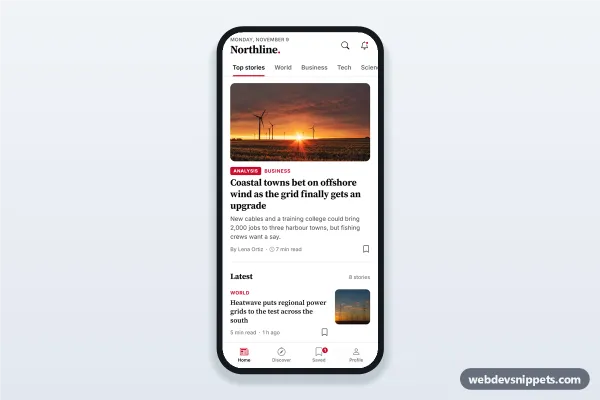
News reader app home screen with section tabs, a top story card, article list with thumbnails and read time, bookmark toggles, a saved view and a bottom tab bar.
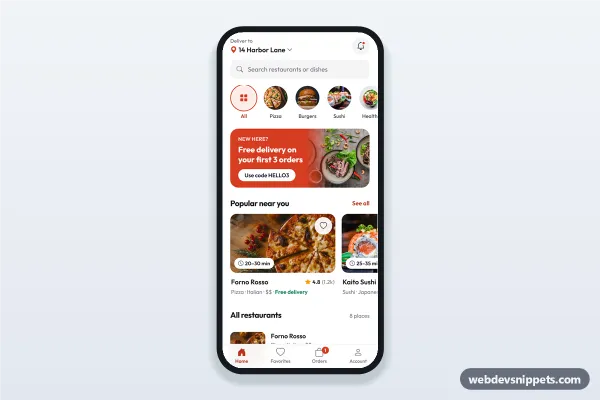
Food delivery app home screen with address picker sheet, search, category chips, promo banner, popular restaurant cards with ratings and a bottom tab bar.
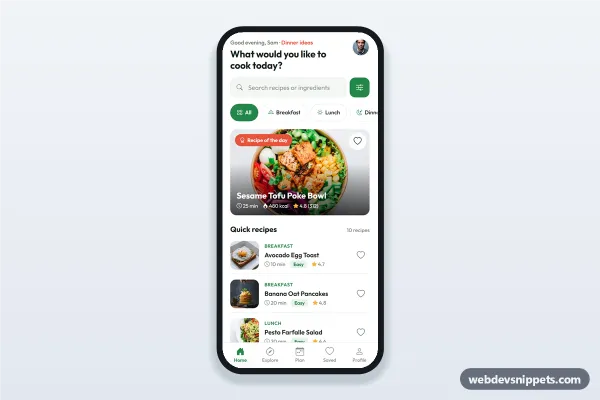
Recipe app home screen with search, meal type category chips, a recipe of the day card, a quick recipes list with time and difficulty, filters sheet and bottom tabs.
Social media app feed with a stories row and story viewer, photo posts with like, comment and save, a comments bottom sheet and a tab bar with a create button.
Music streaming app home screen in dark mode with greeting, recently played grid, made for you playlist row, mini player above the tab bar and a full player bottom sheet.
Travel app explore screen with destination search, category chips, featured destination cards in a horizontal scroll, nearby list, bottom sheet details and bottom tab bar.