Skip to content

News Reader App Home

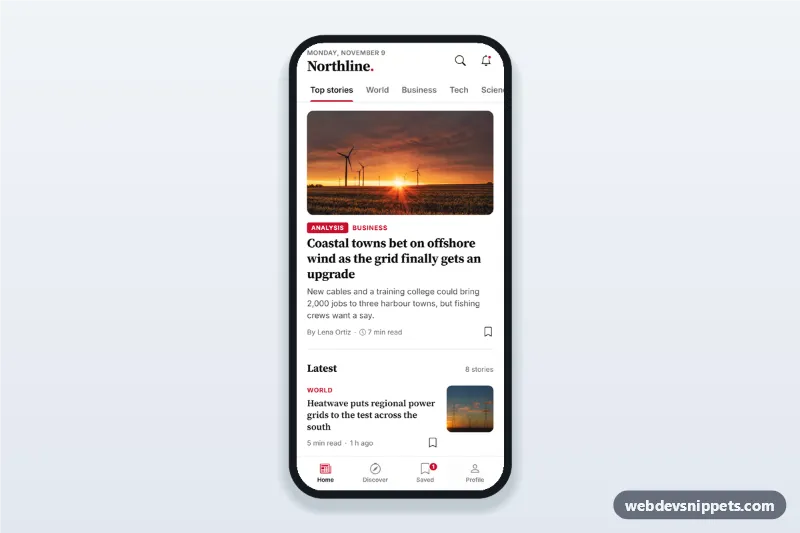
News reader app home screen with section tabs, a top story card, article list with thumbnails and read time, bookmark toggles, a saved view and a bottom tab bar.

Also known as: news app ui, newspaper app home screen, magazine app layout, article feed mobile, news website mobile template

News Reader App Home live demo

Open in new tab

Pure CSS code (HTML, CSS, JS)

A news reader app home screen in pure CSS and vanilla JavaScript, with section tabs, a top story card, a list of articles with thumbnails and read time, bookmark toggles and a bottom tab bar. Black Source Serif 4 headlines and a red accent give it a classic newspaper app UI. It is an HTML mobile template for mobile websites and PWAs and can be packaged as a native app with Capacitor.

How it works

The root .nrh-app is a 430 px app column. The sticky .nrh-top header holds the masthead (today's date is written into [data-nrh-date] by the script, so it never goes stale), search and notification buttons, and a horizontally scrolling role="tablist" of sections.

The feed #nrh-feed is the tab panel. It starts with the .nrh-lead top story (large photo, kicker, serif headline, summary, author and read time) followed by .nrh-list, where each .nrh-row has the text on the left and an 88 px thumbnail on the right. Every story carries a data-section value. Choosing a tab runs render(), which hides stories from other sections, renames the list heading and updates the story count; an empty state appears when nothing matches.

Each .nrh-save button toggles aria-pressed and swaps between the outline and filled bookmark icon, shows a short toast and updates the badge on the Saved tab. The bottom .nrh-tabbar uses aria-current="page": Home shows the full feed and Saved shows only bookmarked stories; Discover and Profile are placeholders for your other screens.

The photos come from Unsplash; replace them with your own article images.

Customization

  • --nrh-accent in style.css: kickers, active tab underline, bookmarks, badges and focus rings.
  • --nrh-serif and --nrh-sans: the headline and interface fonts.
  • Add a section: add a .nrh-tab button with a new data-nrh-section value and give matching stories the same data-section.
  • TOAST_MS in script.js: how long the "Saved to your reading list" message stays.
  • Change the aspect-ratio (16 / 9) of .nrh-lead__media img for a taller or wider top story photo.
  • Remove .nrh-live from the lead kicker when the story is not an analysis or live piece.

Use cases

  • News and magazine apps: the main feed with sections and a featured story.
  • Company or industry newsletters: a reading app for internal news on a PWA.
  • Local news websites: a mobile home page that feels like an app.
  • Blog and podcast networks: show the latest posts with read time and saving.

Accessibility

Section tabs follow the tabs pattern: aria-selected, roving tabindex, and arrow, Home and End keys. Bookmark buttons use aria-pressed and are described by their headline. The toast is a role="status" region, the tab bar is a labelled nav with aria-current, and every target is at least 44 px with a visible red focus ring. Headline text on white has strong contrast.
News Reader App Home at a glance

Framework
Pure CSS
Code
HTML, CSS, JavaScript
JavaScript
Vanilla JavaScript, no jQuery
Dependencies
fonts.googleapis.com, Bootstrap Icons
Layout
Mobile-first app screen, centred on wider screens
Category
Mobile Home & Feed
License
Free for personal and commercial use

Questions about this template

Can I use the News Reader App Home code for free?

Yes. You can copy or download the code and use it in personal and commercial projects, including client work. No sign-up is needed. Reselling it as part of a component library or template collection is not allowed; see the license.

How do I add it to my website?

Load fonts.googleapis.com and Bootstrap Icons from a CDN (the links are under Requirements). Paste the HTML where the component should appear, add the CSS to your stylesheet and load the JavaScript before the closing </body> tag. Download HTML gives you a complete page with everything already linked.

Does it need jQuery or a JavaScript framework?

No. The script is plain vanilla JavaScript, so it works without jQuery, React or Vue. You can still use the markup inside those frameworks.

Can I turn this screen into an iOS or Android app?

Yes. It is plain HTML, CSS and JavaScript, so it works in a mobile website or progressive web app as it is. To ship it as a store app, put it in the web folder of a Capacitor or Cordova project and build it for iOS and Android; replace the sample data with calls to your own API.

How does it look on a desktop screen?

The screen is designed for phones. On wider screens it stays at phone width in the middle of the page, so it still looks like an app. The live demo opens at mobile width; use the Tablet and Desktop buttons to check other sizes.

Requirements

Add these to your page (already included in the download):

  • <link rel="stylesheet" href="https://fonts.googleapis.com/css2?family=Inter:wght@400;500;600;700&family=Source+Serif+4:opsz,wght@8..60,600;8..60,700&display=swap">
  • <link rel="stylesheet" href="https://cdn.jsdelivr.net/npm/bootstrap-icons@1.11.3/font/bootstrap-icons.min.css">
News Reader App Home – Pure CSS mobile home & feed component screenshot
News Reader App Home · Pure CSS Mobile Home & Feed

More Mobile Home & Feed

Food Delivery App Home Screen – Tailwind CSS mobile home & feed preview

Food Delivery App Home Screen

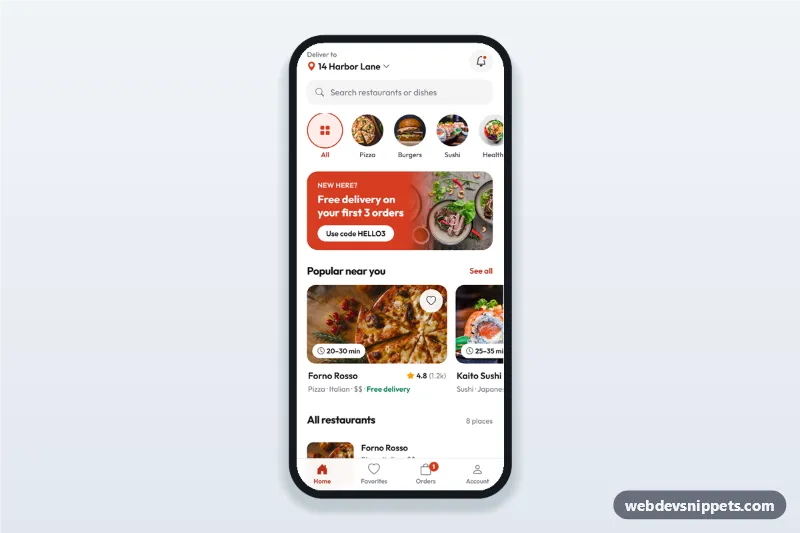
Food delivery app home screen with address picker sheet, search, category chips, promo banner, popular restaurant cards with ratings and a bottom tab bar.

Recipe App Home with Categories – Bootstrap 5 mobile home & feed preview

Recipe App Home with Categories

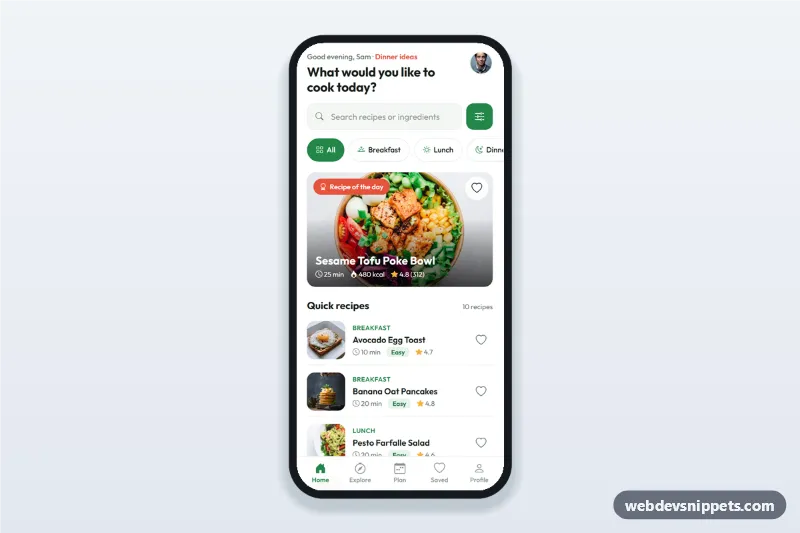
Recipe app home screen with search, meal type category chips, a recipe of the day card, a quick recipes list with time and difficulty, filters sheet and bottom tabs.

Social Media App Feed with Stories – Bootstrap 5 mobile home & feed preview

Social Media App Feed with Stories

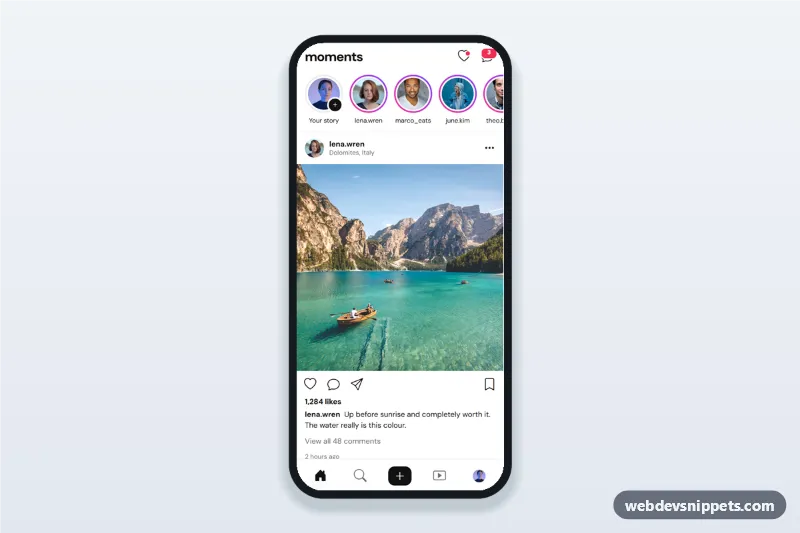
Social media app feed with a stories row and story viewer, photo posts with like, comment and save, a comments bottom sheet and a tab bar with a create button.

Music Streaming App Home Screen – Bootstrap 6 mobile home & feed preview

Music Streaming App Home Screen

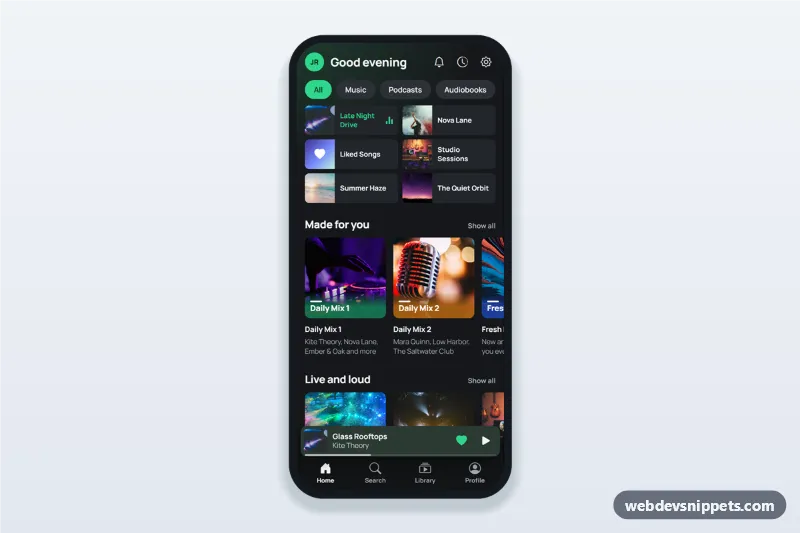
Music streaming app home screen in dark mode with greeting, recently played grid, made for you playlist row, mini player above the tab bar and a full player bottom sheet.

Travel App Explore Screen – Bootstrap 6 mobile home & feed preview

Travel App Explore Screen

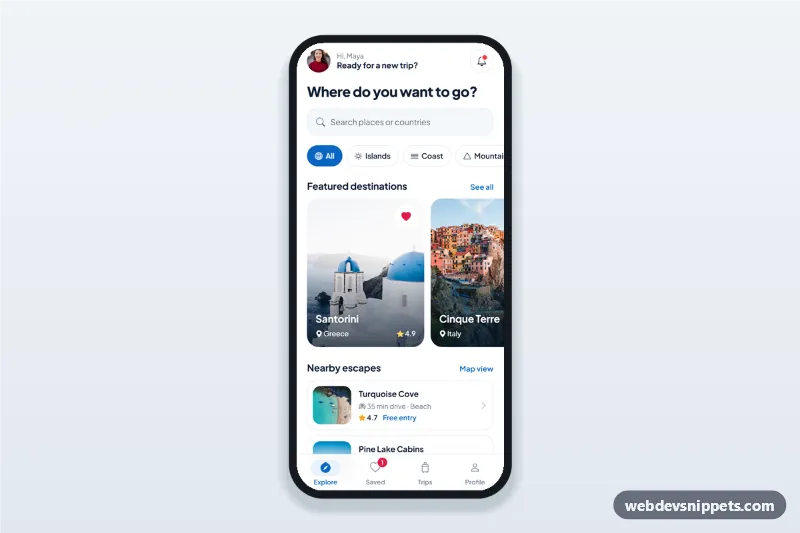
Travel app explore screen with destination search, category chips, featured destination cards in a horizontal scroll, nearby list, bottom sheet details and bottom tab bar.