Skip to content

Bookstore App Home with Reading Shelf

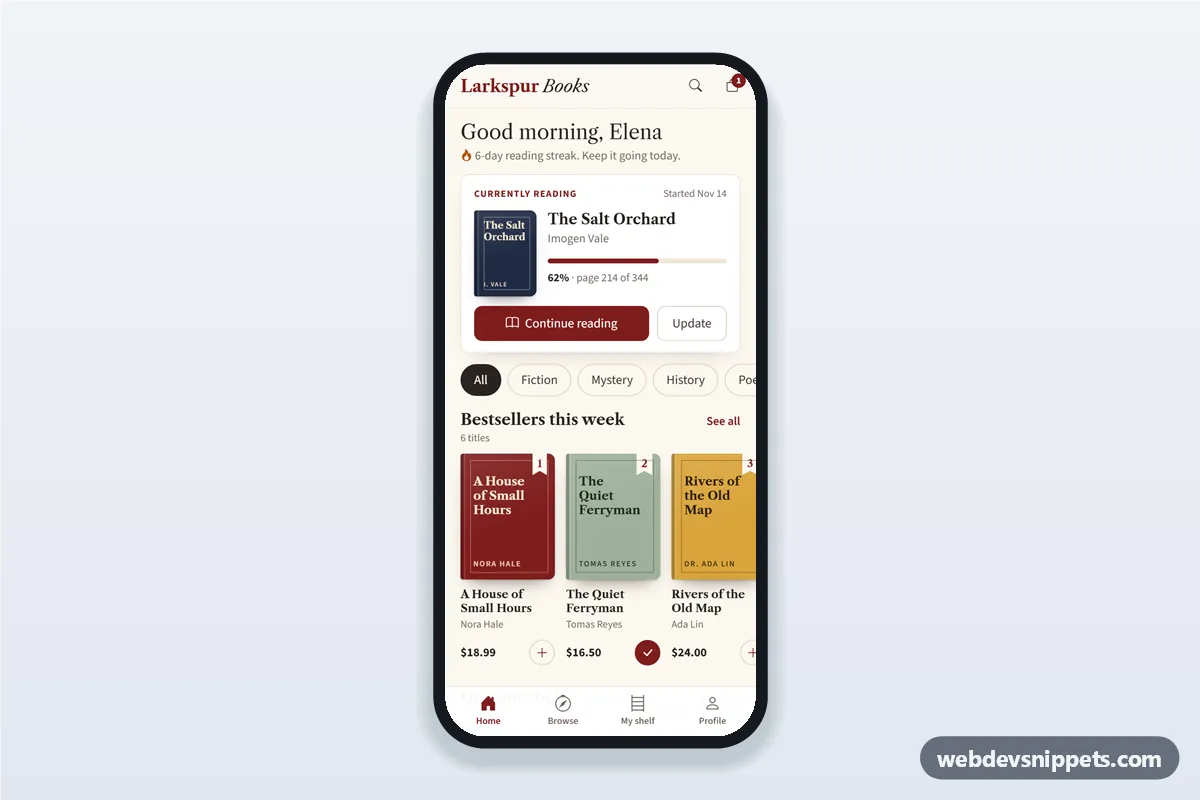
Bookstore app home screen with a currently reading card and progress sheet, genre chips, a bestseller row of CSS book covers, add-to-bag buttons and a bottom tab bar.

Also known as: bookstore app ui, ebook reader app home screen, reading tracker app, book shop mobile app design, mobile app home screen html

Bookstore App Home with Reading Shelf live demo

Open in new tab

Pure CSS code (HTML, CSS, JS)

A bookstore app home screen built with plain CSS and vanilla JavaScript: a currently reading card with progress, genre chips, a bestseller row of CSS-drawn book covers and a bottom tab bar. The warm paper background, oxblood accent and Libre Caslon headings give this book shop app UI a calm, literary feel. It is an HTML mobile template for mobile sites and PWAs, and it can be packaged as a native app with Capacitor.

How it works

The root .bsh-app is a 430 px app column. The sticky .bsh-top bar holds the wordmark, search and the bag button with its .bsh-badge counter.

The .bsh-reading card shows the book in progress next to a small .bsh-cover--sm cover. The script writes a greeting into [data-bsh-greeting] and a start date, computed from today and shown without a year, into [data-bsh-started]. Update opens the .bsh-sheet bottom sheet: a page stepper ([data-bsh-step]), a number input and a range slider stay in sync, and the hint estimates a finish date at 25 pages a day. Saving validates the page, then updates the role="progressbar", the percentage and the page number.

The .bsh-chips buttons filter the .bsh-row of bestsellers by their data-genre value, update the title count and show .bsh-empty when nothing matches. Each .bsh-add button toggles aria-pressed and the bag badge. Covers are pure CSS: .bsh-cover draws the spine, the inner frame and a ribbon with the chart rank.

Customization

  • --bsh-accent on .bsh-app: oxblood colour of buttons, progress bar, focus rings and badges.
  • --bsh-paper and --bsh-card: page and card backgrounds.
  • --bsh-serif / --bsh-sans: swap Libre Caslon Text and Source Sans 3 for your brand fonts.
  • Add a colour class like .bsh-c-teal (it sets --bsh-cover and --bsh-cover-ink) to create new cover styles, or replace the cover div with an <img> of real cover art.
  • TOTAL_PAGES and PACE in script.js: book length and the reading pace used for the finish estimate.
  • data-genre on .bsh-book plus a matching data-bsh-genre chip: add new genres.
  • --bsh-radius: the 10 px corner radius used on cards, buttons and the tab bar.

Use cases

  • Online bookstores: a mobile home that mixes personal reading with bestseller sales.
  • E-book and audiobook apps: resume the current title and log progress in a bottom sheet.
  • Reading tracker and book club PWAs: show streaks, shelves and finish estimates.

Accessibility

Chips and add buttons use aria-pressed; the bottom tab bar marks the current tab with aria-current="page". The bottom sheet is a role="dialog" with aria-modal, traps Tab focus, closes with Escape, the close button or a backdrop tap, and returns focus to the trigger. Invalid pages set aria-invalid and show an error. A polite role="status" region announces filter results, bag changes and saved progress. All touch targets are at least 44 px and focus rings use the accent colour. The sheet animation is turned off for prefers-reduced-motion. The progress save is local; call fetch() in the form's submit handler to sync it with your backend.
Bookstore App Home with Reading Shelf at a glance

Framework
Pure CSS
Code
HTML, CSS, JavaScript
JavaScript
Vanilla JavaScript, no jQuery
Dependencies
fonts.googleapis.com, Bootstrap Icons
Layout
Mobile-first app screen, centred on wider screens
Category
Mobile Home & Feed
License
Free for personal and commercial use

Questions about this template

Can I use the Bookstore App Home with Reading Shelf code for free?

Yes. You can copy or download the code and use it in personal and commercial projects, including client work. No sign-up is needed. Reselling it as part of a component library or template collection is not allowed; see the license.

How do I add it to my website?

Load fonts.googleapis.com and Bootstrap Icons from a CDN (the links are under Requirements). Paste the HTML where the component should appear, add the CSS to your stylesheet and load the JavaScript before the closing </body> tag. Download HTML gives you a complete page with everything already linked.

Does it need jQuery or a JavaScript framework?

No. The script is plain vanilla JavaScript, so it works without jQuery, React or Vue. You can still use the markup inside those frameworks.

Can I turn this screen into an iOS or Android app?

Yes. It is plain HTML, CSS and JavaScript, so it works in a mobile website or progressive web app as it is. To ship it as a store app, put it in the web folder of a Capacitor or Cordova project and build it for iOS and Android; replace the sample data with calls to your own API.

How does it look on a desktop screen?

The screen is designed for phones. On wider screens it stays at phone width in the middle of the page, so it still looks like an app. The live demo opens at mobile width; use the Tablet and Desktop buttons to check other sizes.

Requirements

Add these to your page (already included in the download):

  • <link rel="stylesheet" href="https://fonts.googleapis.com/css2?family=Libre+Caslon+Text:ital,wght@0,400;0,700;1,400&family=Source+Sans+3:wght@400;600;700&display=swap">
  • <link rel="stylesheet" href="https://cdn.jsdelivr.net/npm/bootstrap-icons@1.11.3/font/bootstrap-icons.min.css">
Bookstore App Home with Reading Shelf – free Pure CSS mobile home & feed template
Bookstore App Home with Reading Shelf · free Pure CSS mobile home & feed template

More Mobile Home & Feed

Real Estate App Home with Map Toggle – free Bootstrap 6 mobile home & feed template

Real Estate App Home with Map Toggle

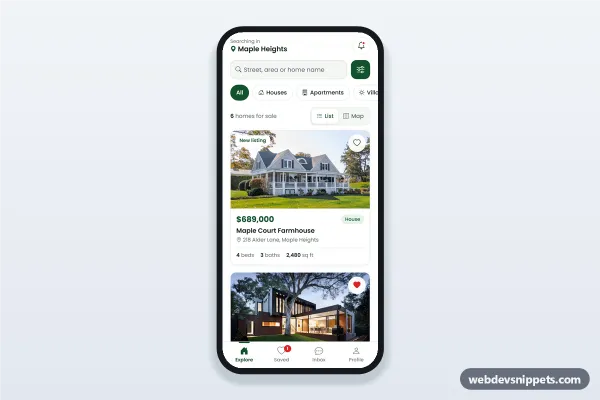
Real estate app home screen with search, property type chips, listing cards, a list/map toggle with price pins and a filter bottom sheet for price, bedrooms and new listings.

Event Tickets App Home with Categories – free Bootstrap 6 mobile home & feed template

Event Tickets App Home with Categories

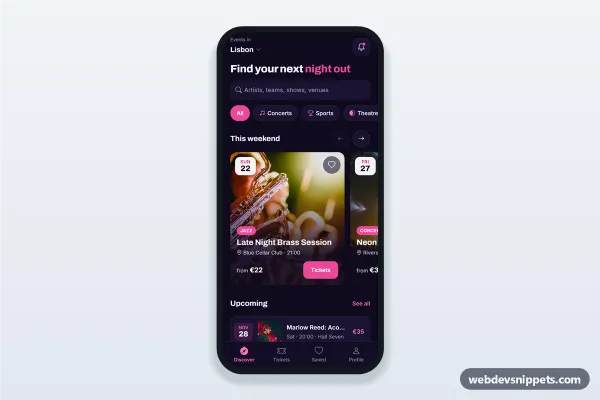
Dark event tickets app home screen with category chips, a this-weekend event carousel, upcoming events list and a ticket bottom sheet with quantity stepper and total.

News Reader App Home – free Pure CSS mobile home & feed template

News Reader App Home

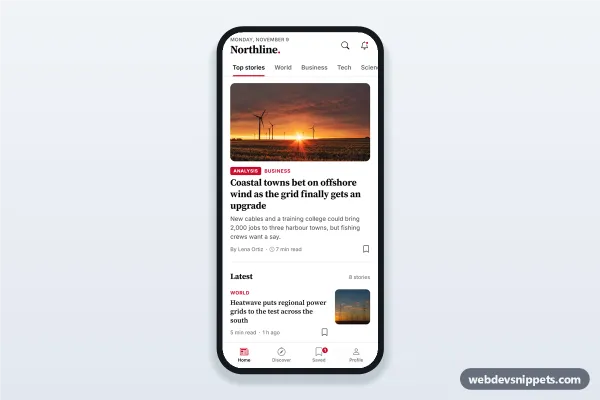
News reader app home screen with section tabs, a top story card, article list with thumbnails and read time, bookmark toggles, a saved view and a bottom tab bar.

Food Delivery App Home Screen – free Tailwind CSS mobile home & feed template

Food Delivery App Home Screen

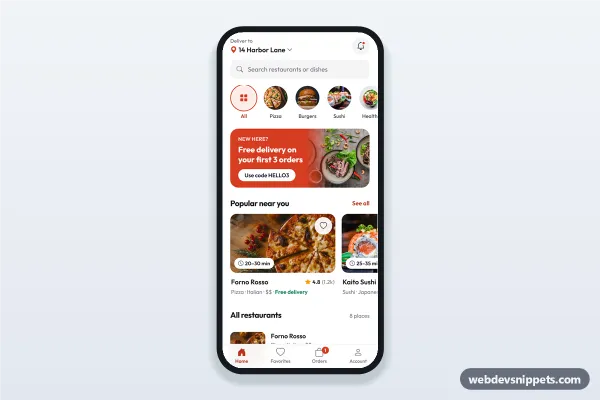
Food delivery app home screen with address picker sheet, search, category chips, promo banner, popular restaurant cards with ratings and a bottom tab bar.

Recipe App Home with Categories – free Bootstrap 5 mobile home & feed template

Recipe App Home with Categories

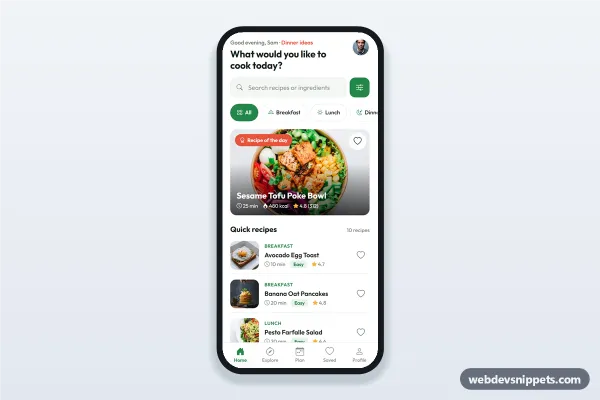
Recipe app home screen with search, meal type category chips, a recipe of the day card, a quick recipes list with time and difficulty, filters sheet and bottom tabs.

Social Media App Feed with Stories – free Bootstrap 5 mobile home & feed template

Social Media App Feed with Stories

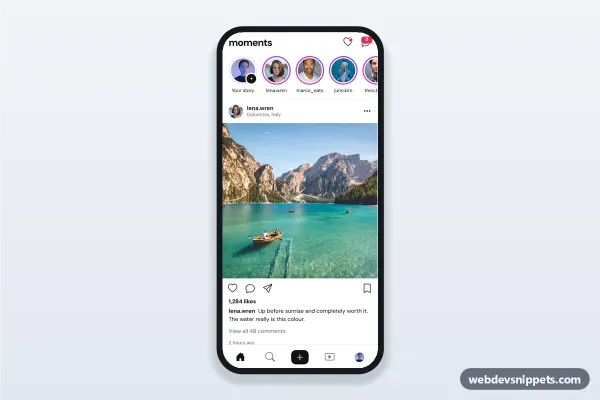
Social media app feed with a stories row and story viewer, photo posts with like, comment and save, a comments bottom sheet and a tab bar with a create button.