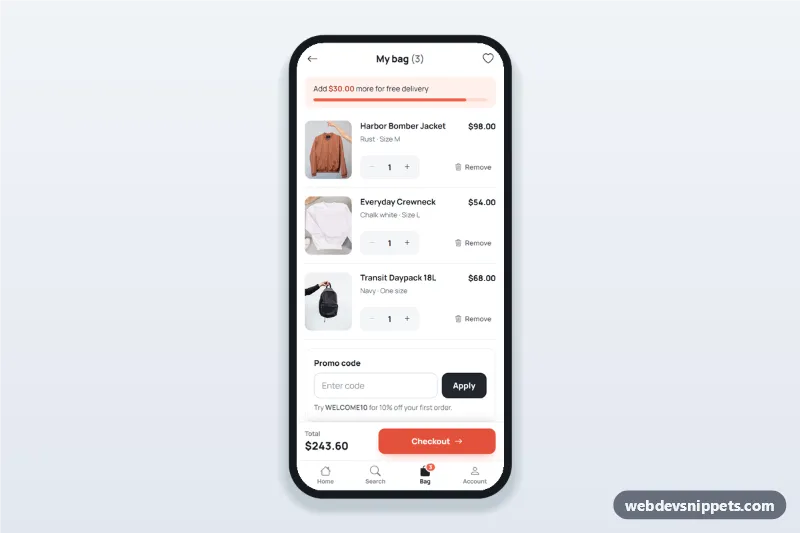
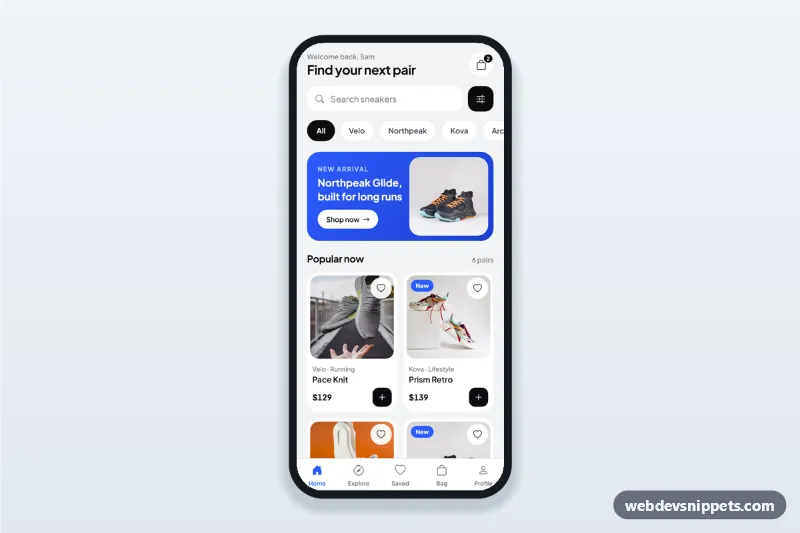
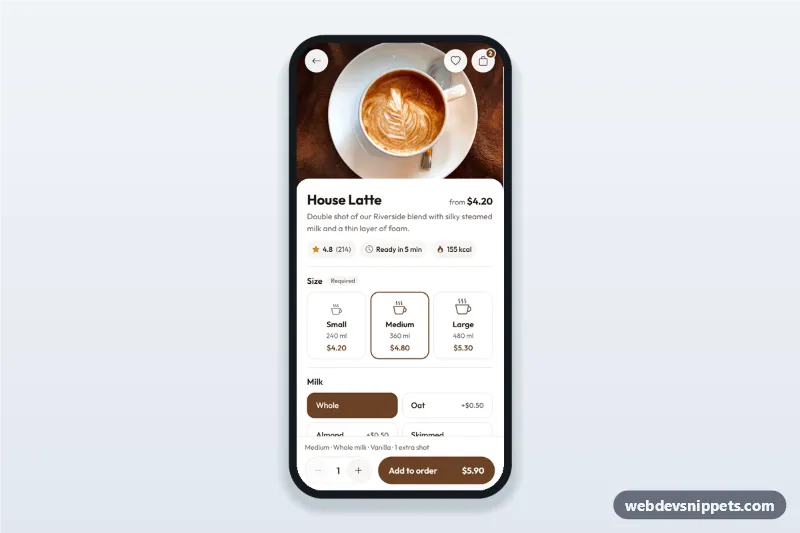
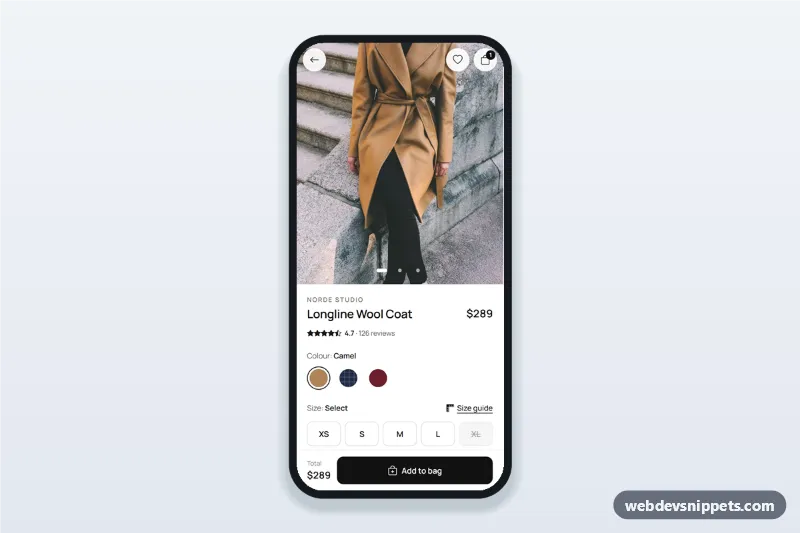
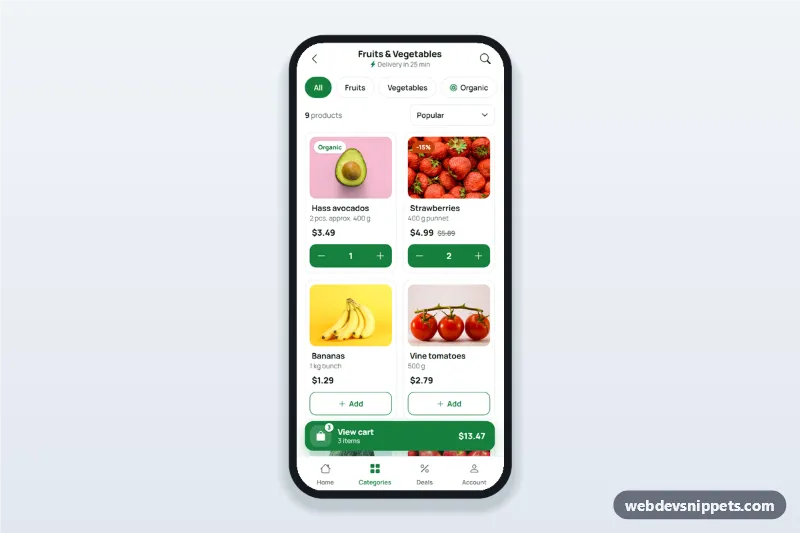
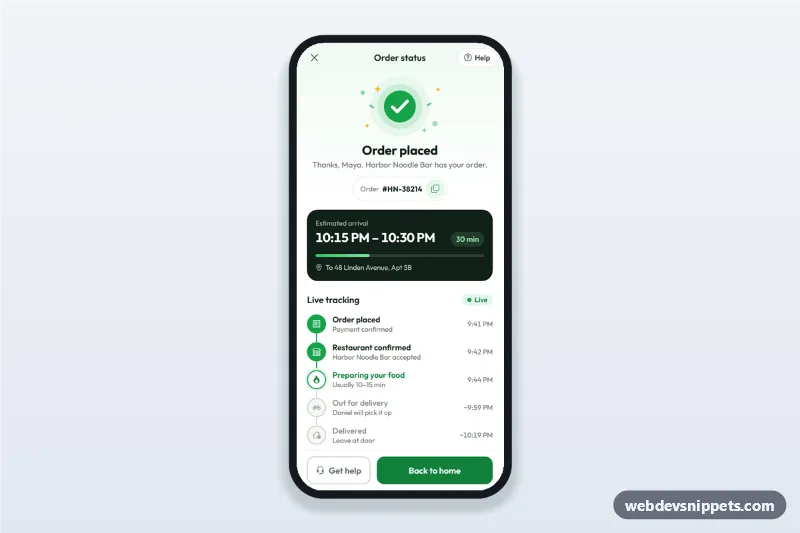
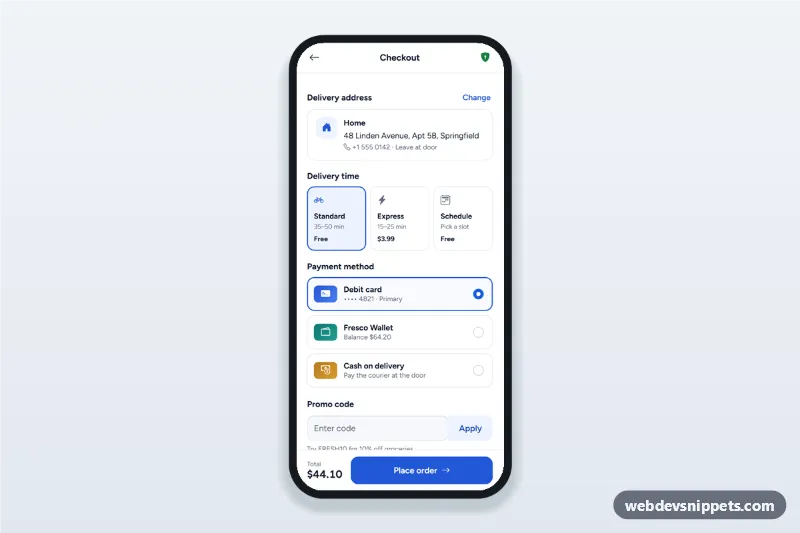
A mobile shopping bag screen in pure CSS and vanilla JavaScript: quantity steppers, visible remove buttons, a free delivery progress bar, a promo code field, an order summary and a sticky checkout bar. It is an HTML mobile template for mobile sites and PWAs, and it can be packaged as a native app with Capacitor. Use it as the cart page or checkout screen of a fashion, lifestyle or general ecommerce app.
How it works
The root .sb-app is a phone-width column (max 430px, centred on wide screens). Each product is an li.sb-item with data-sb-price; the .sb-stepper buttons carry data-sb-step="1" or "-1" and change the number in output[data-sb-qty] (1 to 9). After every change update() recalculates all totals and writes them into the summary, the sticky .sb-checkout bar, the title count and the .sb-badge on the Bag tab.
The .sb-remove button removes the row (no swipe needed) and shows the .sb-snack bar with Undo. When the bag is empty, the [data-sb-empty] state replaces the list.
The promo form [data-sb-promo] validates on submit: an empty field or an unknown code sets aria-invalid and shows a red message, a valid code (WELCOME10) adds a discount row. Checkout opens dialog.sb-sheet, a native <dialog> bottom sheet with Standard and Express delivery; the choice updates the totals and Continue to payment shows a success panel.
Customization
--sb-accent,--sb-accent-strongand--sb-accent-softon.sb-app: the coral colour of the progress bar, checkout button, badge and selected delivery card.data-sb-free-overon.sb-app: the free delivery threshold (250); the progress bar and message follow it.data-sb-taxon.sb-app: the tax rate used for the estimate, e.g.0.2for 20%.CODESinscript.js: valid promo codes and their discount, e.g.{ SPRING15: 0.15 }.STANDARDandEXPRESSinscript.js: the delivery prices shown in the sheet and summary.- The Continue to payment handler in
script.js: replace the timeout with yourfetch()call to start the real checkout.
Use cases
- Fashion and apparel shops: review sizes and colours before checkout.
- Lifestyle and home goods stores: adjust quantities and apply a welcome code.
- Marketplace PWAs: show a free delivery goal to raise the basket value.
- Capacitor shopping apps: a native-feeling bag tab with a sticky checkout.
Accessibility
Stepper buttons and remove buttons have descriptive aria-labels, the quantity is an output with aria-live, and the minus button is disabled at 1. After removing an item, focus moves to the next remove button or to Undo. The progress bar uses role="progressbar" with aria-valuenow. The bottom sheet is a modal <dialog>: Escape or the backdrop closes it and focus returns to Checkout. All controls are at least 44px high with a visible focus ring, and the sheet animation is turned off with prefers-reduced-motion.
Usage notes
Product photos come from Unsplash; replace them with your own images. The tab bar links are placeholders for your other screens.