Skip to content

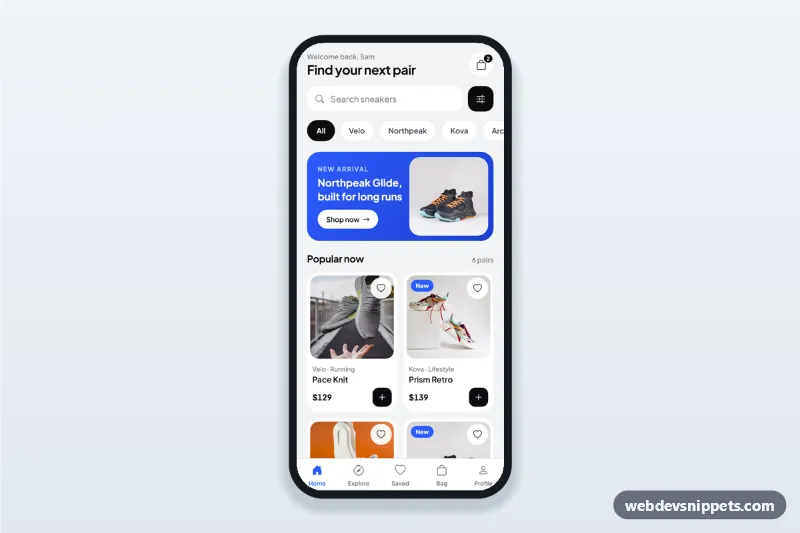
Sneaker Store Home with Filters Sheet

Sneaker store app home screen with brand chips, search, product cards and a filter bottom sheet with price range, sizes and sort that applies to the product grid.

Also known as: shoe store app ui, mobile shop home screen, product filter bottom sheet, ecommerce app home template

Sneaker Store Home with Filters Sheet live demo

Open in new tab

Tailwind CSS code (HTML, CSS, JS)

A sneaker store home screen built with Tailwind CSS: a greeting header, search, brand chips, a promo banner, a two-column product grid and a filter bottom sheet with a price range, size chips and sort options that really filter the grid. It is an HTML mobile template for mobile websites and PWAs and can be packaged as a native app with Capacitor. Use it as the home screen of a shoe store or streetwear app.

How it works

The root .ssh-app is a phone-width column with a sticky .ssh-tabbar at the bottom. Every product is an li with data-ssh-item and the data the filters read: data-brand, data-price, data-sizes (space-separated EU sizes), data-pop and data-new (sort ranks).

render() in script.js combines the active brand chip (data-ssh-brand, aria-pressed), the search text and the applied sheet filters, hides cards that do not match, re-orders the rest, updates the count and shows [data-ssh-empty] when nothing is left.

The filter button opens #ssh-filters, a native <dialog> bottom sheet. The price range is two stacked input type="range" elements; paintRange() colours the track between the thumbs through --ssh-lo and --ssh-hi, and the thumbs cannot cross. While you change values, the submit button previews the result count ("Show 3 results"). Submitting applies the filters and closes the sheet; Escape or a backdrop tap dismiss it without applying.

Customization

  • --ssh-accent and --ssh-ink on .ssh-app in style.css: the electric blue for the banner, badges and active tab, and the near-black for chips and buttons.
  • min, max and step on [data-ssh-min] and [data-ssh-max]: price limits of the range slider.
  • Add a product by copying an li.ssh-card and setting its data-brand, data-price, data-sizes, data-pop and data-new.
  • Add a brand by copying a .ssh-chip button with a data-ssh-brand value that matches the products.
  • .ssh-tag marks a card as New; remove it or change the text for Sale or Limited labels.
  • Replace the toast in the .ssh-add click handler with fetch() to your cart API.

Use cases

  • Shoe and sneaker store apps: browse by brand, size and price.
  • Sports and streetwear shops: a catalogue home with a filter sheet.
  • Fashion marketplaces: reuse the sheet for size, price and sorting on any product list.
  • Ecommerce PWAs: a mobile-first home screen with search and quick add to bag.

Accessibility

Chips and wishlist hearts are toggle buttons with aria-pressed, the count is announced with aria-live, and the filter button has a text label that includes the active filter count. The sheet is a labelled modal <dialog> with fieldsets and legends; the range inputs have labels and work with the arrow keys, and focus returns to the filter button on close. Animations respect prefers-reduced-motion.

Usage notes

The photos come from Unsplash; replace them with your own product images. Brand and product names are fictional. Bootstrap Icons and Plus Jakarta Sans load from CDNs.
Sneaker Store Home with Filters Sheet at a glance

Framework
Tailwind CSS
Code
HTML, CSS, JavaScript
JavaScript
Vanilla JavaScript, no jQuery
Dependencies
Tailwind CSS, fonts.googleapis.com, Bootstrap Icons
Layout
Mobile-first app screen, centred on wider screens
Category
Mobile Shop & Checkout
License
Free for personal and commercial use

Questions about this template

Can I use the Sneaker Store Home with Filters Sheet code for free?

Yes. You can copy or download the code and use it in personal and commercial projects, including client work. No sign-up is needed. Reselling it as part of a component library or template collection is not allowed; see the license.

How do I add it to my website?

Load Tailwind CSS and fonts.googleapis.com and Bootstrap Icons from a CDN (the links are under Requirements). Paste the HTML where the component should appear, add the CSS to your stylesheet and load the JavaScript before the closing </body> tag. Download HTML gives you a complete page with everything already linked.

Does it need jQuery or a JavaScript framework?

No. The script is plain vanilla JavaScript, so it works without jQuery, React or Vue. You can still use the markup inside those frameworks.

Can I turn this screen into an iOS or Android app?

Yes. It is plain HTML, CSS and JavaScript, so it works in a mobile website or progressive web app as it is. To ship it as a store app, put it in the web folder of a Capacitor or Cordova project and build it for iOS and Android; replace the sample data with calls to your own API.

How does it look on a desktop screen?

The screen is designed for phones. On wider screens it stays at phone width in the middle of the page, so it still looks like an app. The live demo opens at mobile width; use the Tablet and Desktop buttons to check other sizes.

Requirements

Add these to your page (already included in the download):

  • <script src="https://cdn.jsdelivr.net/npm/@tailwindcss/browser@4"></script>
  • <link rel="stylesheet" href="https://fonts.googleapis.com/css2?family=Plus+Jakarta+Sans:wght@400;500;600;700&display=swap">
  • <link rel="stylesheet" href="https://cdn.jsdelivr.net/npm/bootstrap-icons@1.11.3/font/bootstrap-icons.min.css">

The Tailwind browser build is for prototyping. In production, compile Tailwind with its CLI or your bundler.

Sneaker Store Home with Filters Sheet – Tailwind CSS mobile shop & checkout component screenshot
Sneaker Store Home with Filters Sheet · Tailwind CSS Mobile Shop & Checkout

More Mobile Shop & Checkout

Coffee Shop Order Customization Screen – Bootstrap 5 mobile shop & checkout preview

Coffee Shop Order Customization Screen

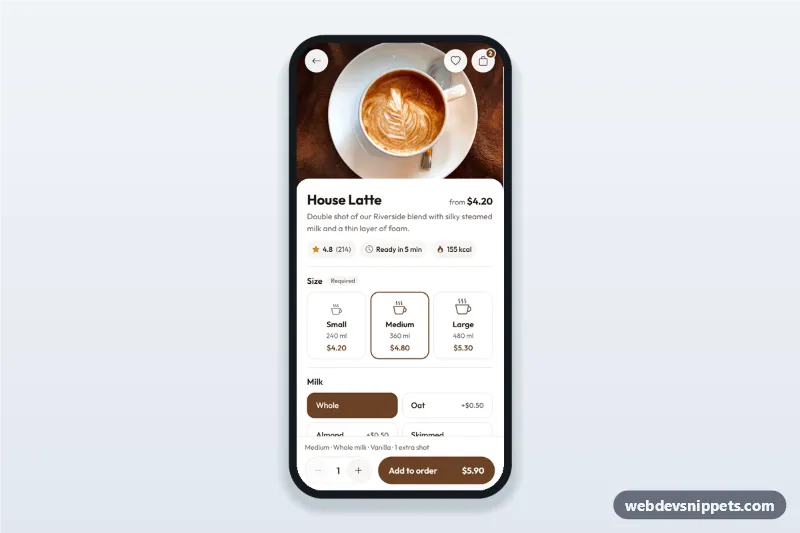
Coffee shop app order screen where customers customize a drink: size cards, milk and syrup options, an extra shot stepper and a live price on the add to order button.

Fashion Store Product Detail Screen – Tailwind CSS mobile shop & checkout preview

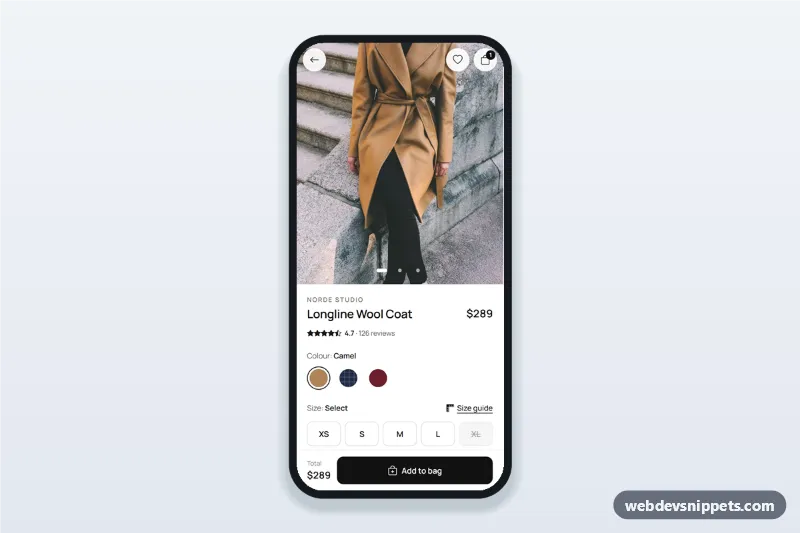
Fashion Store Product Detail Screen

Fashion store product detail screen with swipeable photos, colour swatches, size chips with a size guide bottom sheet, details accordion and a sticky Add to bag bar.

Grocery App Product List with Cart Badge – Bootstrap 5 mobile shop & checkout preview

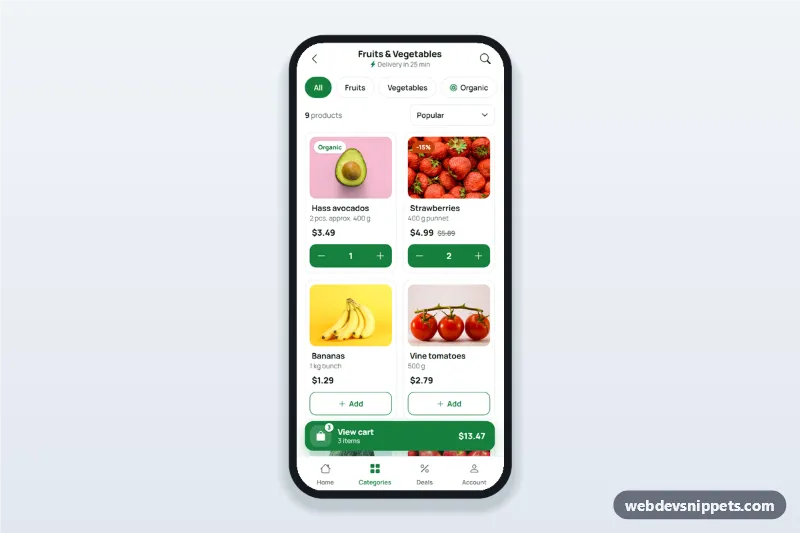
Grocery App Product List with Cart Badge

Grocery app product list screen with filter chips, a two-column product grid with add-to-cart steppers and a floating cart button showing the item count and total.

Order Confirmation and Tracking Screen – Bootstrap 6 mobile shop & checkout preview

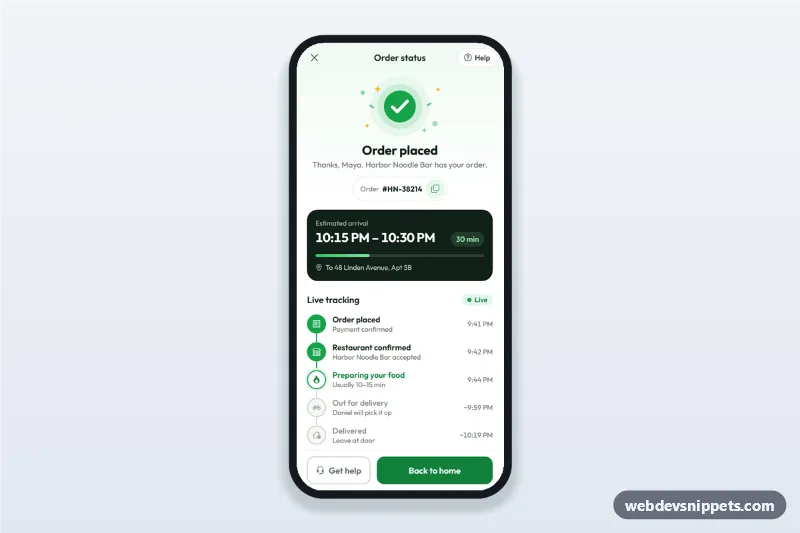
Order Confirmation and Tracking Screen

Order confirmation screen for delivery apps with a success illustration, order number, ETA computed from now, live order tracking steps and a help sheet.

Mobile Checkout with Payment Methods – Bootstrap 6 mobile shop & checkout preview

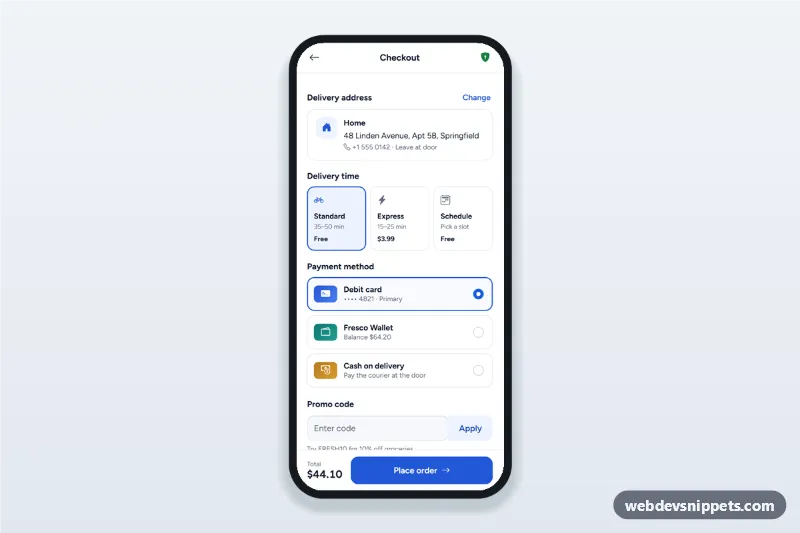
Mobile Checkout with Payment Methods

Mobile checkout screen with a delivery address sheet, delivery time options, payment method radio cards, promo code and a live order summary with place order.