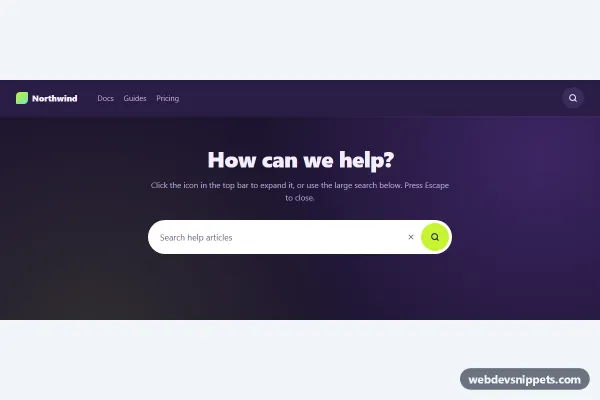
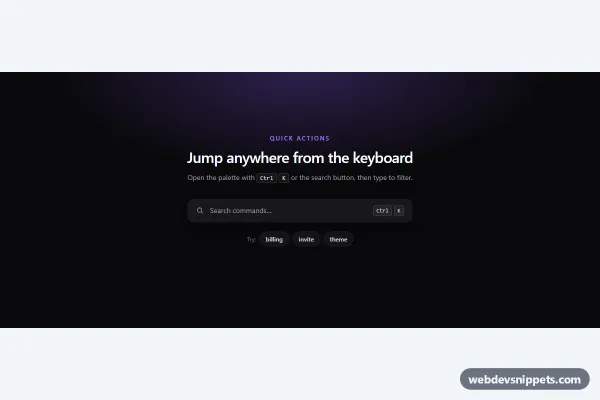
A marketplace-style search bar built with Tailwind CSS, where a category picker sits on the left of the input and narrows the search to one department. It fits e-commerce headers, directory sites, documentation portals and any catalog where people search within a section.
How it works
The root is section.tsc-search. Inside, form.tsc-form has role="search" and a hidden input marked data-tsc-value that carries the chosen category with the form. The white bar is a flex row that wraps on phones (category on its own line) and stays on one line from sm up. It holds three parts: the .tsc-cat picker, the #tsc-q search input and the dark submit button.
The picker is a custom listbox rather than a native select, so it can match the bar's styling. The data-tsc-toggle button opens ul#tsc-cat-list (role="listbox", marked data-tsc-list), and each li is a role="option" with a data-value. The highlighted option gets a data-active attribute, which Tailwind styles through the data-active:bg-amber-50 variant; the selected option's checkmark appears through group-aria-selected:visible.
The script initializes every .tsc-search on DOMContentLoaded. Choosing an option updates data-tsc-current, the hidden value and the input placeholder (for example "Search in Books"). On submit the form calls preventDefault(), writes "Searching…" into the data-tsc-status message and, after a short timeout, a simulated result count. Replace that timeout with a fetch() call to your search endpoint. The "Popular" chips use data-tsc-term and data-tsc-cat to fill the input, switch the category and submit in one click. style.css only rotates .tsc-chevron and adds the tsc-drop entrance animation.
Customization
- Add or remove
li[role="option"]items in#tsc-cat-list: give each a uniqueidand adata-valuethat your backend understands. data-tsc-termanddata-tsc-caton the chip buttons: set your own popular searches and the category each one should select.bg-stone-900andhover:bg-amber-700on the submit button: switch to another Tailwind color to match your brand.focus-within:ring-amber-500on the bar wrapper: changes the glow shown while any part of the bar has focus.sm:w-64on#tsc-cat-list: widen the menu for longer category names.- The
setTimeoutinside thesubmithandler inscript.js: swap it forfetch()and render real results.
Use cases
- Ecommerce sites: shoppers pick a category on the left before typing their query
- Marketplaces and directories: popular search chips suggest common searches in one click
- Help centers: a simulated result count shows how many matches a query returns
- Header search: an accessible dropdown keeps the search narrow and easy to use by keyboard
Accessibility
The form is a search landmark. The toggle uses aria-haspopup="listbox", aria-expanded and aria-controls, and is labelled by a hidden "Category" label plus the current value. Inside the list, focus stays on the ul and aria-activedescendant points at the highlighted option. Arrow keys, Home and End move the highlight, Enter or Space selects, Escape closes and returns focus, and typing a letter jumps to the next matching category. Results are announced through a role="status" region, every control has a visible focus outline and the animation is turned off under prefers-reduced-motion.
Usage notes
For several bars on one page, give each copy unique id values (tsc-q, tsc-cat-list, the option ids); the script already scopes queries to each root.