Skip to content

Country Select with Flags

Bootstrap 6 Combobox of countries with emoji flags and dial codes, searchable by name or code, feeding a phone number field and an SMS preview.

Also known as: country dropdown with flags, phone country select, country selector flags

Bootstrap 6 Selects Responsive #combobox #country #form #phone #select

Country Select with Flags live demo

Open in new tab

Bootstrap 6 code (HTML, CSS, JS)

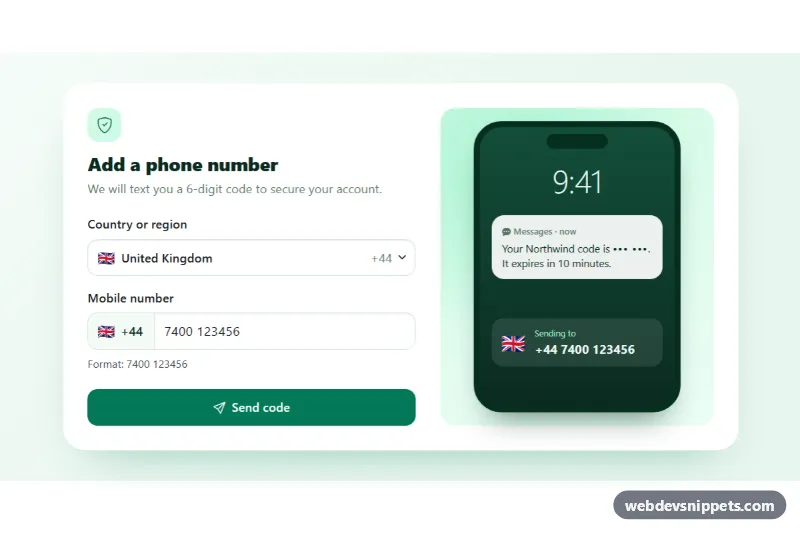
A country picker for phone verification built on the Bootstrap 6 Combobox. Each option shows an emoji flag, the country name and its dial code. Visitors can search by name or by code ("+49", "44"), and the choice updates the phone field prefix and an SMS preview on a phone mockup. Use it in sign-up, two-factor setup, checkout or contact forms.

How it works

The toggle button.combobox-toggle.csf-toggle has data-bs-toggle="combobox", data-bs-search="true", data-bs-search-normalize="true" and data-bs-name="country". Bootstrap creates <input type="hidden" name="country"> holding the ISO code. Each .menu-item carries data-bs-value (ISO code), data-csf-dial and data-csf-example. Inside each item are a .menu-item-icon.csf-flag with the flag, the name in .menu-item-content, the code in .csf-dial and a .menu-item-check mark. Combobox filters on the whole item text, so names and dial codes both match. Accent-insensitive search finds "Türkiye" when someone types "turk".

script.js imports Combobox and listens to change.bs.combobox. applyCountry() copies the flag and dial code into the toggle (.csf-toggle-flag, .csf-toggle-dial), into the .csf-prefix input-group text and into the mockup. It also swaps the placeholder and the "Format" hint. Changing country clears the old number, because formats differ. On submit the number must have 6–15 digits. Otherwise the input gets .is-invalid and aria-invalid, its .invalid-feedback shows and focus returns to it. A valid number starts a simulated send that fills the code bubble with a random demo code.

Windows has no color flag emoji, so .csf-flag uses the Noto Color Emoji web font from Google Fonts (listed in externalLibs), with Apple and Segoe emoji fonts as fallbacks.

Customization

  • --csf-accent and --csf-accent-soft on .csf-root: change the green of buttons, icons and selected options.
  • --csf-page, --csf-line and --csf-device on .csf-root: set the background, borders and phone mockup color.
  • Add a country by copying a .menu-item and changing the flag, name, data-bs-value, data-csf-dial and data-csf-example.
  • Move selected and aria-selected="true" to another item to change the default country, for example based on the visitor's locale.
  • Remove the <aside class="csf-phone-mock"> for a compact single-column form.
  • Replace the setTimeout in the submit handler with a fetch() to your verification API, sending country and phone.

Use cases

  • Sign-up and phone verification: users pick a country by name or dial code and the phone prefix updates
  • Two-factor authentication setup: an SMS preview on a phone mockup shows where the code will go
  • Checkout and shipping forms: emoji flags make the country list quick to recognize
  • Contact forms: the placeholder and format hint change to match the selected country

Accessibility

Flags are decorative (aria-hidden="true"), so screen readers hear the country name and dial code. The toggle has a visible label and gets aria-expanded and aria-haspopup from Bootstrap. The phone input's aria-label includes the selected country and code. The search, arrow keys, Enter and Escape work from the keyboard. The send result is announced through a polite role="status" line.

Bootstrap 6 notes

There is no form-select in Bootstrap 6. Rich selects use the Combobox, a button plus a .menu (the old Dropdown), with .menu-item-icon and .menu-item-check for icons and check marks. btn-success becomes btn-solid theme-success. In 6.0.0-alpha.1 the console logs a harmless "more than one instance" warning for comboboxes. This is an alpha release, so APIs may change.
Country Select with Flags at a glance

Framework
Bootstrap 6
Code
HTML, CSS, JavaScript
JavaScript
Vanilla JavaScript, no jQuery
Dependencies
Bootstrap 6, Bootstrap Icons, fonts.googleapis.com
Layout
Responsive, works on mobile
Category
Selects
License
Free for personal and commercial use

Questions about this template

Can I use the Country Select with Flags code for free?

Yes. You can copy or download the code and use it in personal and commercial projects, including client work. No sign-up is needed. Reselling it as part of a component library or template collection is not allowed; see the license.

How do I add it to my website?

Load Bootstrap 6 and Bootstrap Icons and fonts.googleapis.com from a CDN (the links are under Requirements). Paste the HTML where the component should appear, add the CSS to your stylesheet and load the JavaScript before the closing </body> tag. Download HTML gives you a complete page with everything already linked.

Does it need jQuery or a JavaScript framework?

No. The script is plain vanilla JavaScript, so it works without jQuery, React or Vue. You can still use the markup inside those frameworks.

Does it work on mobile?

Yes. The layout adapts to small screens. Use the Mobile and Tablet buttons above the live demo to check it at phone and tablet width.

Requirements

Add these to your page (already included in the download):

  • <link rel="stylesheet" href="https://cdn.jsdelivr.net/npm/bootstrap@6.0.0-alpha.1/dist/css/bootstrap.min.css">
  • <script type="module" src="https://cdn.jsdelivr.net/npm/bootstrap@6.0.0-alpha.1/dist/js/bootstrap.bundle.min.js"></script>
  • <link rel="stylesheet" href="https://cdn.jsdelivr.net/npm/bootstrap-icons@1.11.3/font/bootstrap-icons.min.css">
  • <link rel="stylesheet" href="https://fonts.googleapis.com/css2?family=Noto+Color+Emoji&display=swap">

Built for Bootstrap 6.0.0-alpha.1. Bootstrap 6 ships as an ES module, so its script and this component's JavaScript load with type="module". Alpha releases can still change before the stable version.

Country Select with Flags – Bootstrap 6 selects component screenshot
Country Select with Flags · Bootstrap 6 Selects

More Selects

Multi-Select Dropdown with Checkboxes – Bootstrap 5 selects preview

Multi-Select Dropdown with Checkboxes

Bootstrap 5 multi-select dropdown with checkboxes, live search, select all and clear, a selected count badge and removable chips.

Multi-Select with Chips – Bootstrap 6 selects preview

Multi-Select with Chips

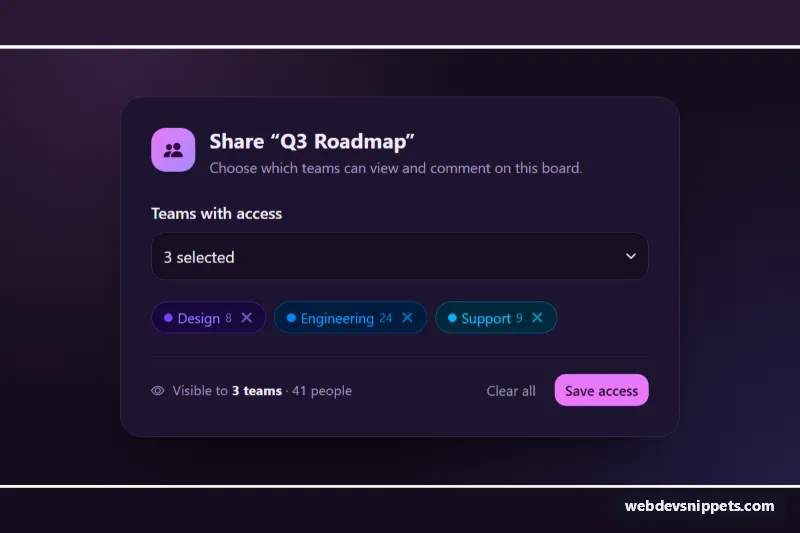
Dark Bootstrap 6 multi-select Combobox where chosen teams appear as removable Chips, with check marks, member totals, keyboard removal and a hidden form value.

Searchable Select with Combobox – Bootstrap 6 selects preview

Searchable Select with Combobox

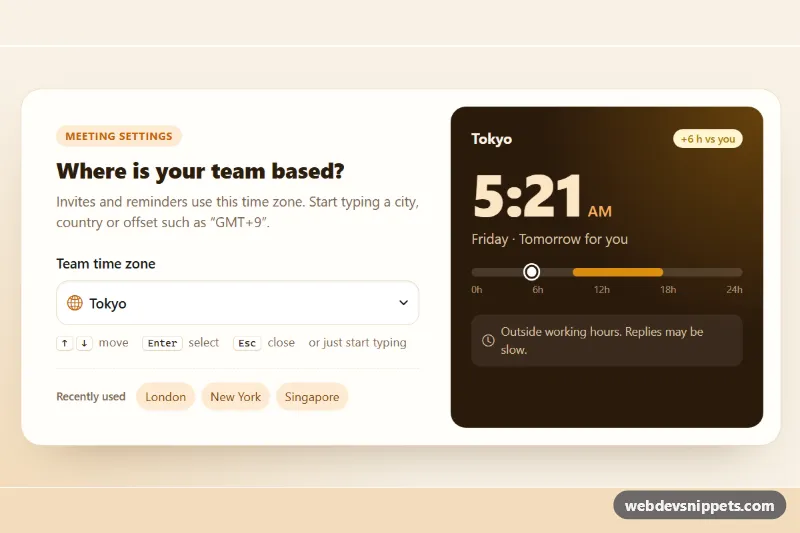
Bootstrap 6 Combobox time zone picker with live search, grouped options, type-ahead, keyboard navigation and a local-time clock card.

Styled Native Select – Pure CSS selects preview

Styled Native Select

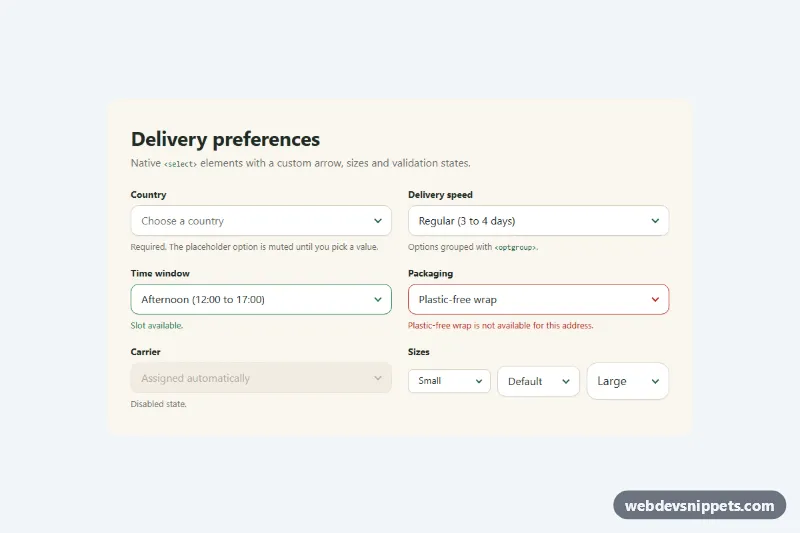
Pure CSS restyle of the native select element with a custom arrow, focus ring, error, success and disabled states, and three sizes.

Searchable Select – Tailwind CSS selects preview

Searchable Select

Accessible Tailwind CSS combobox that filters options as you type, highlights matches and supports full keyboard navigation.