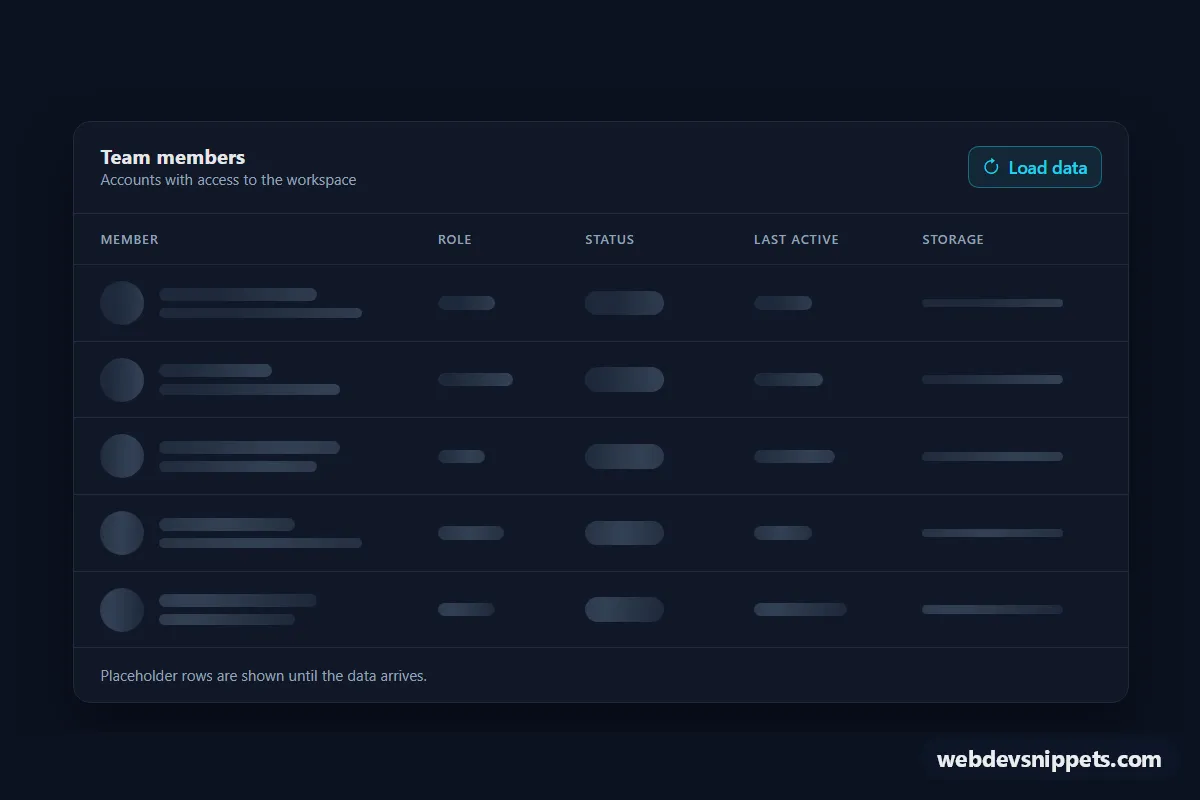
A dark Bootstrap 5 skeleton table loader that shows shimmering placeholder rows while data is loading and then swaps in the real rows with avatars, status pills and storage bars. Use it for admin panels, user lists, order tables and any dashboard table that fetches data after the page renders.
How it works
The root section.skt-wrap sets data-bs-theme="dark", so Bootstrap's table, progress and button styles use their dark variants. Inside .skt-card sits a header with the .skt-load button and a .table-responsive wrapper around table.skt-table. The table has two bodies: tbody.skt-skeleton with five rows of .skt-bone placeholders and tbody.skt-data with the loaded rows, which starts hidden.
Every bone is a block with a three-stop linear-gradient that is three times wider than the element. The skt-shimmer keyframes move its background-position, which creates the sweeping highlight, and each row starts 0.1s later than the one above it. Modifiers shape the bones like the content they replace: .skt-bone--circle for avatars, .skt-bone--pill for the status badge and .skt-bone--bar for the progress bar. Fixed column widths on the th cells and the skt-w-* width classes keep the skeleton and the real rows aligned, so the table does not jump when data arrives.
The script handles every .skt-wrap on the page. Clicking .skt-load calls setLoading(true): the skeleton is shown, the data body is hidden, aria-busy="true" is set on the table and the button gets aria-disabled with a spinning icon. After the number of milliseconds in data-skt-delay, setLoading(false) shows the data, the label changes to "Reload" and .skt-foot reports how many rows are shown.
Customization
--skt-boneand--skt-shinein.skt-wrap: change the placeholder color and the shimmer highlight.--skt-speedin.skt-wrap: make the shimmer faster or slower, e.g.2sfor a calmer effect.--skt-accentin.skt-wrap: recolor the load button and the storage progress bars.data-skt-delayon.skt-wrap: sets the simulated loading time in milliseconds.- Add or remove
trrows in.skt-skeletonto match the page size of your real data. - The
widthrules for.skt-table th:nth-child(...): adjust the column widths to fit your own columns. - The
window.setTimeoutcall inscript.js: replace it withfetch()and build the rows of.skt-datafrom the response.
Use cases
- Admin panels: shimmering rows show while the member list loads from the server
- Order tables: placeholder shapes match avatars, status pills and bars so the layout never jumps
- Dashboards: a Reload button switches back to the skeleton and then shows the loaded data
- Screen reader friendly apps: the table is marked busy while loading and announces how many rows loaded
Accessibility
The skeleton body is aria-hidden="true", so screen readers skip the empty bones. The table has a visually hidden caption, scope="col" headers and aria-busy while loading. .skt-foot is a role="status" live region that announces the result, and each progress bar has role="progressbar", a value and a label naming the member. The load button keeps focus while busy because it uses aria-disabled instead of disabled, and it has a clear :focus-visible outline. With prefers-reduced-motion: reduce the shimmer, the spinner and the row fade-in are turned off and the bones become flat blocks.
Usage notes
Requires Bootstrap 5 and Bootstrap Icons. On small screens the table scrolls horizontally inside .table-responsive.