Skip to content

Invoice Table

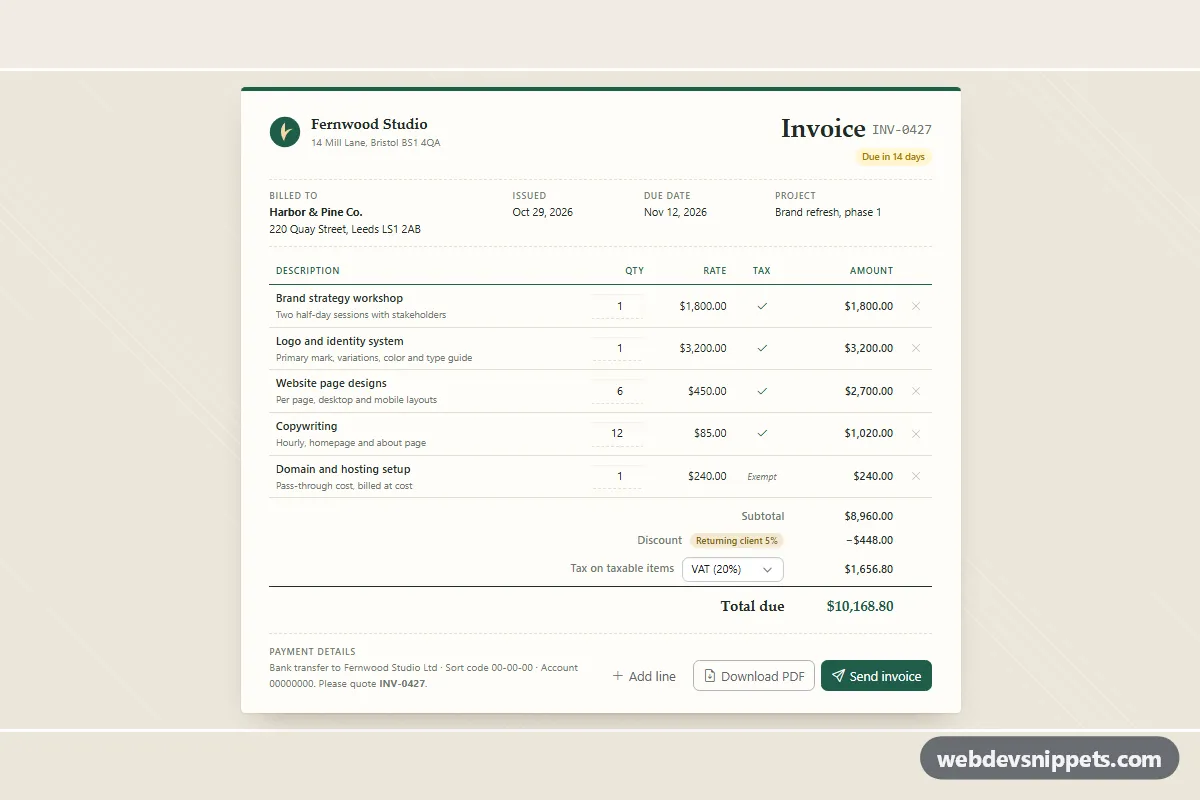
Bootstrap 6 invoice table on a paper-style sheet with editable quantities, taxable and exempt line items, a discount, a selectable tax rate and live totals.

Also known as: invoice builder table, invoice line items table, invoice generator, invoice calculator, editable invoice

Invoice Table live demo

Open in new tab

Bootstrap 6 code (HTML, CSS, JS)

A Bootstrap 6 invoice table styled as a printed sheet: company header, billing details, line items, a discount, a selectable tax rate and a bold total. It suits client portals, billing pages in SaaS dashboards and freelancer or agency tools.

How it works

.ivt-root wraps an .ivt-sheet article. Below the header, a <dl class="ivt-meta"> lists the client, issue date, due date and project. The table sits in a .table-responsive wrapper. Each tr.ivt-line has a row header with the item name and note, an editable .ivt-qty number input, a .ivt-rate cell whose price is in data-ivt-rate, a tax marker and an .ivt-amount cell. data-ivt-taxable="false" marks pass-through costs, such as hosting, as exempt.

script.js recalculates everything on every input and change event in the table body and on the .ivt-tax-rate select:

  1. Each amount is quantity × rate, and they add up to the subtotal.
  2. The discount percentage comes from data-ivt-discount on .ivt-discount.
  3. Tax applies only to the taxable lines, after the discount.
  4. The result fills .ivt-subtotal, .ivt-discount, .ivt-tax and .ivt-total.

All money uses Intl.NumberFormat.

The issue date is today and the due date is today plus data-ivt-due-days, so the sample never shows stale dates. Add line inserts an .ivt-line--new row with description, quantity, rate and taxable inputs. The × buttons remove a line and move focus to the next one. Download PDF and Send invoice are simulated. Send shows a spinner and then reports through the .ivt-status live region.

Below 600 px each line item turns into a two-row block (name on top; quantity, rate, tax and amount below), and the totals become simple label/value rows.

Customization

  • --ivt-green on .ivt-root: the brand color for the top border, column headers, the checked tax box, the total and the Send button.
  • --ivt-paper, --ivt-desk and --ivt-rule on .ivt-root: the sheet, background and divider colors.
  • --ivt-serif on .ivt-root: the font used for the company name, title and total.
  • data-ivt-due-days and data-ivt-currency on .ivt-root: payment terms and currency (for example 30 and EUR).
  • data-ivt-discount on .ivt-discount: the discount percentage. Set it to 0 and delete the row if you do not offer discounts.
  • Add or change <option> values in .ivt-tax-rate to match your local tax rates.
  • Replace the setTimeout in the Send handler with a fetch() POST to your invoicing API.

Use cases

  • Freelancers and agencies: editable quantities update the line totals as you type
  • Small business billing: taxable and exempt items are handled with a selectable tax rate
  • Quotes and estimates: a discount field adjusts the subtotal and grand total live
  • Billing portals: a paper-style sheet looks like a printed invoice

Accessibility

The table has a hidden caption and row headers (th scope="row") for each item. Every quantity input has an aria-label naming its item, and every remove button names the line it deletes. Tax markers are role="img" with a label. The tax select has a visible <label>, and dates use <time datetime>. The send result is read out through role="status".

Bootstrap 6 notes

The tax rate uses form-control on a <select>, because form-select is gone in Bootstrap 6. Buttons use btn-solid, btn-outline and btn-text with theme-* roles, the due badge is badge badge-subtle theme-warning, and the loading state uses spinner-sm. Built on Bootstrap 6.0.0-alpha.1, so APIs may still change.
Invoice Table at a glance

Framework
Bootstrap 6
Code
HTML, CSS, JavaScript
JavaScript
Vanilla JavaScript, no jQuery
Dependencies
Bootstrap 6, Bootstrap Icons
Layout
Responsive, works on mobile
Category
Tables
License
Free for personal and commercial use

Questions about this template

Can I use the Invoice Table code for free?

Yes. You can copy or download the code and use it in personal and commercial projects, including client work. No sign-up is needed. Reselling it as part of a component library or template collection is not allowed; see the license.

How do I add it to my website?

Load Bootstrap 6 and Bootstrap Icons from a CDN (the links are under Requirements). Paste the HTML where the component should appear, add the CSS to your stylesheet and load the JavaScript before the closing </body> tag. Download HTML gives you a complete page with everything already linked.

Does it need jQuery or a JavaScript framework?

No. The script is plain vanilla JavaScript, so it works without jQuery, React or Vue. You can still use the markup inside those frameworks.

Does it work on mobile?

Yes. The layout adapts to small screens. Use the Mobile and Tablet buttons above the live demo to check it at phone and tablet width.

Requirements

Add these to your page (already included in the download):

  • <link rel="stylesheet" href="https://cdn.jsdelivr.net/npm/bootstrap@6.0.0-alpha.1/dist/css/bootstrap.min.css">
  • <script type="module" src="https://cdn.jsdelivr.net/npm/bootstrap@6.0.0-alpha.1/dist/js/bootstrap.bundle.min.js"></script>
  • <link rel="stylesheet" href="https://cdn.jsdelivr.net/npm/bootstrap-icons@1.11.3/font/bootstrap-icons.min.css">

Built for Bootstrap 6.0.0-alpha.1. Bootstrap 6 ships as an ES module, so its script and this component's JavaScript load with type="module". Alpha releases can still change before the stable version.

Invoice Table – free Bootstrap 6 table template
Invoice Table · free Bootstrap 6 table template

More Tables

Table with Search Filter – free Bootstrap 5 table template

Table with Search Filter

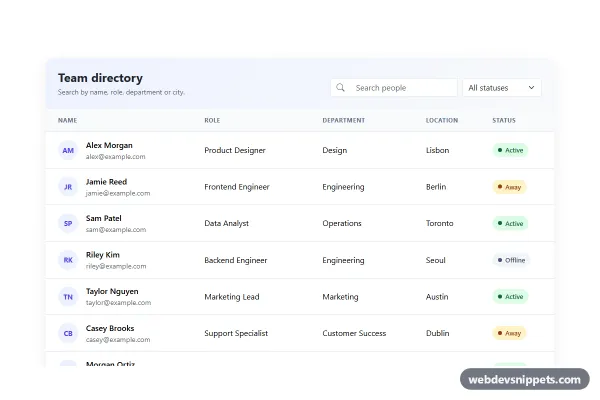
Bootstrap 5 team directory table with live search, status filter, highlighted matches, result counter and empty state.

Sortable Data Table – free Tailwind CSS table template

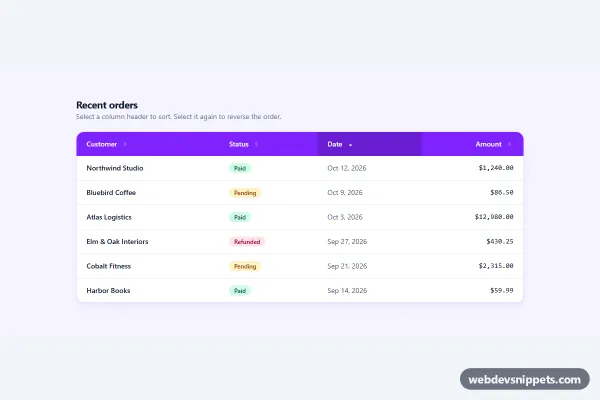
Sortable Data Table

Tailwind CSS data table with clickable column headers that sort text, dates and numbers, with aria-sort, arrow indicators and a responsive scroll wrapper.

Users Table with Avatars – free Bootstrap 6 table template

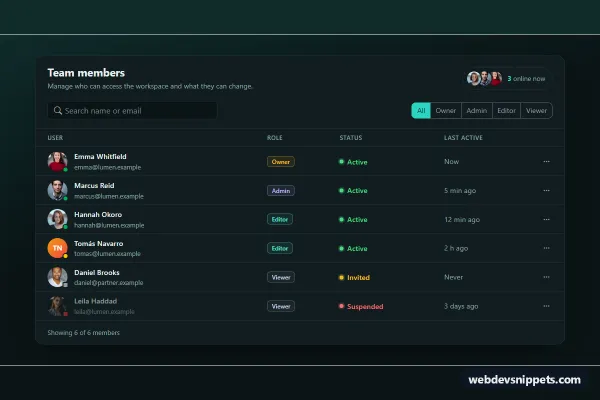
Users Table with Avatars

Dark Bootstrap 6 team members table with photo avatars, presence dots, role badges, status, search, role filter and per-row action menus that stacks into cards on mobile.

Table with Checkbox Selection – free Bootstrap 6 table template

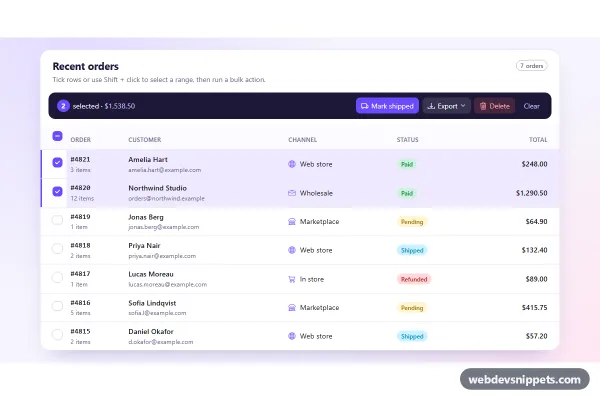
Table with Checkbox Selection

Bootstrap 6 orders table with row checkboxes, an indeterminate select-all box, Shift-click ranges and a bulk actions bar with export menu, delete and undo.

Striped and Hover Table Styles – free Bootstrap 6 table template

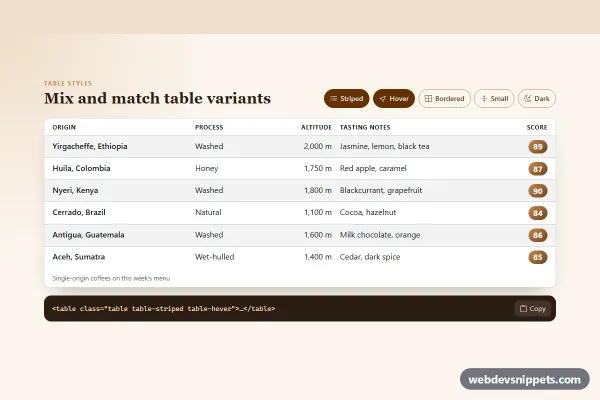
Striped and Hover Table Styles

Interactive Bootstrap 6 table style playground: toggle striped, hover, bordered, small and dark variants and copy the resulting table markup.

Table with Search and Pagination – free Bootstrap 6 table template

Table with Search and Pagination

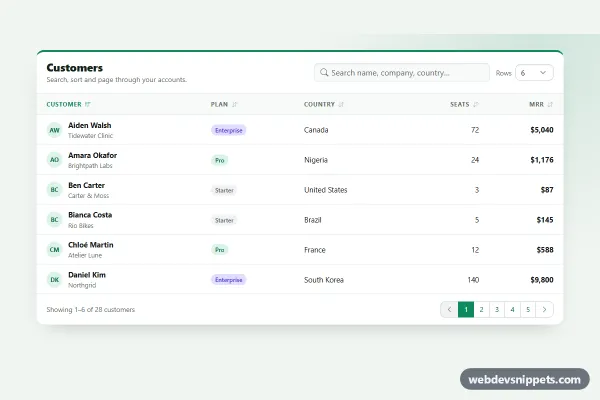
Bootstrap 6 customer table with debounced live search and match highlighting, sortable columns with aria-sort, a rows-per-page select and smart pagination.