Skip to content

Table with Search and Pagination

Bootstrap 6 customer table with debounced live search and match highlighting, sortable columns with aria-sort, a rows-per-page select and smart pagination.

Also known as: table with search, sortable table, data table pagination, table live search, customer list table

Table with Search and Pagination live demo

Open in new tab

Bootstrap 6 code (HTML, CSS, JS)

A customer table with live search, sortable columns and pagination, built with Bootstrap 6 and plain JavaScript. It fits admin dashboards, CRM lists and any table that is too long for one screen. Search results highlight the matching text, and the footer always says which rows are visible.

How it works

The data lives in the CUSTOMERS array at the top of script.js. A small state object holds the search query, the sort key and direction, the current page and the page size. Every change calls render(), which filters, sorts, slices one page and rebuilds <tbody> and the pagination.

  • Search: the .tsp-query input sits in a Bootstrap 6 .form-adorn field with a search icon. Typing is debounced by 150 ms. The query matches name, company, country and plan. highlight() wraps matches in <mark class="tsp-mark"> with DOM nodes, never innerHTML, so data stays safe.
  • Sorting: each header contains a .tsp-sort button with a data-tsp-key. Clicking sets aria-sort on the <th> and swaps the Bootstrap Icons arrow. A second click reverses the order. Text columns start A to Z, while seats and mrr start high to low.
  • Pagination: a pagination pagination-sm theme-primary list with previous/next buttons and page numbers. pageList() adds ellipses once there are more than seven pages. After a page change, focus returns to the same button.
  • Page size: the .tsp-size-select select switches between 6, 10, 15 and 25 rows and returns to page 1.

When nothing matches, a full-width .tsp-empty row explains why. .tsp-status reads, for example, "Showing 7–12 of 28 customers".

Customization

  • Replace CUSTOMERS with data from your API, for example await fetch('/api/customers').then((r) => r.json()), and call render() afterwards.
  • PLAN_THEME in script.js: maps each plan to a theme-* badge color.
  • --tsp-green and the --bs-primary-* overrides on .tsp-root: recolor the active page, sorted header and focus rings.
  • --tsp-mark on .tsp-root: changes the search highlight color.
  • The <option> values in #tsp-size: change the page size choices. The selected option is the default.
  • Add a column by adding a <th> with a .tsp-sort button and its data-tsp-key, then one more cell() call in renderRows().

Use cases

  • CRM and customer lists: live search highlights matches as you type
  • Admin dashboards: sortable columns let teams order records by name or other fields
  • Large data sets: a rows-per-page select and smart pagination split long lists
  • Accessible data tables: columns announce their sort state to screen readers

Accessibility

Sortable headers are real buttons inside <th scope="col">, and aria-sort tells screen readers the current order. The search field has an aria-label and aria-controls pointing to the table body. .tsp-status is a polite live region that announces result counts. Pagination buttons have aria-labels, and the current page has aria-current="page". Ellipses are hidden from assistive technology. The table has a visually hidden <caption>. On small screens .table-responsive scrolls sideways instead of breaking the layout.

Bootstrap 6 notes

The search box uses the new .form-adorn and .form-ghost classes instead of an input-group. The select uses form-control because form-select was removed. Pagination is colored with theme-primary, and badges use badge-subtle theme-*. Built on Bootstrap 6.0.0-alpha.1, so APIs can still change. Icons come from Bootstrap Icons.
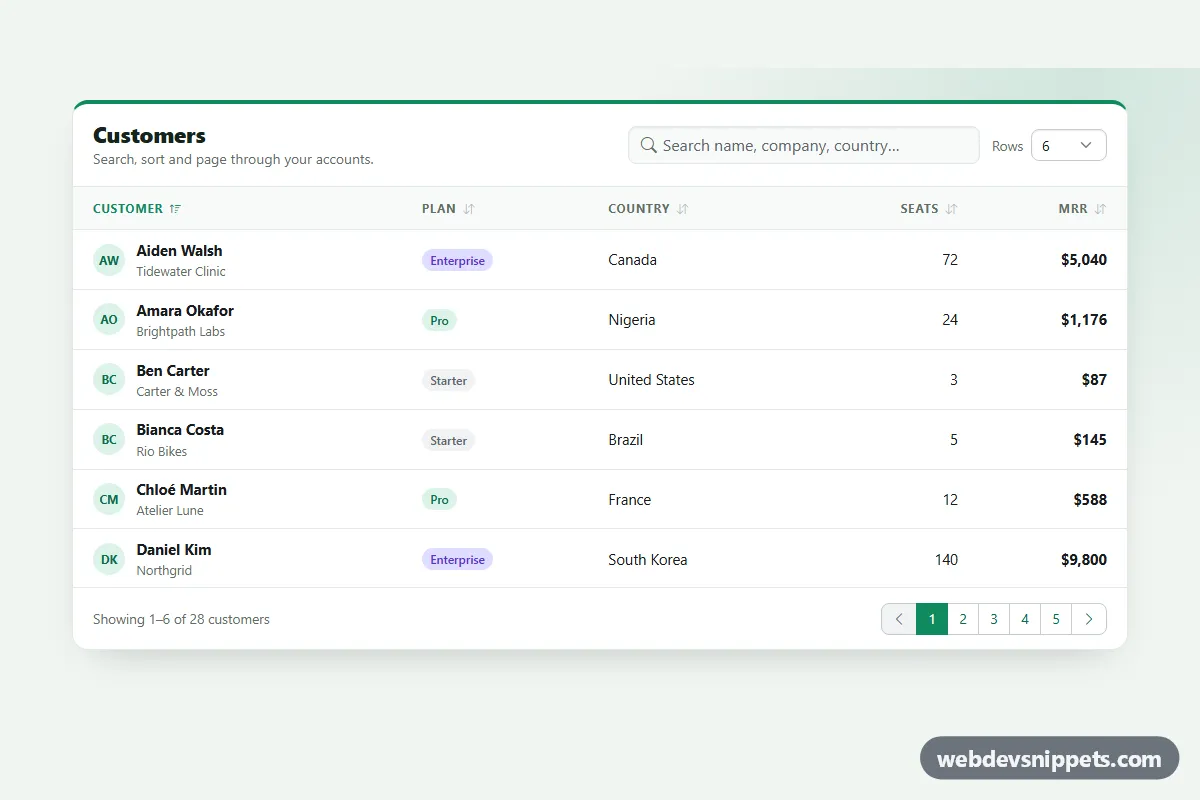
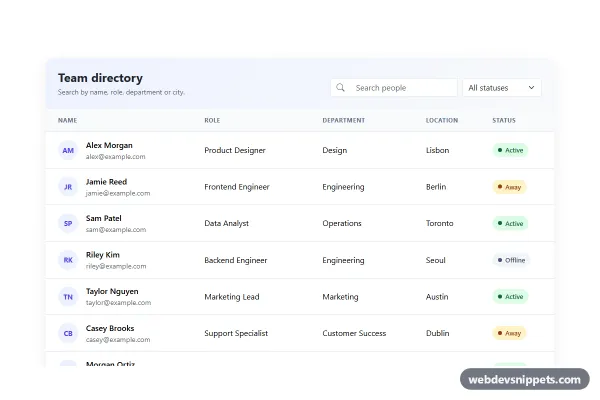
Table with Search and Pagination at a glance

Framework
Bootstrap 6
Code
HTML, CSS, JavaScript
JavaScript
Vanilla JavaScript, no jQuery
Dependencies
Bootstrap 6, Bootstrap Icons
Layout
Responsive, works on mobile
Category
Tables
License
Free for personal and commercial use

Questions about this template

Can I use the Table with Search and Pagination code for free?

Yes. You can copy or download the code and use it in personal and commercial projects, including client work. No sign-up is needed. Reselling it as part of a component library or template collection is not allowed; see the license.

How do I add it to my website?

Load Bootstrap 6 and Bootstrap Icons from a CDN (the links are under Requirements). Paste the HTML where the component should appear, add the CSS to your stylesheet and load the JavaScript before the closing </body> tag. Download HTML gives you a complete page with everything already linked.

Does it need jQuery or a JavaScript framework?

No. The script is plain vanilla JavaScript, so it works without jQuery, React or Vue. You can still use the markup inside those frameworks.

Does it work on mobile?

Yes. The layout adapts to small screens. Use the Mobile and Tablet buttons above the live demo to check it at phone and tablet width.

Requirements

Add these to your page (already included in the download):

  • <link rel="stylesheet" href="https://cdn.jsdelivr.net/npm/bootstrap@6.0.0-alpha.1/dist/css/bootstrap.min.css">
  • <script type="module" src="https://cdn.jsdelivr.net/npm/bootstrap@6.0.0-alpha.1/dist/js/bootstrap.bundle.min.js"></script>
  • <link rel="stylesheet" href="https://cdn.jsdelivr.net/npm/bootstrap-icons@1.11.3/font/bootstrap-icons.min.css">

Built for Bootstrap 6.0.0-alpha.1. Bootstrap 6 ships as an ES module, so its script and this component's JavaScript load with type="module". Alpha releases can still change before the stable version.

Table with Search and Pagination – free Bootstrap 6 table template
Table with Search and Pagination · free Bootstrap 6 table template

More Tables

Table with Search Filter – free Bootstrap 5 table template

Table with Search Filter

Bootstrap 5 team directory table with live search, status filter, highlighted matches, result counter and empty state.

Sortable Data Table – free Tailwind CSS table template

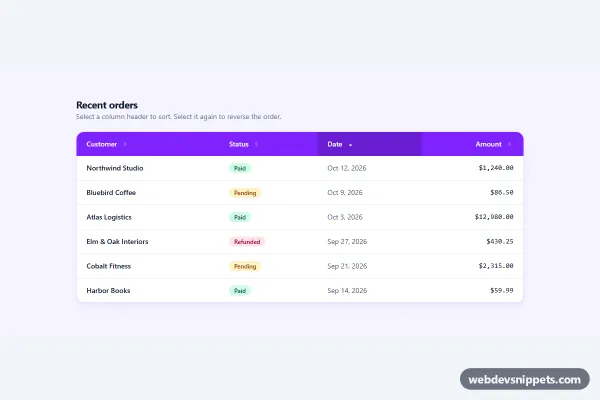
Sortable Data Table

Tailwind CSS data table with clickable column headers that sort text, dates and numbers, with aria-sort, arrow indicators and a responsive scroll wrapper.

Responsive Table with Actions – free Bootstrap 6 table template

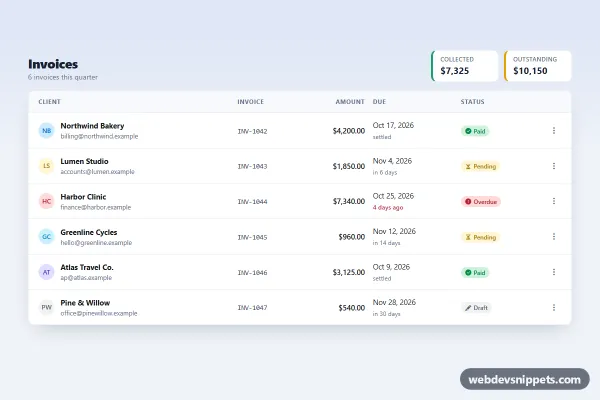
Responsive Table with Actions

Bootstrap 6 invoice table with status badges, per-row action Menus, a delete confirmation Dialog, Toast feedback and stacked cards on narrow screens.

Product Inventory Table with Thumbnails – free Bootstrap 5 table template

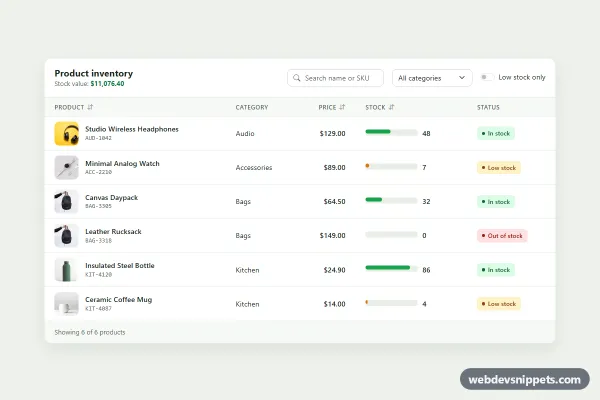
Product Inventory Table with Thumbnails

Bootstrap 5 inventory table with product thumbnails, SKUs, prices, color-coded stock meters, status badges, search, filters and sorting.

Editable Table with Inline Editing – free Bootstrap 5 table template

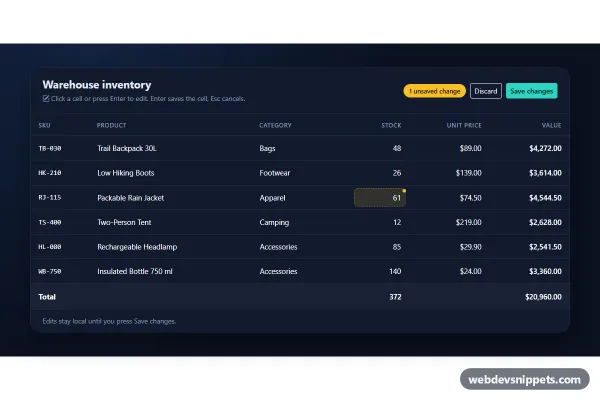
Editable Table with Inline Editing

Dark Bootstrap 5 inventory table with click-to-edit cells, validation, live totals, an unsaved changes counter and simulated save and discard.

Product Comparison Table Section for Shopify – free Shopify table template

Product Comparison Table Section for Shopify

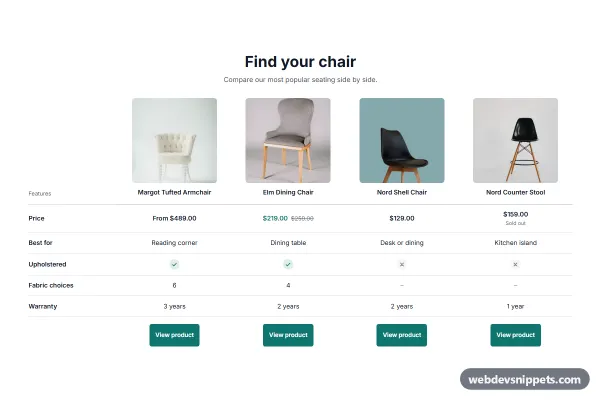
Shopify section with a real comparison table for 2 to 4 products: live prices, yes/no icons, row values set in the theme editor, and a sticky first column when it scrolls on phones.