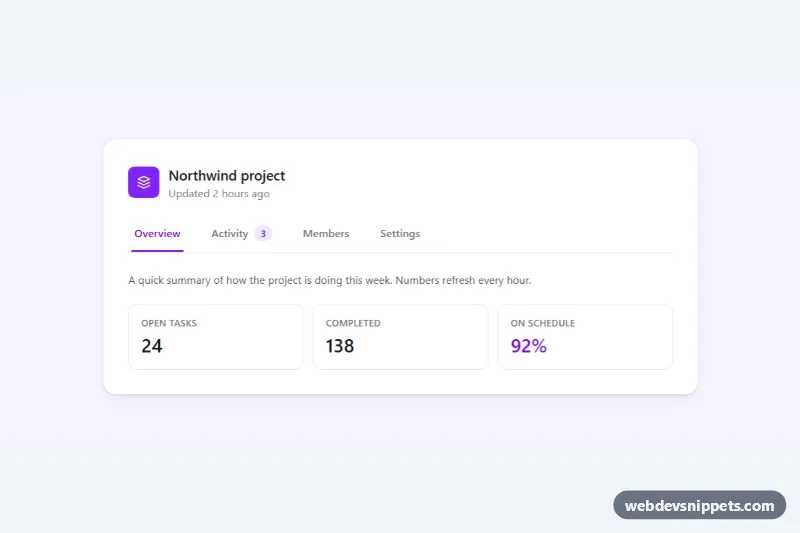
Bootstrap 5 tabs that stay on one line and scroll sideways when there is not enough room, with fade edges, arrow buttons and the active tab centered automatically. Use it for settings pages, dashboards and product pages with many sections, where wrapping tabs would break the layout on phones.
How it works
The root is section.st-tabs, a Bootstrap card with a dark header. The tab list ul.st-nav uses flex-nowrap and width: max-content, so it never wraps. It sits inside .st-scroller, which has overflow-x: auto, a hidden scrollbar and scroll-snap-type: x proximity, so a swipe settles on a tab edge. The scroller is wrapped in .st-bar, whose ::before and ::after pseudo-elements draw gradient fades over the left and right edges. Tabs are regular Bootstrap tab buttons with data-bs-toggle="tab", and the panes live in .st-content.
The script runs on DOMContentLoaded for every .st-tabs. Its update() function compares scrollLeft with the scrollable width and toggles st-has-left and st-has-right on .st-bar, which show the matching fade and the .st-arrow--prev or .st-arrow--next button. It runs on scroll and resize. The center() function scrolls a tab to the middle of the bar; it runs on load for the active tab, on Bootstrap's shown.bs.tab event and on focus. The arrow buttons scroll by 70% of the visible width. When everything fits, no fade or arrow is shown.
Customization
--st-activein.st-tabs: changes the color of the active underline, the kicker and the focus ring.--st-bar-bgand--st-bar-textin.st-tabs: recolor the header bar; the fades use the same background automatically.--st-fadein.st-tabs: makes the fade edges wider or narrower and sets the scroll padding.scroll-snap-type: x proximityin.st-scroller: usex mandatoryfor firmer snapping or remove it.- The
0.7factor inpage()inscript.js: controls how far one arrow click scrolls. - Move the
activeclass andaria-selected="true"to another.st-link(andshow activeto its pane) to open a different tab first. .st-count: remove the badge or add one to any tab.
Accessibility
The list has role="tablist" with a label, each button has role="tab", aria-controls and aria-selected, and each pane has role="tabpanel" and aria-labelledby. Bootstrap's tab plugin moves between tabs with the arrow keys, and the focused tab is scrolled into view, so the arrow buttons are aria-hidden and removed from the tab order. Focus is shown with an outline, and transitions are disabled with prefers-reduced-motion: reduce; smooth scrolling then becomes instant.
Usage notes
Requires Bootstrap 5 with its JS bundle and Bootstrap Icons. For several instances on one page, give each one unique tab and pane id values.