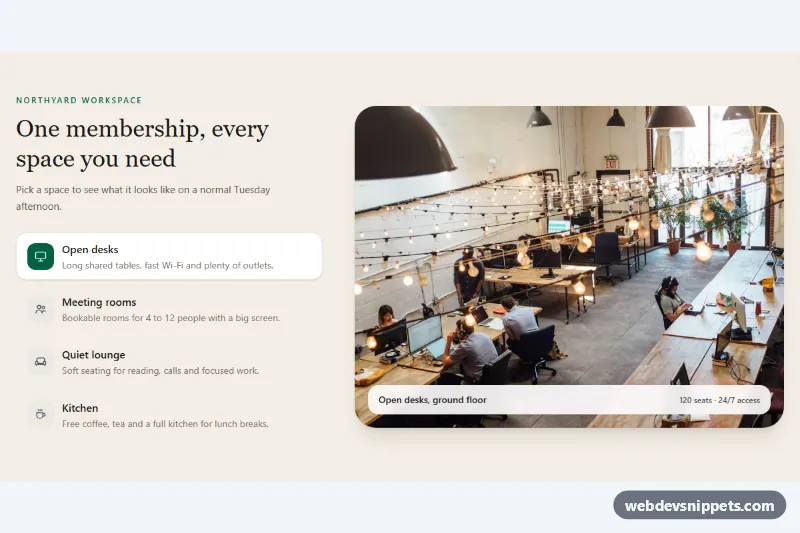
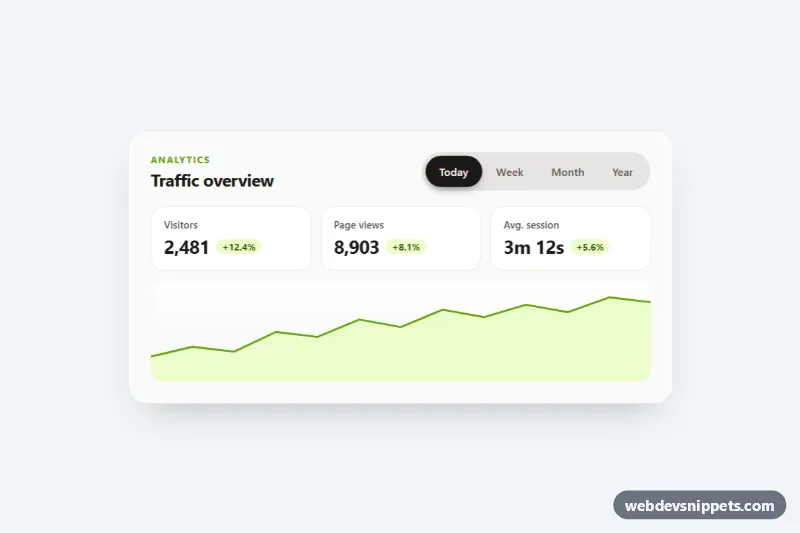
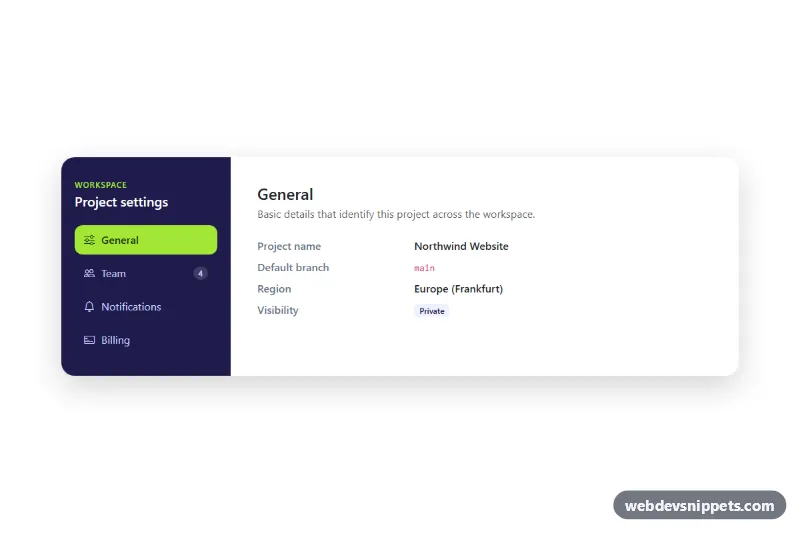
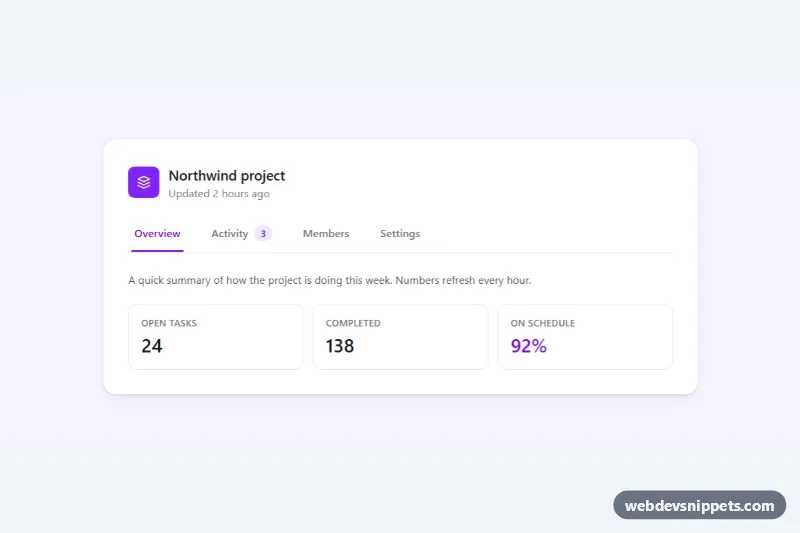
A feature tab section built with Tailwind CSS and a few lines of vanilla JavaScript, where every tab swaps in a large photo preview with a floating caption. It suits venue and coworking pages, product tours, hotel room types or any "explore our spaces" block where a picture explains each option better than a paragraph.
How it works
The root is section.tpp-tabs, a two-column grid from the lg breakpoint (lg:grid-cols-[minmax(0,5fr)_minmax(0,7fr)]) that stacks on phones. The left column holds the heading and a role="tablist" with four button.tpp-tab elements. Each tab shows an icon tile and a title; the short description underneath appears from sm up. Active styling comes entirely from Tailwind's aria-selected: and group-aria-selected: variants, so the white card and the green icon tile follow the ARIA state without extra classes.
The right column is a one-cell grid where every .tpp-panel sits in the same col-start-1 row-start-1 slot. Each panel is a figure with a 4:3 object-cover photo and a frosted figcaption showing the space name and key facts. Inactive panels carry the hidden attribute.
On DOMContentLoaded the script initializes every .tpp-tabs root. A click or arrow key calls select(), which updates aria-selected, sets a roving tabIndex and toggles hidden on the panel named in aria-controls. style.css plays the tpp-reveal fade and a subtle tpp-zoom on the photo whenever a panel becomes visible. Without JavaScript the first space stays visible.
Customization
- Add a space: copy one
button.tpp-taband one.tpp-panel, then give them matchingid,aria-controlsandaria-labelledbyvalues. bg-emerald-800in thegroup-aria-selected:classes andoutline-emerald-700: change the accent of the active icon tile and focus rings.aspect-[4/3]on eachimg: useaspect-videofor a wider preview oraspect-squarefor a more compact layout.lg:grid-cols-[minmax(0,5fr)_minmax(0,7fr)]on the inner wrapper: give the photo more or less room next to the tabs.grid-cols-2andsm:grid-cols-1on the tablist: keep the two-column tab grid on larger phones or use a single column everywhere.rounded-[2rem]on.tpp-paneland itsfigure: reduce it torounded-xlfor a sharper look.animation: tpp-zoom 0.9sinstyle.css: shorten or remove the zoom-in when a photo appears.
Accessibility
The markup follows the WAI-ARIA tabs pattern: role="tablist" with an aria-label, role="tab" buttons linked to role="tabpanel" regions through aria-controls and aria-labelledby. Only the active tab is in the Tab order; Arrow keys move between tabs (both directions, so the two-column phone layout works too), and Home and End jump to the first and last tab. Panels are focusable with tabindex="0" so keyboard users can reach them, every focusable element has a visible emerald outline, icons are aria-hidden and each photo has a descriptive alt. Animations are disabled under prefers-reduced-motion: reduce.
Usage notes
The photos come from Unsplash and are placeholders; replace them with your own images and update the alt text. Only the first photo loads eagerly. For several tab sections on one page, give each copy unique id values.