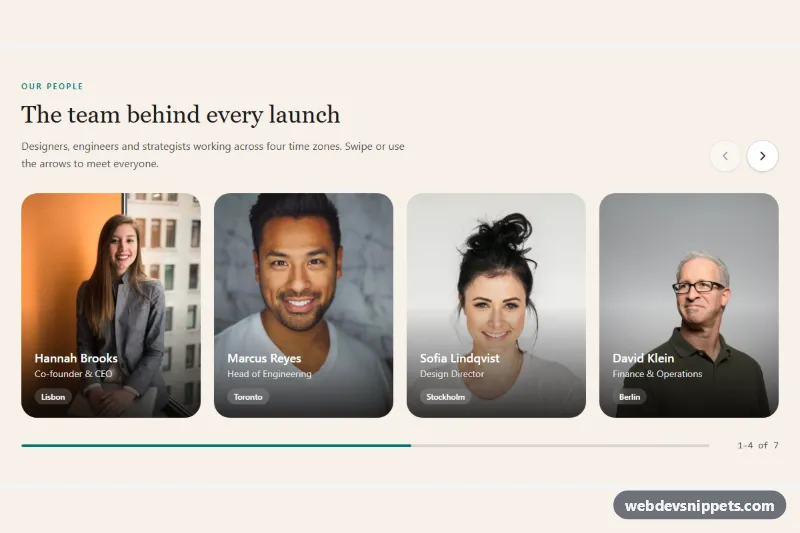
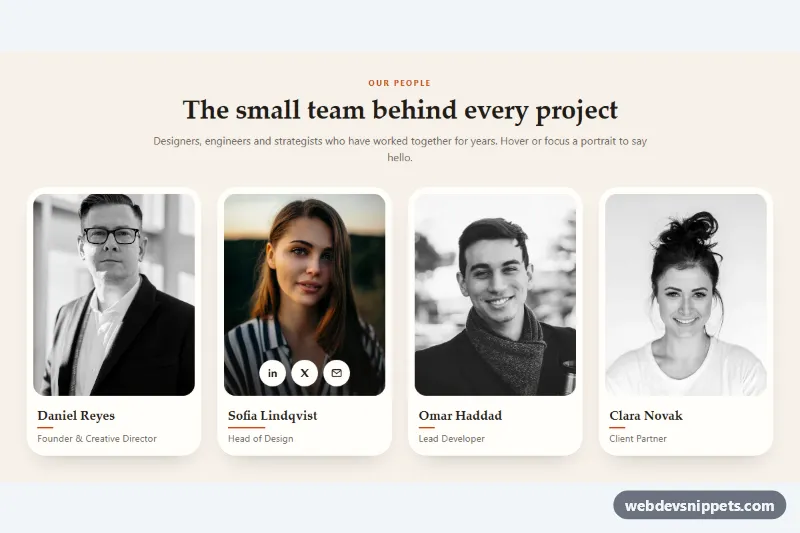
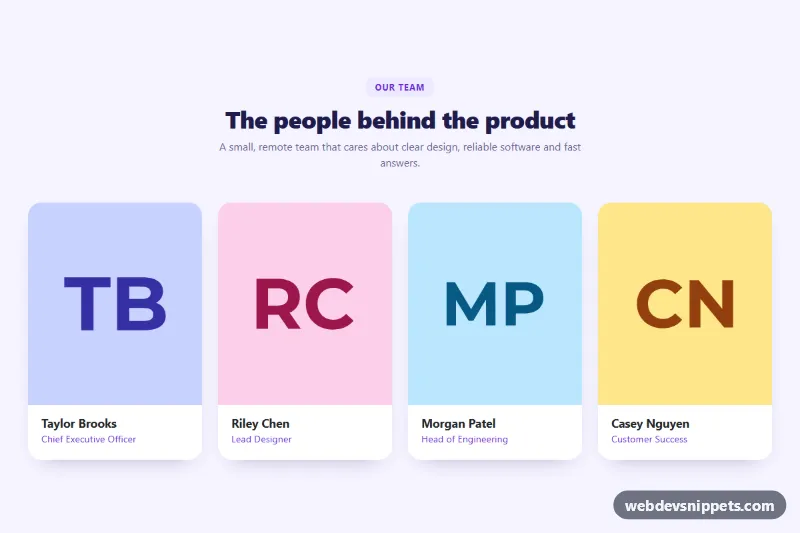
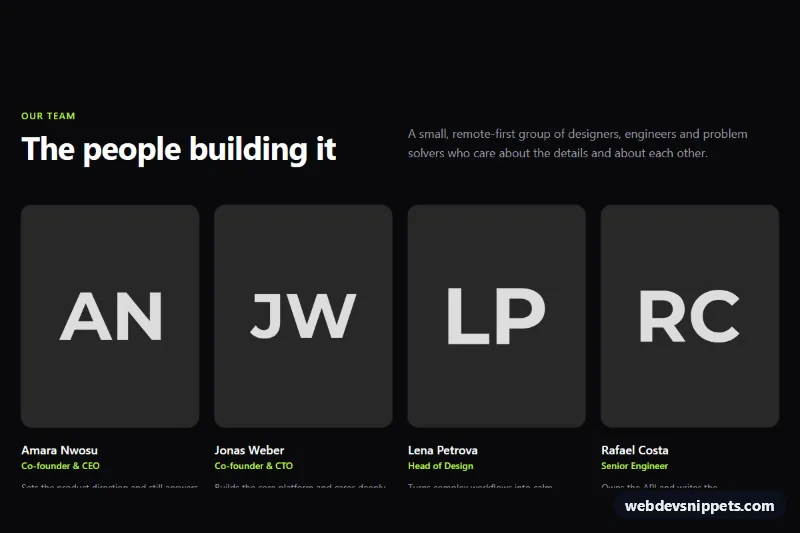
This team section with photo cards is a WordPress block pattern for a "meet the team" or about page. Four member cards show a square portrait, name, role, short bio and social links, so it works as a team members block, a staff section with photos or a compact our team page layout, built only from core Gutenberg blocks.
How it works
The outer full-width Group sets a white background and 104px of top and bottom padding, with a constrained inner width of 1160px. The header is a two-column Columns block: an emerald eyebrow and a large heading on the left, the intro paragraph on the right, both aligned to the bottom. Below it, a second Columns block holds four Column blocks. Each card stacks an Image block (1:1 aspect ratio, cover, rounded corners), a Heading for the name, an emerald role paragraph, a bio paragraph and a Social Icons block in the Logos only style. On phones the columns stack into a single list of cards.
How to use it
Copy the block markup.
Paste it into an empty paragraph in the block editor; the blocks appear immediately.
Replace the names, roles, bios, portraits and social profile links.
Customization
Section background: select the outer Group, Color > Background, #ffffff.
Accent color: the "Meet the team" eyebrow and each role paragraph use Color > Text, #059669 (emerald). Change them together to match your brand.
Portrait shape: select an Image, Styles > Aspect ratio is set to Square 1:1 and Border > Radius to 16px. Use 999px for circular portraits or 3:4 for taller photos.
Card spacing: select the inner Columns block, Dimensions > Block spacing, 32px horizontal and 48px vertical.
Social icons: select a Social Icons block, Color > Icon color, #475569. Add or remove networks with the inserter inside the block and set each link URL in the toolbar.
Text sizes: names use Typography > Size 20px, bios 15px with line height 1.65.
Team size: duplicate or delete a Column; with three members each card simply becomes wider.
The portraits come from Unsplash and are placeholders; replace them with your own team photos.
Use cases
Agency and studio websites: introduce the people who lead client projects.
Startup about pages: show the founding team with roles and LinkedIn links.
Professional services such as law, accounting or consulting firms: present partners with a short bio.
Nonprofits and schools: list staff or board members on an about page.
Accessibility
Each portrait has descriptive alt text that names the person and role. Names are real h3 headings under the section's h2, so screen reader users can jump between members. Social Icons render as links with accessible labels for each network. Text colors (#0f172a, #475569, #64748b) meet WCAG AA contrast on white.
Can I use the Team Section with Photo Cards code for free?
Yes. You can copy or download the block markup and use it in personal and commercial projects, including client work. No sign-up is needed. Reselling it as part of a component library or template collection is not allowed; see the license.
How do I add it to my WordPress site?
Copy the block markup, open a page in the block editor, click into an empty paragraph and paste. WordPress turns it into regular blocks that you can edit like any other content. You can also paste it in the Code editor view (Options menu > Code editor).
Does it need a page builder or plugin?
No. The pattern is built only from core blocks such as Group, Columns, Heading, Image and Buttons, so it works without Elementor, Spectra, Kadence or any other plugin. Colors and spacing are set on the blocks themselves; headings and text use your theme's fonts.
Will it look the same in my theme?
The layout, colors and spacing come with the blocks, so they carry over. Fonts, link styles and the content width follow your theme, so small differences are normal. The live demo shows the pattern in the default Twenty Twenty-Five theme. It works best with block themes; in classic themes the block editor still renders it, with your theme's styles.
Does it work on mobile?
Yes. The layout adapts to small screens. Use the Mobile and Tablet buttons above the live demo to check it at phone and tablet width.
How to install
Copy the block markup above.
Open a page or post in the WordPress block editor, click into an empty paragraph and paste. The editor turns the markup into blocks.
Replace the sample text and images. To reuse it, select the blocks and choose Create pattern from the block toolbar menu.
Uses only core WordPress blocks, so no plugin is needed. Tested with WordPress 6.8 and later. Fonts come from your theme; the live demo uses the default Twenty Twenty-Five theme. WebDevSnippets is not affiliated with or endorsed by the WordPress Foundation.
Team Section with Photo Cards · WordPress Team Sections