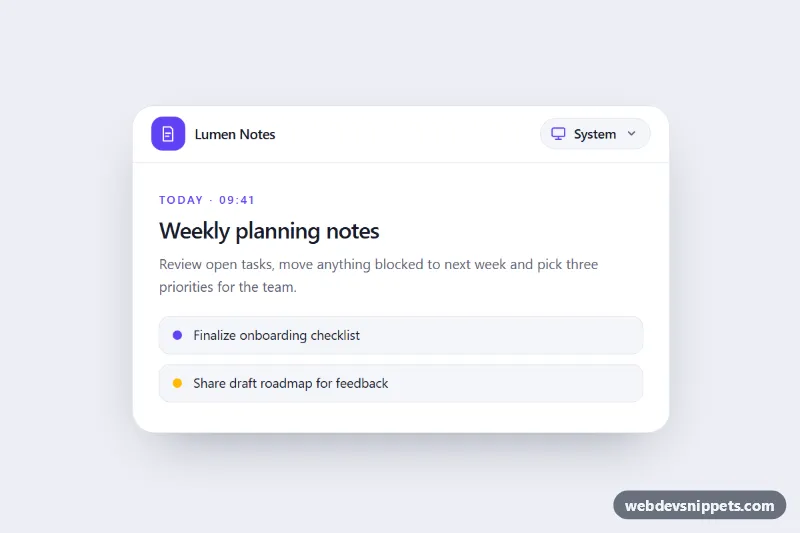
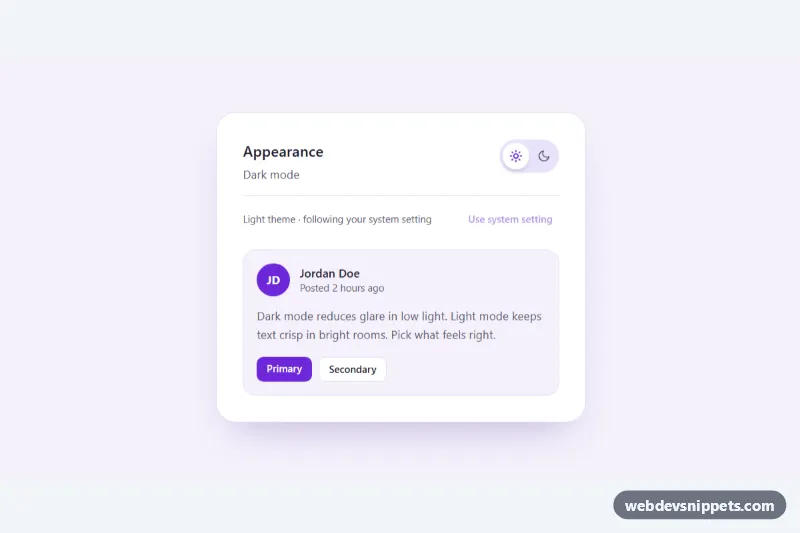
A theme picker dropdown built with Tailwind CSS and vanilla JavaScript that lets users choose Light, Dark or System, the three-way switch found in most modern apps and documentation sites. It is shown inside a small notes app so you can see every surface, border and text color change with the selection.
How it works
The root is .tsd-theme. All colors in the markup use arbitrary values such as bg-[var(--tsd-surface)] and text-[var(--tsd-muted)], and style.css defines those custom properties twice: once on .tsd-theme and once on .tsd-theme[data-tsd-theme="dark"]. Switching the theme is therefore a single attribute change, with no dark: variants or Tailwind configuration needed.
The trigger is button.tsd-trigger with aria-haspopup="menu". It shows the icon of the current mode (data-tsd-icon) and its name (data-tsd-label). The #tsd-menu list has role="menu" and three menuitemradio buttons, each carrying data-tsd-value. The check mark and accent icon of the chosen item are driven by group-aria-checked: variants, so the script only sets aria-checked.
On DOMContentLoaded the script reads the saved choice from localStorage (inside try/catch, so it also works where storage is blocked), falls back to data-tsd-mode and calls apply(). In System mode it resolves the theme with matchMedia('(prefers-color-scheme: dark)') and listens for its change event, so the component follows the OS live. The System item's data-tsd-hint shows what the device currently prefers.
Customization
--tsd-accent,--tsd-surfaceand the other tokens instyle.css: set your own palette for the light and the[data-tsd-theme="dark"]block.data-tsd-modeon.tsd-theme: change the default fromsystemtolightordarkfor first-time visitors.- Add
data-tsd-globalto.tsd-theme: the script also toggles thedarkclass andcolor-schemeon thehtmlelement, so the whole page can follow the choice. STORAGE_KEYinscript.js: rename the saved key, or share one key between several pickers.w-60andright-0on#tsd-menu: change the menu width or align it to the left edge withleft-0.transition-duration: 0.25sinstyle.css: speed up or slow down the color crossfade.
Accessibility
The trigger exposes aria-haspopup="menu", aria-controls and a live aria-expanded state, plus a visually hidden "Theme:" prefix. Menu items use role="menuitemradio" with aria-checked, so screen readers announce the selected option. Enter, Space, Arrow Down or Arrow Up opens the menu and focuses the current option; Arrow keys, Home and End move between items; Escape closes and returns focus to the trigger; Tab closes the menu and continues; a click outside closes it. Each change is announced through a role="status" region. Focus rings use the accent color, and transitions and the menu animation are removed under prefers-reduced-motion: reduce.
Usage notes
To avoid a flash of the wrong theme on full pages, run the same storage and matchMedia check in a tiny inline script in the head before the page renders.