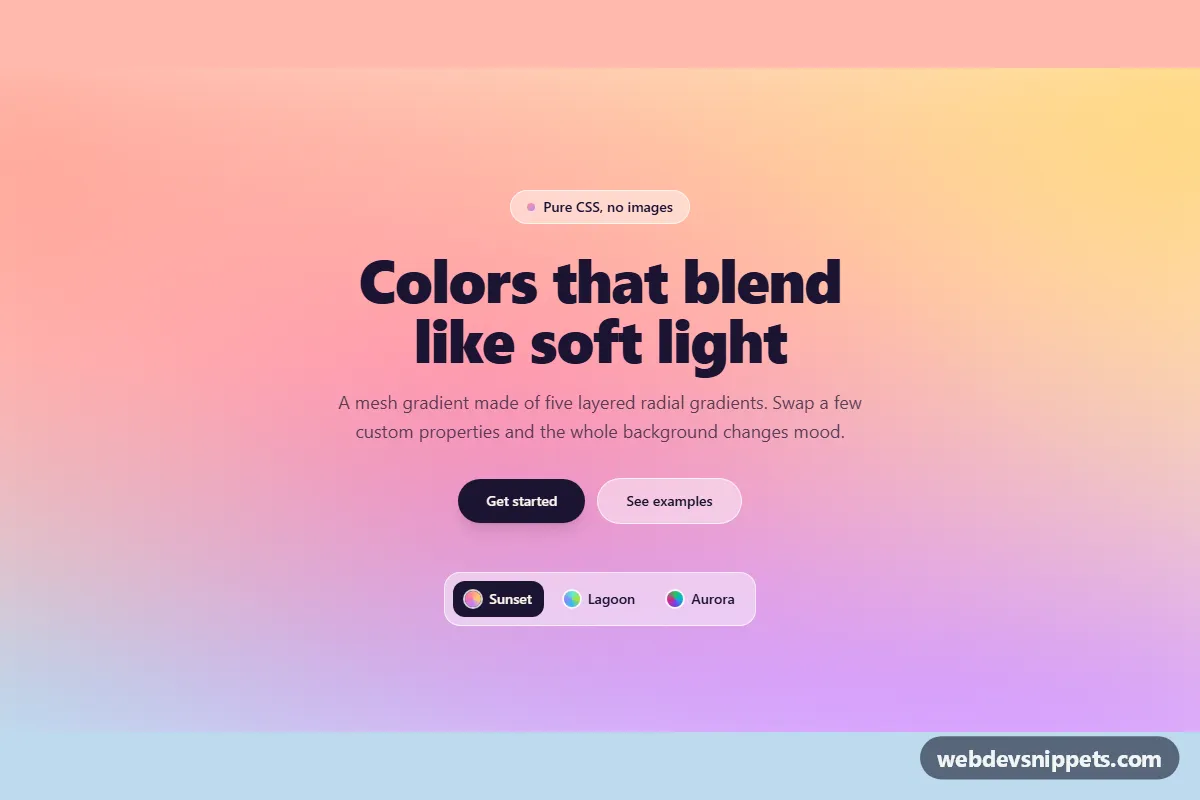
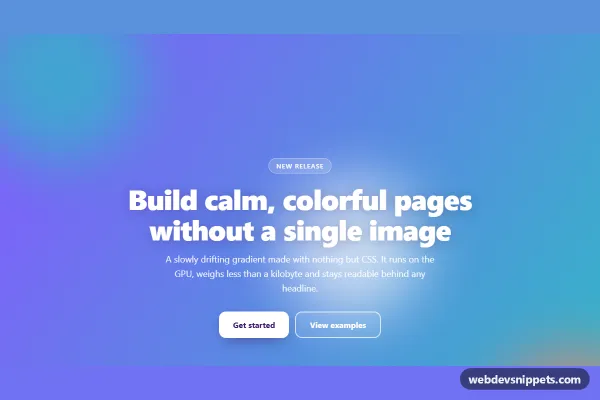
A soft, multi-color mesh gradient background built from layered CSS radial gradients, shown as a hero section with Tailwind CSS layout utilities and three switchable palettes. No images or canvas are involved, so it stays sharp at any size, weighs almost nothing and fits landing pages, SaaS heroes, sign-up screens and section backgrounds.
How it works
The root is section.mgb-hero. Behind the content sit two decorative layers marked aria-hidden="true": .mgb-mesh and .mgb-grain, both placed with absolute inset-0 -z-10 inside an isolate stacking context.
.mgb-mesh paints the base color --mgb-base and stacks five radial-gradient() layers on top, each one fading from a palette color (--mgb-c1 to --mgb-c5) to transparent at a different corner or the center. A large filter: blur(var(--mgb-blur)) melts the blobs into each other, and the oversized background-size is slowly moved by the mgb-drift keyframes so the colors breathe. .mgb-grain overlays a tiny inline SVG feTurbulence noise with mix-blend-mode: overlay, which removes color banding and gives a printed feel.
Each palette is just a set of custom properties on [data-mgb-palette="sunset"], "lagoon" or "aurora", including the text color --mgb-ink and the glass colors used by .mgb-glass. The colors are registered with @property as <color>, so switching palettes cross-fades smoothly. The script listens for click on every [data-mgb-set] button, writes the value into data-mgb-palette and updates aria-pressed. Without JavaScript the default palette simply stays in place.
Customization
--mgb-c1…--mgb-c5and--mgb-baseinstyle.css: set your brand colors to create a new palette.- The
at 12% 18%style positions inside.mgb-mesh: move a blob to another spot or remove a layer for a calmer mix. --mgb-bluron.mgb-hero: lower it (for example30px) for more defined color spots, raise it for a hazier look.--mgb-speedon.mgb-hero: slow the drift down (for example40s) or setanimation: noneon.mgb-meshfor a static background.opacity: 0.18on.mgb-grain: raise it for visible film grain or delete the.mgb-grainelement for a perfectly smooth surface.data-mgb-paletteon.mgb-hero: start withlagoonoraurora(also movearia-pressed="true"to the matching button).- Add a palette by copying the
[data-mgb-palette="aurora"]rule and adding a button withdata-mgb-setand a.mgb-chipcolor.
Use cases
- SaaS landing pages: a soft multi-color hero background gives a modern look without images
- Product launches: three switchable palettes let you pick the mood that fits the brand
- Portfolio headers: layered radial gradients with film grain add depth behind a headline
- Event and app pages: a lightweight background made from gradients instead of heavy image files
Accessibility
The mesh and grain layers are hidden from assistive technology. Text and button colors come from --mgb-ink, which each palette sets to a dark or light value with strong contrast against its base. The palette switcher is a role="group" with an aria-label, and each option is a real button with aria-pressed, so screen readers announce the current choice. Links and buttons show a visible focus outline in the ink color, and the drift animation and color transitions are disabled under prefers-reduced-motion: reduce.
Usage notes
@property is supported in all current evergreen browsers; older browsers switch palettes instantly instead of fading. The demo links use href="#" and are blocked by the script; replace them with real URLs.