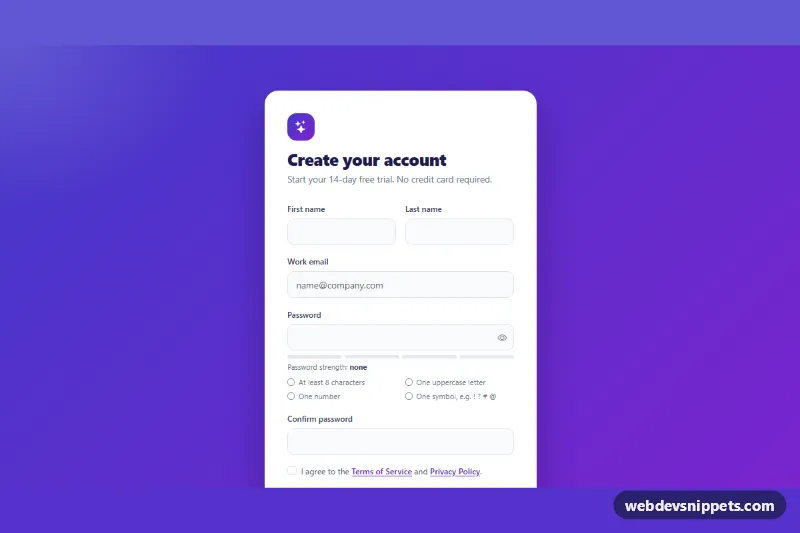
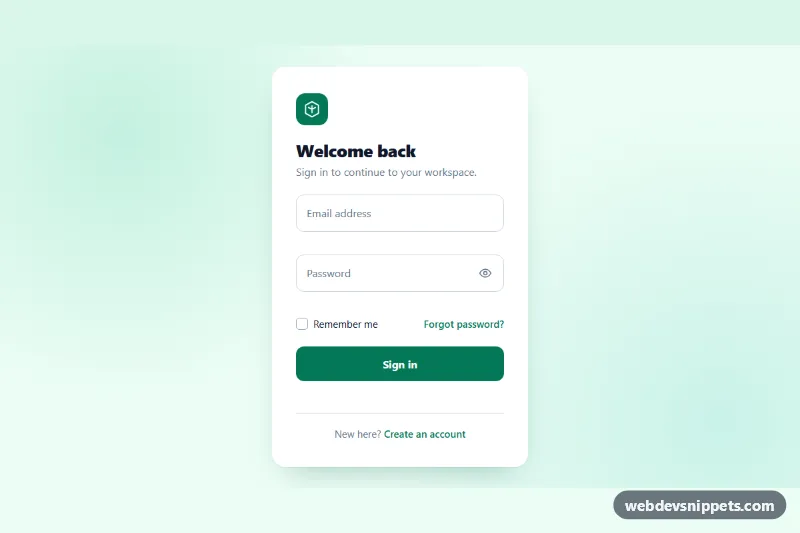
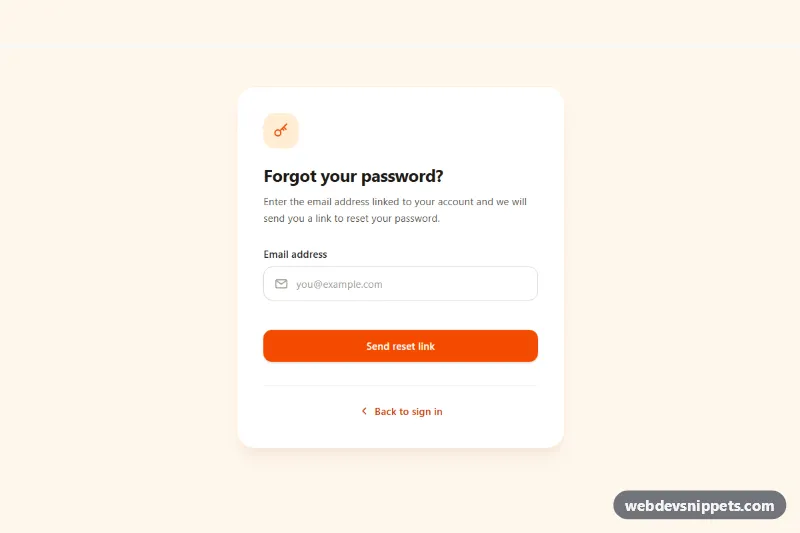
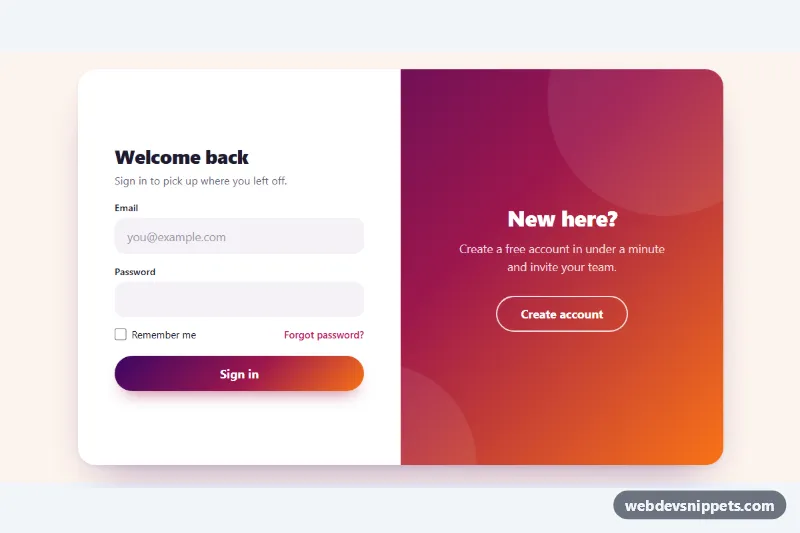
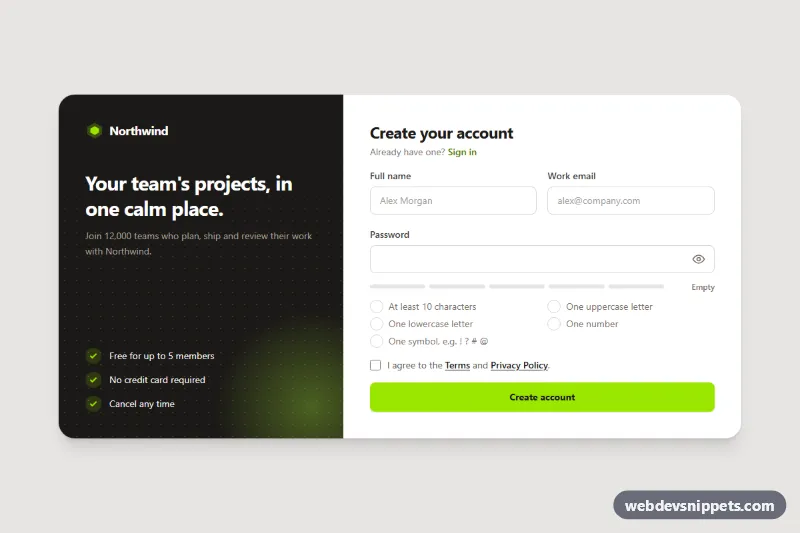
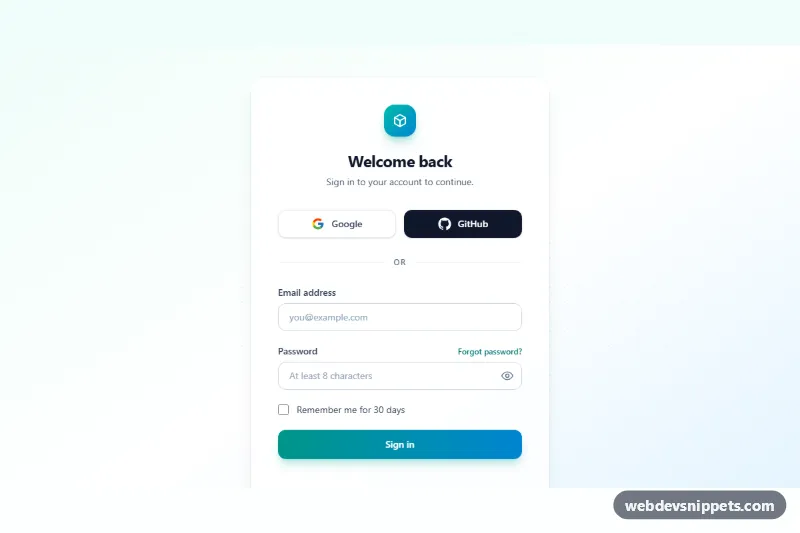
A Bootstrap 5 signup form with live password rules, a four-step strength meter, a show/hide password toggle, password confirmation and a required terms checkbox, shown on a violet gradient background. Use it for SaaS registration pages, free trial sign-ups and account creation screens.
How it works
The root is section.su-signup, and the form sits in a centered .su-card that is 480px wide at most. The .su-form uses novalidate, so the browser's own bubbles are replaced by Bootstrap invalid-feedback messages. First and last name share a row from the sm breakpoint; the email field adds a pattern that requires a dot in the domain.
The password lives in an input-group has-validation with the .su-reveal button. On every input the script runs the functions in the RULES object (length, upper, number, symbol) against the value. Each matching li[data-su-rule] in .su-rules gets .su-rule--met and a check icon, and the number of met rules is written to data-su-level on .su-meter, which colors one to four bar segments while .su-meter__text reads weak, fair, good or strong. Until every rule passes, setCustomValidity() keeps the password invalid; the same method flags .su-confirm when it does not match. The reveal button switches both fields between password and text.
On submit the script calls checkValidity(). An invalid form gets was-validated, every field gets aria-invalid and its error text in aria-describedby, and the first invalid field is focused. A valid form shows a spinner on .su-submit, then hides the form and reveals .su-success with the entered email address.
Customization
--su-fromand--su-toin.su-signup: change the page gradient and the logo badge.--su-accent,--su-accent-hoverand--su-accent-rgbin.su-signup: recolor the submit button, links, checkbox and focus rings.--su-weak,--su-fair,--su-goodand--su-strongin.su-signup: set the colors of the strength meter levels.- The
RULESobject inscript.jsplus a matchingli[data-su-rule]: add a rule such as a 12-character minimum or remove the symbol requirement. max-width: 480pxin.su-card: make the card wider or narrower.- The
window.setTimeoutcall in the submit handler: replace it with afetch()to your sign-up API and show server errors in the form.
Accessibility
Every field has a visible label, and autocomplete values (given-name, email, new-password) help password managers. The password is always described by the #su-rules list, and each rule carries hidden "(met)" or "(not met)" text. The strength label is a polite live region. The reveal button has aria-controls, aria-pressed and a label that switches between "Show password" and "Hide password". During sending the submit button uses aria-disabled, so focus stays on it, and the success panel receives focus when it appears. Transitions and the success animation are removed with prefers-reduced-motion: reduce.
Usage notes
Requires Bootstrap 5 and Bootstrap Icons. Client-side rules improve the experience but are not security: validate and hash passwords on the server.